Anti-Virus software installed on your computer can have a unneccessarily negative effect on SongKong performance. For example when we create a report at the end of the task many html files are created, including one for every album processed. If the Anti-Virus software is checking all new files creations that can double the time take to create these files.
So we recommend disabling virus scan checking for files created by SongKong in the configuration folder, selecting the configuration folder instead of just the reports folder prevents unneccessary virus checking of database files as well.
Anti-Virus software is most likely to be an issue on Windows, here is an example on how to do this with BitDefender on Windows:
We do this as follows
Open BitDefender → Open Protection → Antivirus → Settings → Manage Exceptions → Add Exception for Config Dir
Select Show to Open Bit Defender
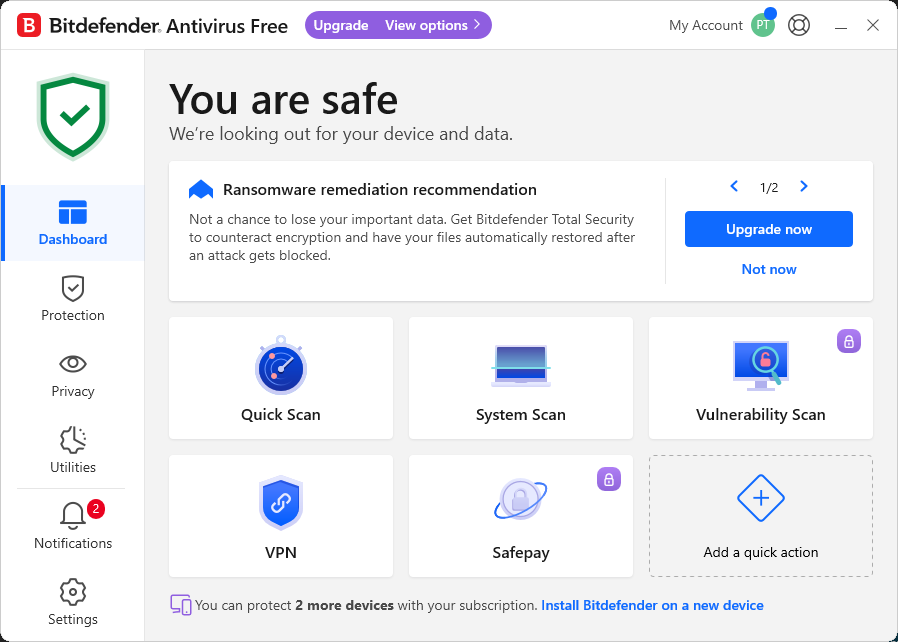
Select Protection icon on left hand side
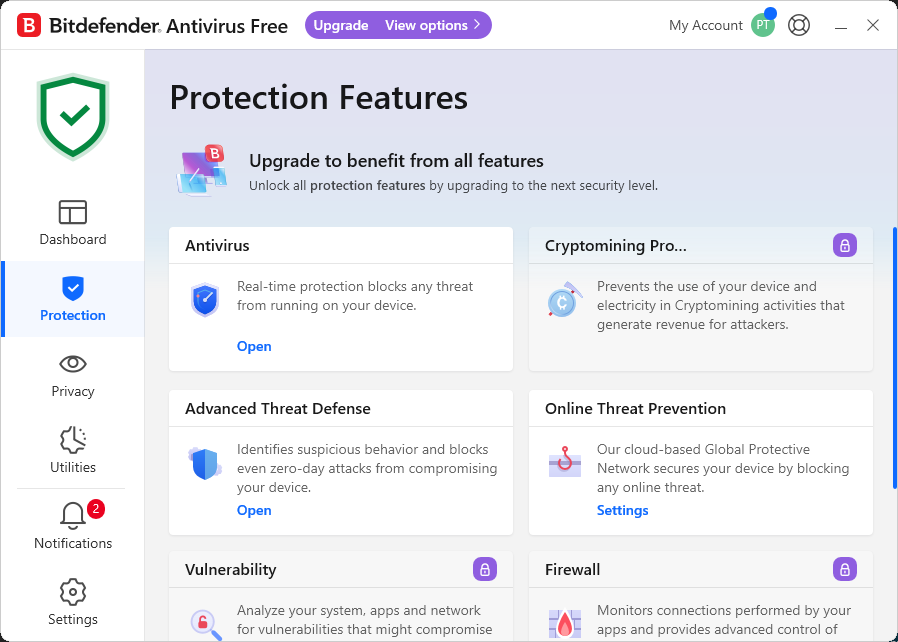
Select Anti Virus icon
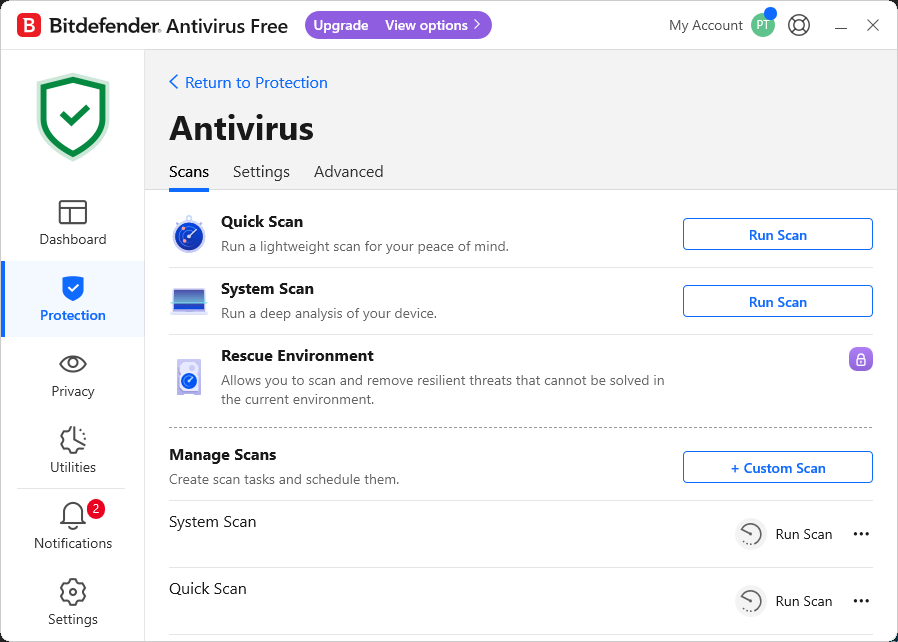
Select Settings tab
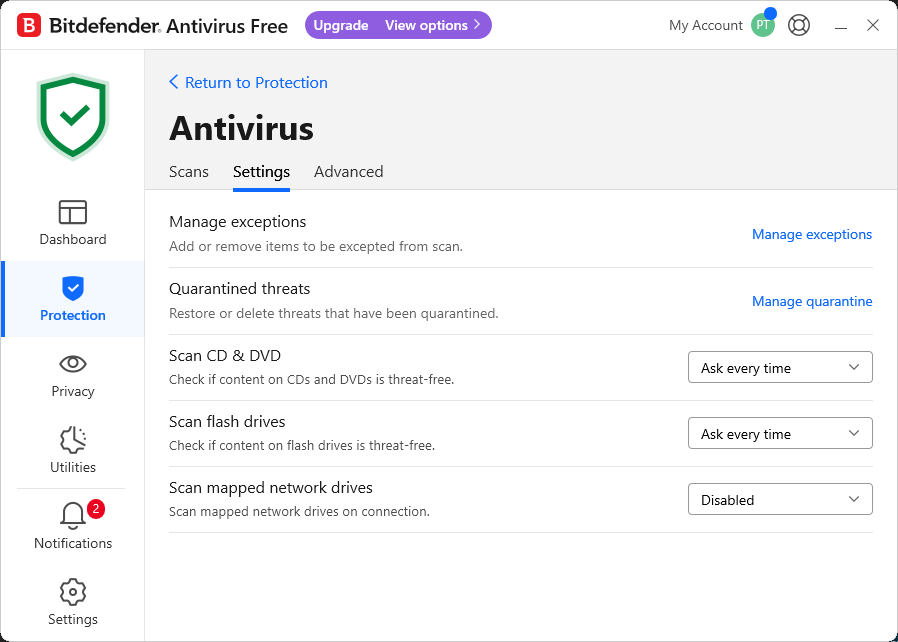
Select Manage exceptions link on the right hand side
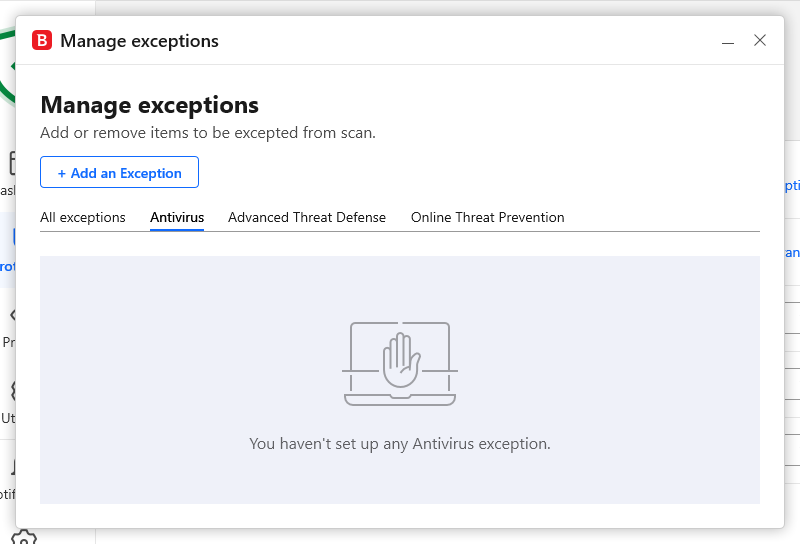
Select Add an Exception
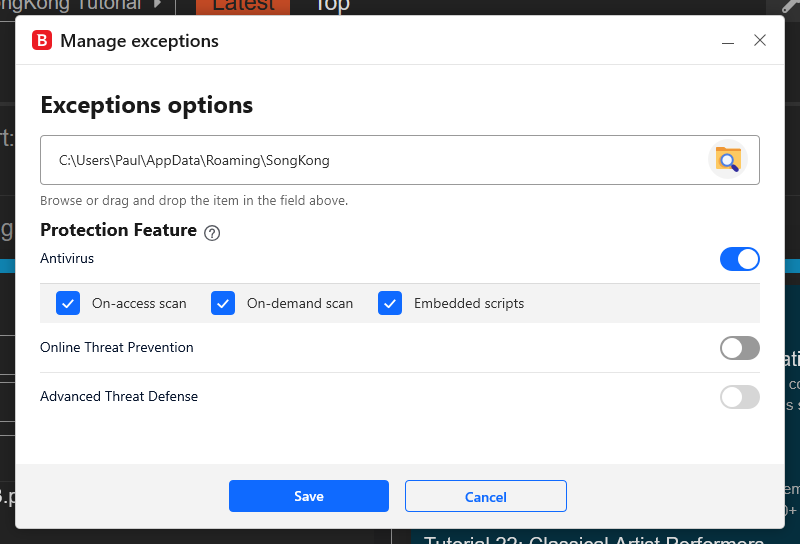
Select Config folder,. this is is C:\Users\username\AppData\Roaming\SongKong
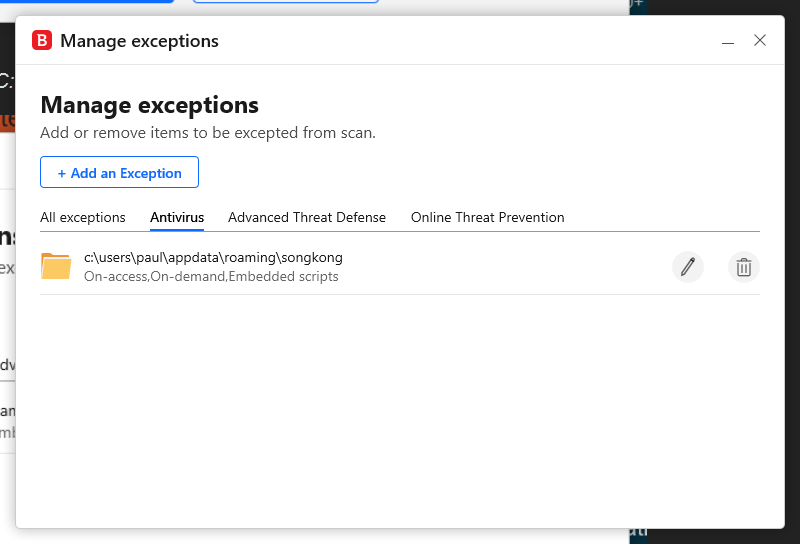
Select Save
In my own tests I found on average this reduced the file creation time from 12ms to 6ms, so a 50% reduction for this part of the report creation.