Organizing Your Files and Folders
Fix Songs improves the metadata stored inside your music files, but it does not rename the files or reorganize the folders containing them.
This is deliberate.
SongKong separates these into two tasks:
- Fix Songs identifies your music and improves its metadata.
- Rename Files uses that metadata to rename files and, if required, organize them into folders.
Fix Songs does not change filenames
For example, you might have a file called:
01 - sgt pepper.mp3
After running Fix Songs , SongKong may have correctly identified it and stored metadata such as:
- Artist: The Beatles
- Album: Sgt. Pepper’s Lonely Hearts Club Band
- Track: 1
- Title: Sgt. Pepper’s Lonely Hearts Club Band
But the actual filename can still remain:
01 - sgt pepper.mp3
If you also want the filename or folder structure changed, you need to run Rename Files .
Fix Songs first, Rename Files second
It is usually best to run Fix Songs before Rename Files .
Rename Files uses the metadata stored in your songs to decide what the filenames and folders should be.
Therefore, the more accurate your metadata is, the better the results from Rename Files will be.
A typical SongKong workflow is:
- Run Fix Songs to identify and improve your music.
- Check the Fix Songs report.
- Run Rename Files to organize the files and folders.
Renaming files
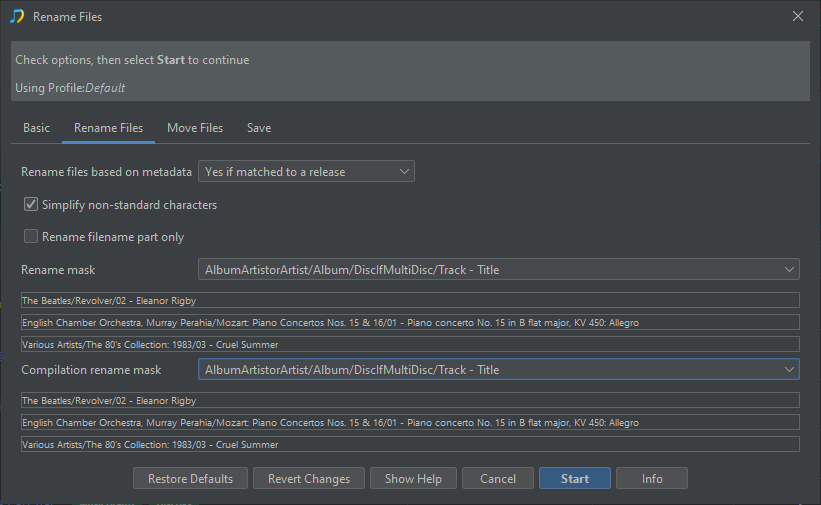
Rename Files can create consistent filenames based on metadata such as:
- Track number
- Song title
- Artist
- Album
- Disc number
For example:
01 - sgt pepper.mp3
could become:
01 Sgt. Pepper's Lonely Hearts Club Band.mp3
Organizing folders
Rename Files can also move your music into a consistent folder structure.
For example, your music could be organized as:
The Beatles/Sgt. Pepper's Lonely Hearts Club Band/01 Sgt. Pepper's Lonely Hearts Club Band.mp3
The exact format is controlled by the rename options you choose.
You can rename files without changing their folder structure, or you can rename and move them at the same time.
Preview the changes first
Just like Fix Songs, Rename Files can be run with Preview Only enabled.
This lets you see the proposed new filenames and folder locations before SongKong actually moves or renames anything.
For your first attempt, we recommend using Preview Only on a small number of albums.
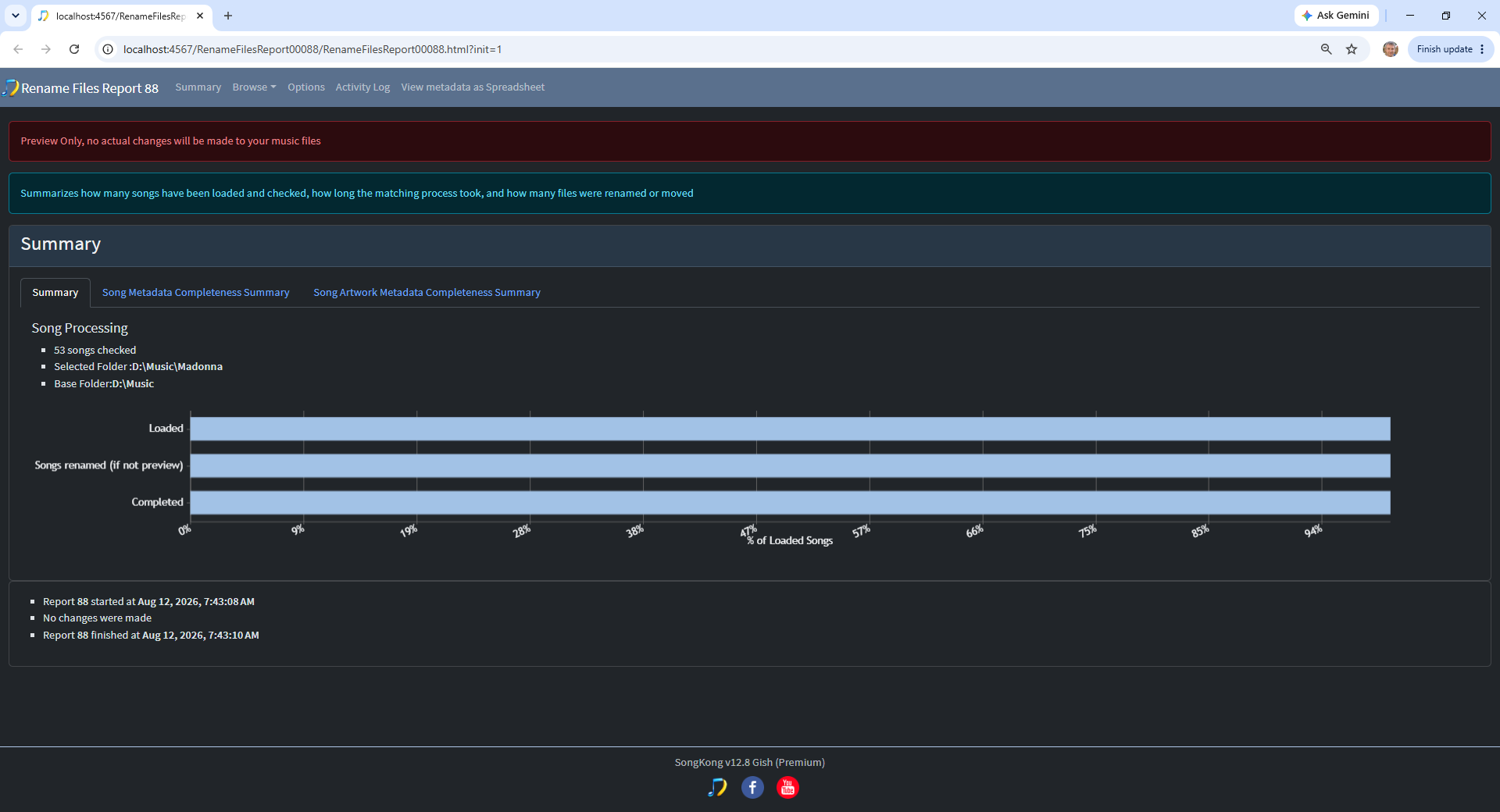
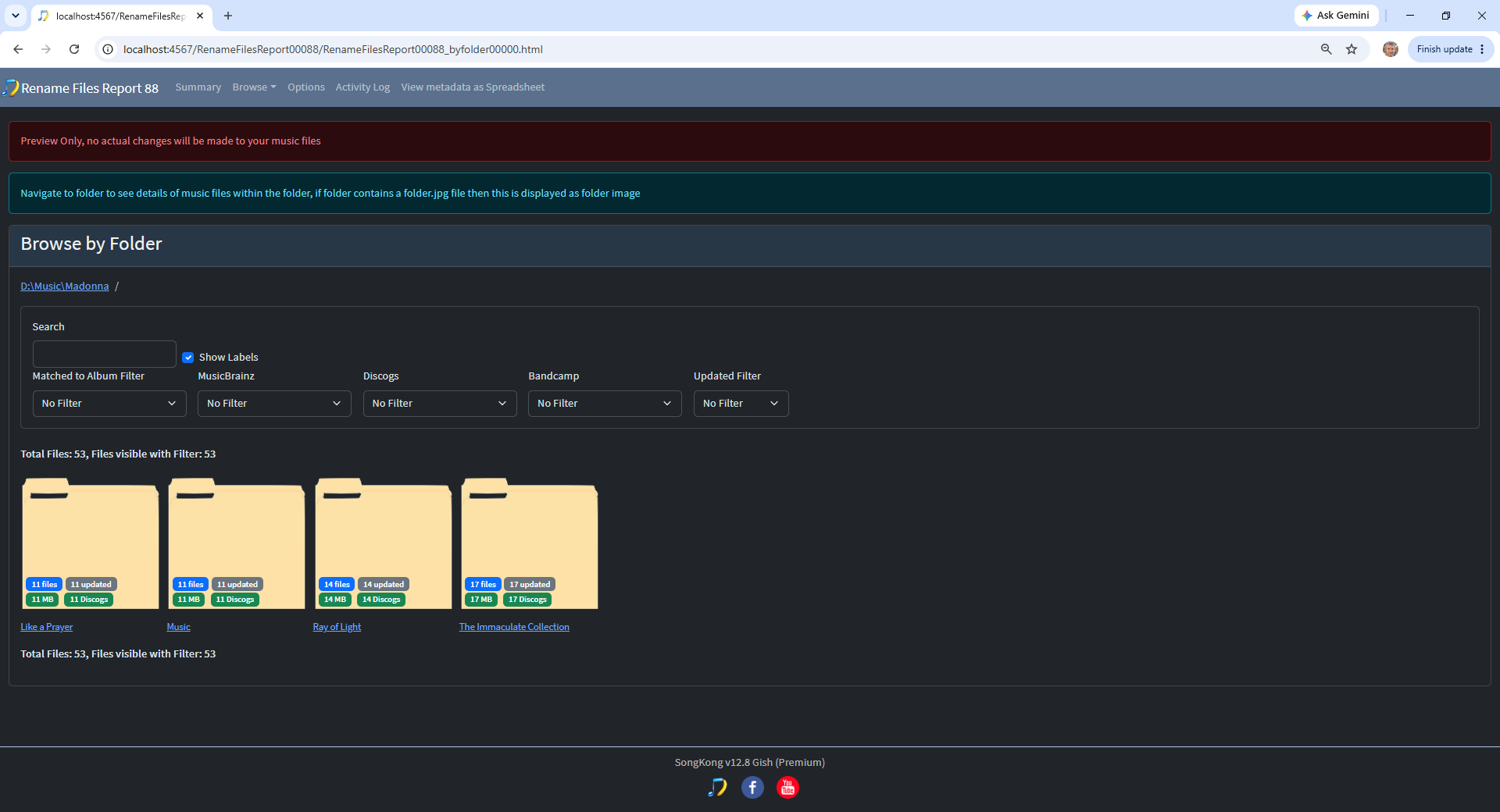
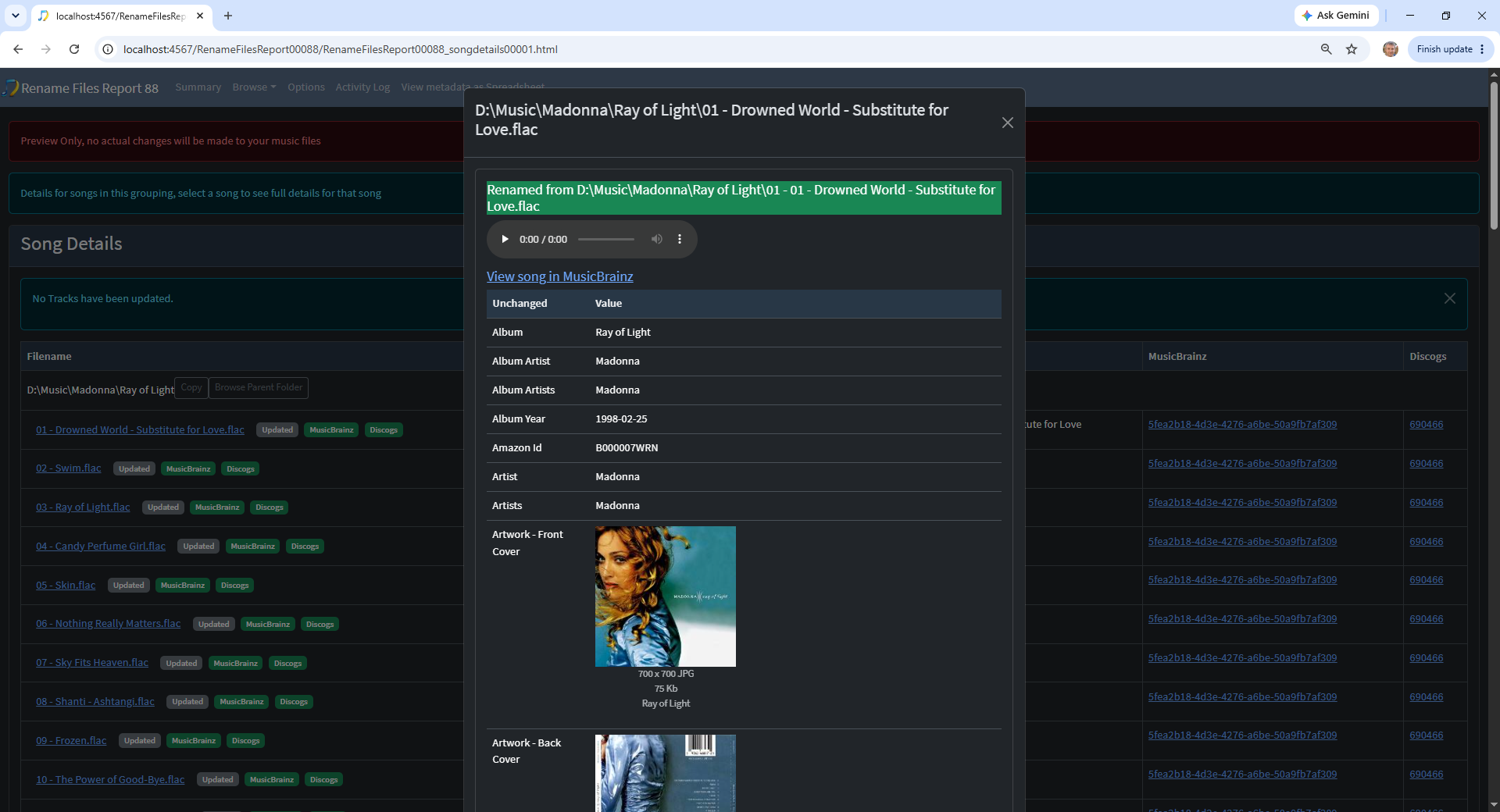
Check that the proposed filenames and folders look the way you expect.
If you are happy with the results, run Apply Preview
Why are these separate tasks?
Keeping Fix Songs and Rename Files separate gives you more control.
Some users want SongKong to improve their metadata but prefer to keep their existing filenames and folder structure.
Others want SongKong to manage both.
By separating the two tasks, improving your metadata does not unexpectedly move or rename your music files.
What next?
You now know the difference between the two main stages:
Fix Songs fixes the information stored inside your music files.
Rename Files fixes how those files and folders are named and organized.
The detailed Rename Files section of this guide explains the available folder structures, filename masks and other options.