The Browse and Matched sections of the report allow us to drill down to the artist or album we are interested in. But sometimes we want to quickly scan for a number of artists, or search for a particular metadata value and this is not so easy to do with these sections.
But the View as Spreadsheet option downloads a spreadsheet
The first tab is a Legend explaining the sheets
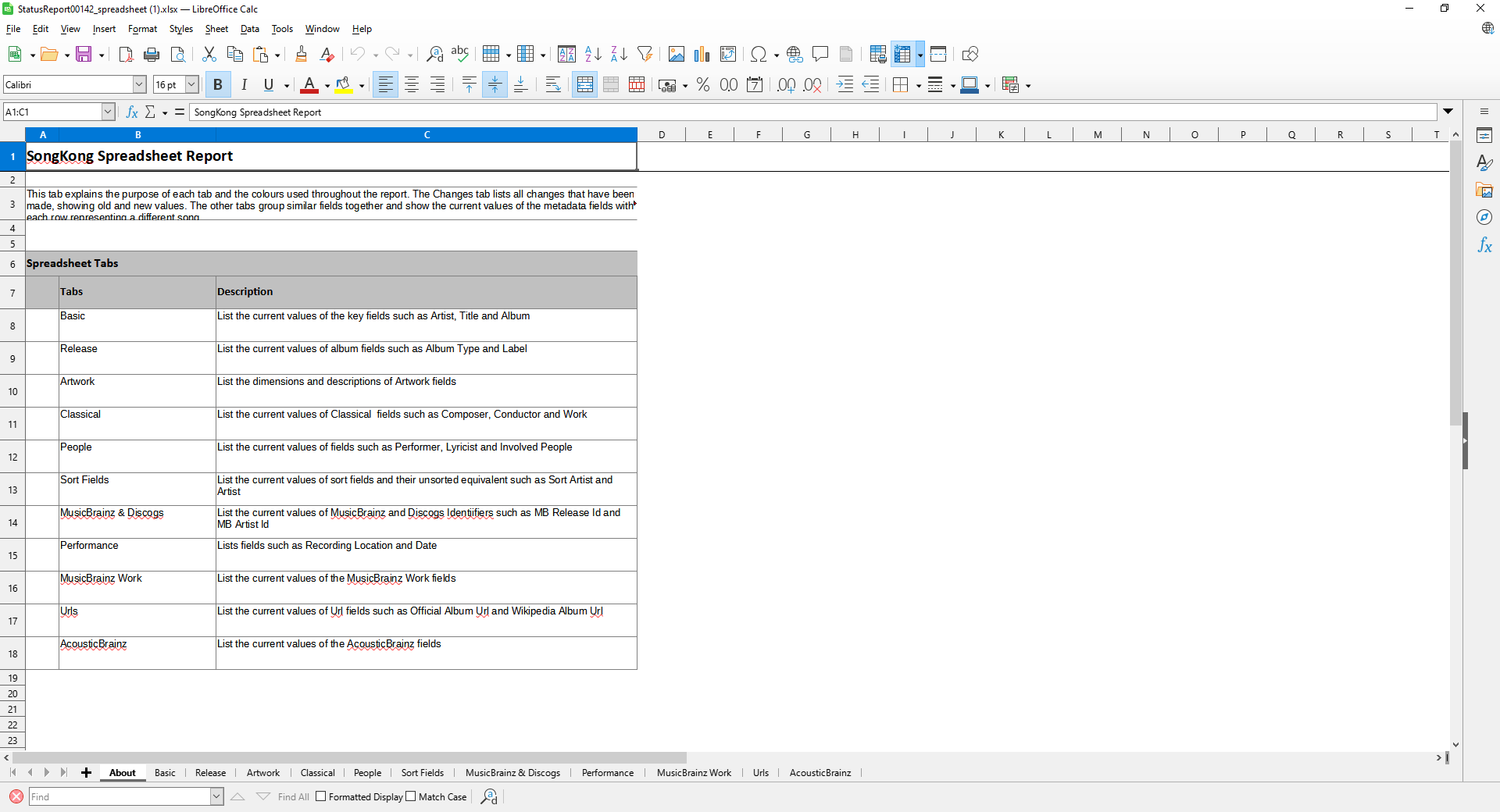
The each row represents a song split over a few sheets.
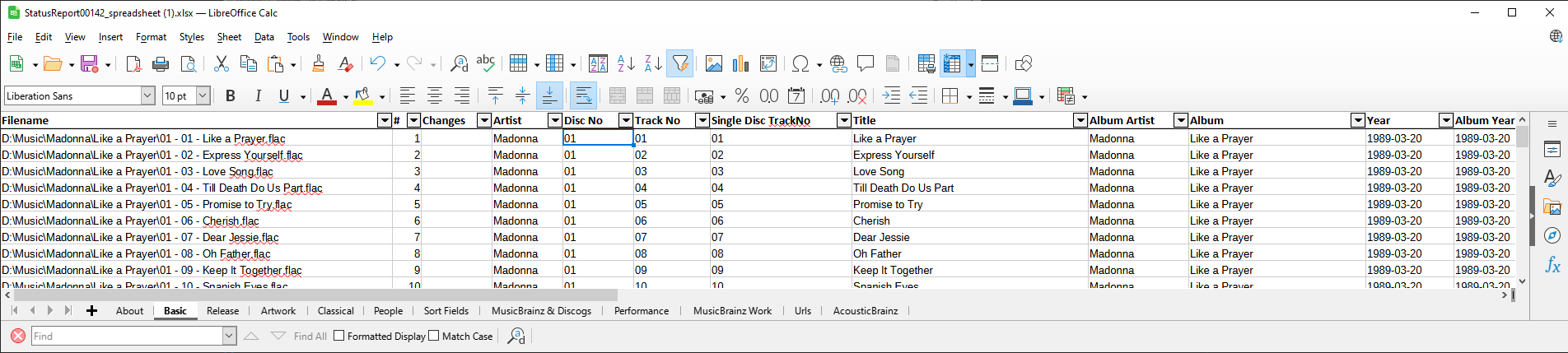
This can be opened in any modern spreadsheet application from where you can scroll through the metadata and search for any particular metadata.
On each tab the first column is always the filename, the column headers are shown on the first row and AutoFilter is applied.
You can also use the spreadsheet in other applications as desired.