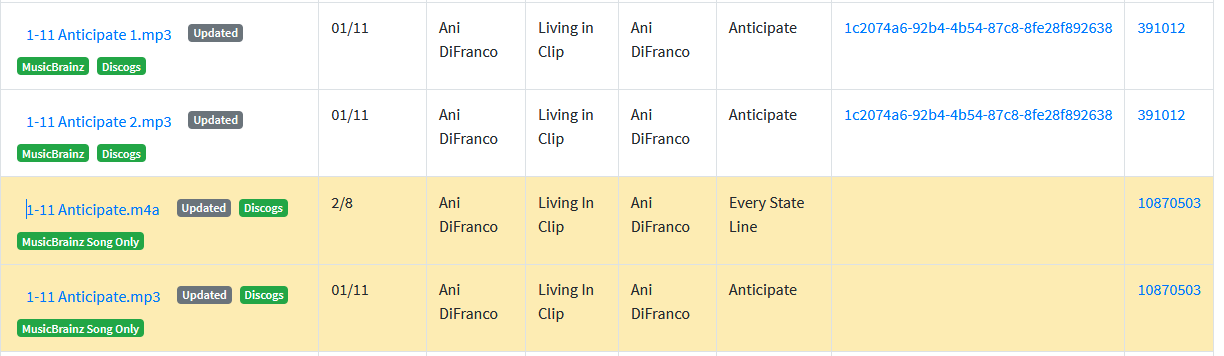
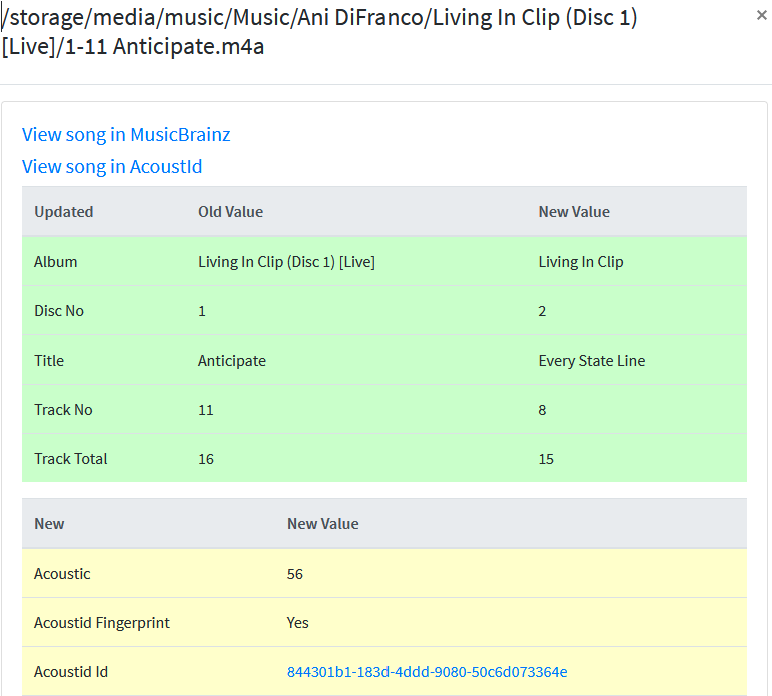
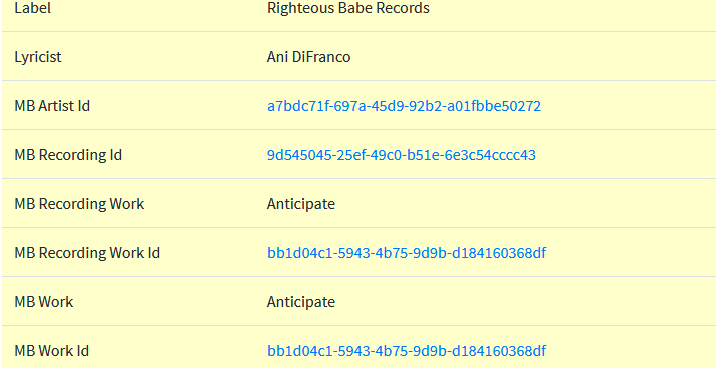
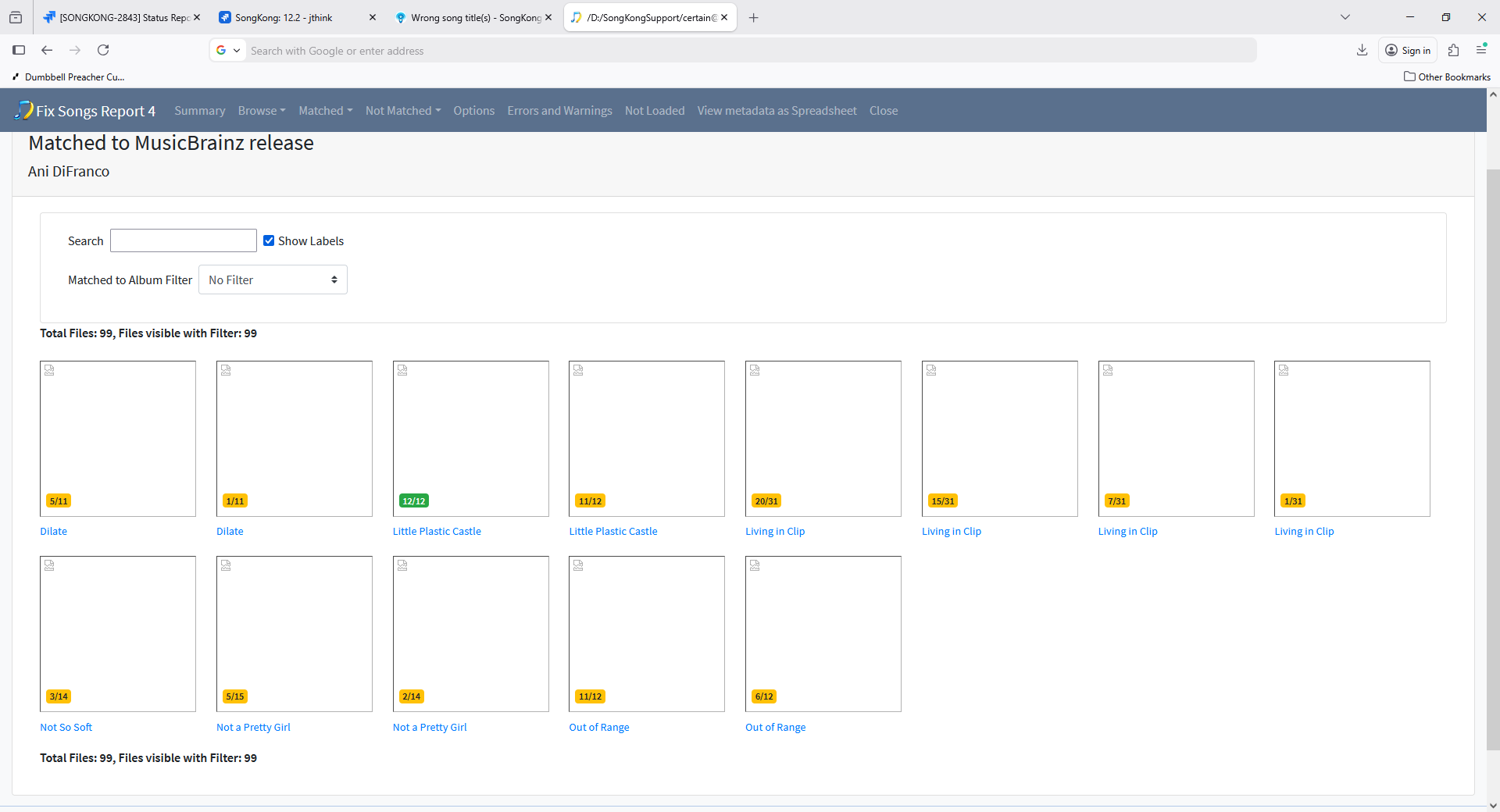
I tried rerunning Fix Data twice. Once with unconditional rematch and one with rematch only if partial matches. Neither fixed the song title problem. I’m going to hold off deleting tracks until you have all the info you need. I generated another set of support files.
Here are some of the other things I saw that were unexpected or I can’t understand. As you can see on the report for run 4, it lists 16 folders with tracks that have two albums. One is the Living in Clip folder we’ve been discussing, so maybe the bad match is the explanation, but there are others that don’t seem to be the same issue. Here they all are and what seems to be going on:
1/ Living in Clip - already discussed
2/ Ani DiFranco/Out Of Range
Here some of the songs got their album changed from “Out Of Range” to “Out of Range”. Others did not. 
3/Billy Joel/Greatest Hits, Vol. 2 (1978-1985) [Disc
Lots of the songs didn’t get matched, but a few of the MP3s did, which updated the album titles to the correct ones.
4/Compilations/A Bigger Piece of Sky
This is the same problem, I think, as with /6/ below. My suspicion as to what happened here is that I made a Best Of REK CD and then somehow those tracks got pulled into my iTunes library as a new album but the metadata was all screwed up.
5/Compilations/Greatest Hits Vol. 1 [Disc 1]
This is actually the Disc 1 from the same set as /3/ above. This time, the matched songs had their album updated to “Souvenir, The Ultimate Collection.”
6/ Compilations/No. 2 Live Dinner
This folder name is totally incorrect as is the existing metadata. Copenhagen is from “The Live Album,” and “Jessie with the Long Hair” is from Bigger Piece of Sky. SongKong correctly fixed up two of the Jessie tracks, but not the third one, and not Copenhagen. I’m not upset that these didn’t get fixed up, but maybe you are interested.
7/ The Beat Goes On
This CD is a compilation CD, so it doesn’t surprise me that matching could be ambiguous. However, it correctly matched the m4a tracks to The Beat Goes On, but matched the MP3 tracks to the later greatest hits album b.p.m., changing their info. Again, if I had deleted duplicates before running matching, I wouldn’t have noticed, but now I’m curious.
8/Crosby, Stills, Nash & Young/So Far
Some of the songs had their album updated to “CSN”. As with all the other directories, the MP3s and M4As rarely get updated the same way.
9/Dire Straits/Alchemy (Disc 1)
Same thing - a couple of the tracks had their album updated to “Alchemy: Dire Straits Live, Part One.” One interesting thing here is of the two tracks that had both an MP3 and M4A version, one track had the MP3 updated and not the M4A and the other track was the opposite.
10/Fleetwood Mac/Greatest Hits
One track got updated to match to a live version of the track from a German release.
11/Lyle Lovett/Live In Texas
“Live In Texas” vs “Live in Texas” - some tracks updated; others not
12/ Nanci Griffith/Other Voices, Other Rooms
“Other Voices, Other Rooms” vs “Other Voices - Other Rooms”
13/The Black Eyed Peas/Elephunk
One track here, two copies, one had the album changed to a rare CD 3-track “album”
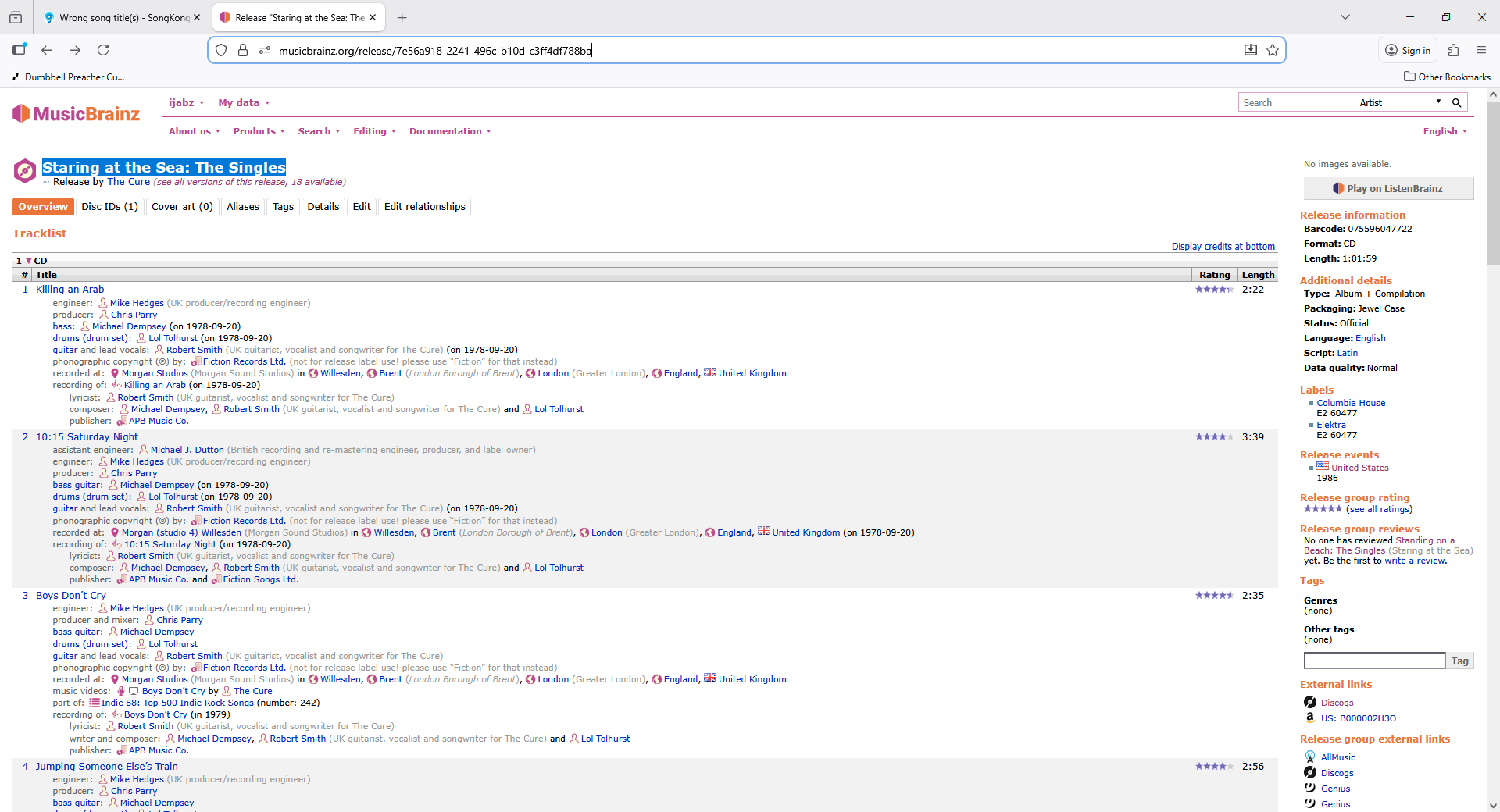
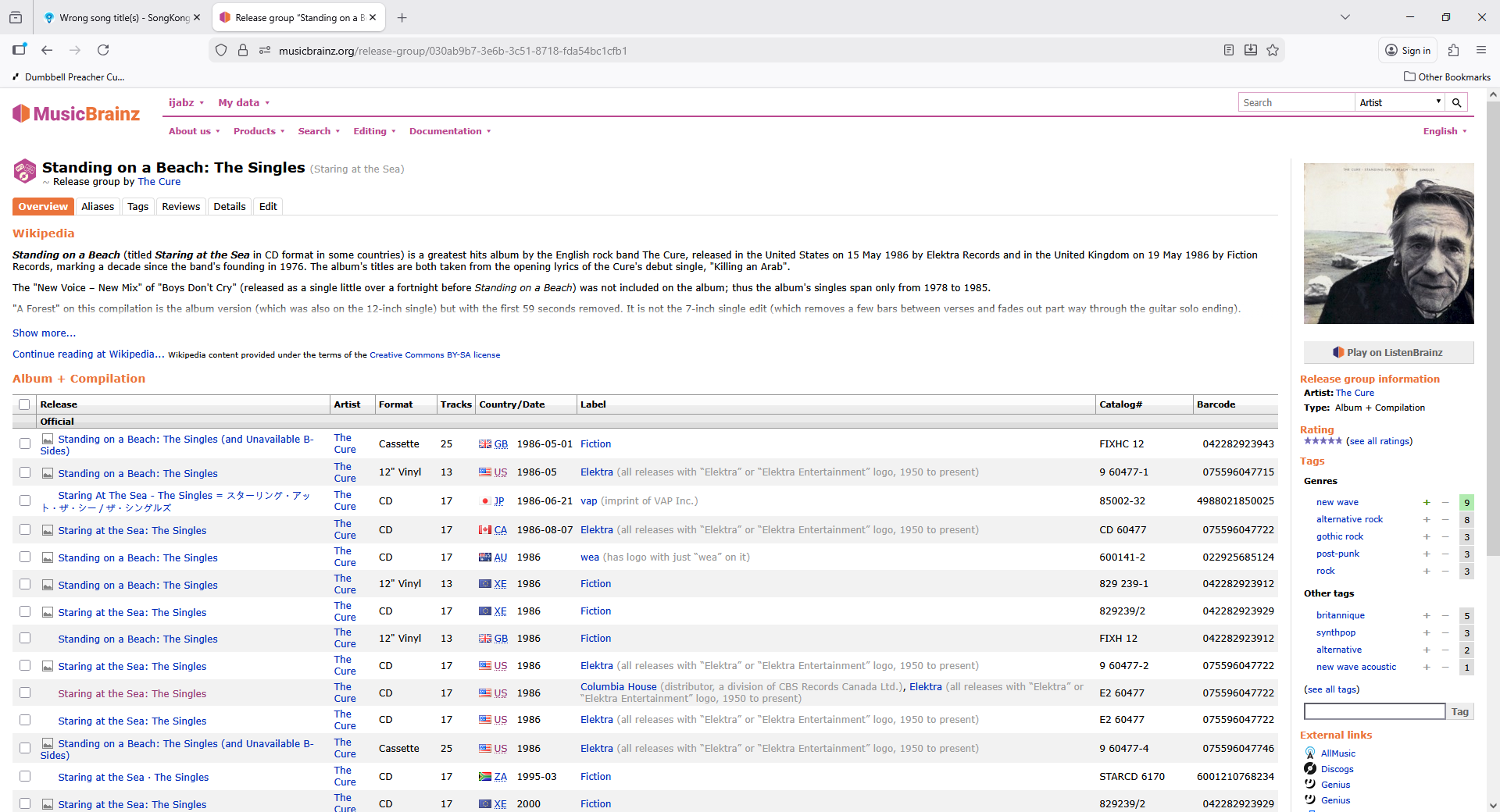
14/The Cure/Staring At The Sea_ The Singles 1979-198
Some copies of some of the track had the album changes to a greatest hits album source.
15/Tristan Prettyman/Live Session - EP
OK - I don’t know why I have 9 copies of the same track! But in this case most of them did get updated, but two did not.
16/Various Artists/Crazy Heart_ Original Motion Picture Sou
Again, I don’t know how so many copies of some of the tracks got generated, but they didn’t all match to the same album.
These albums all showed up because there were multiple copies of tracks that matched differently. However, there also folders that didn’t have multiple tracks where the metadata got updated to the wrong thing. I.e. Bob Dylan/Biograph [Disc 1], where the album got changed from Biograph to “Bob Dylan’s Greatest Hits.”
I just want to say that I’m not looking for perfection. I just decided to resurrect my ripped music collection and try to get off streaming, so much of this hasn’t been touched in years. I also get that your software works best with whole albums and I definitely curated my collection down after ripping. So just looking for advice on how to get things under control as easily as possible!
Thanks again,
Andrew