Once we have got to a grouping that actually contains music files, we are taken to the Song Details section, this contains three tabs* :
- Summary
- Classical
- Album
Each tab contains a Copy and Browse Folder buttons.
Copy
It also provides a Copy button that is useful if you would like to reprocess a particular folder with a task such as Match to One Album so that you can just copy and paste into SongKong without having to worry about text selection.
Browse Folder
This takes us to the parent folder of this folder
Summary Tab
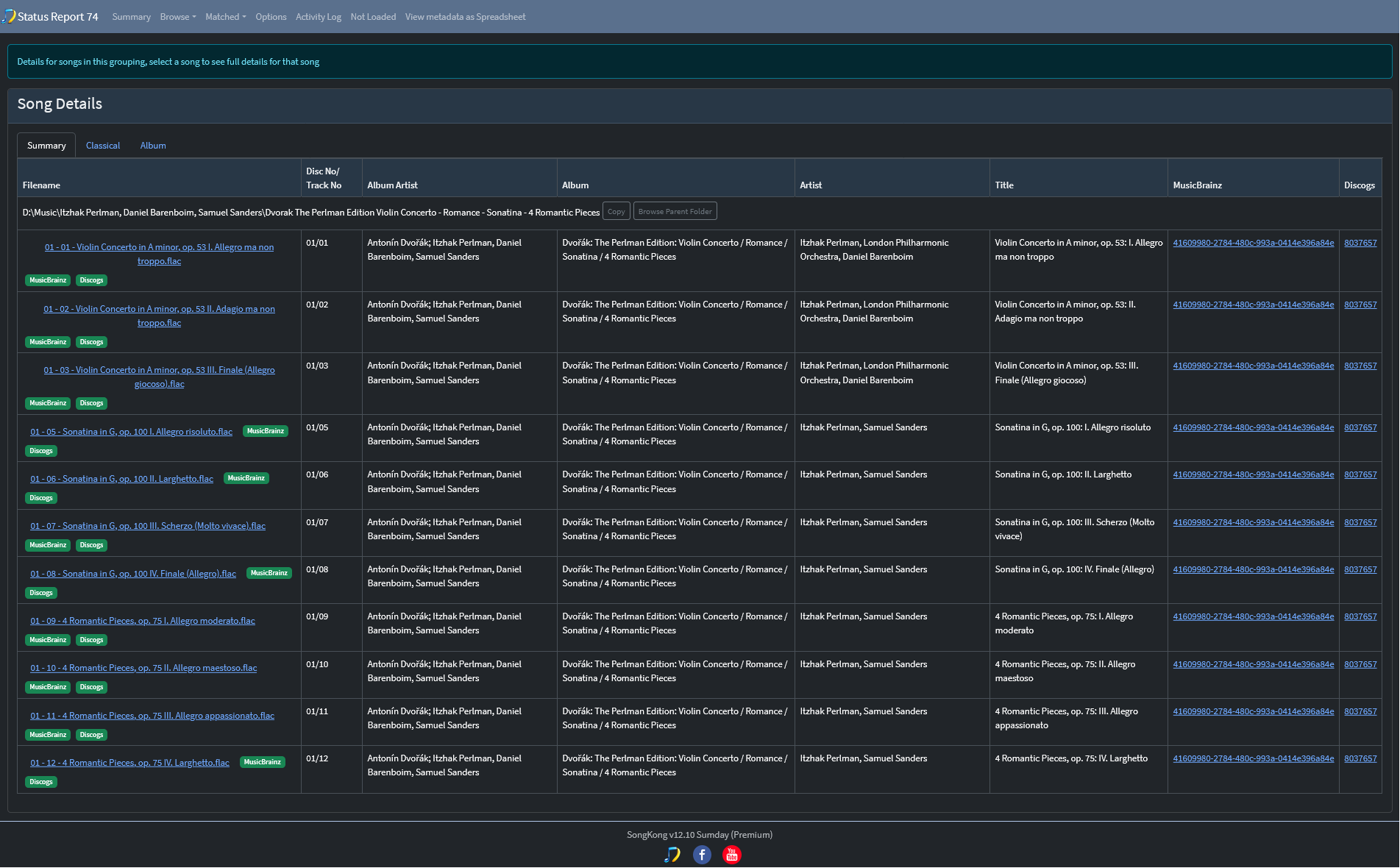
At the top it lists the files in the grouping together with some key metadata fields
- Disc No/Track No
- Album Artist
- Artist
- Title
- MusicBrainz
- Discogs
This is useful as it makes it easy to do a quick scan to see if all songs seem to be matched to same album and have valid basic metadata info
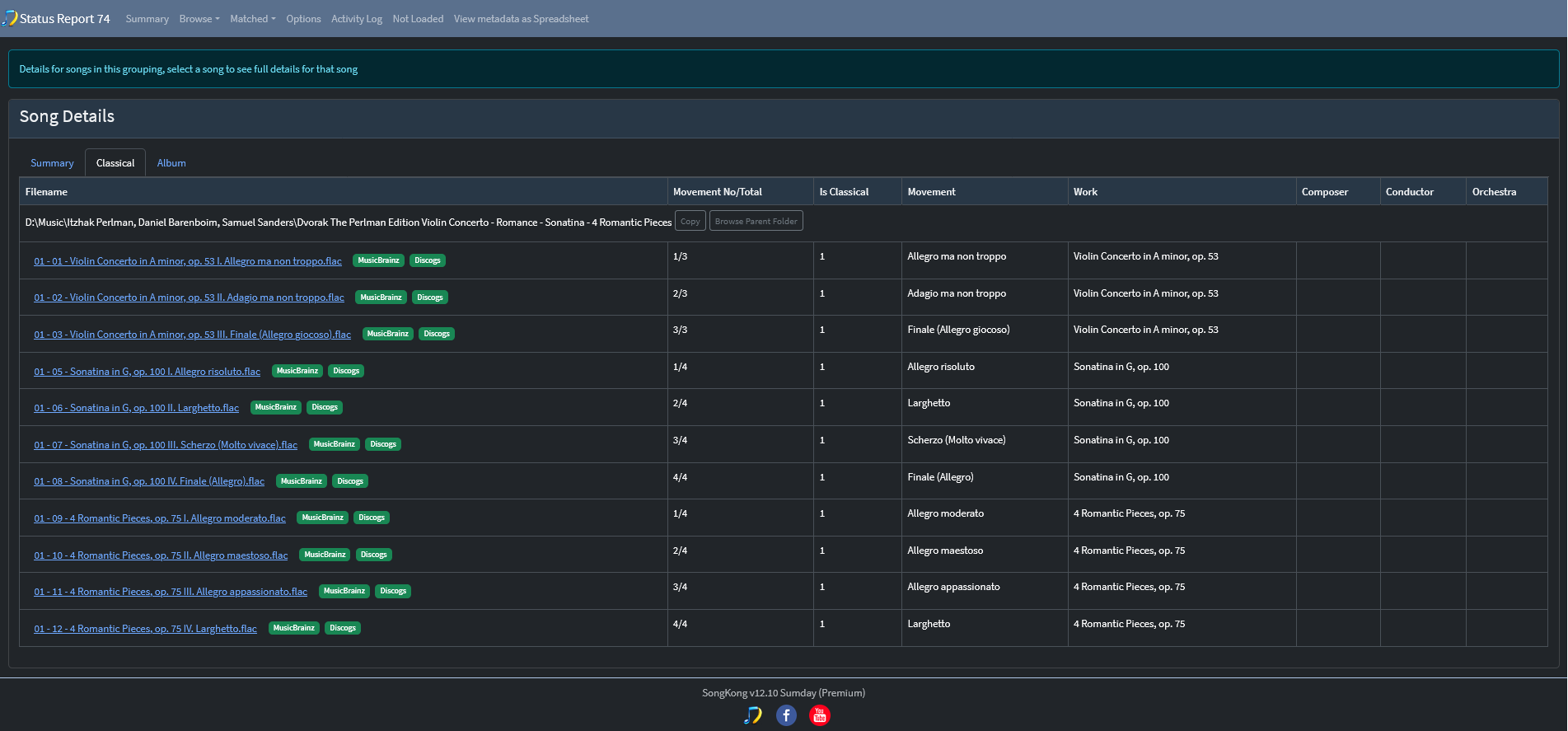
Classical Tab
Shows the following fields:
- Filename
- Movement No/Total
- Is Classical
- Movement
- Work
- Composer
- Conductor
- Orchestra
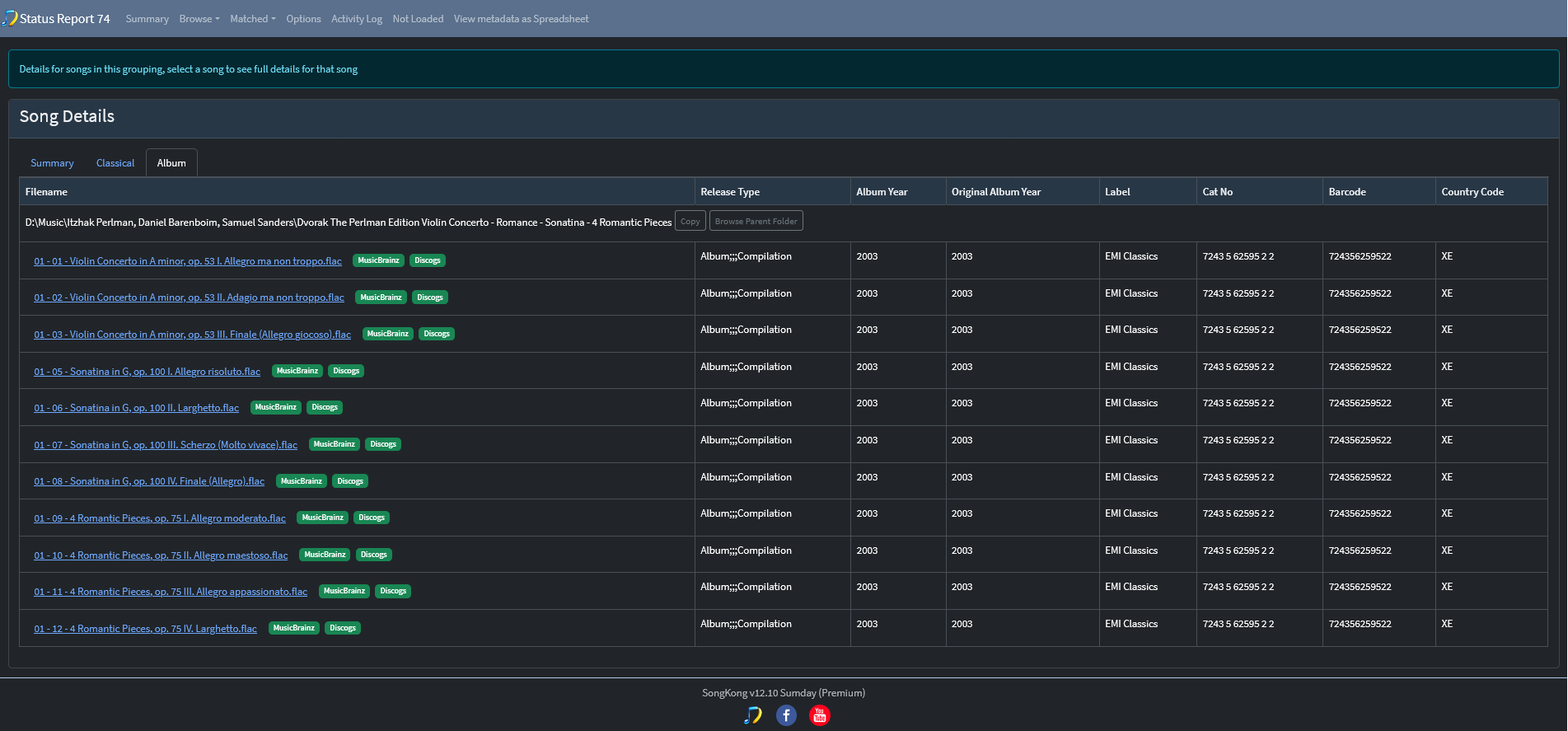
Album Tab
Shows the following fields:
- Release Type
- Album Year
- Original Album
- Year
- Label
- Cat No
- Barcode
- Country Code
Full Song Details
If we select a song by clicking on the link in the Filename column it then shows the details in a popup window
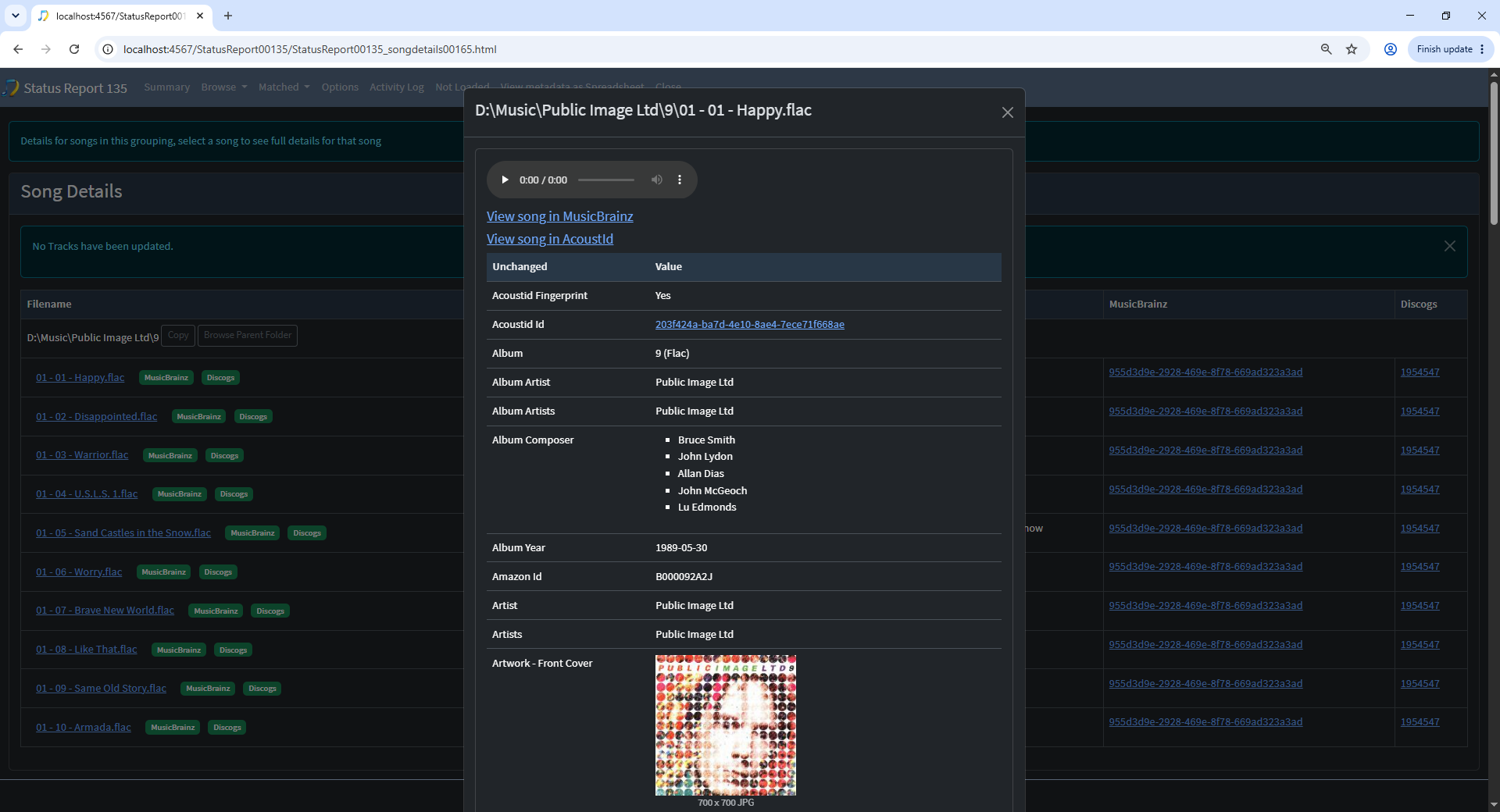
This can be a long list because SongKong can add alot of metadata, so lets scroll to the end
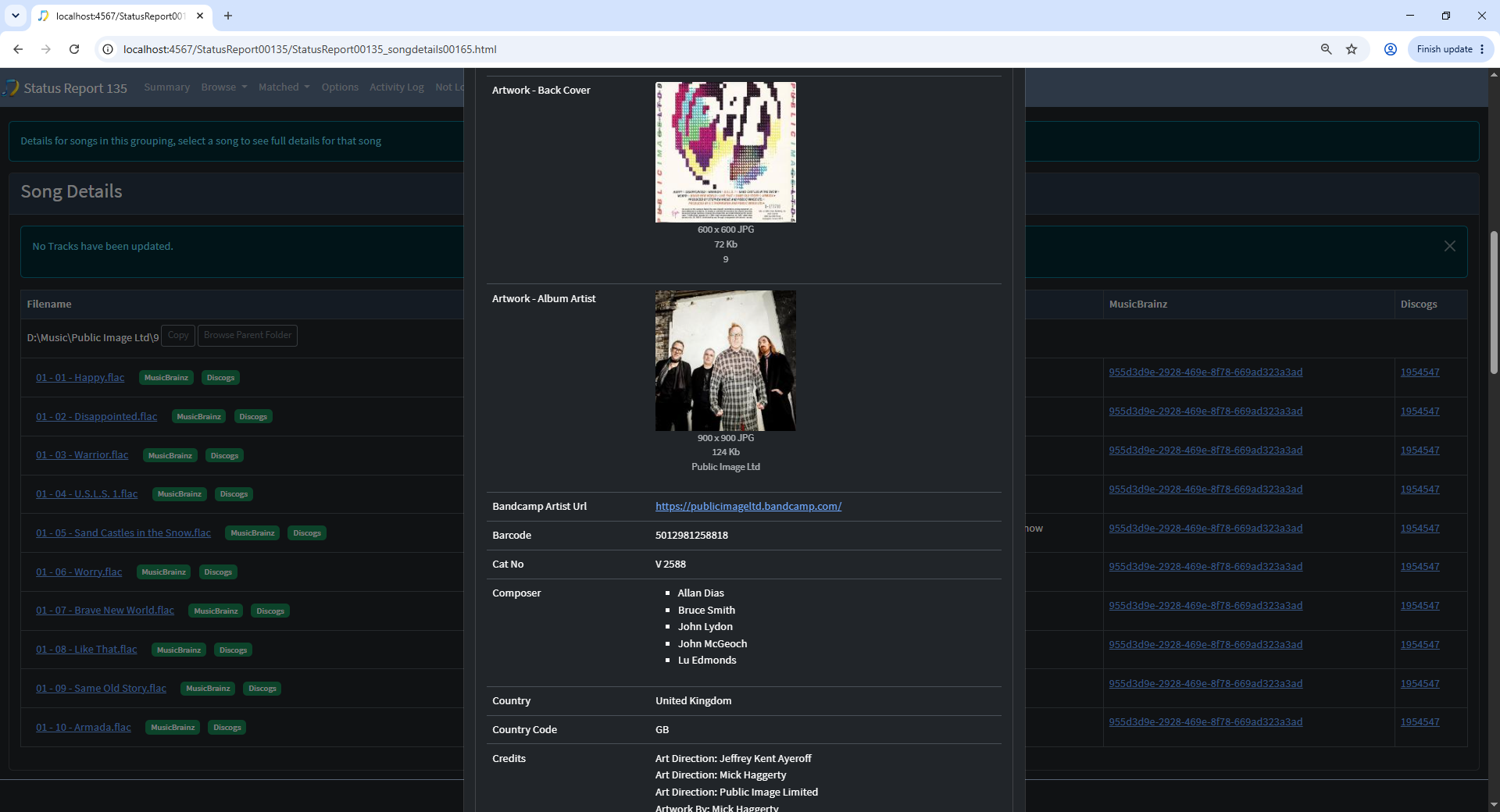
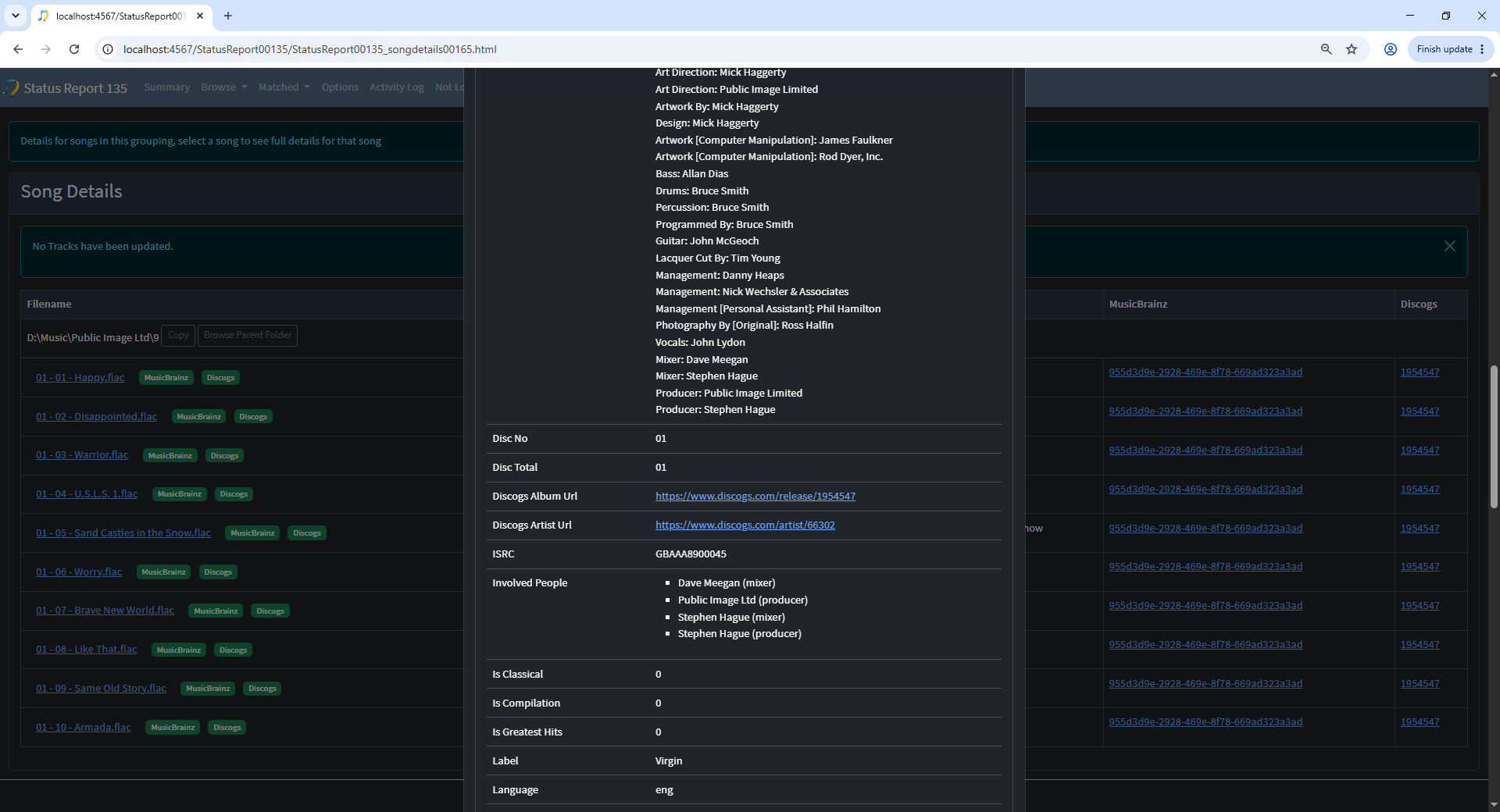
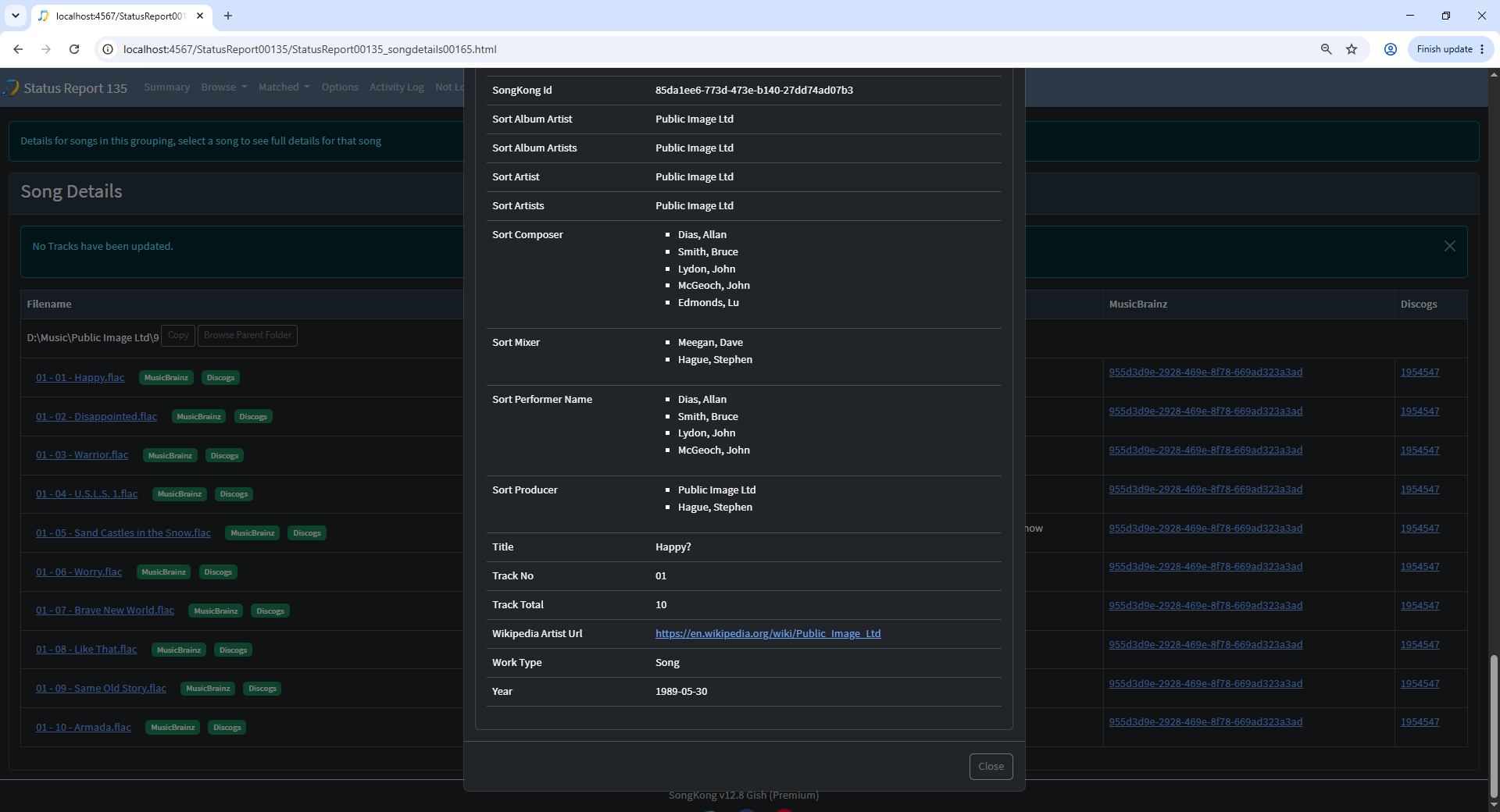
If a song is linked to a MusicBrainz release we can go to the MusicBrainz release page by selecting the link in the MusicBrainz column. And if linked to a Discogs release then we can go to the Discogs release page by selecting the link in the Discogs column
We can dismiss the popup by using close button on header or footer of the popup or by clicking on the Esc key.