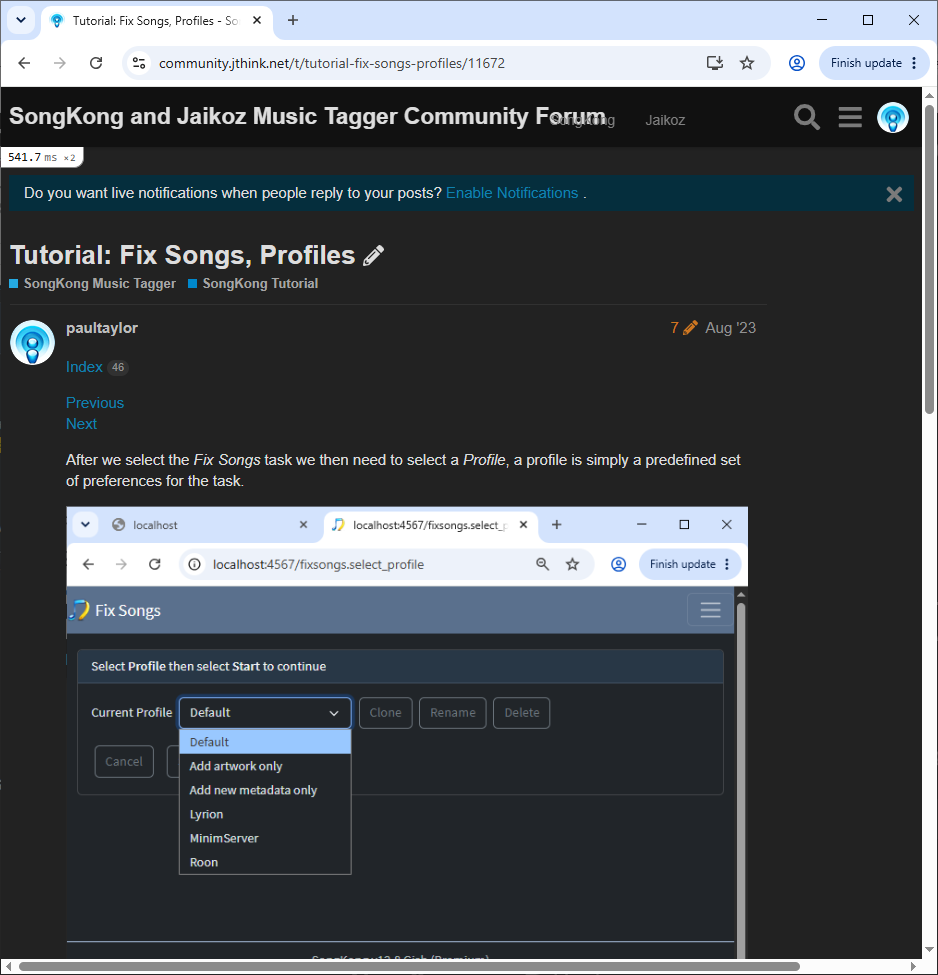
Profiles
A Profile is simply a saved set of options.
All tasks come with their own Default profile, when you are getting started, you can normally just use the Default profile.
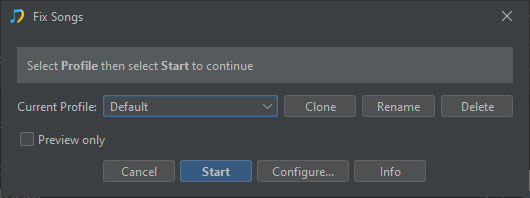
But there are sometimes additional profiles available, for example Fix Songs task has an Add artwork only and Add new metadata only profile
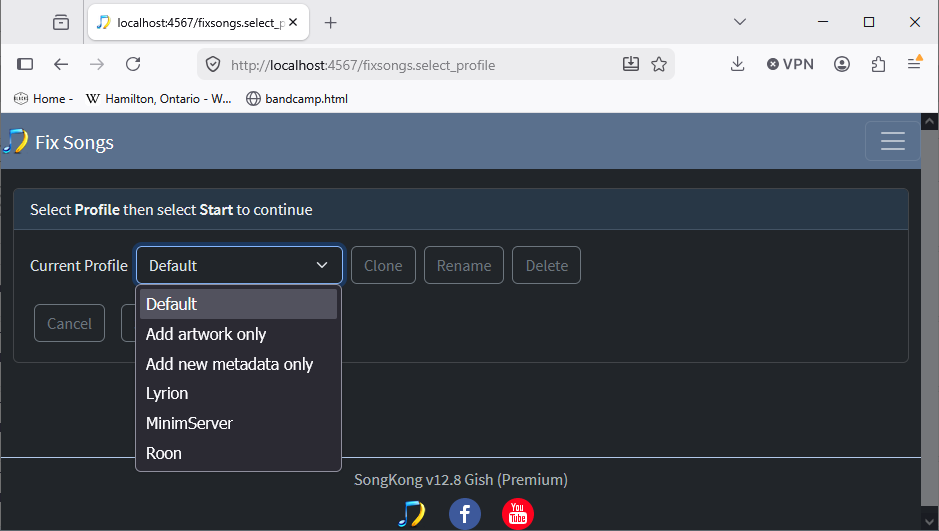
At this point you can also Clone a new profile from the selected profile, Rename a profile and Delete a profile
Preview Only
If the task has a Preview Only option this can be selected/deslected for the selected profile without having to go to the Options screens.
Start
Selecting Start begins the task immediately with the options defined for the selected profile
Configure…
Selecting Configure… it shows you options for the task.
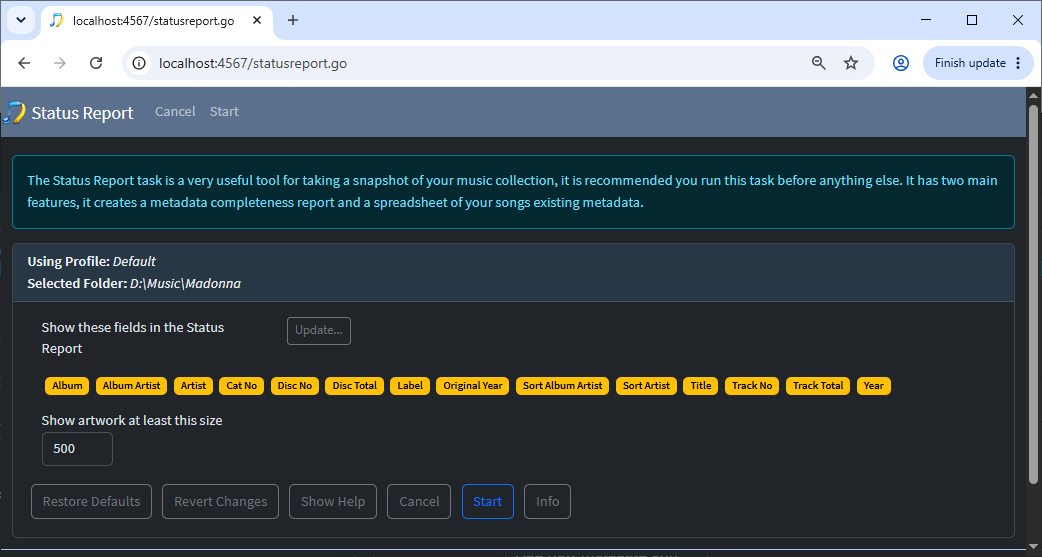
If you make any changes to your options and then Start the task those options changes will be made to the selected profile. So next time you run the task with that profile it will use the same options as you used last time. If you select Cancel no changes are made to the Profile.
Restore Defaults
There is a default value for all options, if you select Restore Defaults the options on the selected tab will be set back to their default value, this may not be the same as the original value for that profile. Changes are only made to the selected tab not all the options for that task.
For example for the Fix Songs task the Lyrion, MinimServer and Roon profiles all have different values for the Classical:Use Opera Work Format option but in all cases selecting Restore Defaults will set it to Use MinimServer Format
Revert Changes
If you start making changes to your options and then select Revert Changes the options on the selected tab will be set back to what they were when you selected the profile. Changes are only made to the selected tab not all the options for that task.
Show Help
Shows inline help for each option
e.g
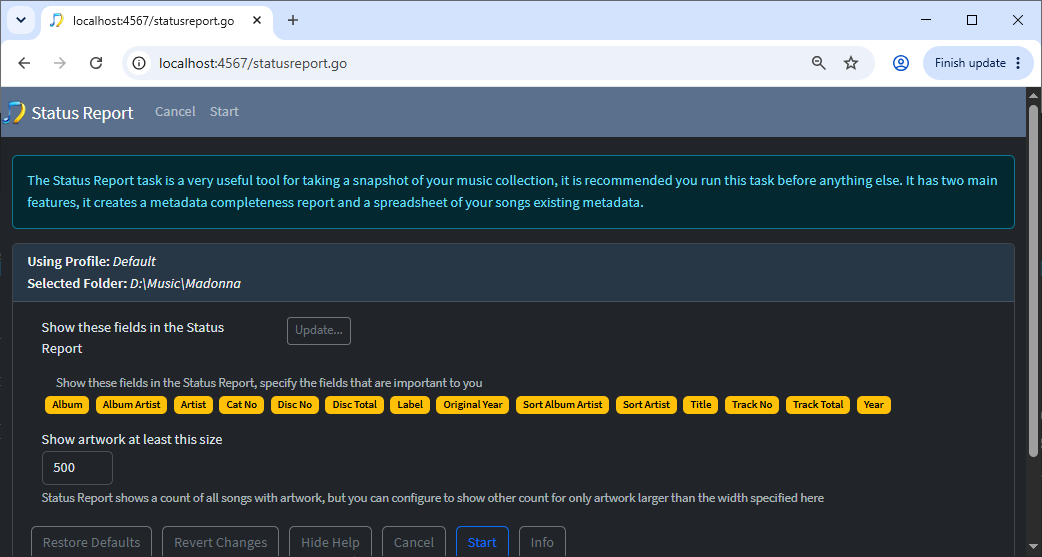
Cancel
Cancel the task, no changes made to the selected profile
Start
Save any changes made to profile and start the task
Info
Opens online help for this page
e.g