Licensing
When first installed SongKong comes with a free Lite license.
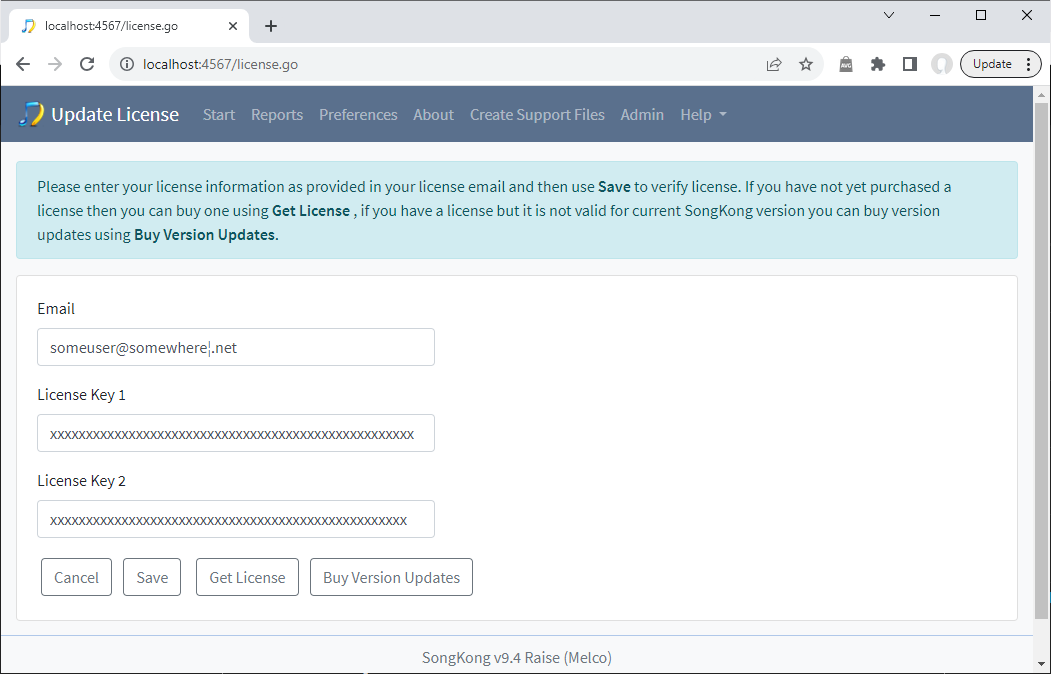
If we purchase a license it is sent to us by email and we can install it using the Update License option. If using desktop this is under the File menu, if using the Web UI it is directly accessible from the menu bar.
Version Updates
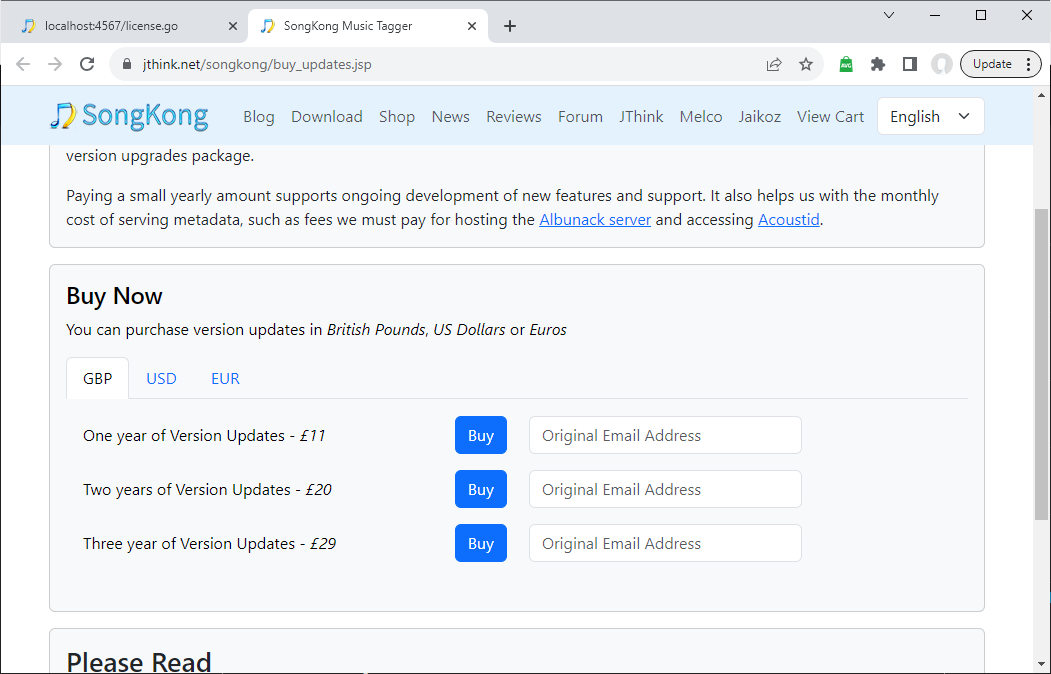
A license gives free updates to new versions of SongKong for one year, after that we can purchase version updates period at any time to allow update to latest version of SongKong for a period of one, two or three years using the Buy Version Updates option. This option is available from the Update License window and the Help menu
We can also buy version updates in advance and they will not be applied until our current expiry period has expired.
Version Updates extend the expiry date of your license on our license server, it does not require you to enter new license details.
About
The About menu item give us information about what version of SongKong we have installed, the type of license we have, when it was purchased and when free version updates is currently due to expire.
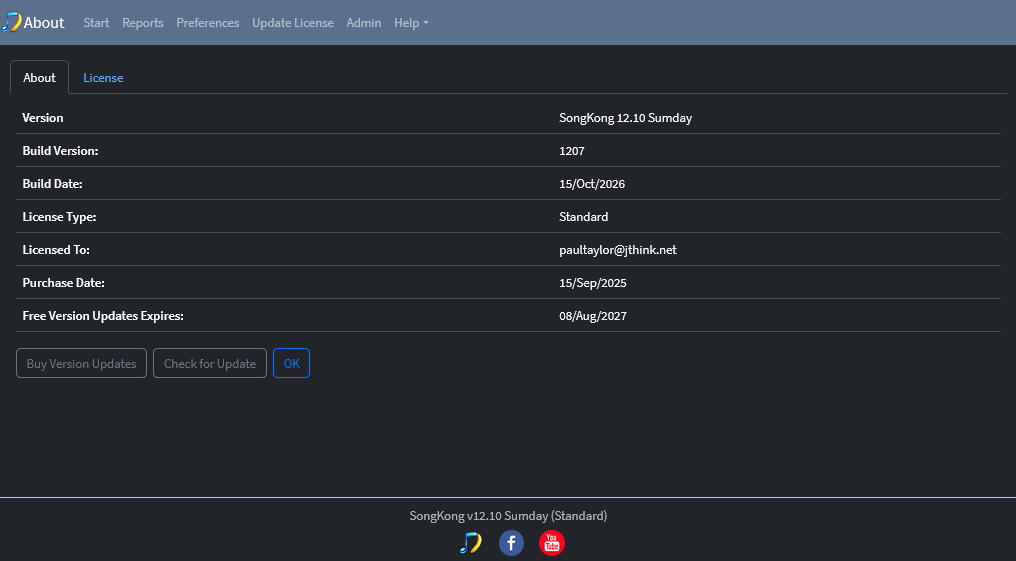
If you use a version of SongKong releases after your current expiry date it will revert to Lite mode
Check For Updates
We can check if a later version of SongKong is available using the Check For Updates option from the Help menu. This is done automatically every time we start SongKong, if a new version is available SongKong will direct us to the Downloads page where we can now download and then install the new version.
Installing New Version
The new version can be installed in the same location as the existing version, our SongKong configuration is stored in a different location and will not be overwritten by installing a new version