SongKong Jaikoz

SongKong and Jaikoz Music Tagger Community Forum

Javascript warning in console

When im running bandcamp match the console fills up with warnings about javascript. im running fedora with firefox and i have confirmed that javascript is enabled.

JavaScript is disabled in your browser. Please enable JavaScript to proceed. A required part of this site couldn’t load. This may be due to a browser extension, network issues, or browser settings. Please check your connection, disable any ad blockers, or try using a different browser.
Hi, unfortunately Bandcamp recently changed their website breaking the SongKong support, I’m currently assessing if there is way to resolve this, please see end of this topic Bandcamp support for SongKong

And it is now resolved in SongKong 12.10 Sumday

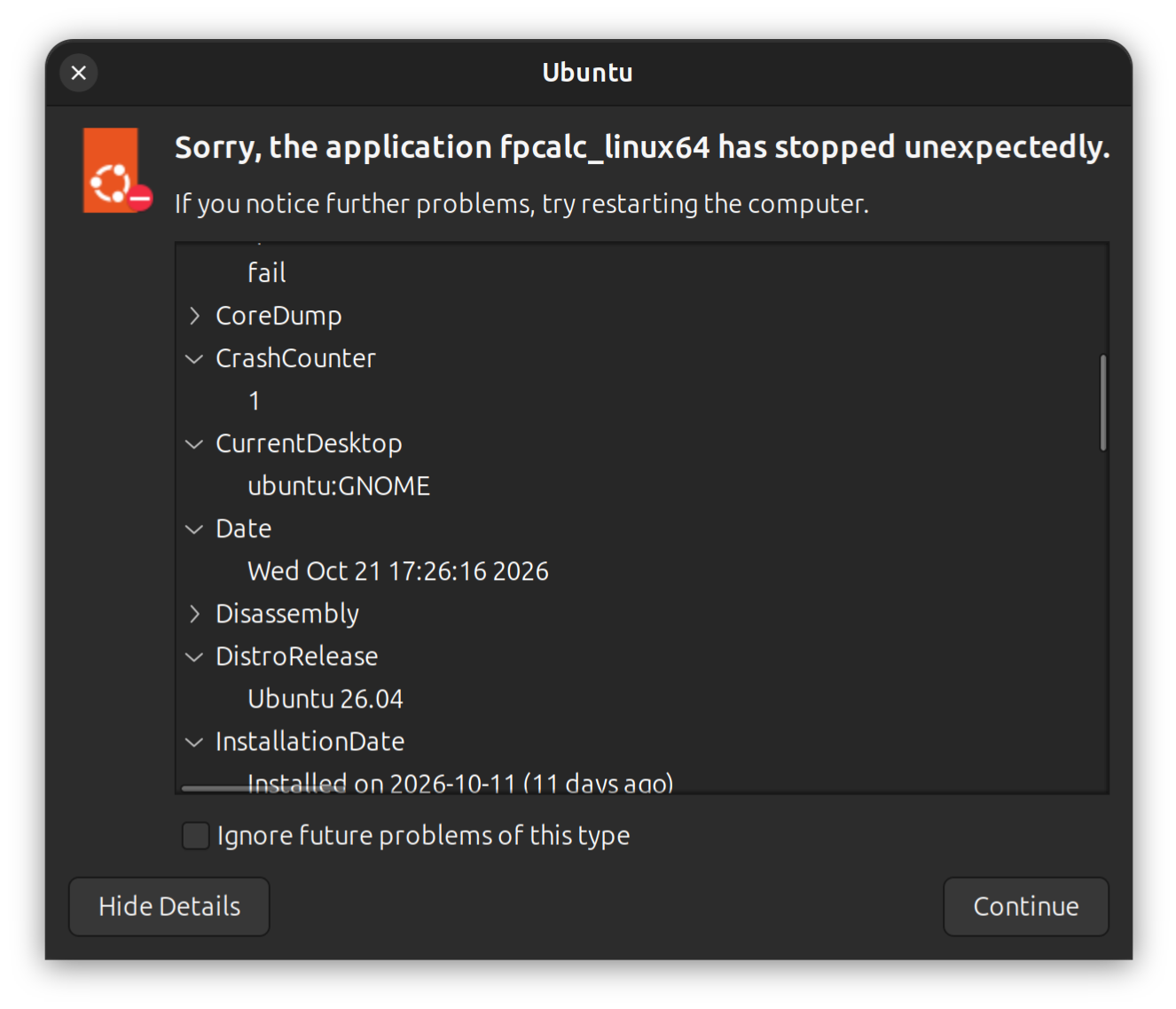
I installed the 12.10 and it does work for bandcamp but now i get a fpcalc.linuix64 error randomly.

Hmm that’s weird, nothing was changed in that area, what platform we are you running on and can you run Create Support Files please

I’m currently running songkong on 120k files… I do it when its done.

i uploaded the support files to this

Hi, thanks where did you see this fpcalc.linux64 error?

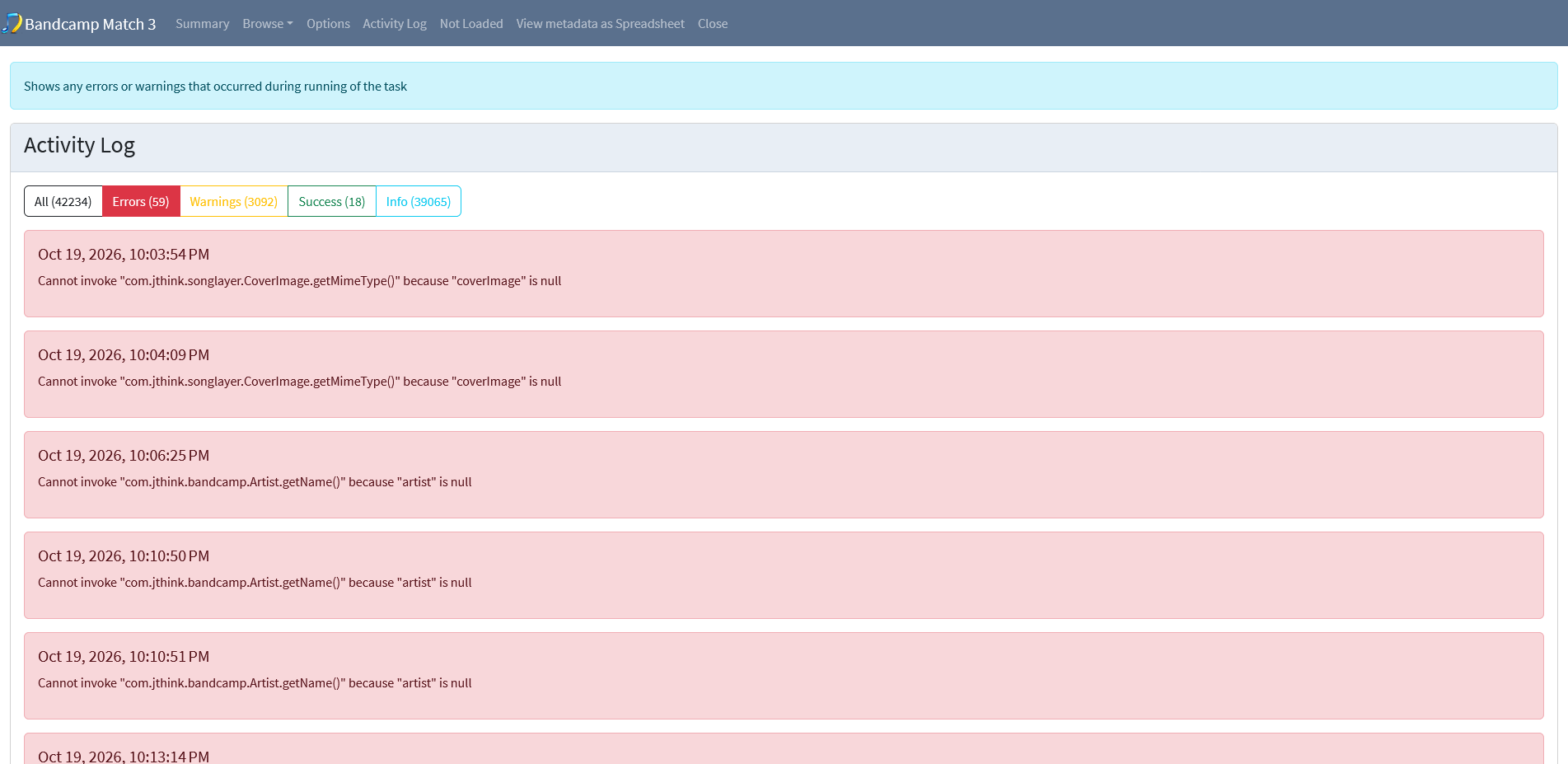
Also I looked at BandcampReport0003 and there were some errors that prevented matches

image

But I couldn’t find the error in the logs (which would show the code path that caused the error) because the logs had been recycled by that point. If you could possibly rerun Bandcamp and then immediately afterwards run Create Support Files that would be appreciated, allowing me to find and fix the issue and therefore increase the Bandcamp matching for your songs.

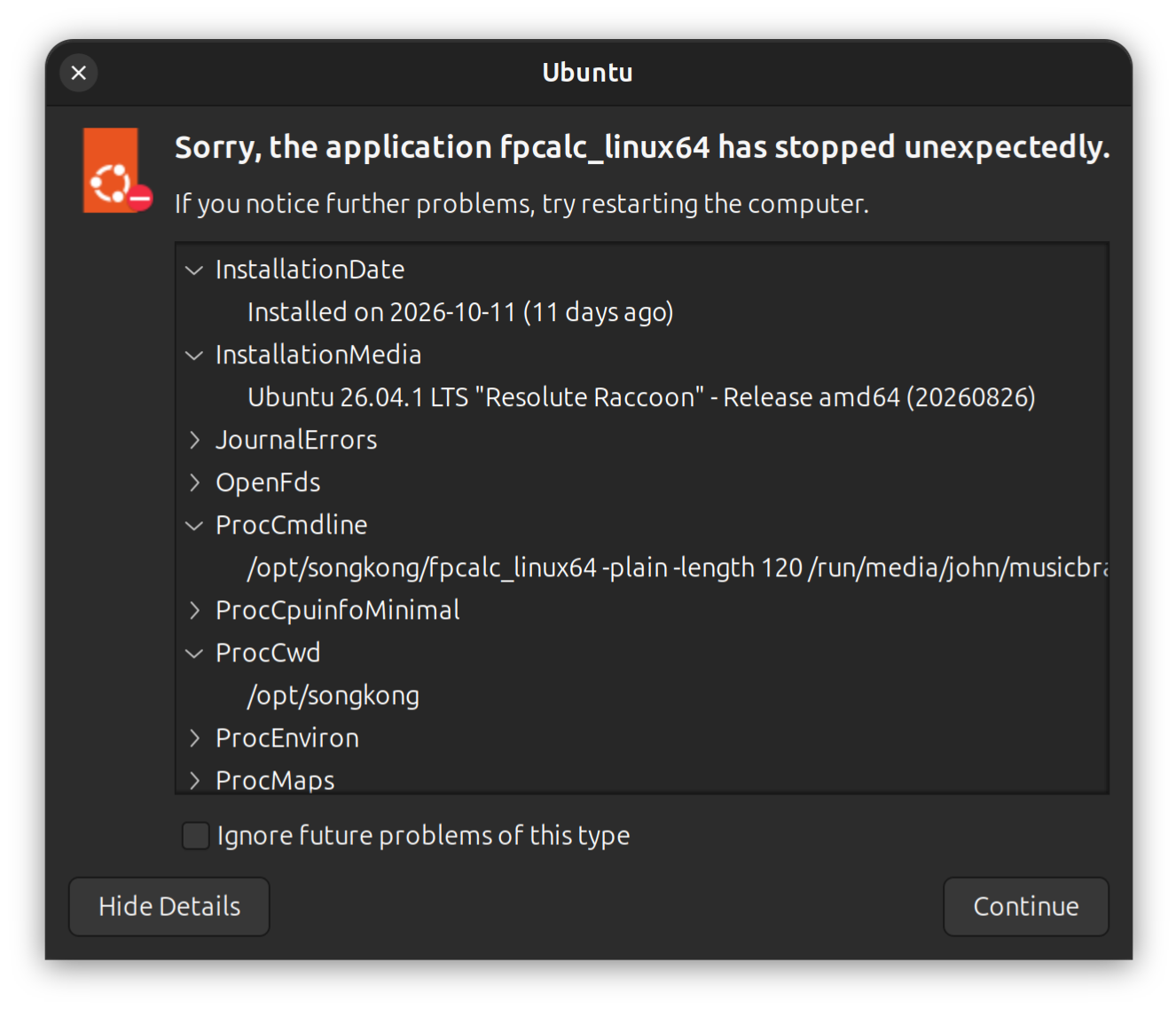
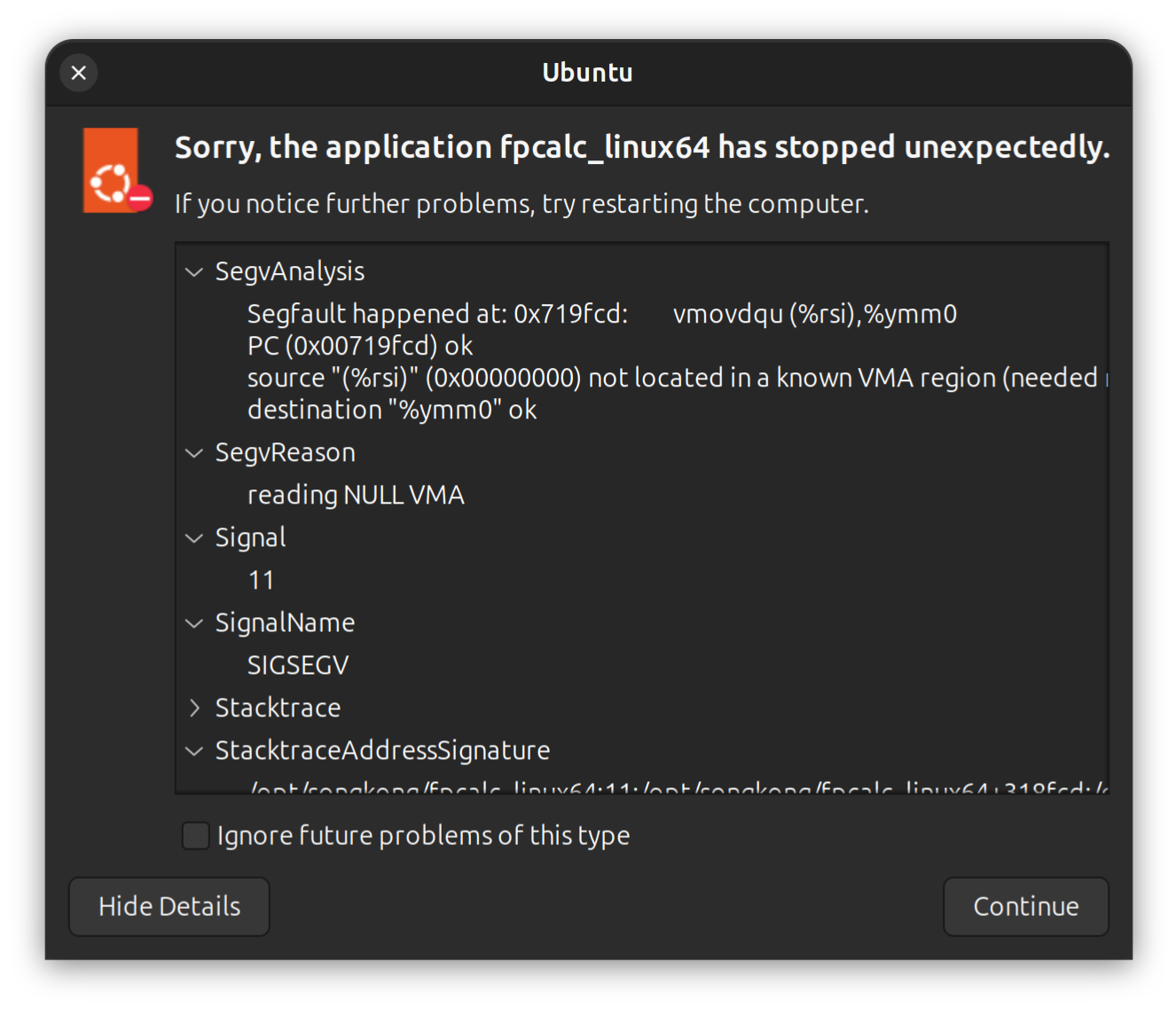
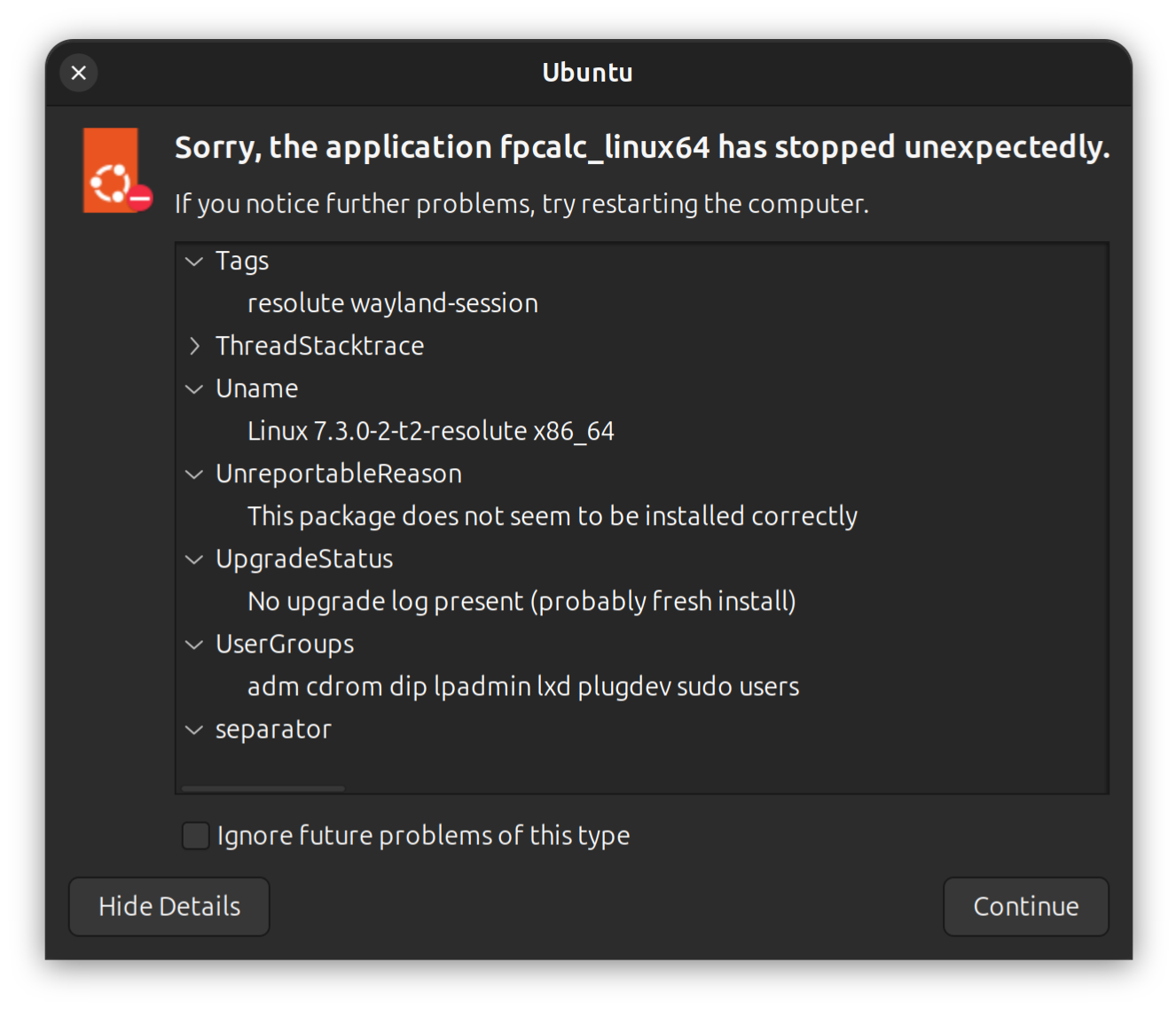
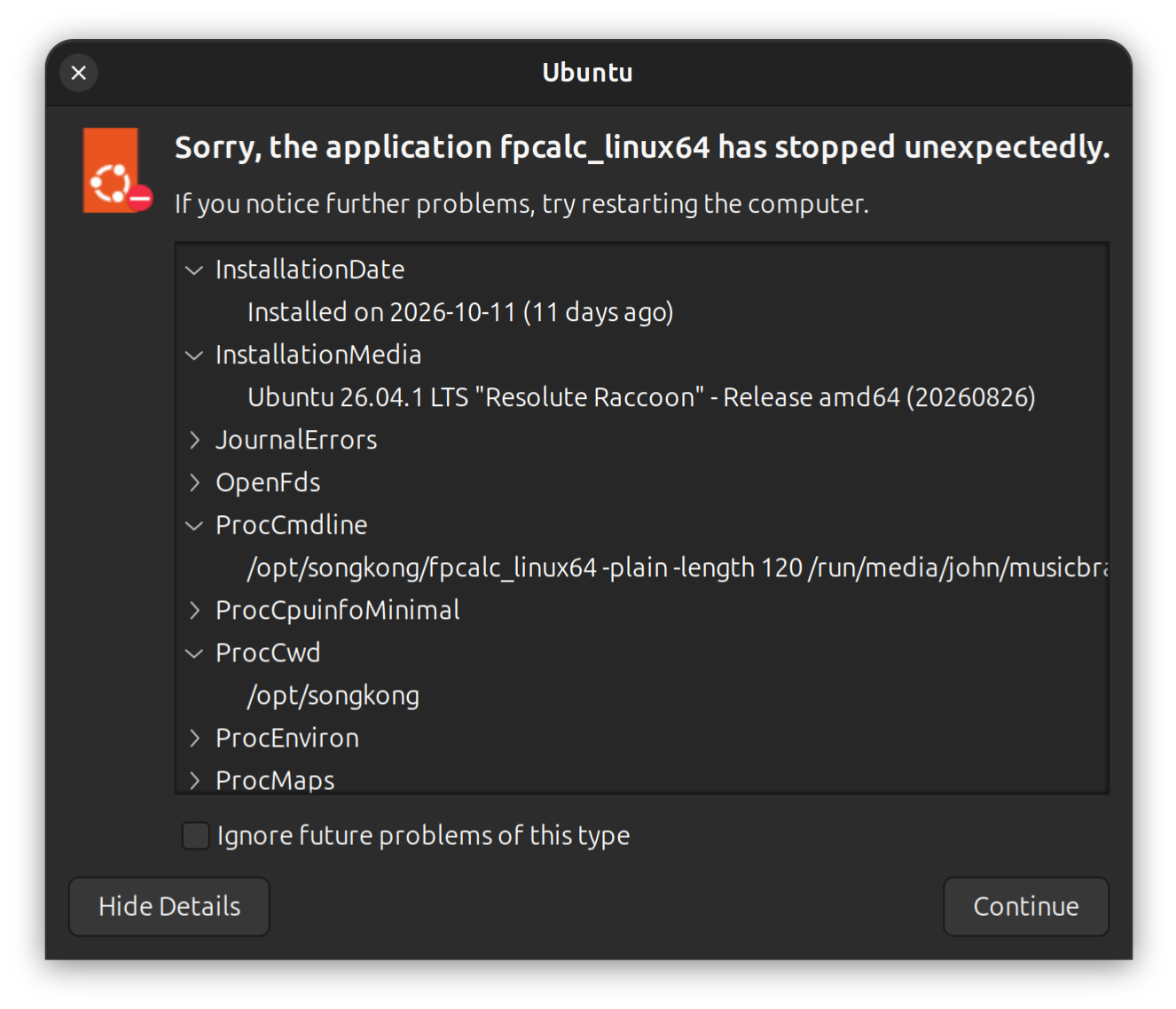
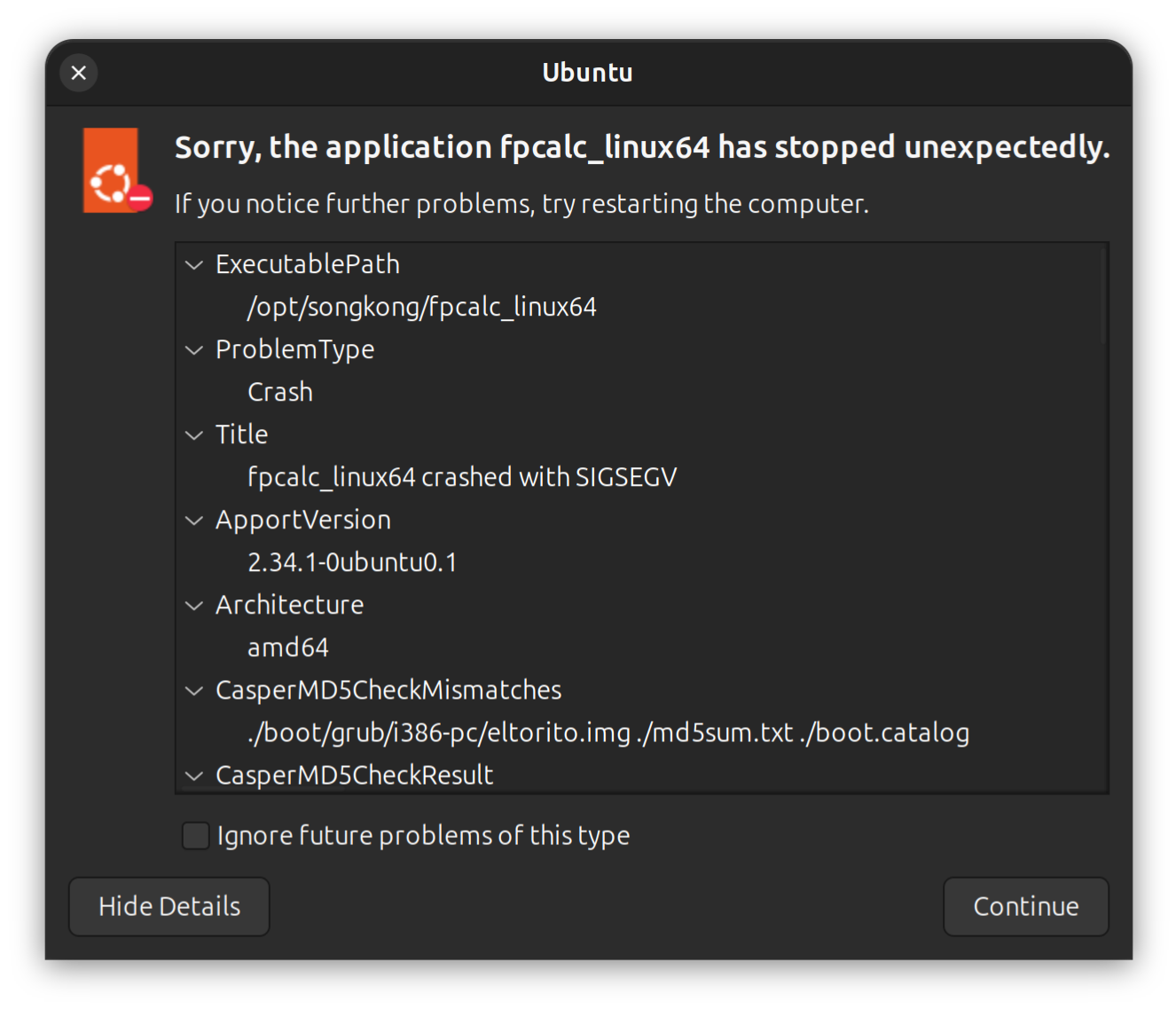
Screenshot From 2026-10-21 17-35-40 Screenshot From 2026-10-21 17-36-10

!

Okay, so fpcalc itself crashed (unlike the rest of SongKong this runs outside the JVM because it is not Java code).

This is provided by Acoustid for audio fingerprinting, we are currently using 1.6 but i notice that Acoustid have just released 1.6.2 so I will update SongKong to use that, and that may resolve the issue.

Also I notice some of those errors show the cmd that was run with filename

e.g

Under ProcCmdLine it shows the command but unfortunately because of the length of the command I can’t see the whole command but I assume you can. If it happens again can you grab the whole line and then send me the music file that it is failing for because this will help Acoustid fix the issue if not already fixed by upgrading to 1.6.2