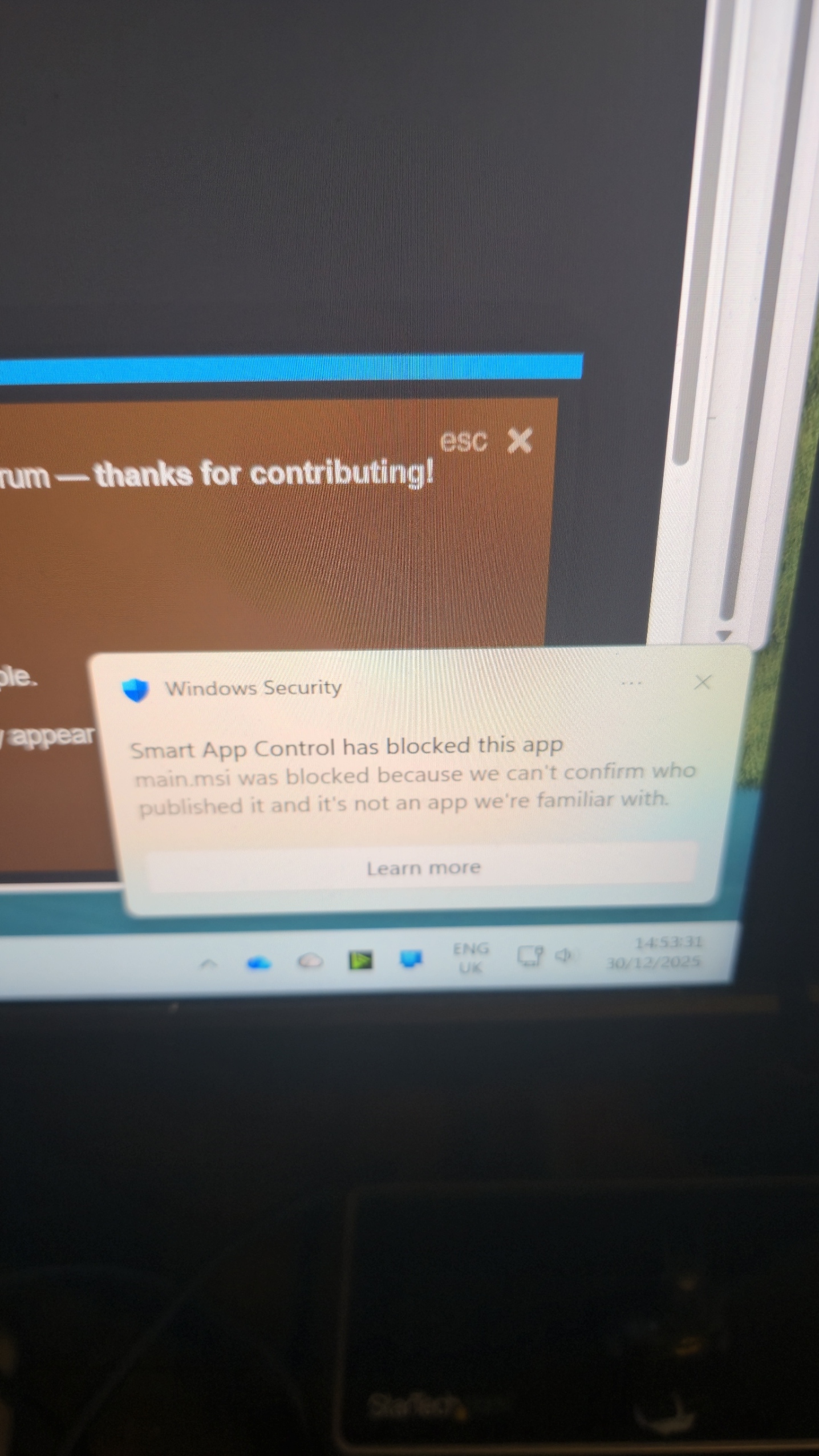
Are you downloading it from this site because the Wndows installer is an .exe file not an .msi so Im suprised to see this message?
But it maybe the correct message and certainly even though SongKong is digitally signed for Windows sometimes Windows SmartScreen takes a while to accept it because even though digiitally signed it seems to expects a certain number of downloads before fully accepting an application.
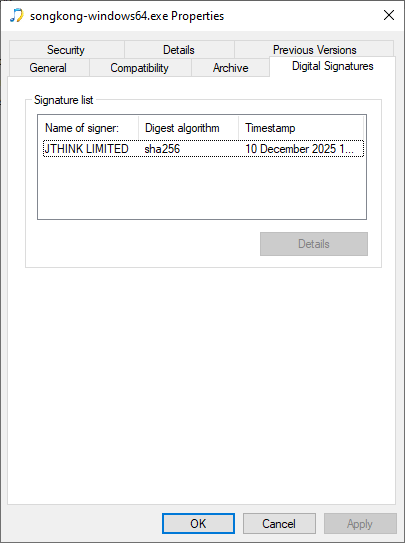
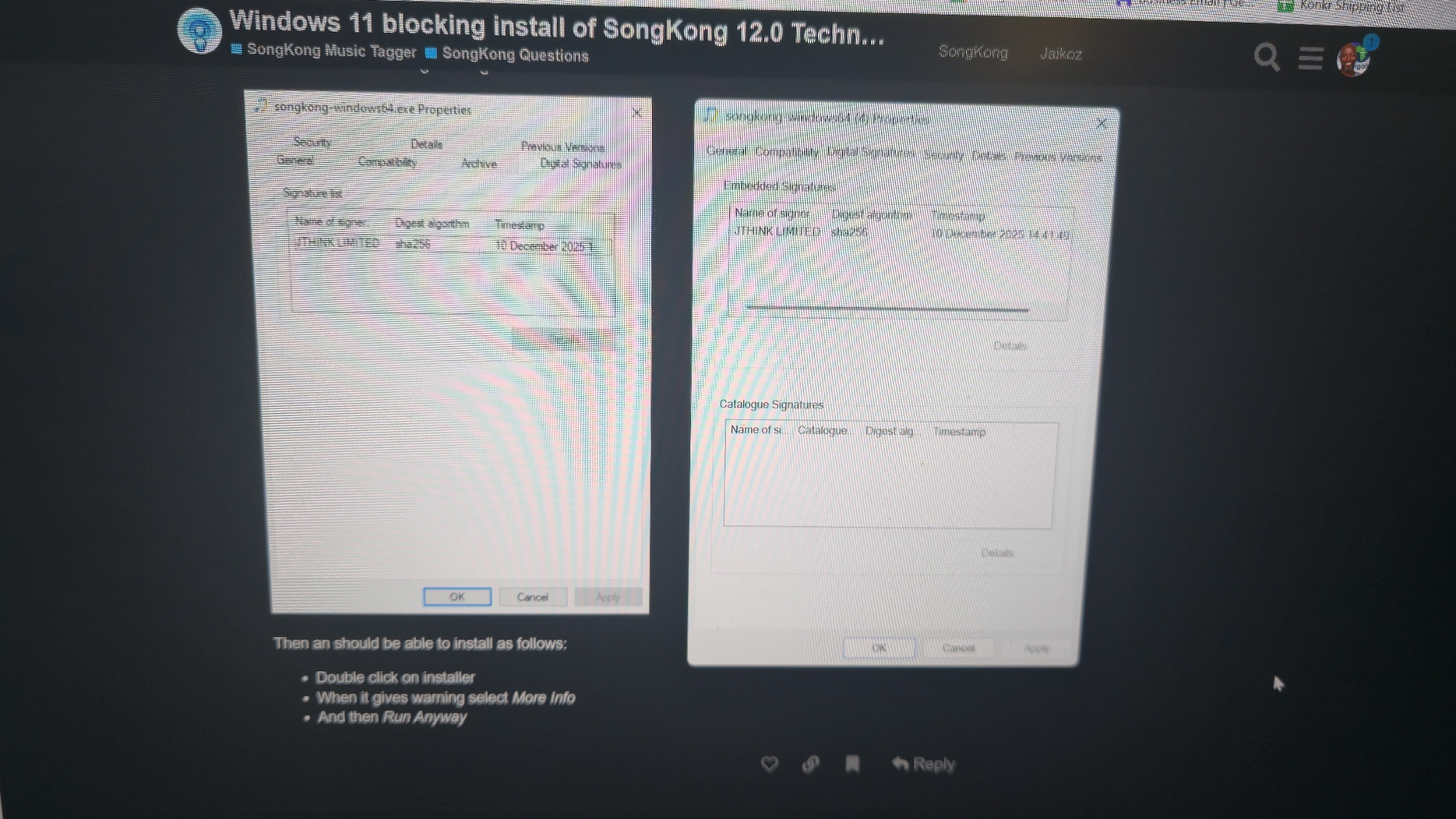
What you can do is right click on downloader, select Properties , then switch to Digital Signatures to show that is has been signed to give confidence there is no issue with it.
Then an should be able to install as follows:
- Double click on installer
- When it gives warning select More Info
- And then Run Anyway