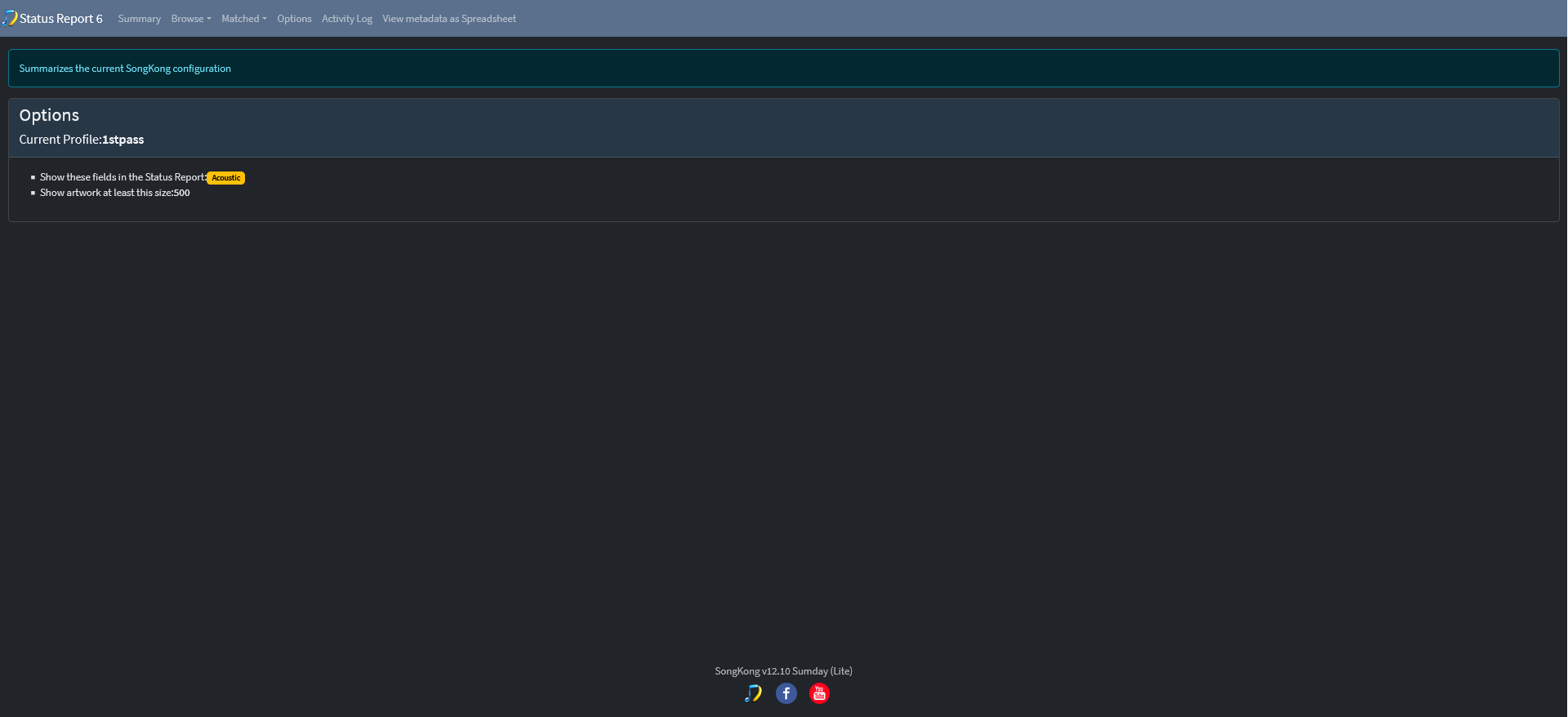
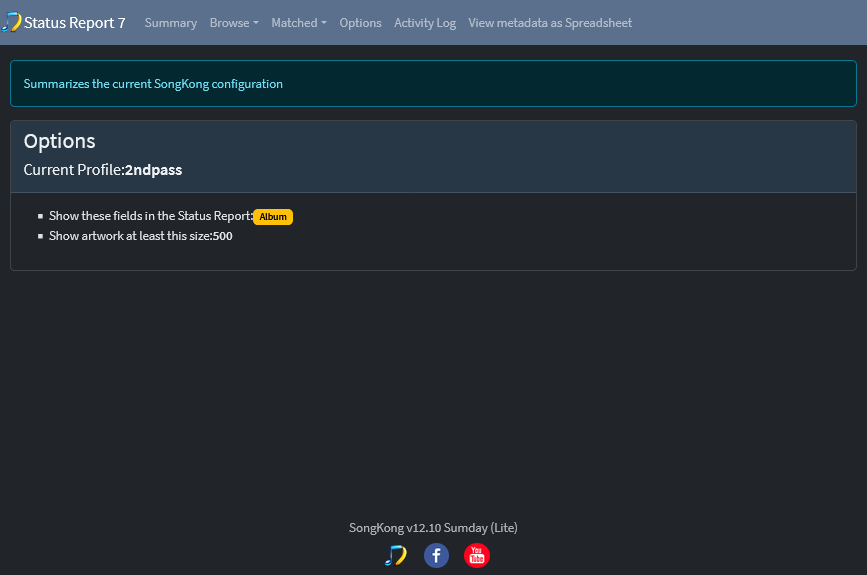
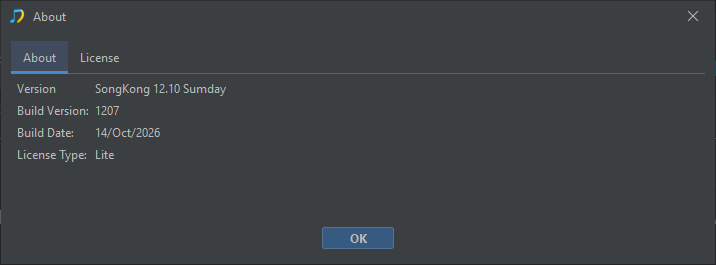
I’m running Fix Songs with a couple different Profiles via Powershell script using the command: songkongdebug -m -p “songkong_fixsongs#.properties” “musicfolder” and have ran into an issue I can’t seem to shake. It worked at first, but I can’t nail down what has changed.
What’s happening is when I run the command, everything starts out good, but it doesn’t actually use the fixsongs#.properties file that I call out. It seems to latch on to some other Profile file. Here is an example:
C:\Users\lotus>songkongdebug -m -p "songkong_fixsongs6.properties" "C:\Users\lotus\Downloads\PicardTest"
debuglogfile is:C:\Users\lotus\AppData\Roaming\SongKong\Logs/songkong_debug%u-%g.log
userlogfile is:C:\Users\lotus\AppData\Roaming\SongKong\Logs/songkong_user%u-%g.log
H2 Cache Size is 1000000 kb
Using Supplied Profile:1st Pass:songkong_fixsongs7.properties
I’m defining the profile “songkong_fixsongs6.properties” in the command. This profile is named “1st Pass”, so it’s getting that name correct but it’s actually using the fixsongs7 file. I can re-run every other profile and, no matter what, it gets the name correct, but it’s always fixsongs7 file that’s used. What’s really odd is that it’s not always fixsongs7 that it gets stuck on. Every time I’ve cleared out data or uninstalled/reinstalled it changes which profile it gets stuck on. I’ve had it stuck on fixsongs1, 6, 7, 8, and 9. I even had it stuck on fixsongs8 once when that file had been deleted.
I’ve taken a ton of troubleshooting steps:
- Restarted SongKong and rebooted PC many times throughout.
- Opened my custom profiles to verify that I’m using the correct .properties filename
- Tried with my Powershell script as well as both Powershell and standard Command Prompt terminals…with and without “Run as Administrator”
- Tried all (5) of the stock profiles
- Deleted Profiles and created new ones.
- Cloned the ‘default’ profile and customized for 1st Pass, then cloned 1st Pass to create “2nd Pass” profile.
- Created both profiles by cloning the Default profile
- Uninstalled and wiped all SongKong related files from my machine/registry (multiple times)
- Overwritten the contents of two of the default profiles with the settings from my custom profiles
- Tried backing up my profile & genre list files, uninstalled, reinstalled, restored those files and ran without ever opening the GUI or Remote UI (other than the first initial opening to load the default files in AppData and enter the license)
- It seemed to happen when I was canceling scans frequently during testing, but I tried a fresh reboot & install and let the initial test runs within SongKong GUI run fully and that didn’t seem to make a difference.
I’m running the windows 64bit version on a Windows 11 machine. It seems to run properly when I run it via the GUI & web UI…it’s only when using songkongdebug commands.
Not sure if you’ve ran into anything similar before. Happy to provide whatever info you might need!