Hi, i just recieved your report on the server, downloading locally and extracting it now.
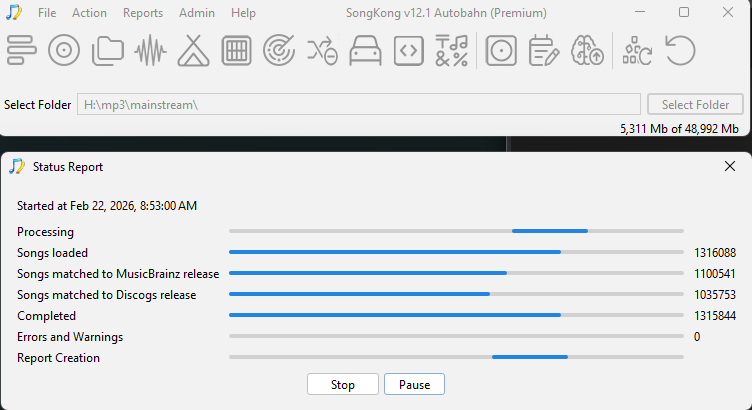
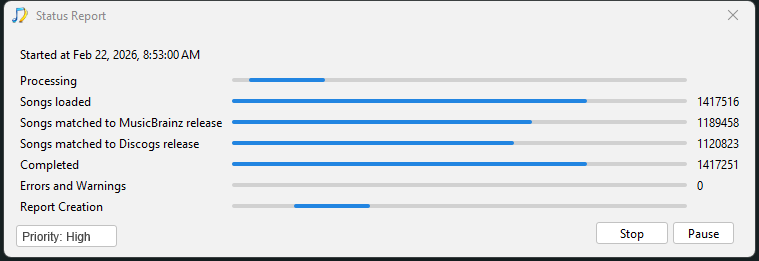
So whenever you run any task (Fix Songs/Rename Files etcera) it always creates a report so if you just fixed one album the report would be just consist of that one album. The Status Report task is different in that it only creates a report without doing anything else, but I was advising it would be good to run it at the start so you have a snaphot of your music collection before making any changes with SongKong
If I remember correctly you had already processed some of your music with SongKong, what percentage do you think ?
So, wherever you run any task you have the changes recorded in the report created at the end of the task, if not making many changes then the report will not take long to create.
If at some point you want a status report of your whole collection then you would have to rerun the Status Report and this will take a while, but hopefully for you in next version of SongKong this will go down from 3 days to maybe 2 days!
As you say the report is a “checkpoint in time” acting as an audit record, so therefore modifying the report would corrupt that. Also it is worth noting that modifying just one file could affect many sections of the report not just one page, such as:
- Song Details section
- Browse By Folder structure
- Browse By Artist/Album structure
- Browse By Composer/Work structure
- Summary section
- Browse By Folder structure
- Matched to MusicBrainz section
- Matched to Discogs section
so the idea is not really a goer
One idea for your collection is to partition alphabetically so you have 27 top level folders A,B…, Z and names starting non-alphabetically then works on things a letter at a time.