I’m updating my library of FLAC files. Some of the files already had art embedded, some do not. I want all files to be auto-updated and embed the art, but it is not working. Is there a specific setting that I’m missing?
Embed Art Flac
Can you run Create Support Files please and give a bit more explanation, maybe it is just the case that SongKong could not find artwork for some of these files or do you mean something else?
I send the files to this forum, correct?
You select Create Support Files, put url of this topic in the Forum Url field then select Start and they get sent to our server.
Hi, thanks for the support files. I have had a quick look but Im not clear of the issue, can you give me an example of the issue in a particular report please.
Okay Im going to guess you just mean that some songs dont have artwork after running Fix Songs.
If I look at report FixSongs000123 which seems to be a random set of songs not from any particular album then only two songs dont have artwork
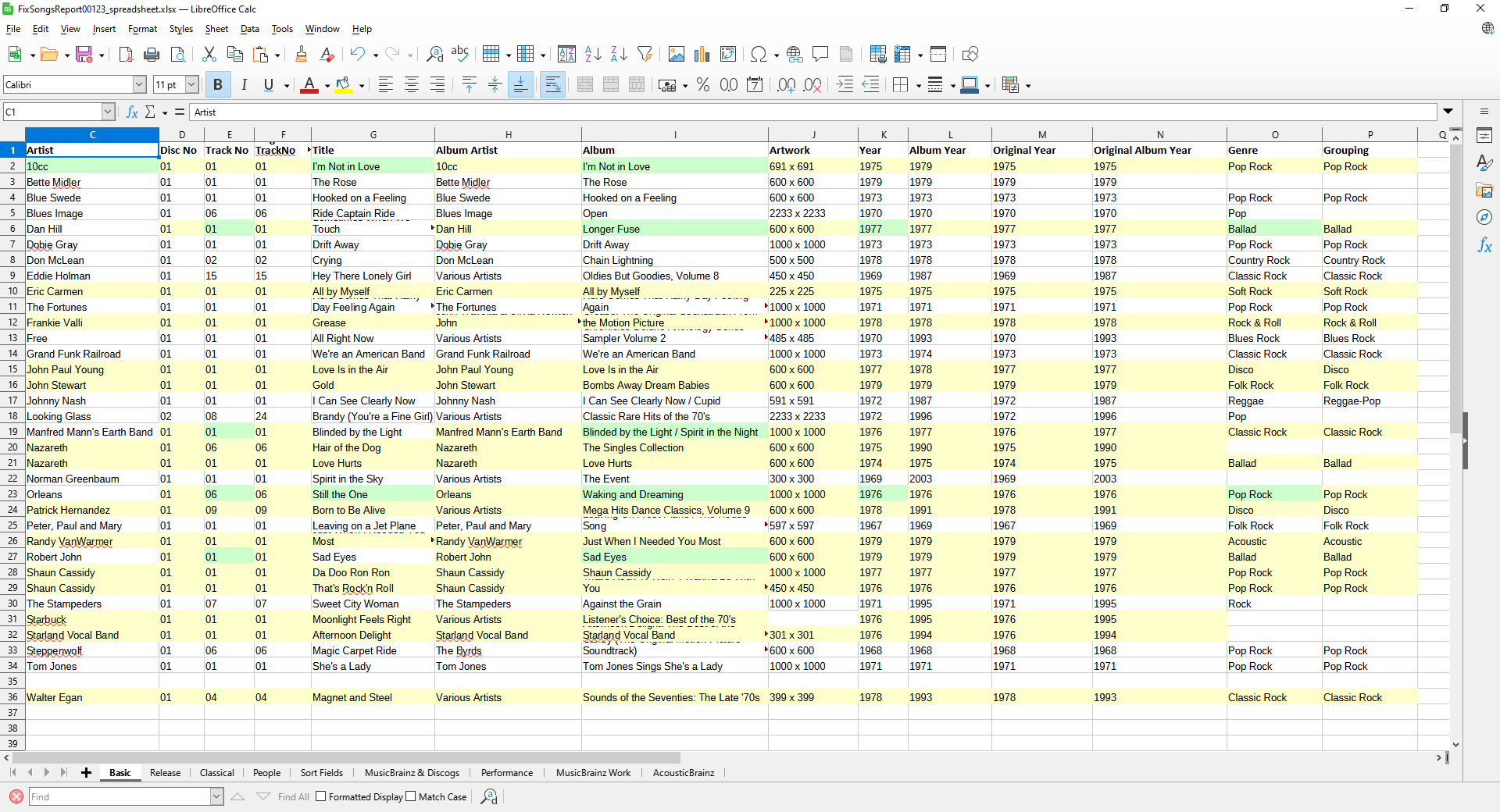
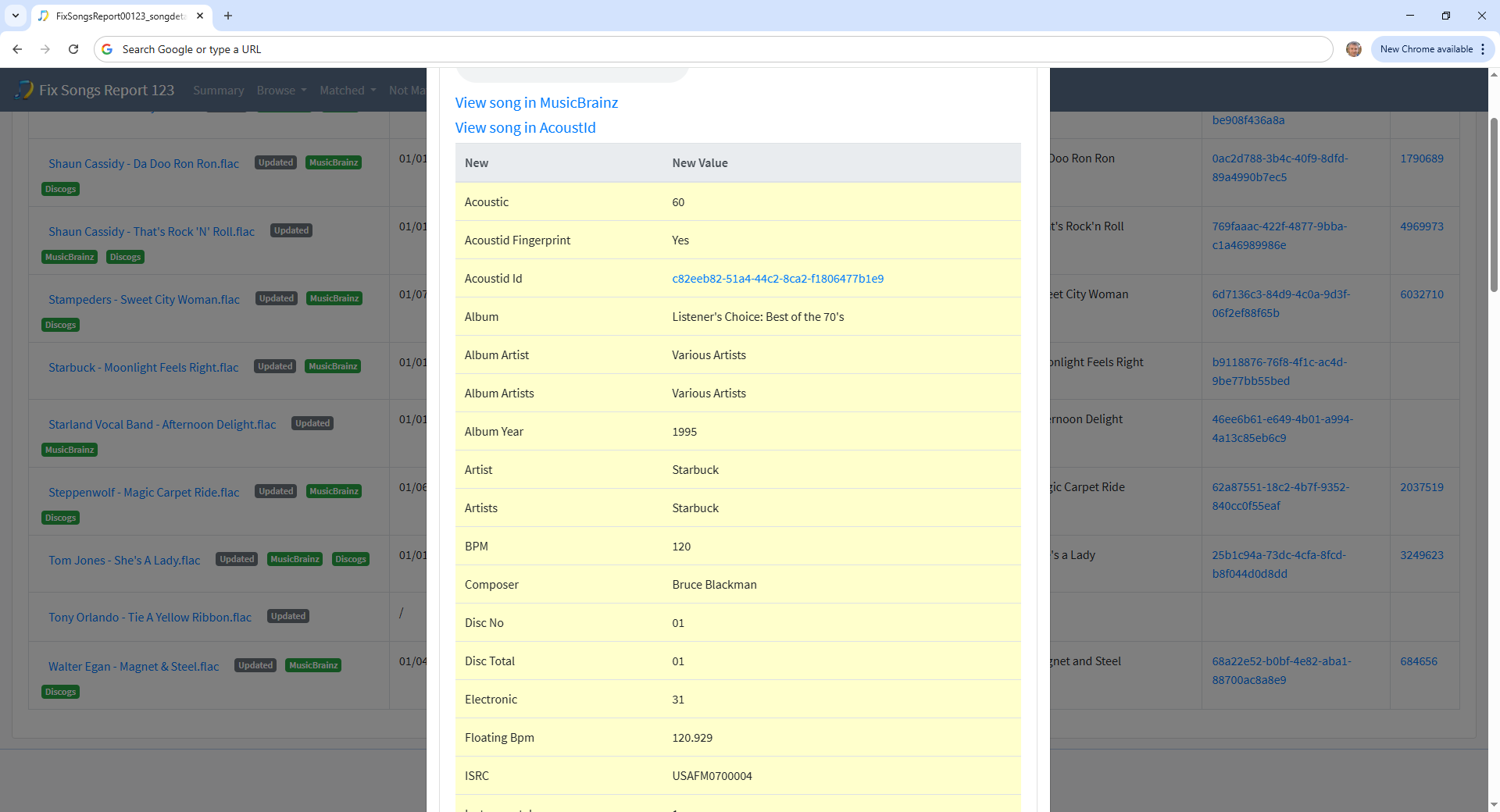
The first of these is Moonlight Feels Right again by Starbuck and it has been matched to a compilation called Listener’s Choice: Best of the 70’s. if we look at the Acoustid for this song and what it is linked to we see it is only found on various compilations
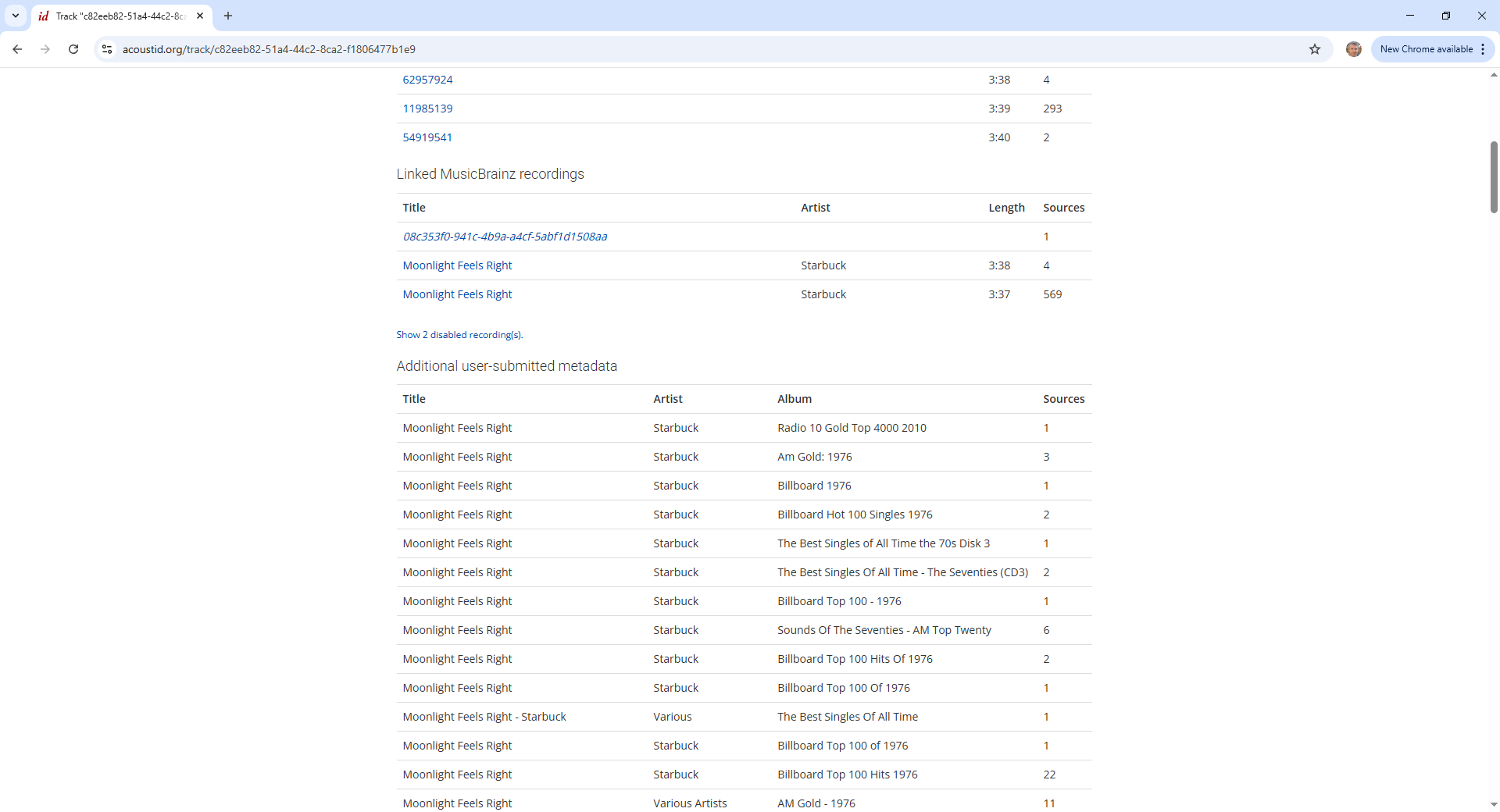
and the one picked (essentially at random as all are equally good/match matches) doesnt have an image on MusicBrainz and cannot be found on Discogs
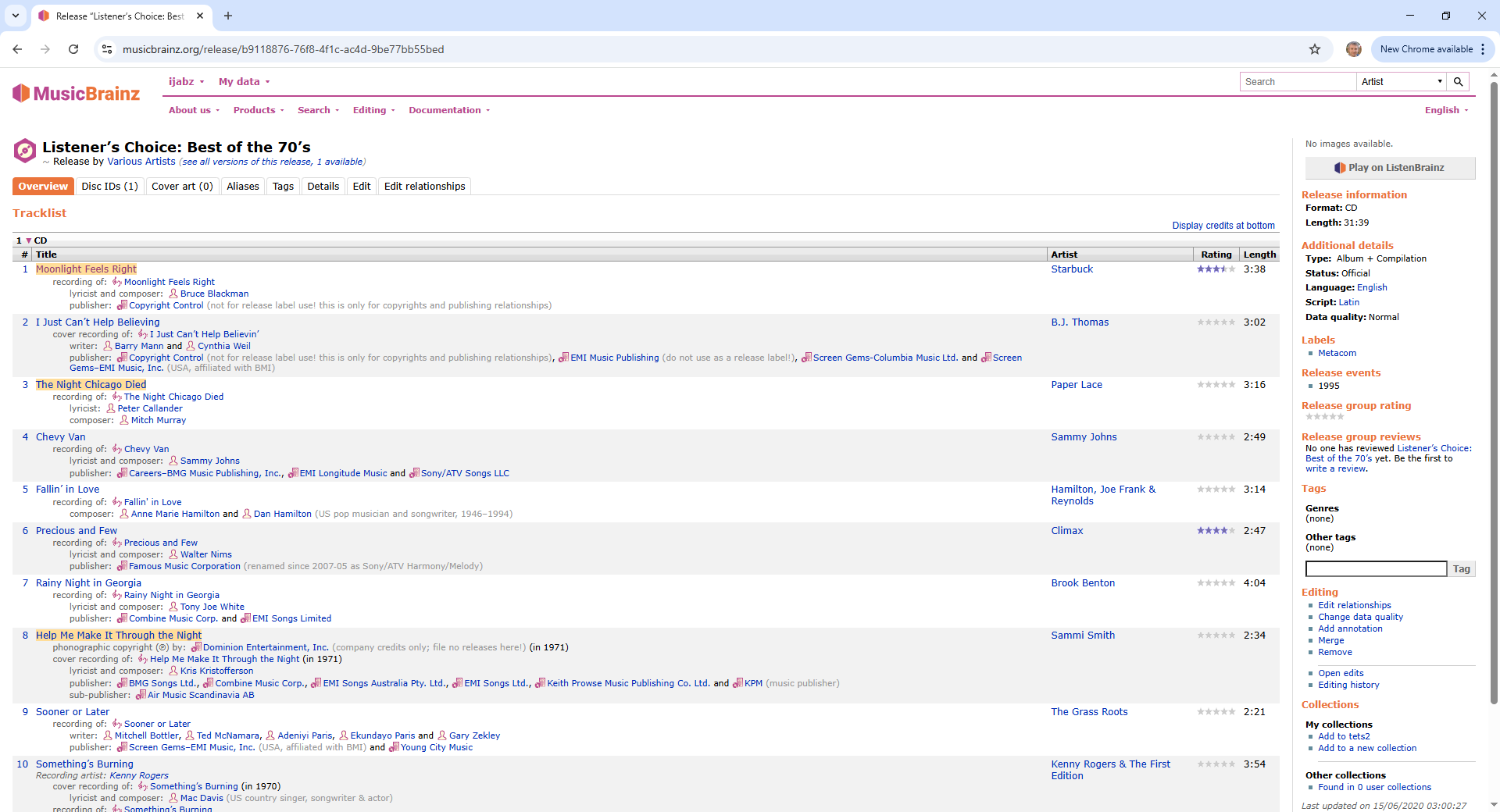
The second song by Tony Orlando could not be found and hence has no artwork or any other metadata
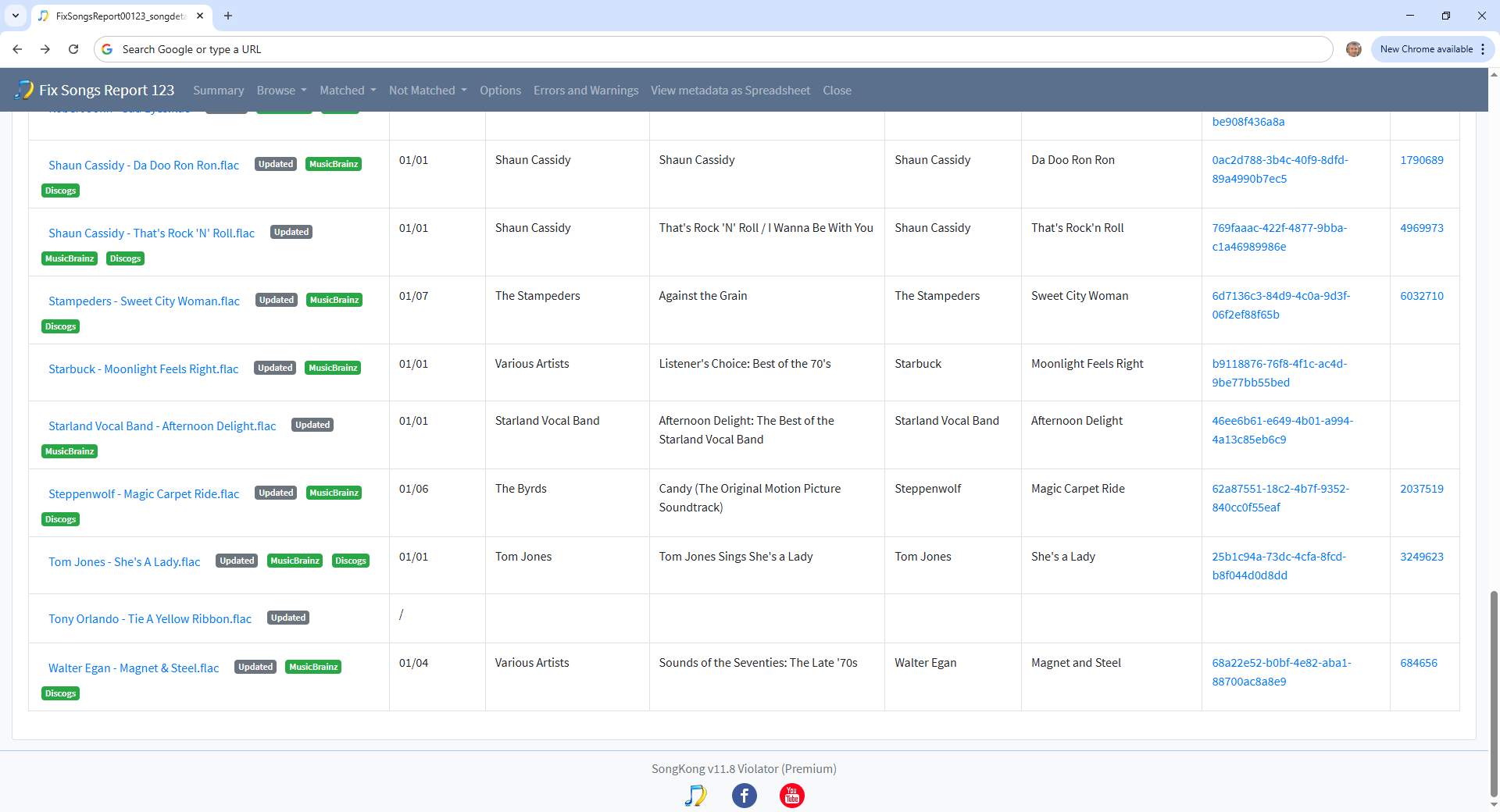
Generally will get better matches and more likely to get artwork when matching songs that represent an actual album rather than just a collection of random songs.
Sorry, coming back to this again. I never recieved any notifications on this topic.
I understand all of that. However, all of my folders have the cover art file (cover.jpg), but none of the song files have the art embedded (see attachment). Other suggestions?
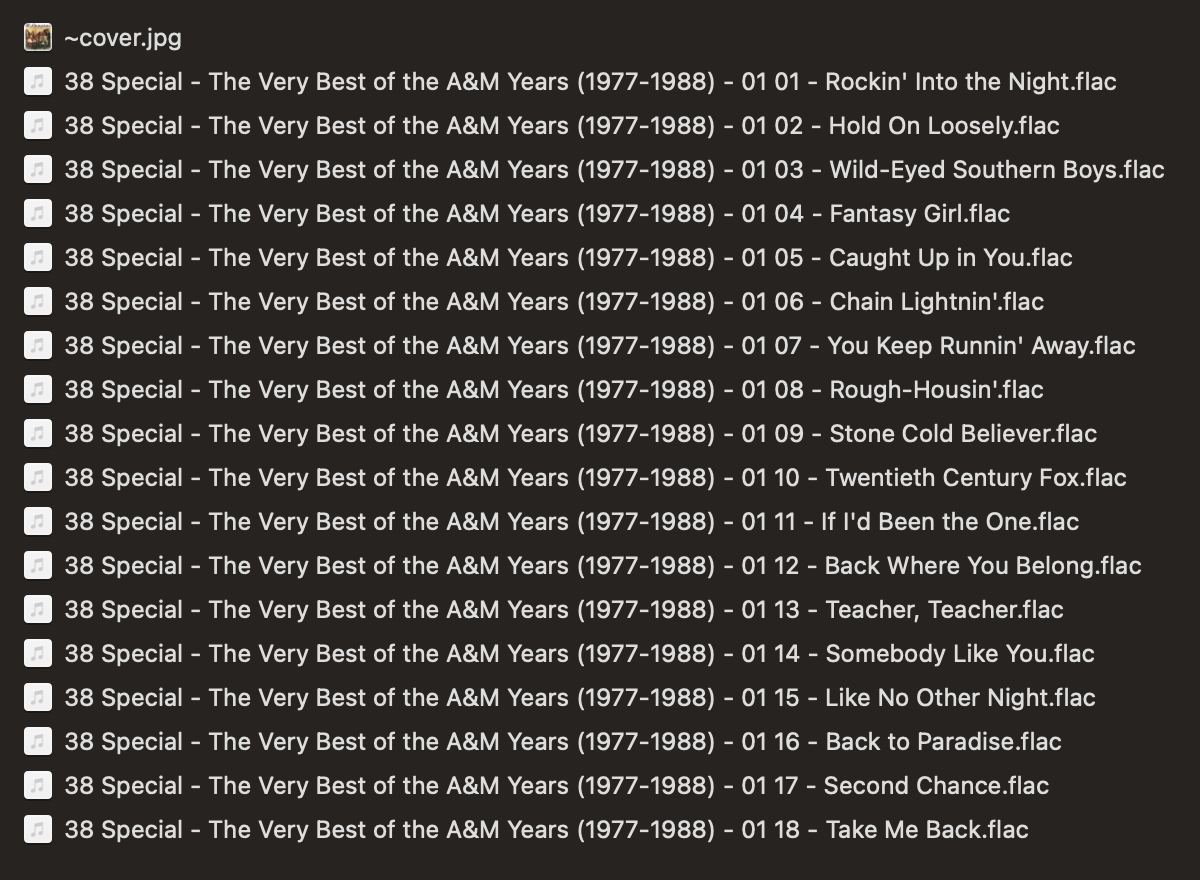
Okay so I think the situation is that you already have cover.jpg file for these albums, but this was not created by SongKong. You want these files to be embedded into the files themselves, the automatching does not do this because it gets artwork from the matched MusicBrainz/Discogs/Bandcamp release not from any local files.
On a folder by folder you can use Manual Edit to add local artwork, via the Browse menu on the Artwork tab.bu that is going to be laborious to do for lots of folders.
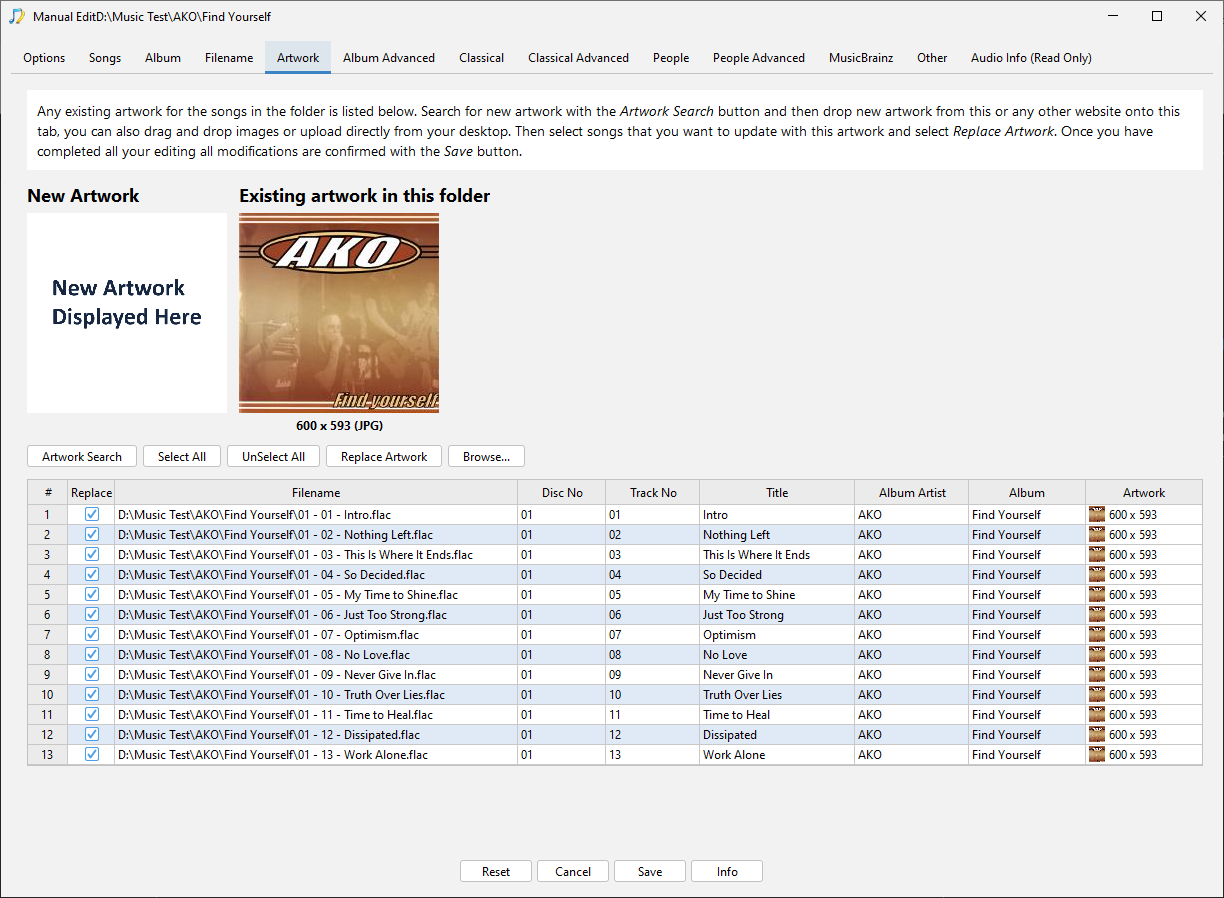
But since you already have Jaikoz you can use Action:Local Correct:Correct Artwork and this wil add images to the files if images found in the same folder as the files.
No. Songkong did create the cover.jpg files, but it’s not embedding the art. I thought the whole point of using SongKong was that it would handle this for me, so I wouldn’t have to do this folder by folder.
No thats not correct if SongKong finds artwork it does always add it the file and then optionally can add it to filesystems well, it doesn’t allow you to save to filesystem without adding to files.
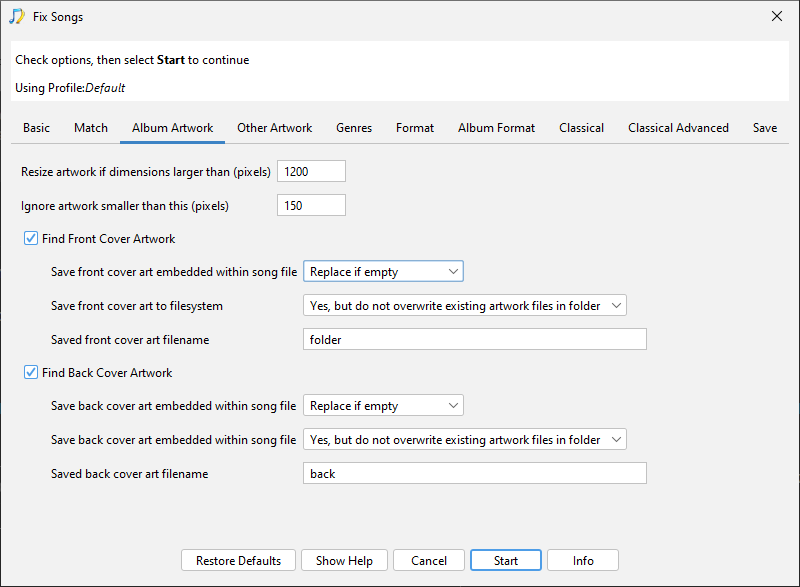
So the only possiblities are:
- SongKong did not find this artwork
- SongKong did find it and add it within files but has since been deleted from the files
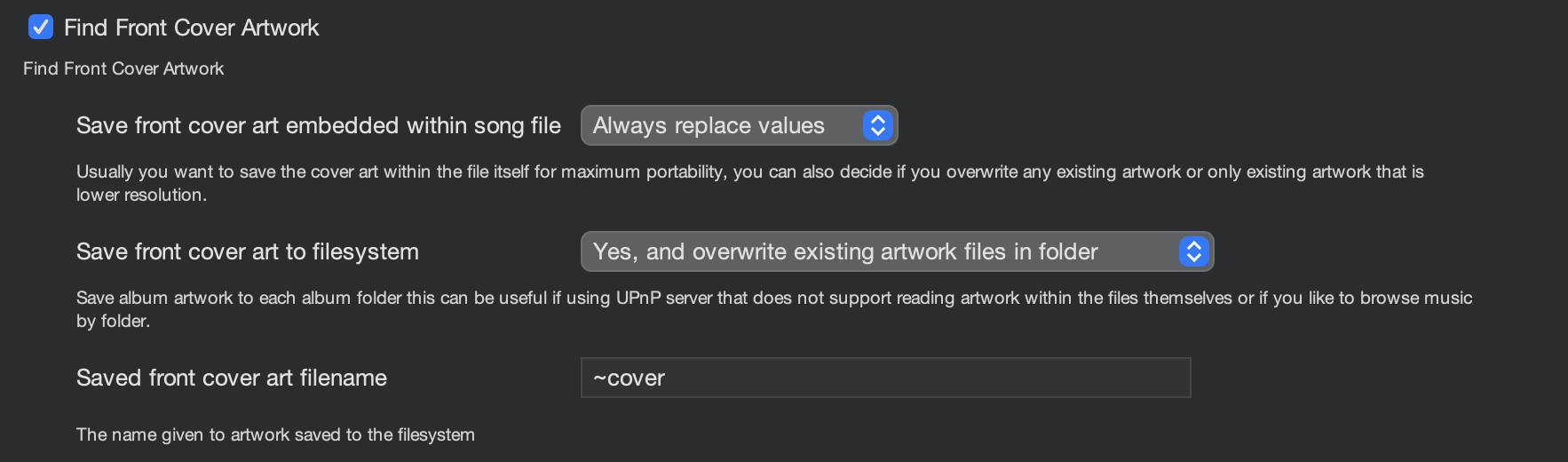
Im using the current version, but it has always been the case that artwork is always added to the files.
Agreed. That’s how it should work. Songkong finds the art and should embed it into the files (FLAC in my case), plus I have it saved to the folder too, just in case. Could it be the .flac format art isn’t being read/viewed properly?
For the example you gave me previously the artwork was added for all but two files. If you are saying it is not added for the 38 Special example please run a Status Report on it and then run Create Support Files and I can check this one for you.
Are you referring to the Status Report I sent previously? Because all of my folders look exactly like the 38 Special folder; it has always been that way. That’s why I suspecting the files are not being displayed properly in MacOS, but it’s never been a problem in the past.
Hang on are you just saying within MacOS it is not showing a folder icon next to the flac file?
Yes. See below for a better example…
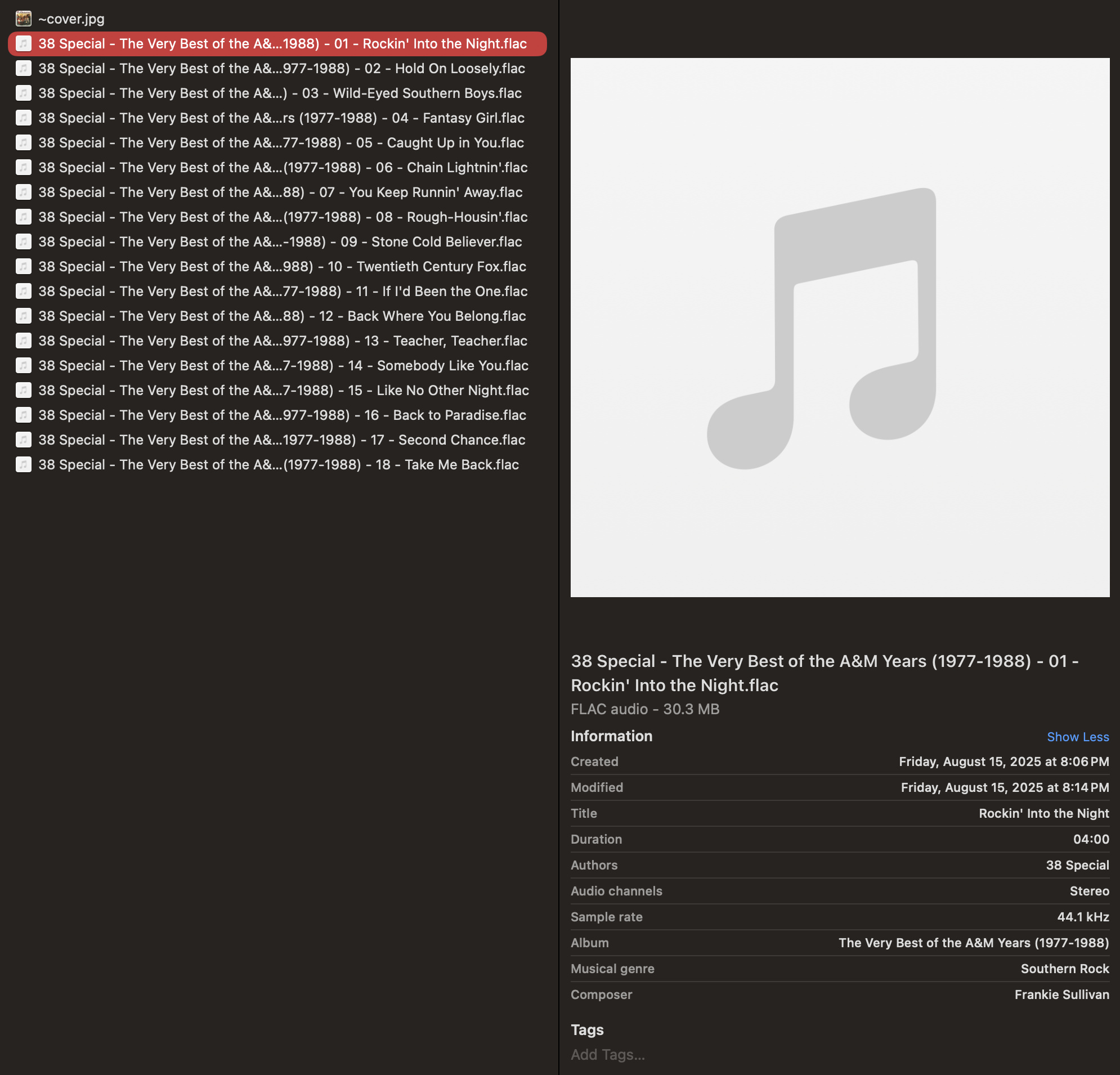
My whole library is like this. All folders.
Oh, thats just an issue with MacOS it doesnt support Flac very well Apple would prefer you to use their own audio formats. But I expect the images are actually in the files as you can see from a SongKong status report.
Well that’s what I was suspecting, but the art doesn’t show in some music players either, so I wasn’t sure. THX!