There is a cache, because you have looked up that release before and it wasnt there then there is a empty value in the cache,but cached values expire, should sort itself out within a couple of weeks.
Albunack has been updated with latest data
1 Like
Wanted to check things now running more smoothly, so now updated again.
Discogs Data 31/12/2025
MusicBrainz Data 03/01/2026
1 Like
sorry for being a pain in the a** but the album is still missing  is there any way to invalidate or update the cache ?
There is a way, but for individual releases you can access the actual MusicBrainz database with both SongKong and Jaikoz so that seems the easiest solution.
Are you using SongKong or Jaikoz?
I’m using SongKong 
So you can use the Match to one Album task, enter the MusicBrainz Release ID and if not found in Albunack it will retrieve it from MusicBrainz.
Got it. TBH I already know the option and used it for some releases. One thing I noticed now: the Match To On Album task does not save folder.jpg. After the metadata gets saved to the files and i run fix songs for this release, then the folder.jpg is saved. Is this by design?
Since the update, I’ve noticed that the Grouping field which I have mapped to Genre on Discogs isn’t pulling anything through. Seems to work if you manually match to discogs but not if you run the main “autocorrect songs” menu item. I “think” it might be when it finds the Musicbrainz release and that has a discogs relation, but I’m not 100% sure. Everything else including my mapping of Discogs Style to the Genre field is working as expected.
Edit. Just manually matched to a discogs record and it didn’t pull through the genre to grouping.
Looks okay to me, can you give me a Discogs Release Id where this is happening.
I manually tagged a bunch. Next one I see, I’ll note it here for you.
OK here’s a bunch. Looks like they matched with musicbrainz and pulled through the discogs ID. None have pulled through the discogs genre which does exist:
https://www.discogs.com/release/15213018
https://www.discogs.com/release/15202839
https://www.discogs.com/release/10191391
https://www.discogs.com/release/18833698
https://www.discogs.com/release/19935067
I’ve also seen some pulling through to the wrong field, and even a weird one where the album artist and album artist sort had “alt.rock, indie…”!!
Had a look at the first one:
Discogs Genre is Folk, World, & Country
Discogs Style is Country
I configured Genre field to get value from Discogs Style and Grouping to get value from Discogs Genre and used Match to Specified Discogs Id it added Country to Genre field but not Folk, World, & Country to Grouping field. This is because Folk, World, & Country is not in in my Preferences:Correct Genres List
Once I added it to Preferences:Correct Genres List
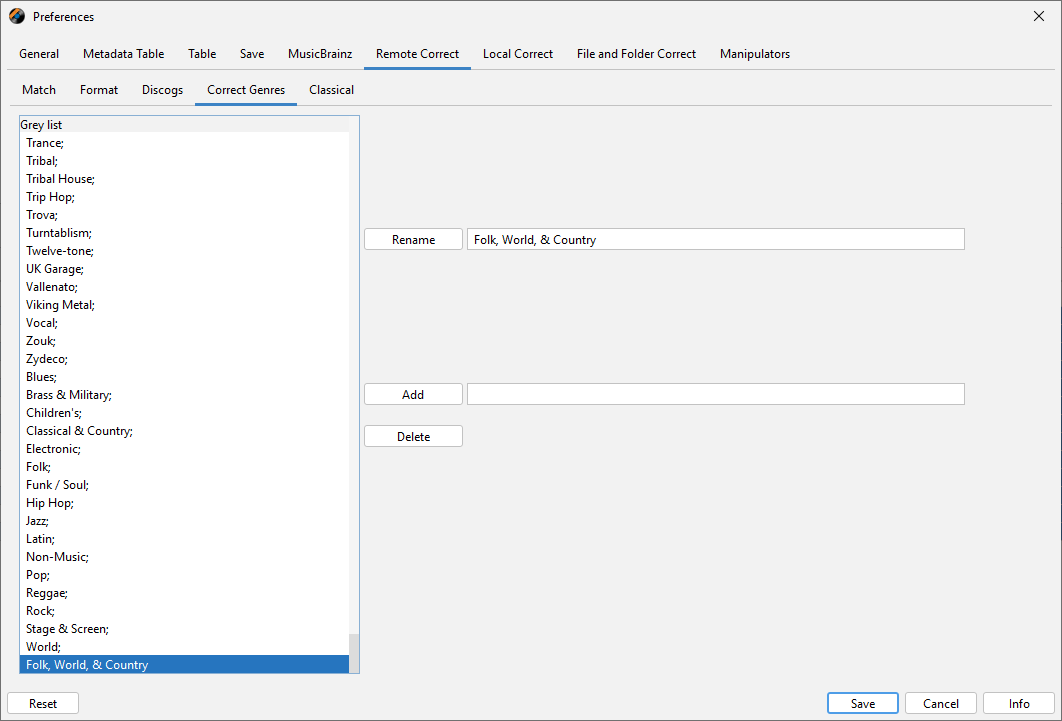
Then reran Match to Specified Discogs Id and Folk, World, & Country was added to grouping
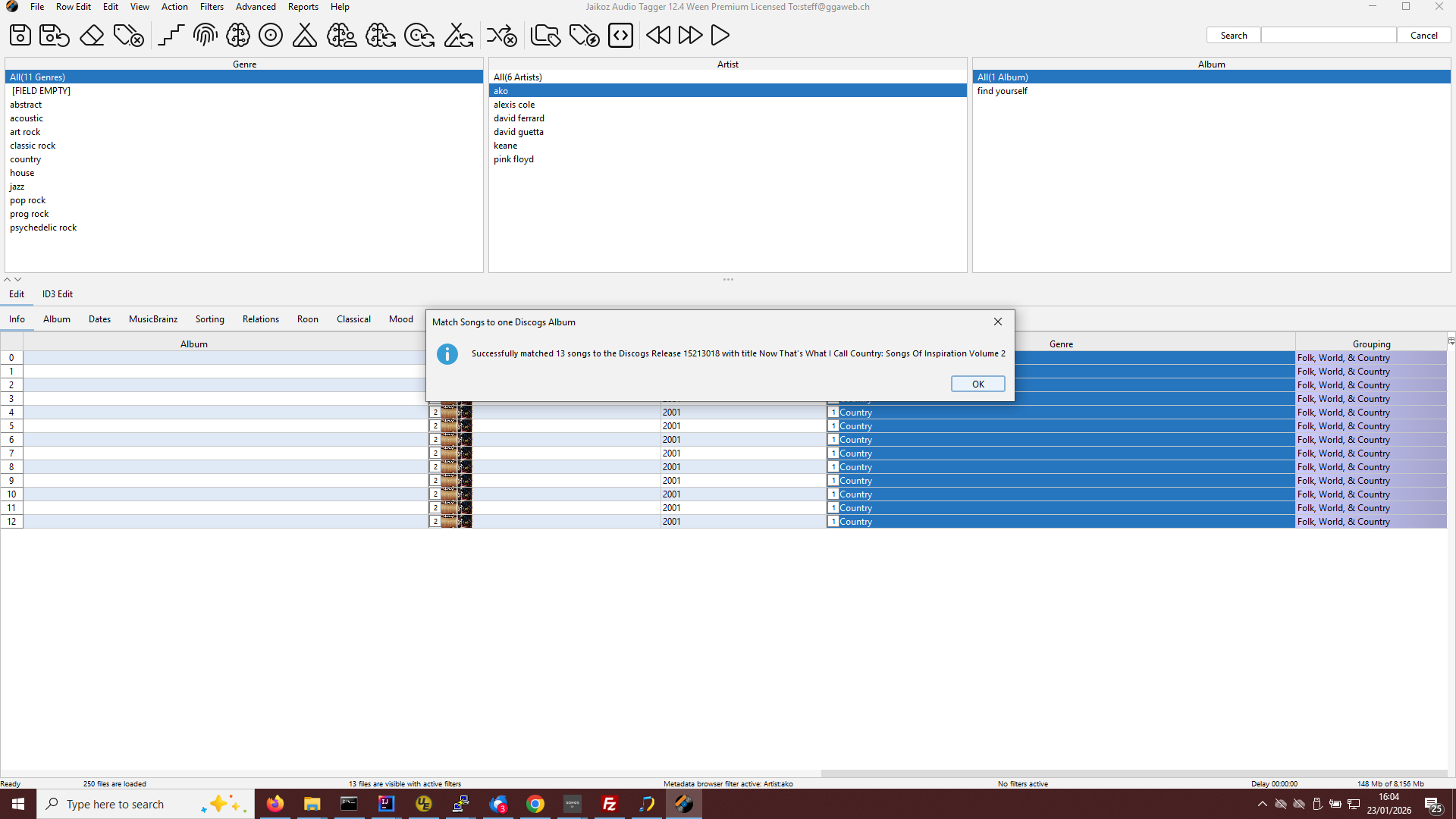
So the issue is simply that Genres/Styles are only added if they are in your Preferences:Correct Genres List
And I tried the others which mostly had genre of Pop and they all worked for me withoutr modification to settings required.
Didn’t realise I had to add both genre and style into correct genre! I’d only been adding style. Working now, thanks.
1 Like
hi Paul,
how often is the Discogs data updated or synchronized? The last Discogs update was on December 31, 2025, correct?
Yes correct. The database has to be recreated from scratch each time and takes about a week. So the plan is to update every two months.
hi Paul,
There are still quite a few Discogs entries missing from late 2025. When is the database scheduled to be updated?
regards
Bit behind because I thought I needed some Albunack code changes for this issue but I don’t - kicked it off now, takes about a week.
Sorry for delay there was some issues with latest Discogs dump that I haven’t had time to address, looking at it now.