After upgrading to the latest version and a premium subscription, I am not able to save the path of the base folder. This leads to that when I try to save my changes the system tries to update the changes on the original source (the CD).
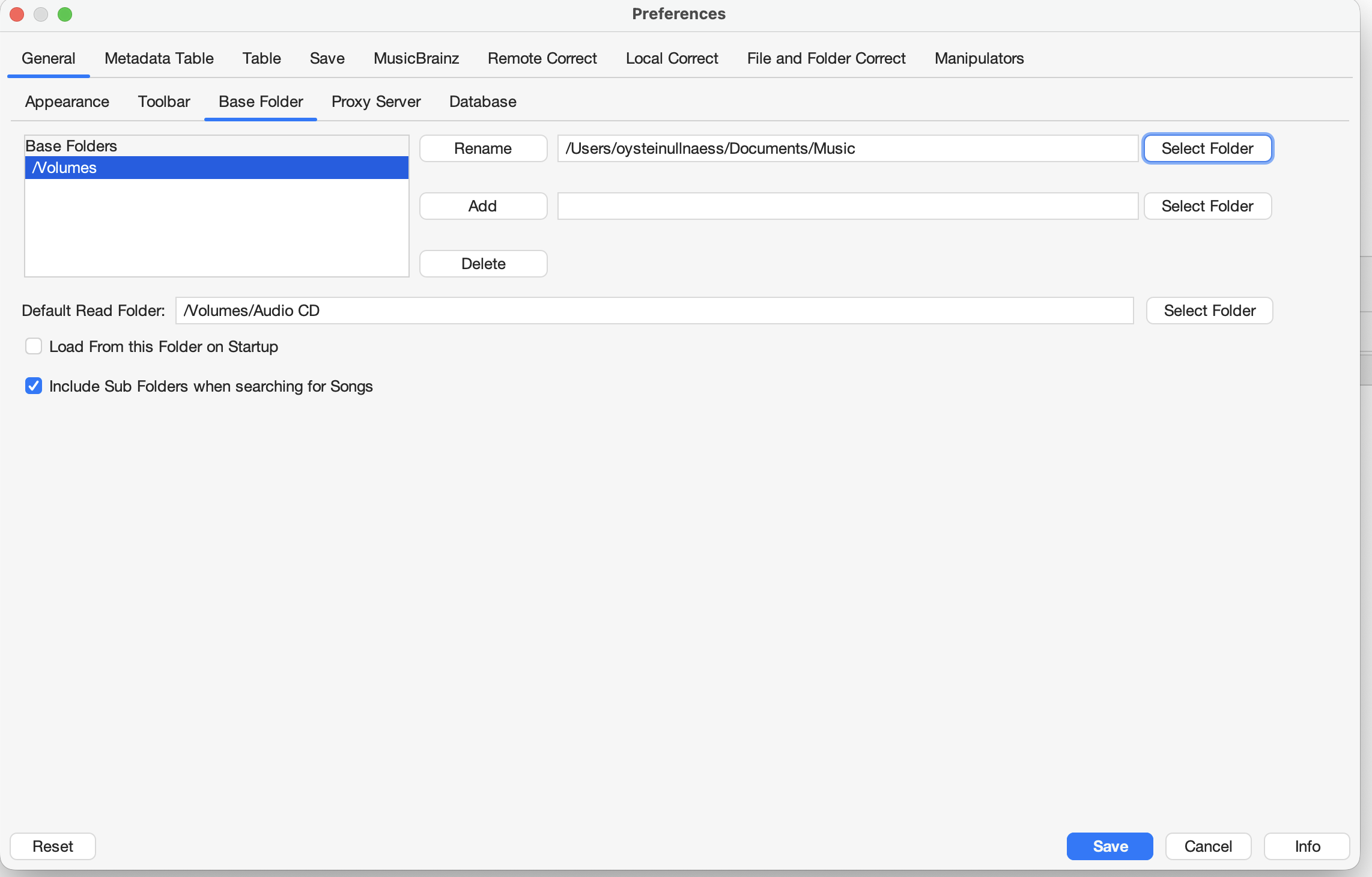

After upgrading to the latest version and a premium subscription, I am not able to save the path of the base folder. This leads to that when I try to save my changes the system tries to update the changes on the original source (the CD).
So you type a new value in besides the Rename button, and when you select Rename it does nothing - perhaps you could run Advanced:Create Support Files because works for me?
Regardless, this is not cause of issue, this is just a list of locations files have been uploaded from
What you need to do is use Action:File and Folder Correct:Change Base Folder to change the base folder for the selected files. But Im also a little confused when you say it trys to update the orginal source, how can you load files directly from the CD into Jaikoz?
Hi Paul, the problem with changing the folder was a user issue (since I did not know i had to press the “rename button). Works now. The problem with saving changes still leads to the"unabale to save some files” message.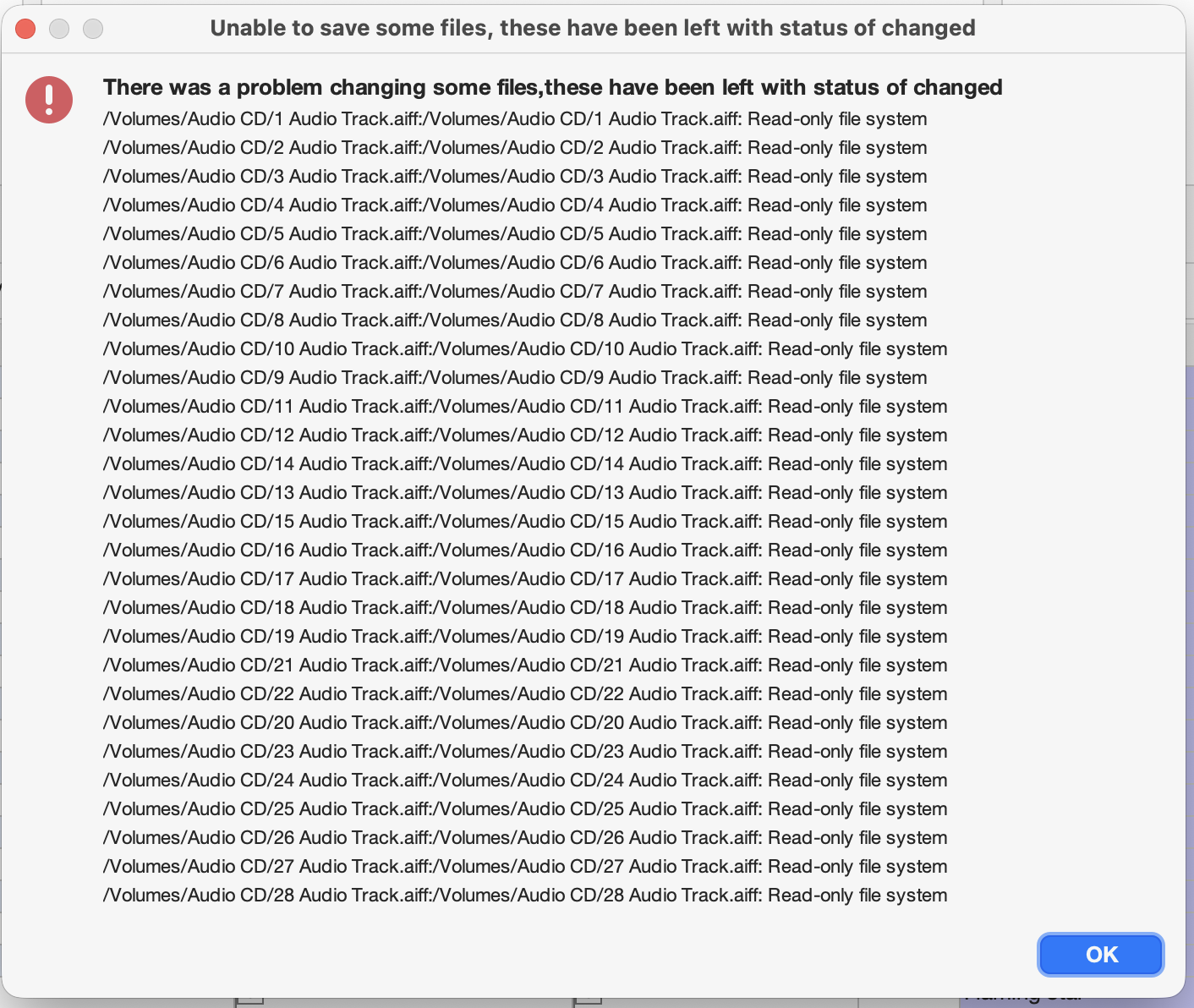
That’s because you need the change the base folder using the Change Base Folder action that I explained in previous post.