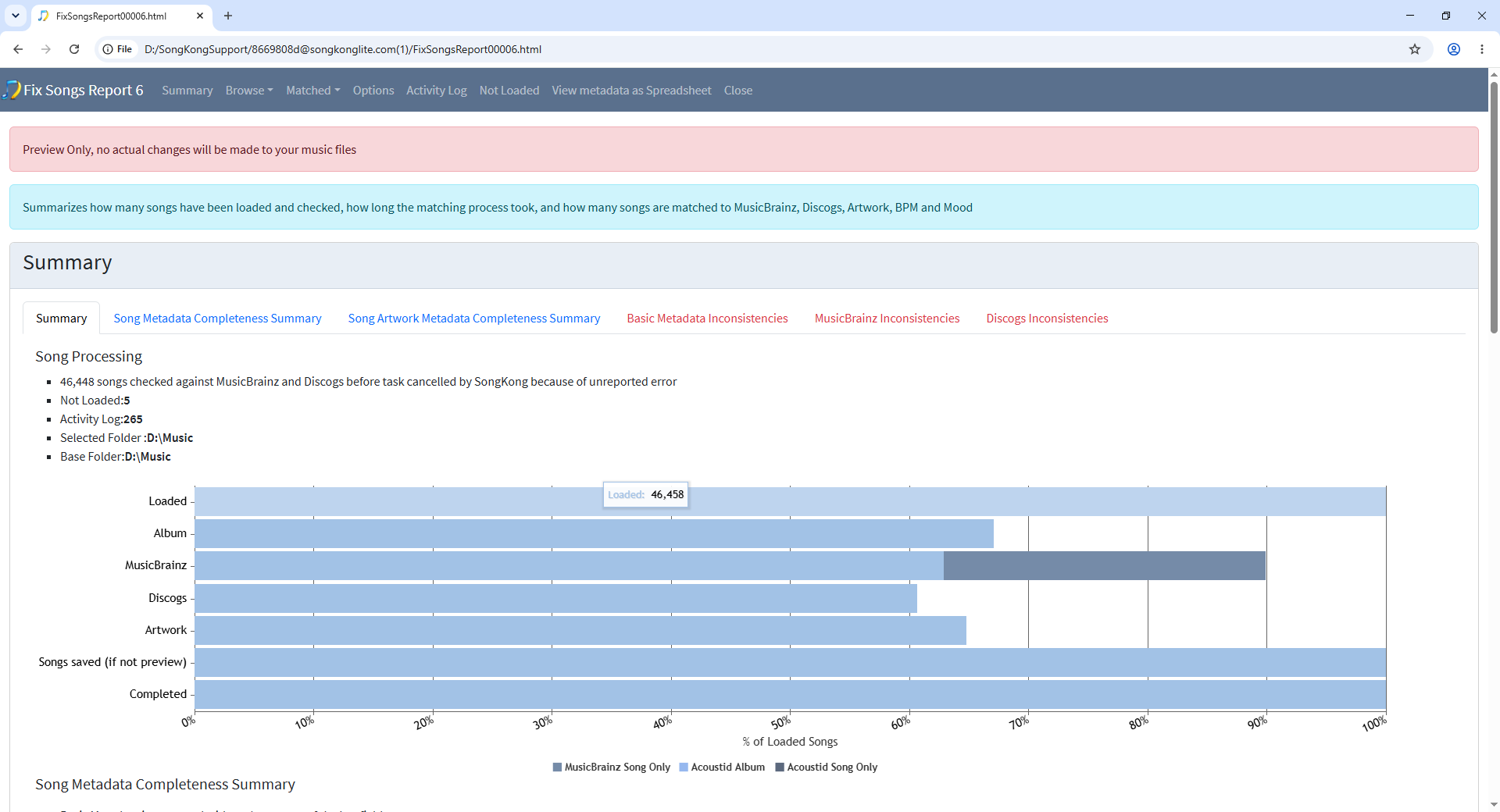
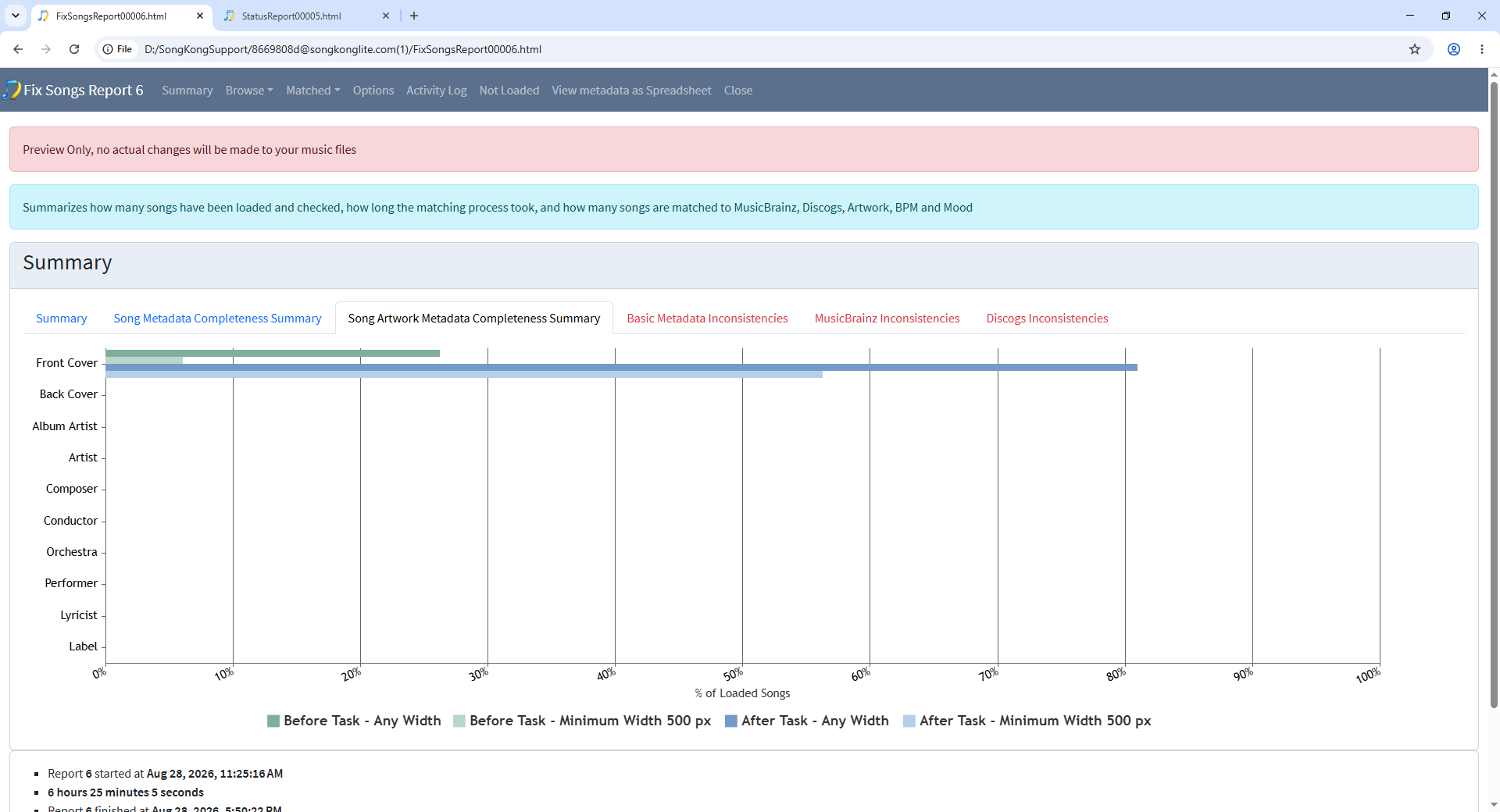
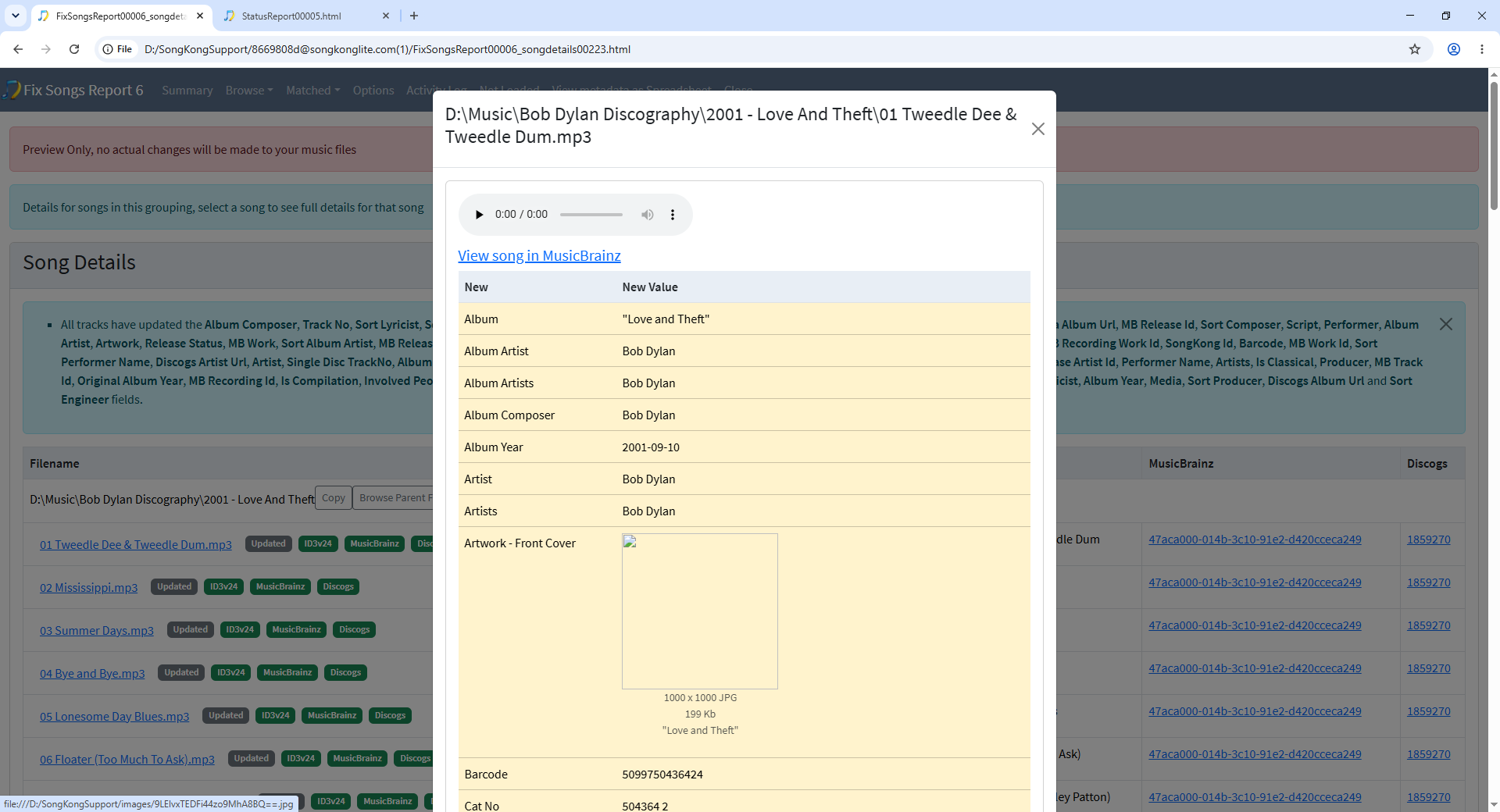
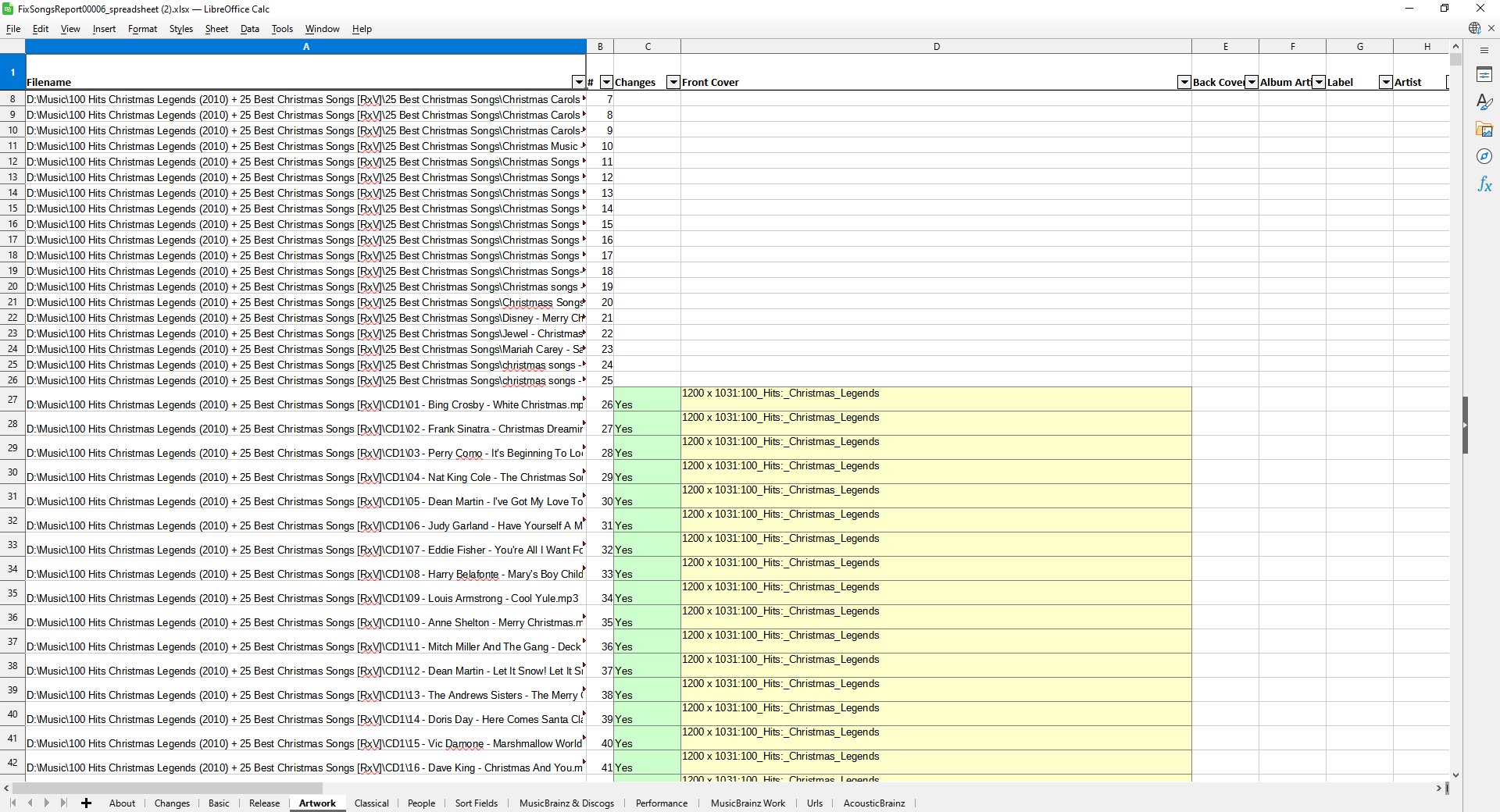
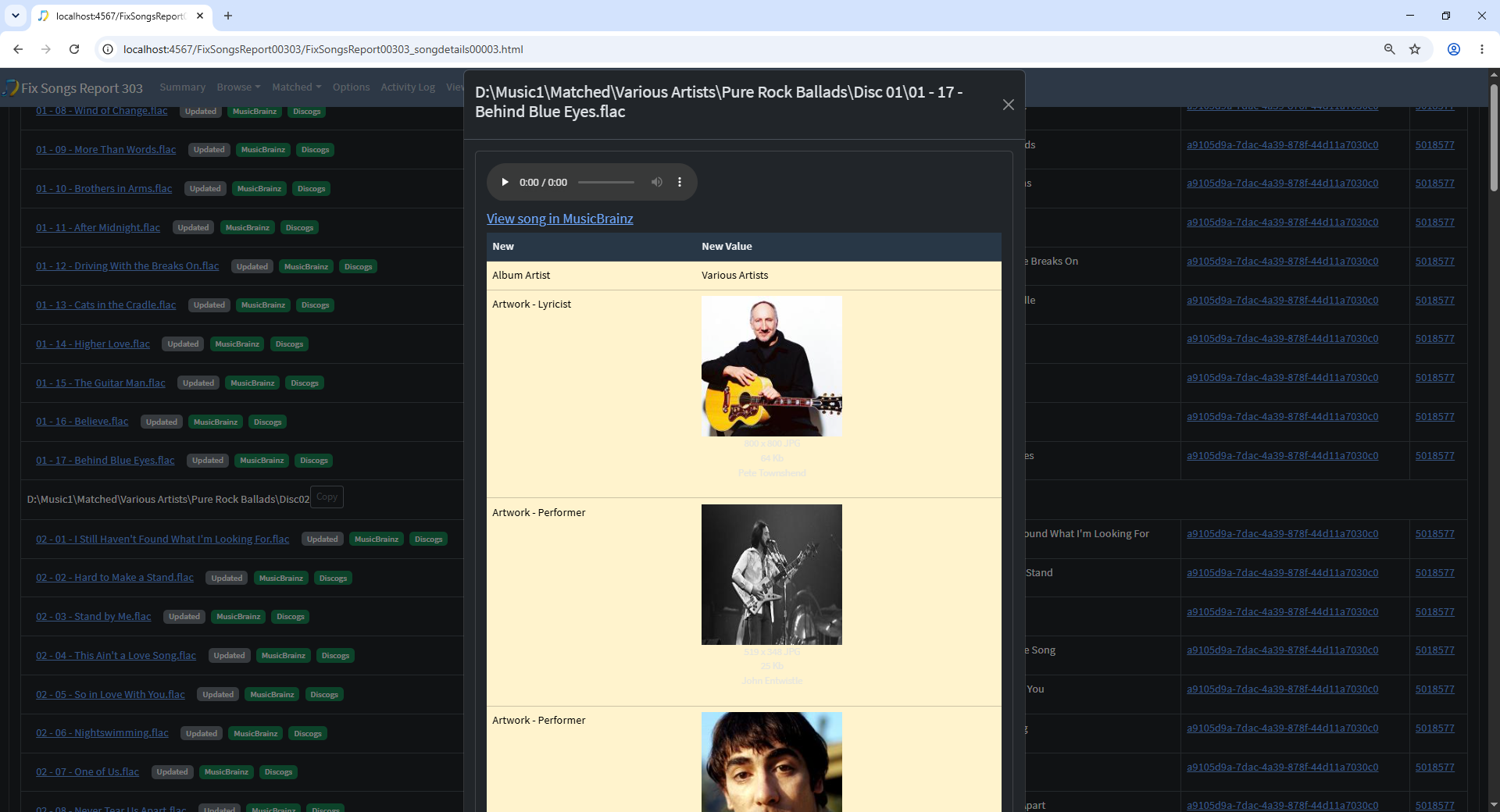
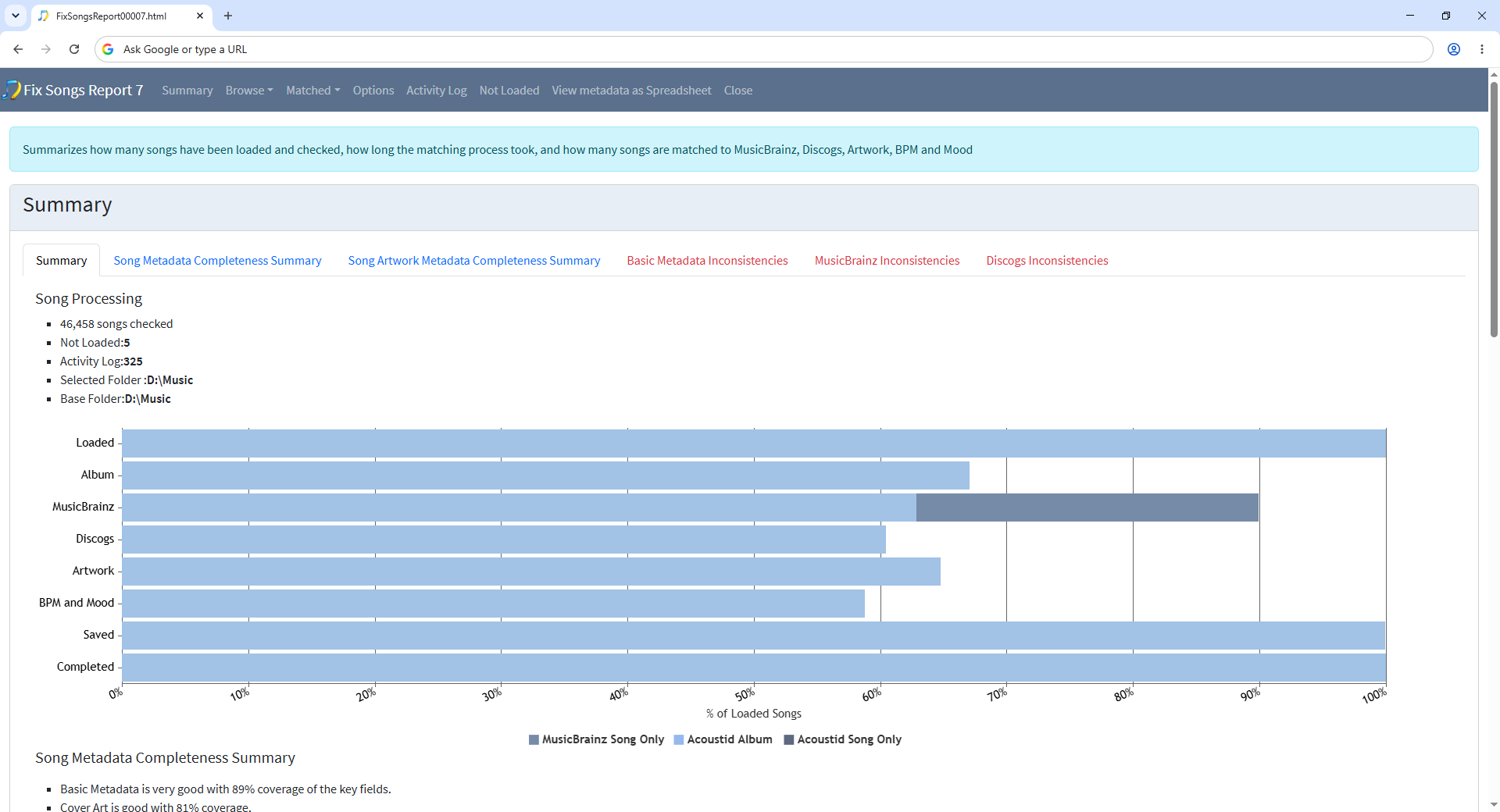
Hi, if you look at the summary for your Fix Songs task, we can see a big chunk of the MusicBrainz matches bar are dark blue rather than light blue, this indicates they are matched song only instead of matching the album. This is the core of the issue because cover art images are linked to an album, and if the songs have not been matched to an album we dont get coverart.
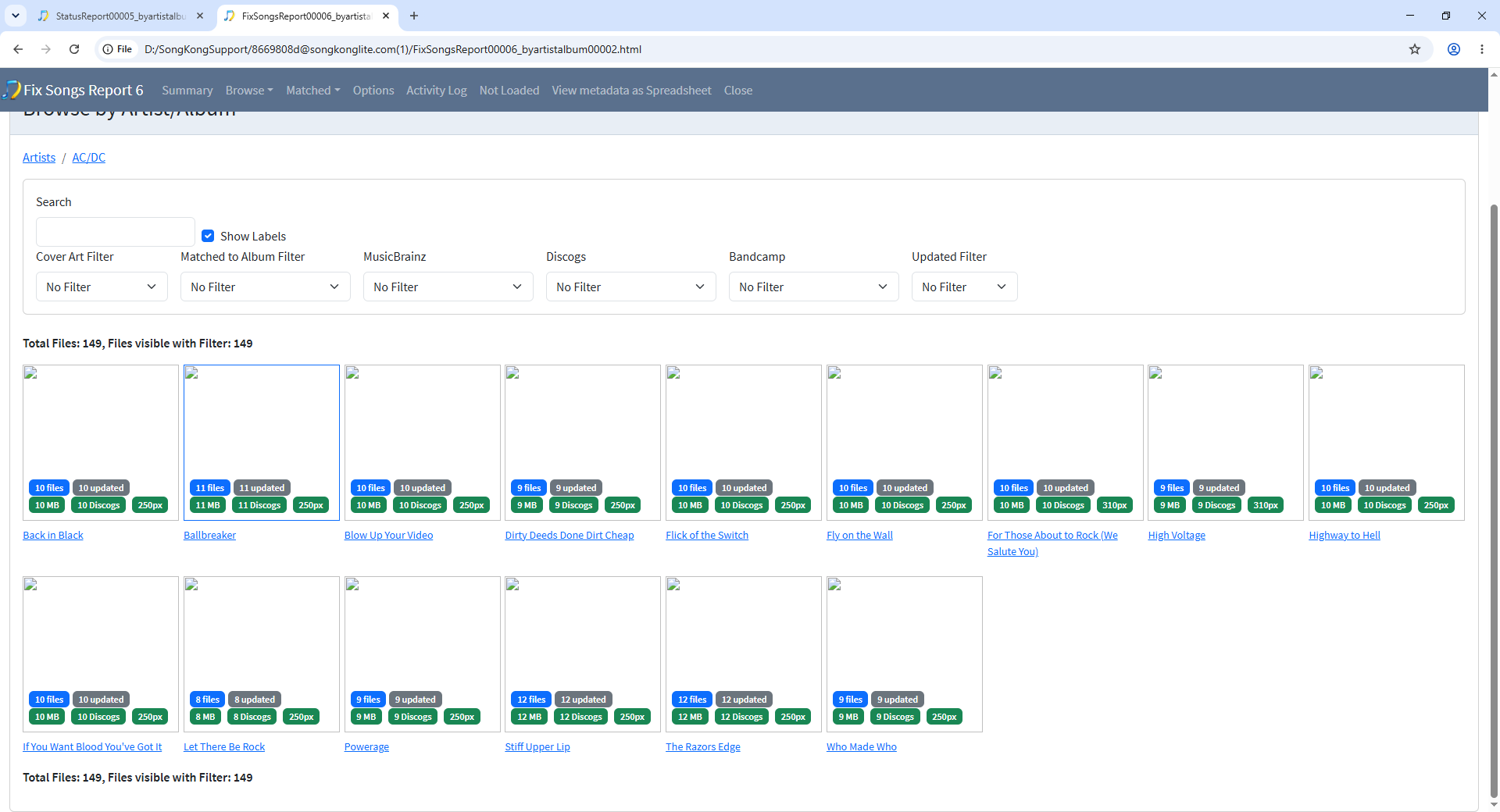
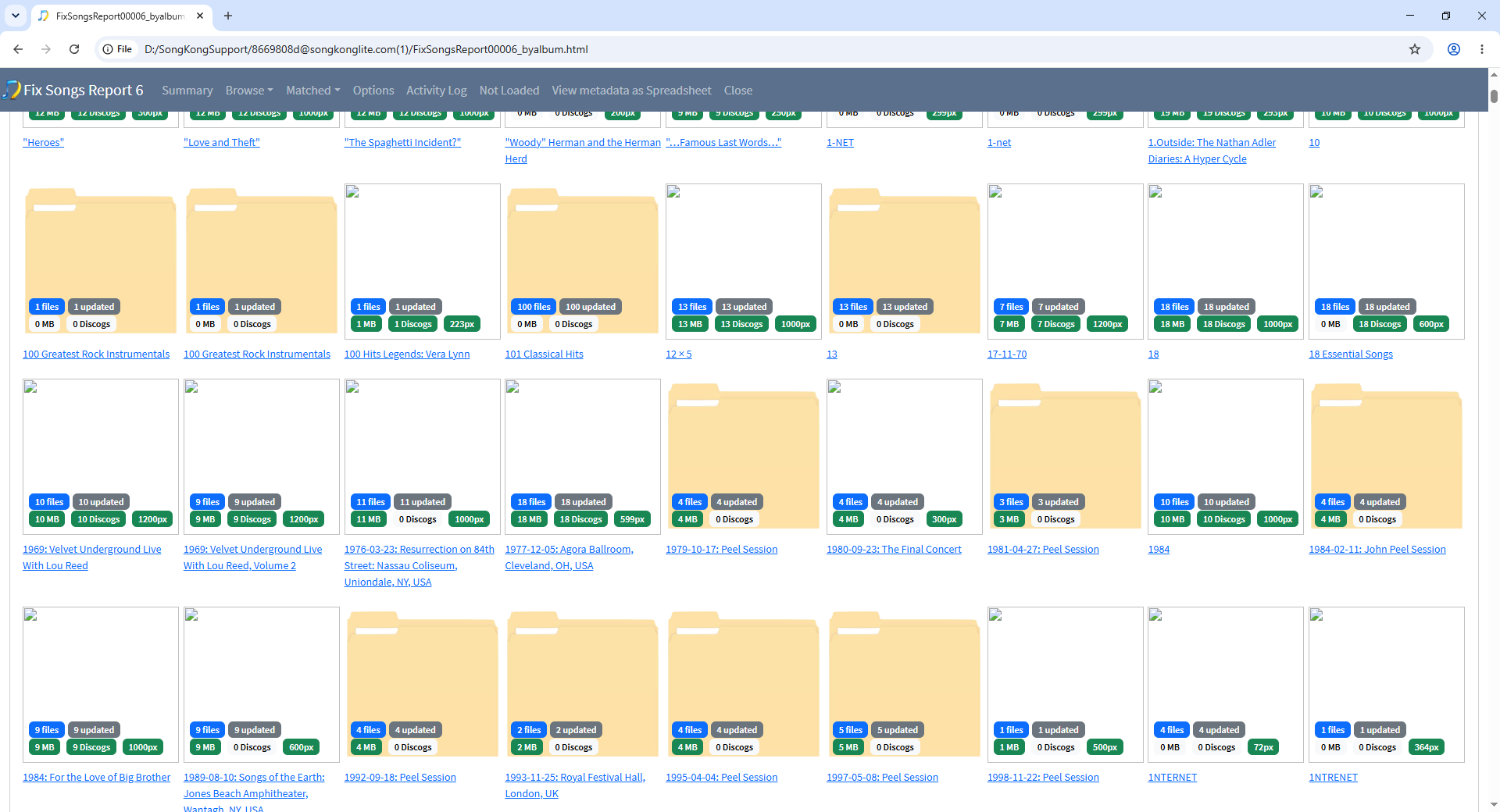
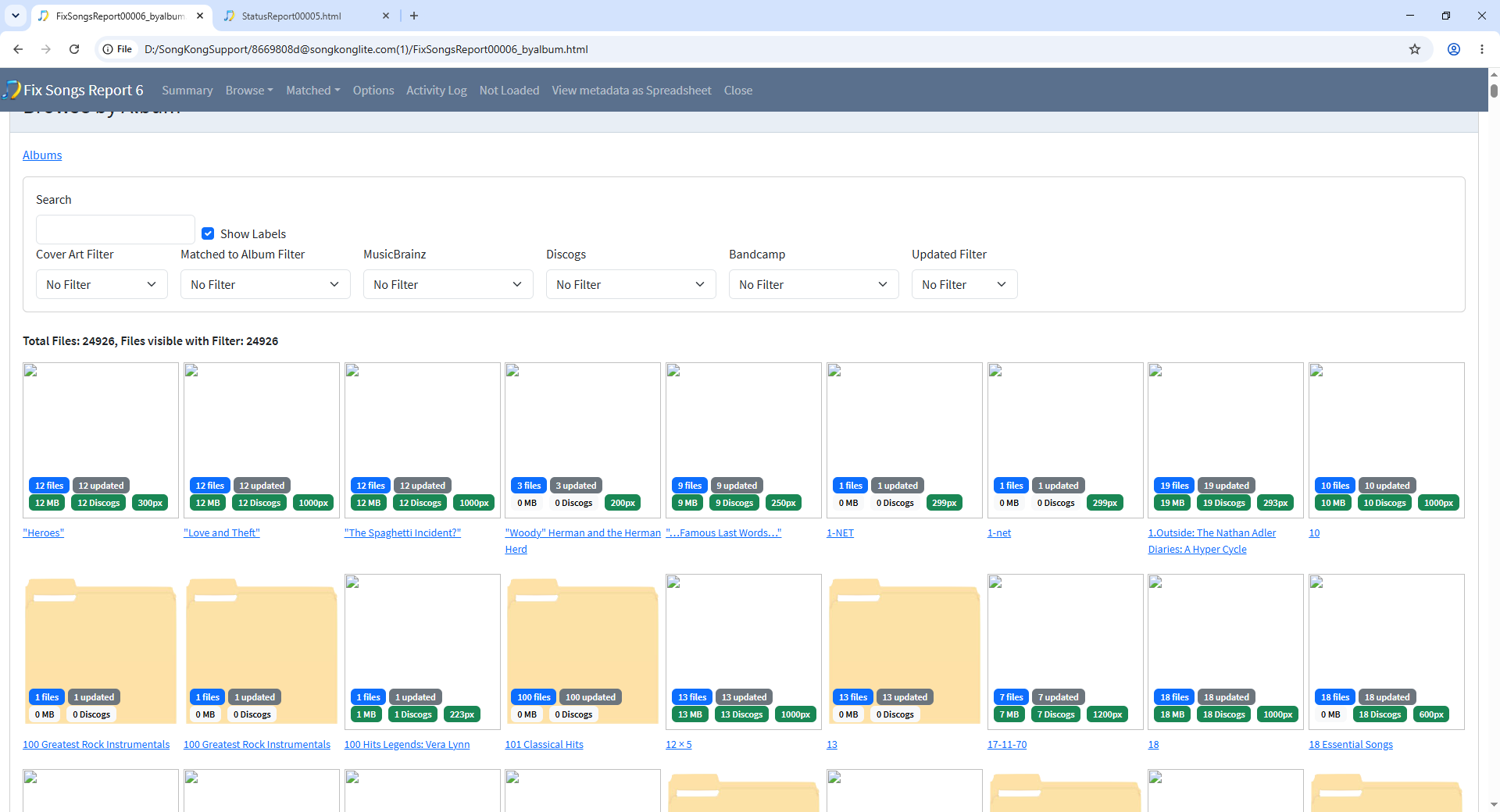
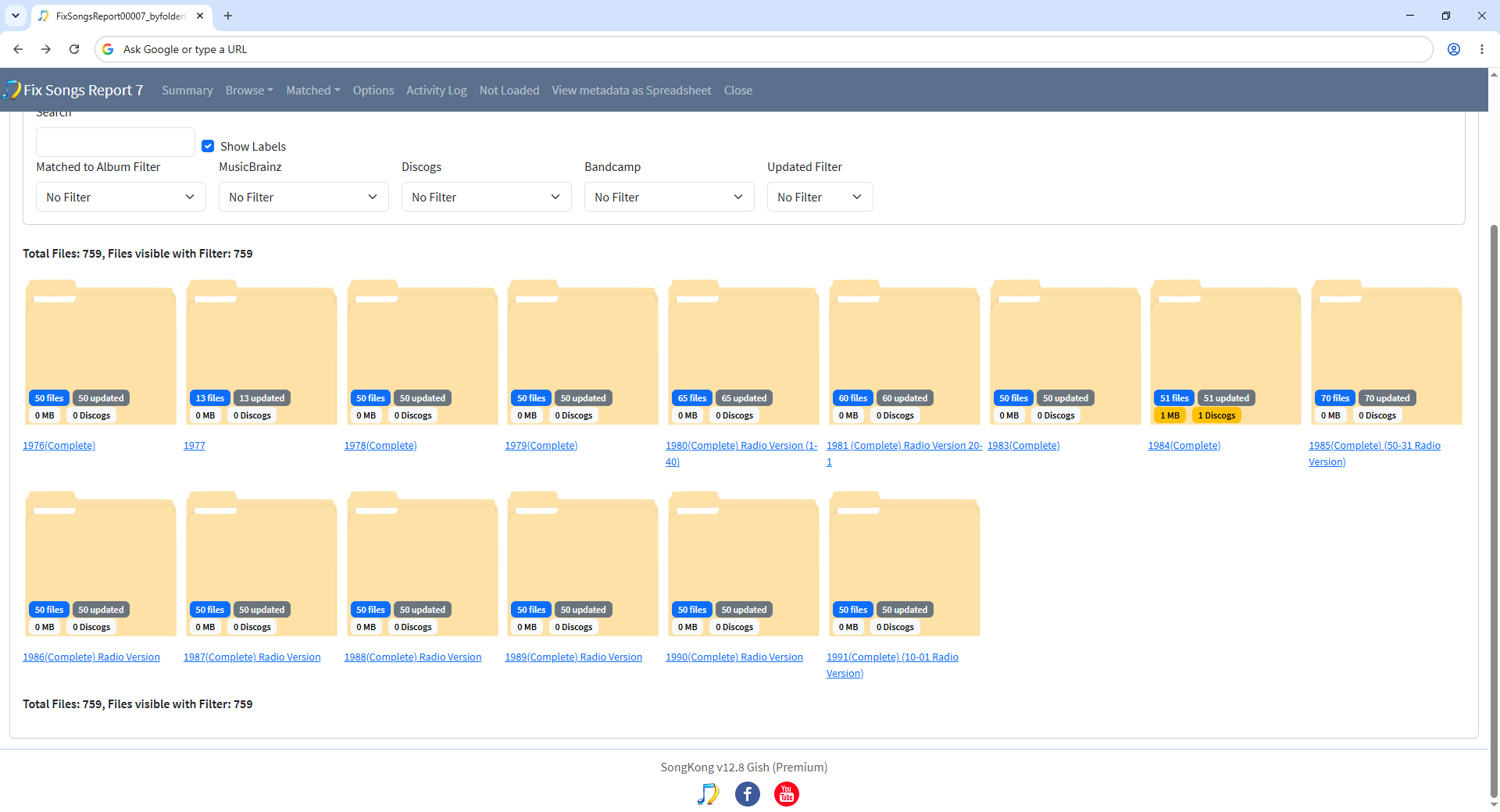
The reason you have quite a high proportion of song only matches is because only some of your songs are grouped into album folders, a sizeable minority are grouped into playlist folders such as the John Peel Festive Fifty folders. These are DJ Curated collections but they were not released as an album, therefore when you browse by folder and look at the MB Release and Discogs release counts they are zero
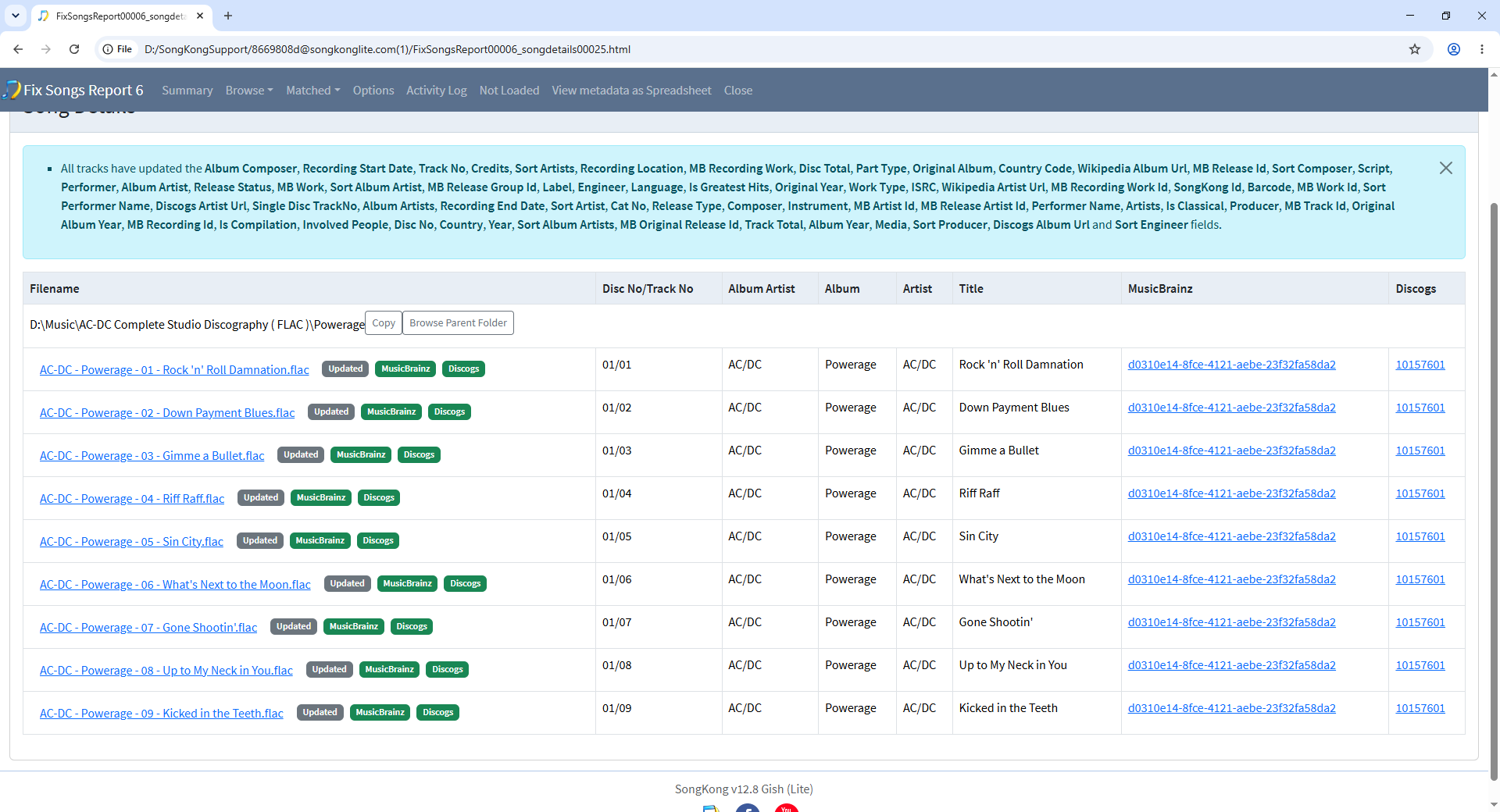
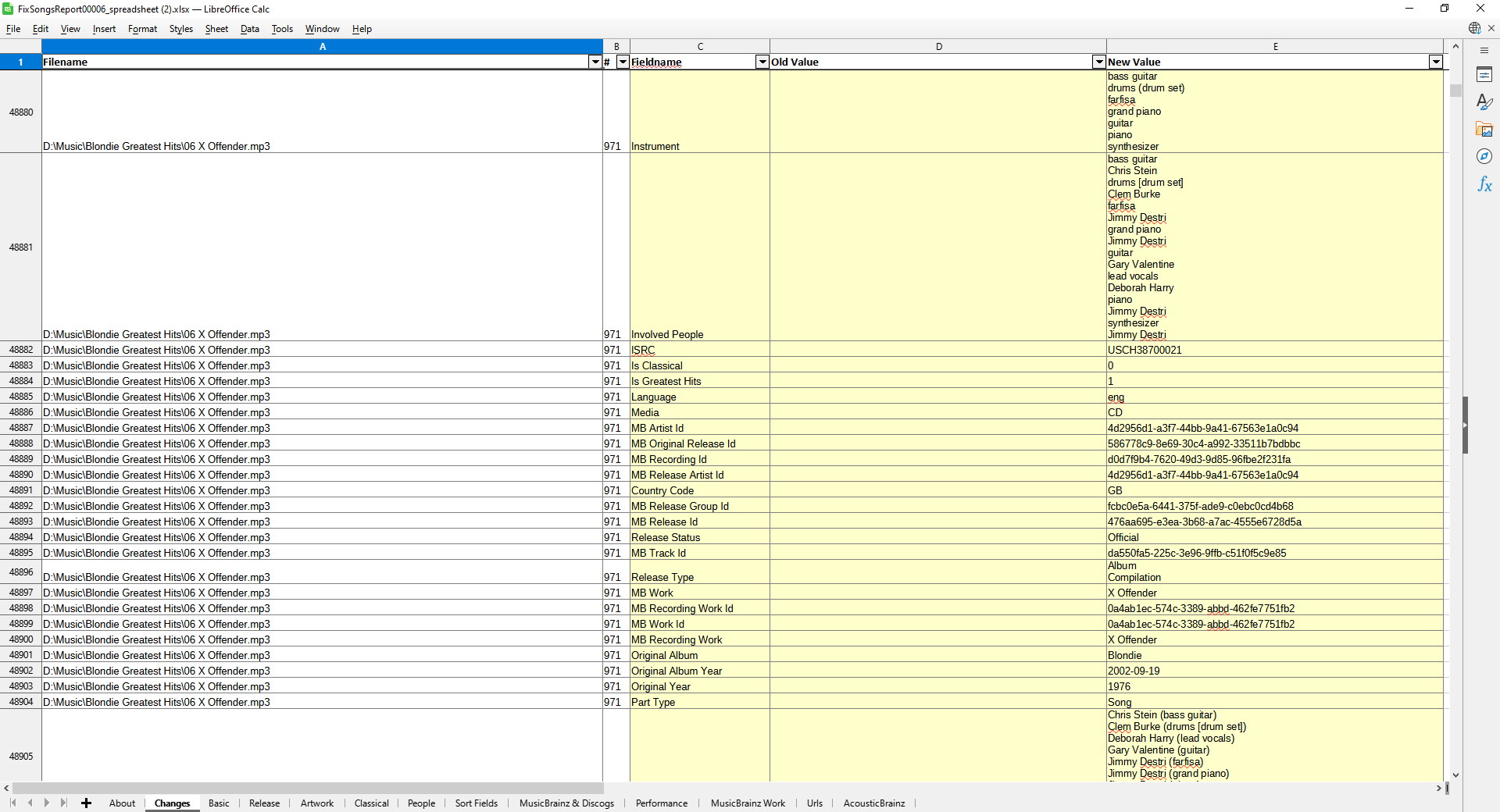
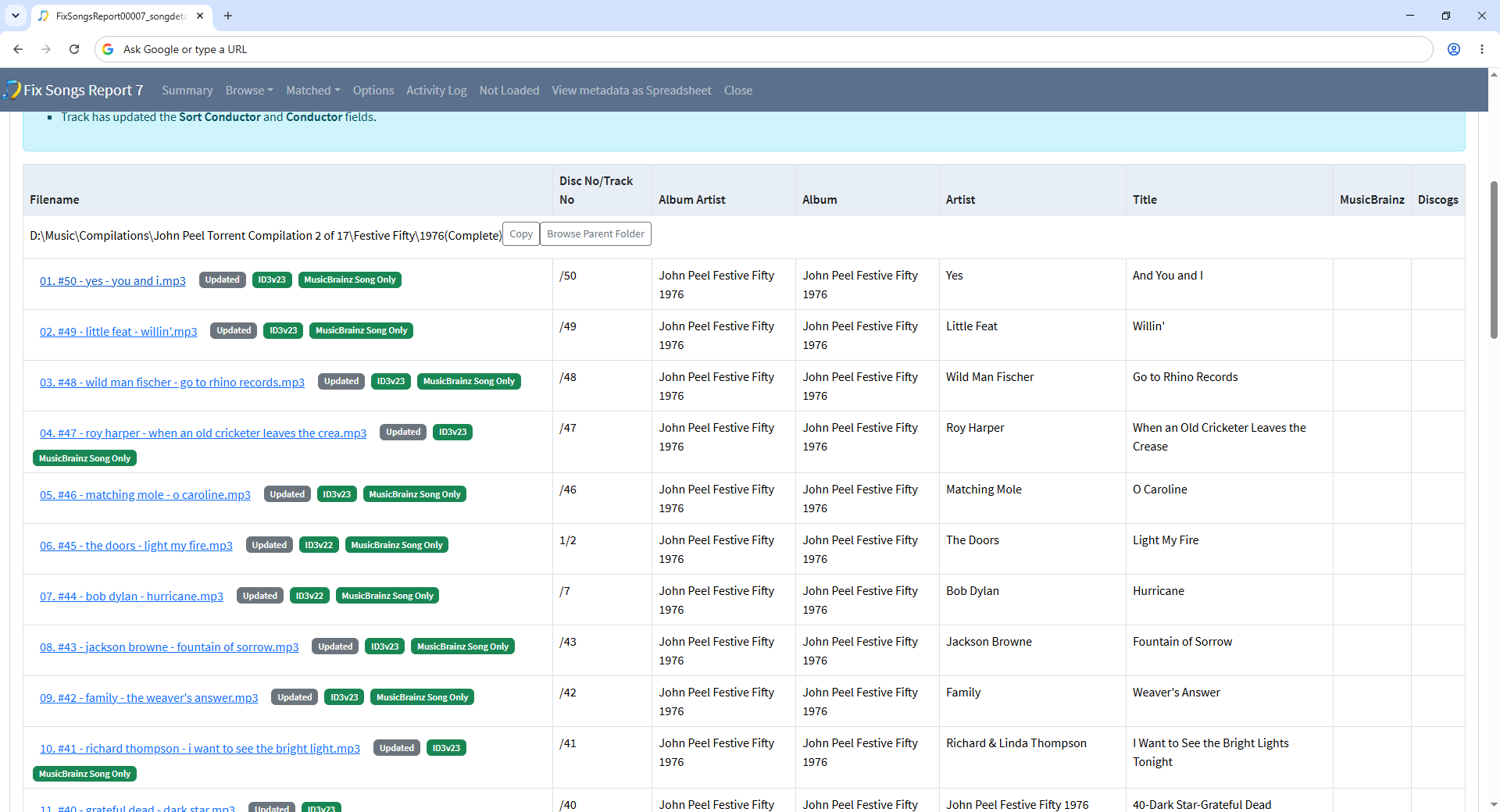
and if you click on a particular folder you see most songs are matched but MusicBrainz Song Only
So, what is the solution
If they were custom playlists i.e a list of songs that you like then I would say they really should be organised into music album folders and then just use playlists to create the list. But since these are well know professional curated lists/collections I can see the argument for keeping these organised as if they are actual albums even though they are not.
What you could try is just
- Select the the D:\Music\Compilations\John Peel Torrent Compilations 2 folder
- Select Fix Songs task
- Select the Add Artwork Only profile
- Select Clone and enter name such as Art Artwork Only - Playlists and then OK
- Select Start to select this new profile
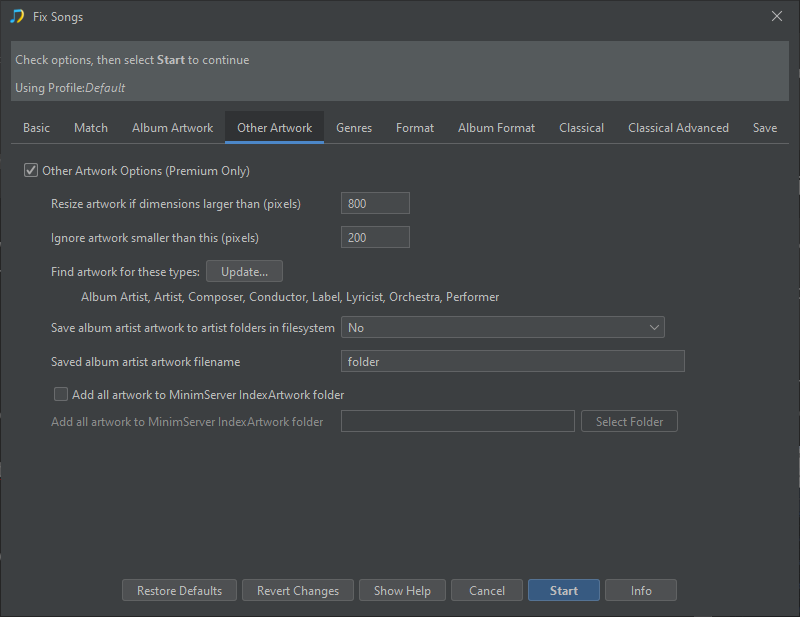
- Uncheck on the Basic tab Only allow match if all songs in grouping match to one album option
- Select Start
This will allow SongKong to match songs in the same folder to different albums, and get the artwork for that album. But because using the Add Artwork Only profile fields such as Album will not be changed to actual album the song was found on, instead they keep their psuedo album name e.g John Peel Festive Fifty 1976, if that is what you want?
But you should only uncheck the Only allow match if all songs in grouping match to one album option on playlists not use it as the default because it allows real albums to get broken up if SongKong can match some of the songs but not all to the same album
For artwork missing from regular albums it is worth re-running the regular Fix Songs task because it can sometimes find more matches using the information added in the first run. Otherwise Match to One Album can be used one album at time to find matches that maybe Fix Songs found but not with sufficient confidence to apply them automatically, also the the Manual Edit section provides an option to add artwork from a google image search.