Okay so there are two distinct functions:
-
Fix Songs task to fix your metadata (but does not rename files)
-
Rename Files task to rename files based on metadata
Fix Songs
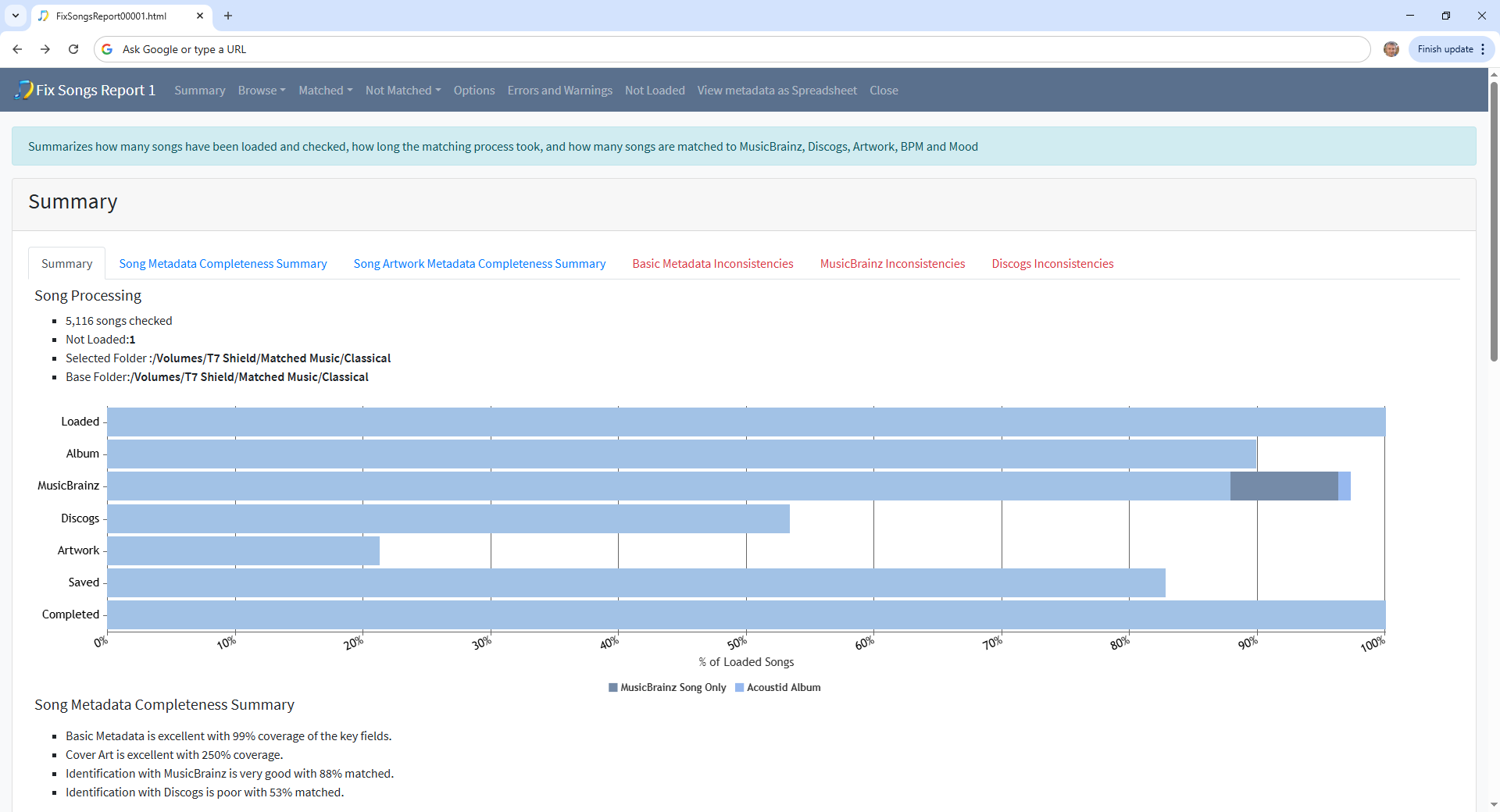
So you have already ran Fix Songs , and the good news is that most of your songs are now correctly matched. Now it might be a good idea to look at the Inconsistencies tab and deal with the ones not matched, but this is just a small subset of your collection so not a key issue
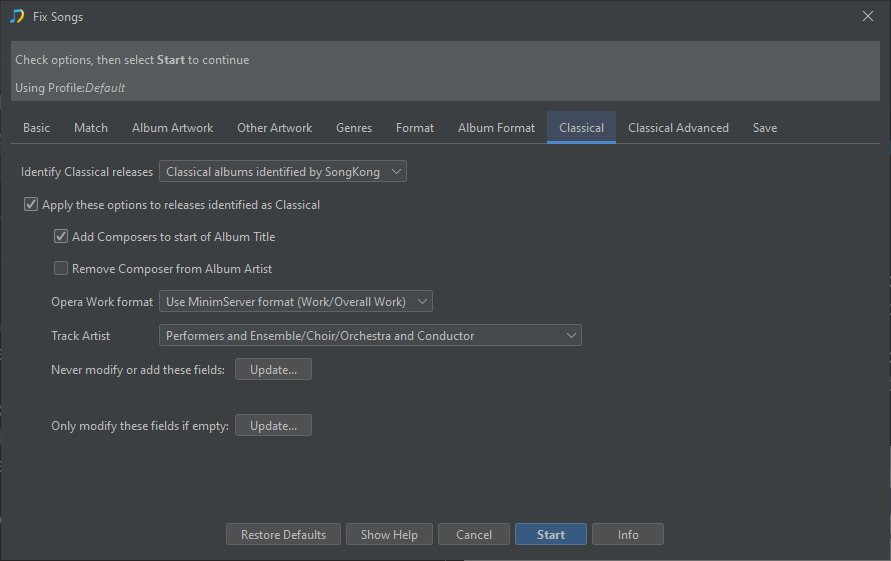
Your ChatGbt output was referring to the Fix Songs task not the Rename Files task, some of the options listed are on the Classical tab, others do not actually exist in SongKong.
Rename Files
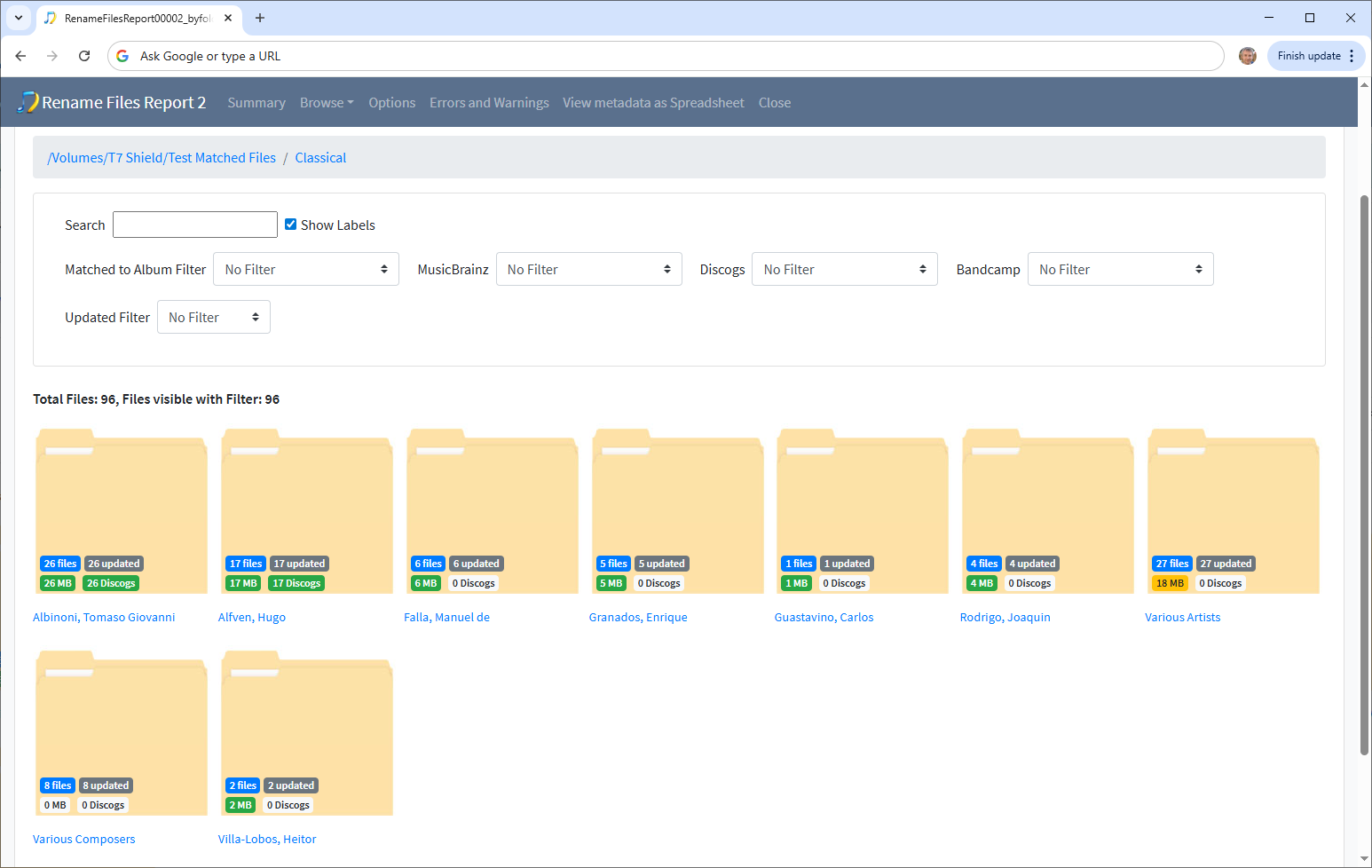
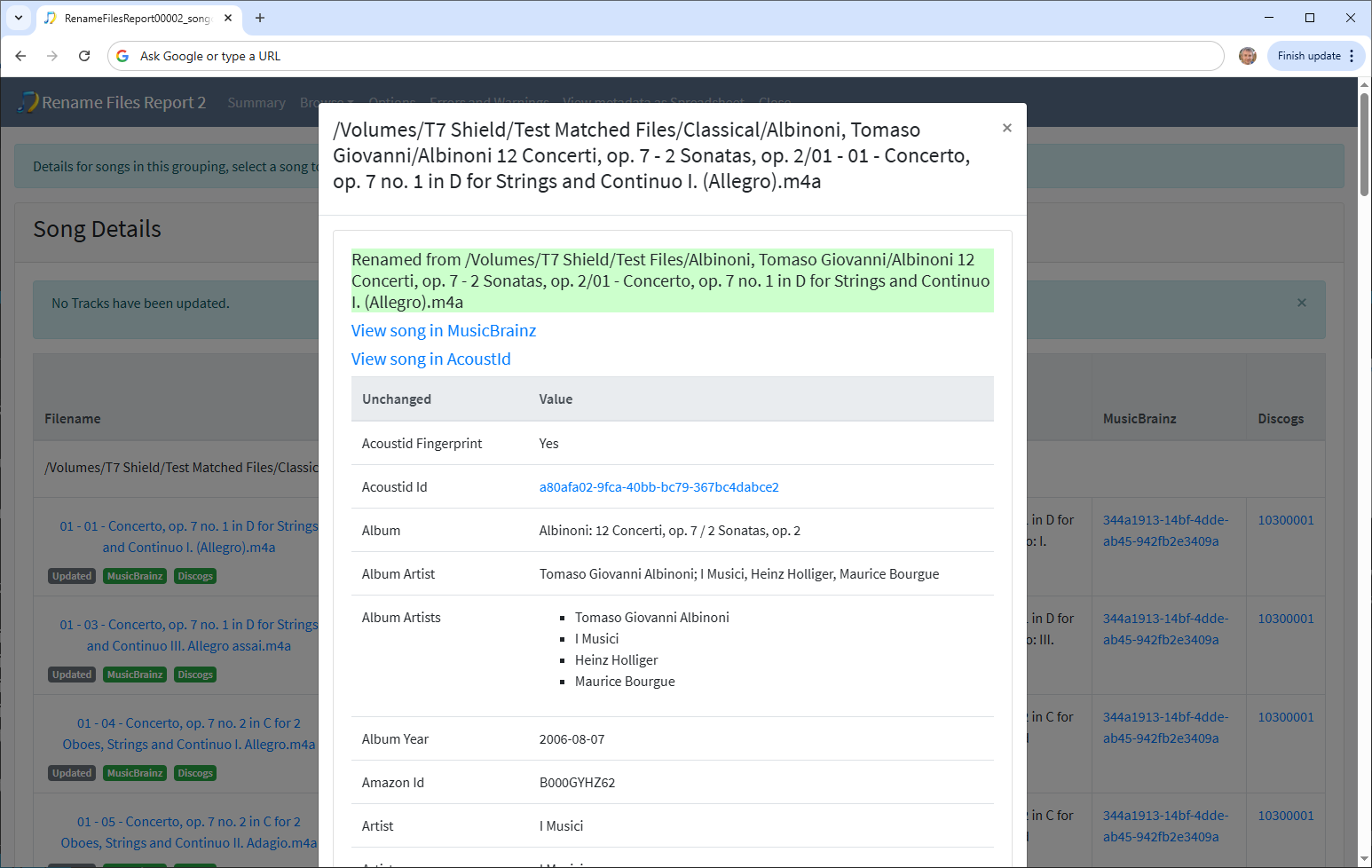
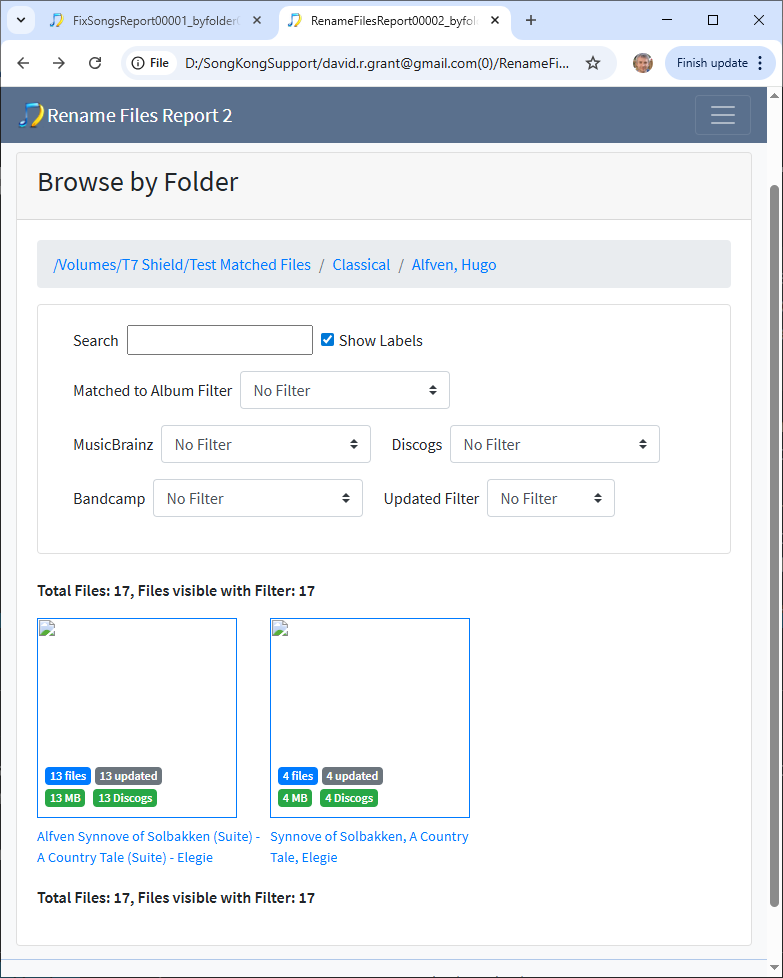
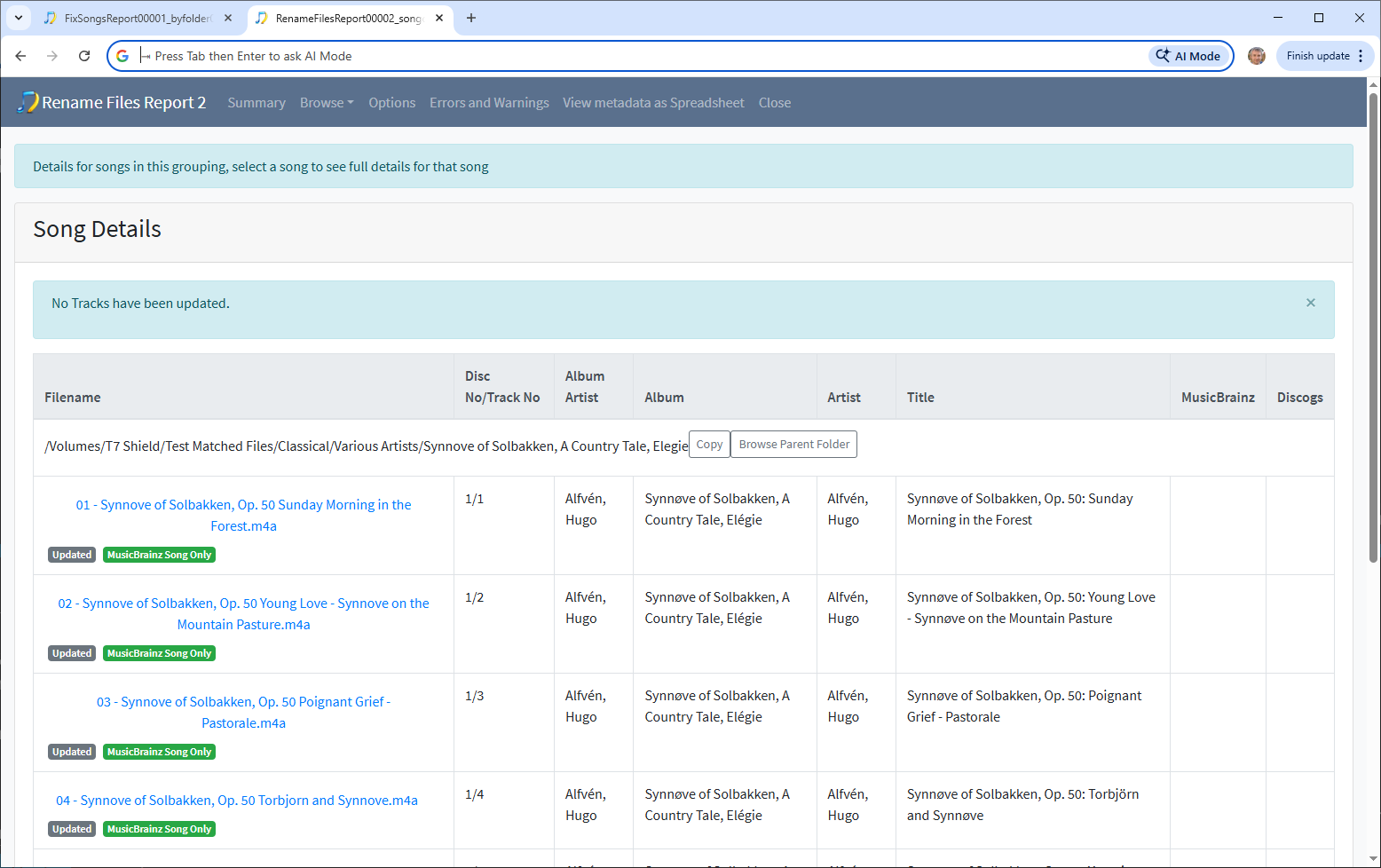
You have also run Rename Files task on a subset of files
And you are using the following mask DRG Rename Mask but I cant see what it is because it looks like you replaced with DRG Rename Mask -2 and this one doesnt include composer
ifnotempty(genre, '/') +
ifnotempty(album, '/') +
ifmultidisc(ifnotempty(pad(discno, 2), ' - ')) +
ifnotempty(pad(trackno, 2), ' - ') +
title
but your results seemed to
Going back to what you want
Then, I want classical music to be sorted by composer or allocated to a separate folder for multiple composers. I want other genres be sorted by album artist or allocated to Various Artists if there is more than one. For proper names, I prefer last name, first name usage. My problem is keeping album tracks together
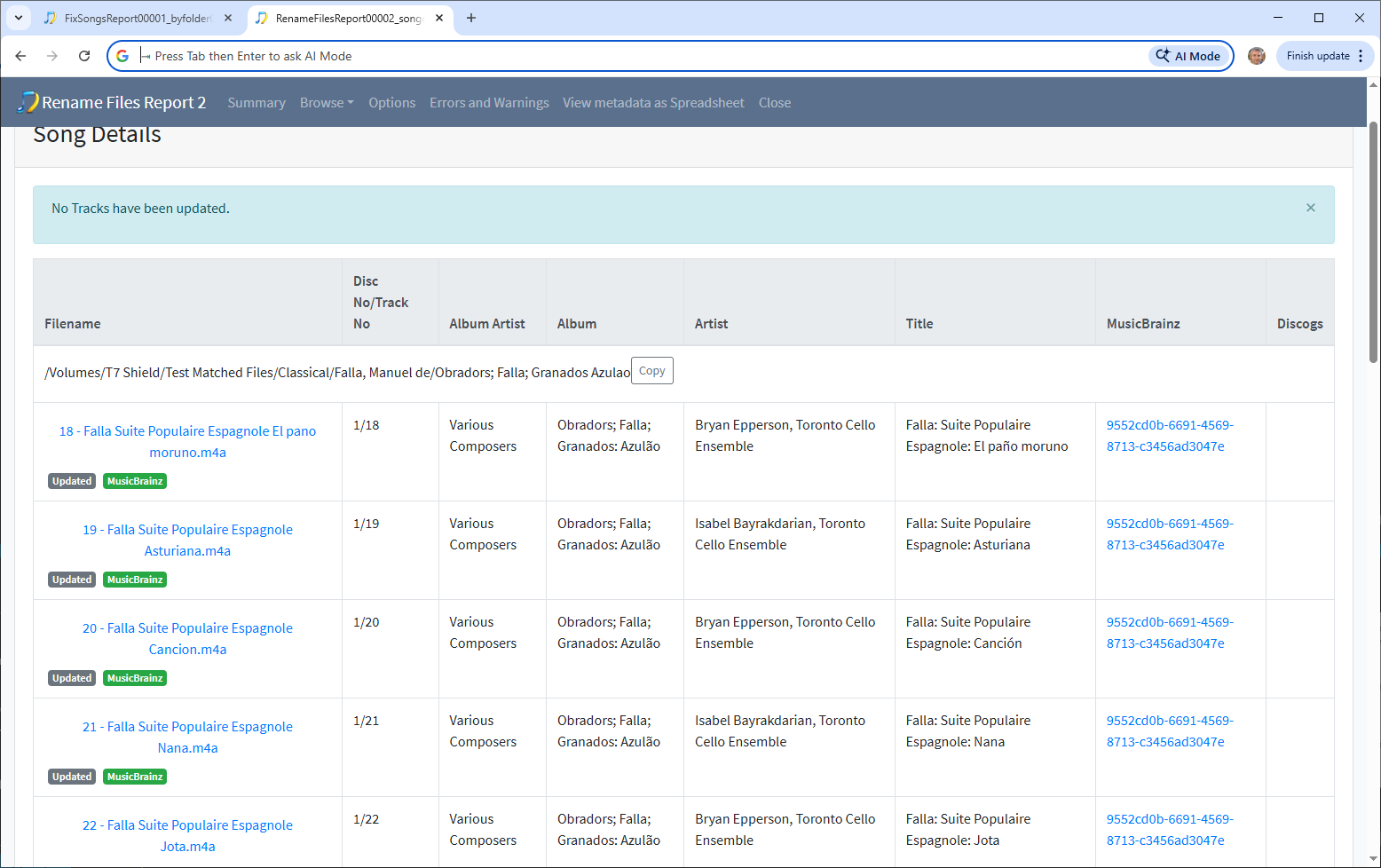
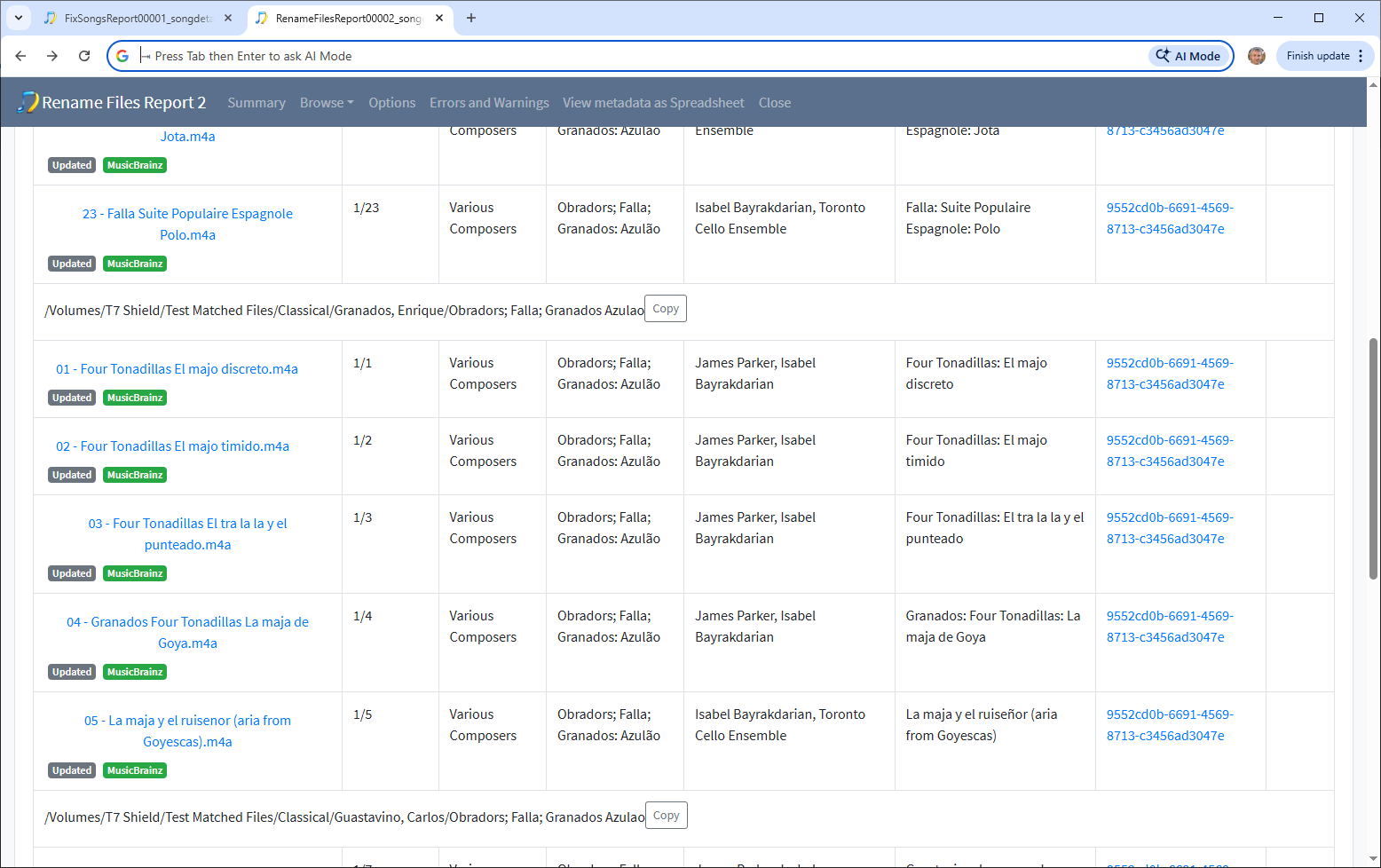
Now for classical the issue is that if you use the Composer field in the rename mask and your album contains tracks by different composers then your album will get split. And when renaming a file we cannot see what other files in the same album have as composer so we cannot take action to do something else if we have an album with different track composers. But I do have a plan for a solution for this to add an Album Composer field that contains all the composers for the tracks on the album so is consistent value for every album. In the meantime it may be better to just use Album Artist for now.
For other genres you could use albumartists_index[0} to just use the first album artist, I think this might be better than dumping collaborations into Various Artists folder. To use lastname, firstname you can make use of the albumartistssort_index[0} instead.
I can sketch out a rename mask for you, but I dont have a current solution for Classical albums for albums with different composers if you want to group by composer, if you can describe exactly what you want I can have a go.
 Identify Classical Music