I see the whole layout has changed since I last visited which is frustrating as being a very occasional user I am baffled in how to get going.
I have been sent some music and I want to simply add a little metadata. But this is not a commercially available album so there is no chance of it matching anything in the online services. How do I simply load it so I see a screen to manually edit the metadata.
I do wish this the UI was more user friendly!
Thanks
Occasional User
Hi, there is no fundamental difference to the way SongKong works just fixes, improvements and new features, since you have a Melco/Dela license I will show how to do this with Web UI, but it is the same approach with Desktop.
- Select the album folder from the tree
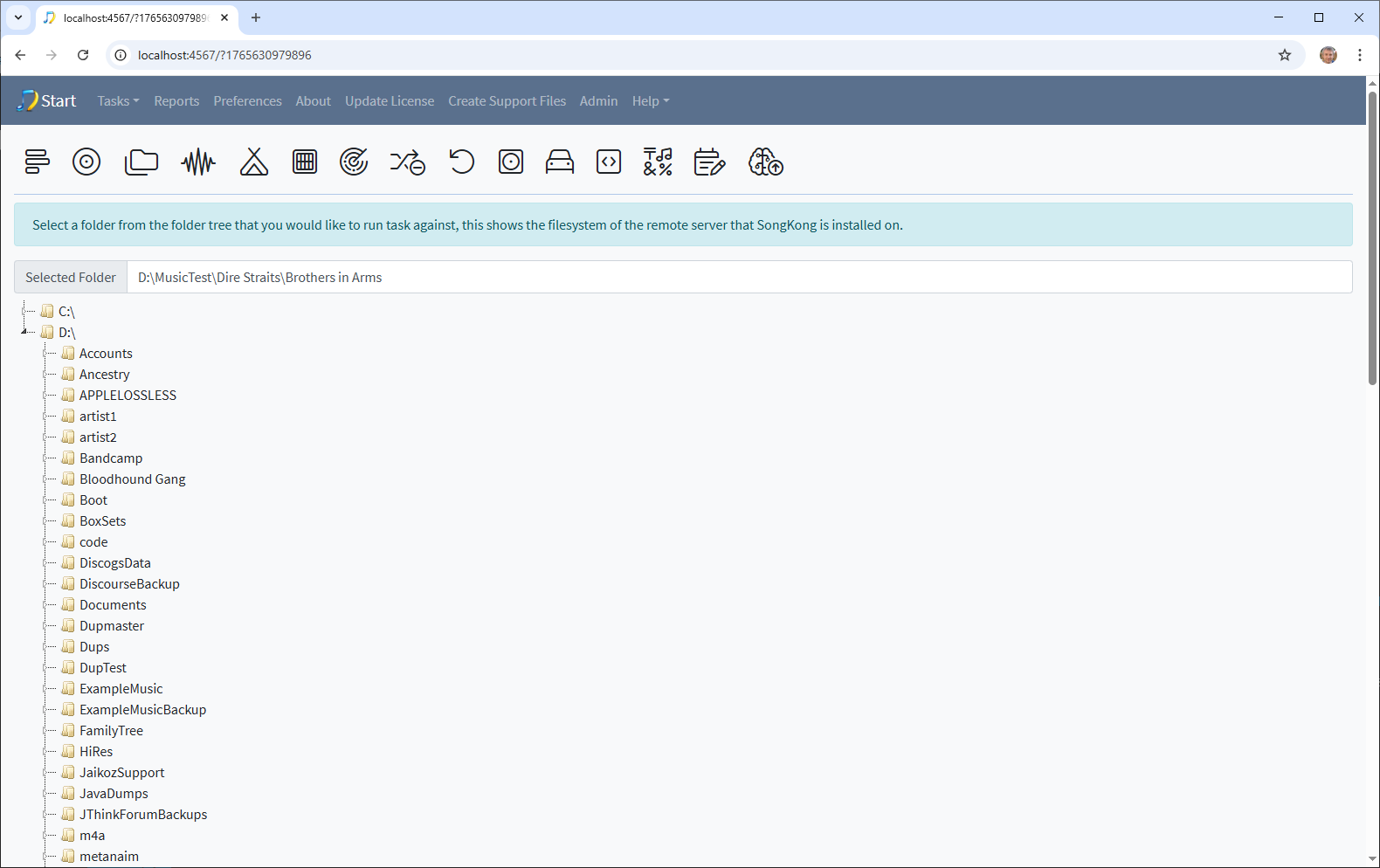
- Select Manual Edit either from the Task menu or by using the icon
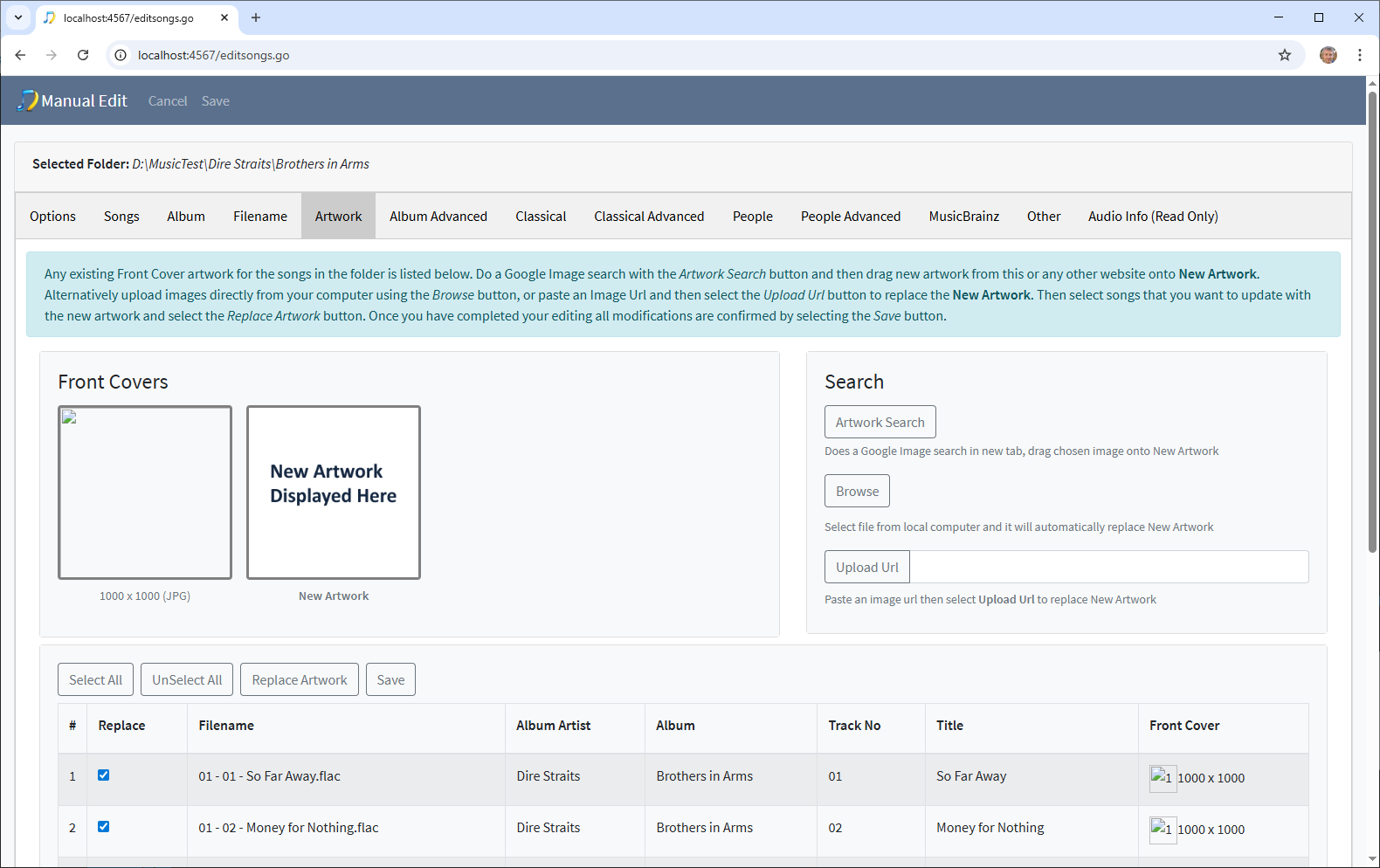
- Now you can switch between tabs to edit the metadata, the basic metadata is on the Songs tab
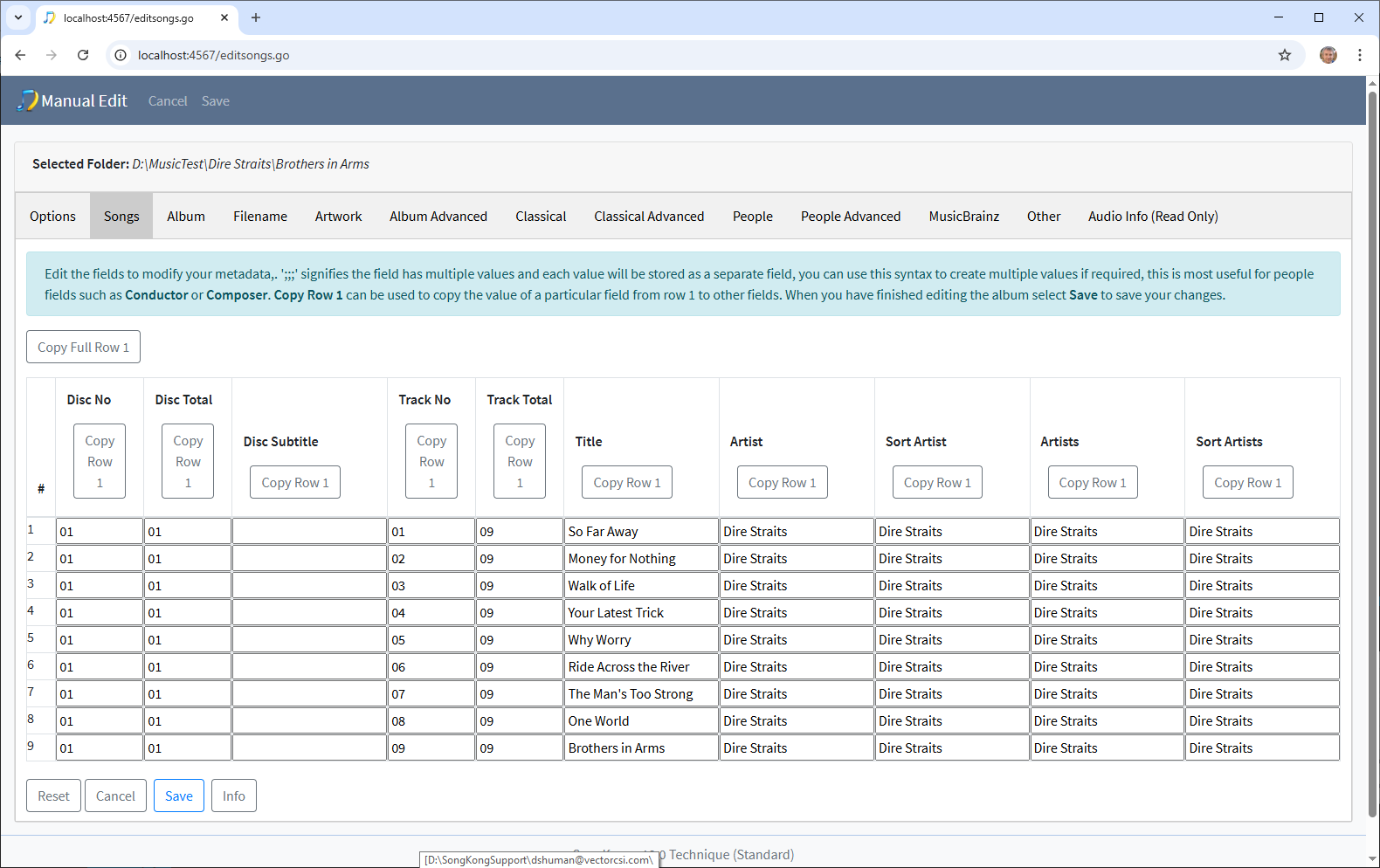
- Make your changes and select Save
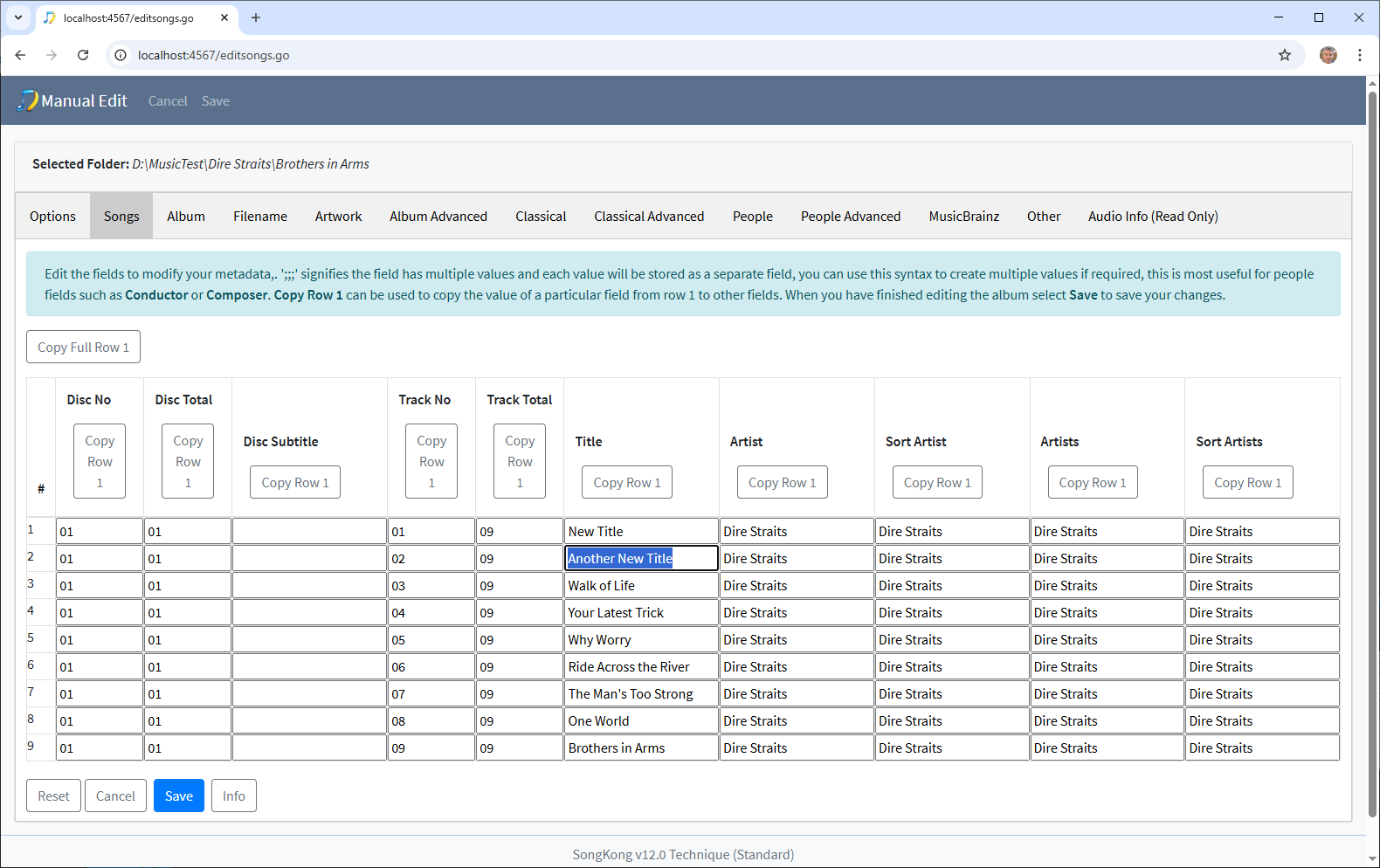
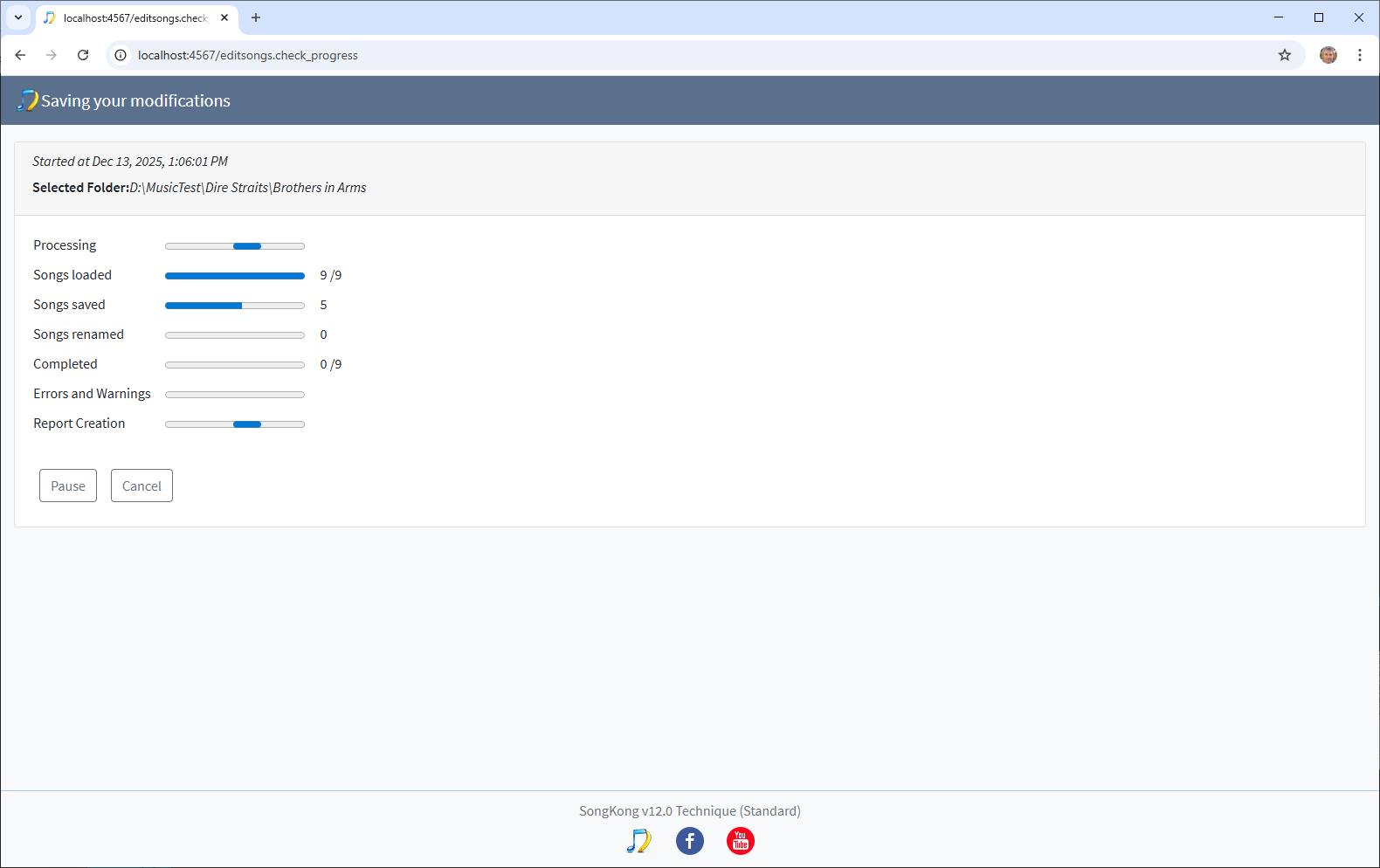
- Changes are Saved
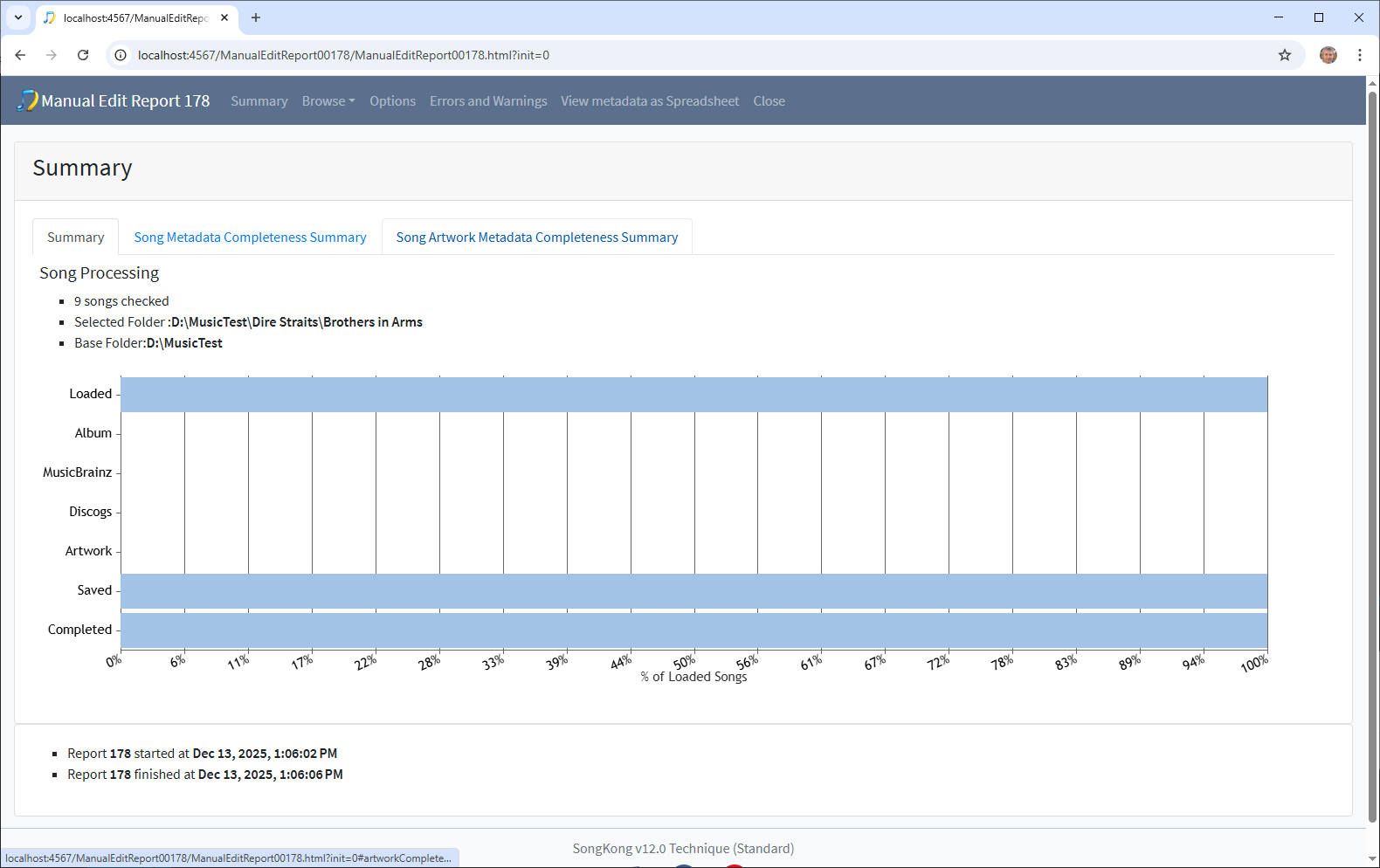
- And a report created that details all the changes
Thank you! Much appreciated
Nick