
Naim Uniti Core wav to flac conversion
Hi, I’ve run the program, and when played on my laptop and music player, the artwork dose not show up unfortunately.
I saw the “Preview only” box is checked, but I can’t uncheck it. Not sure if this is the issue.
Here are some pics.

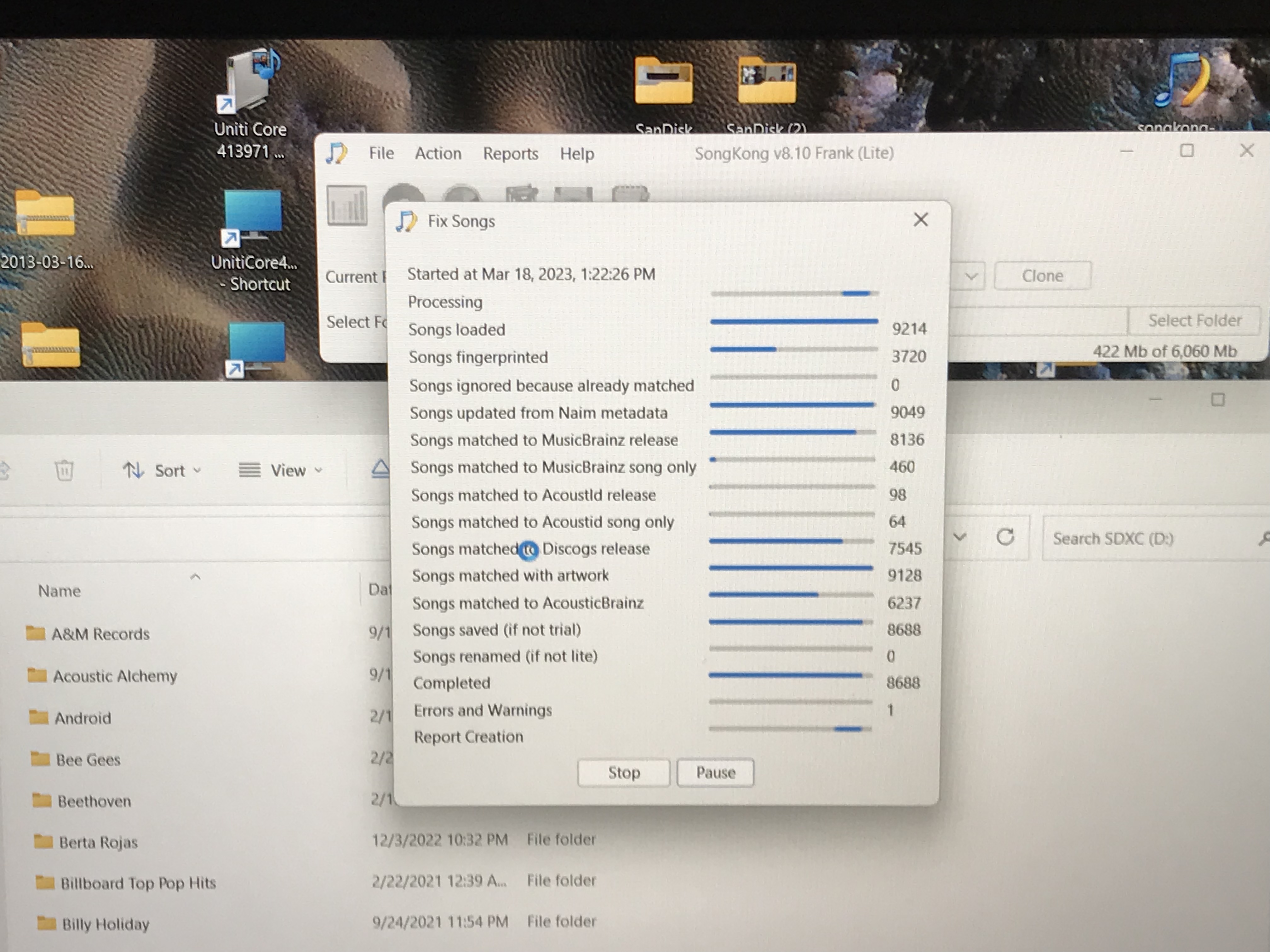
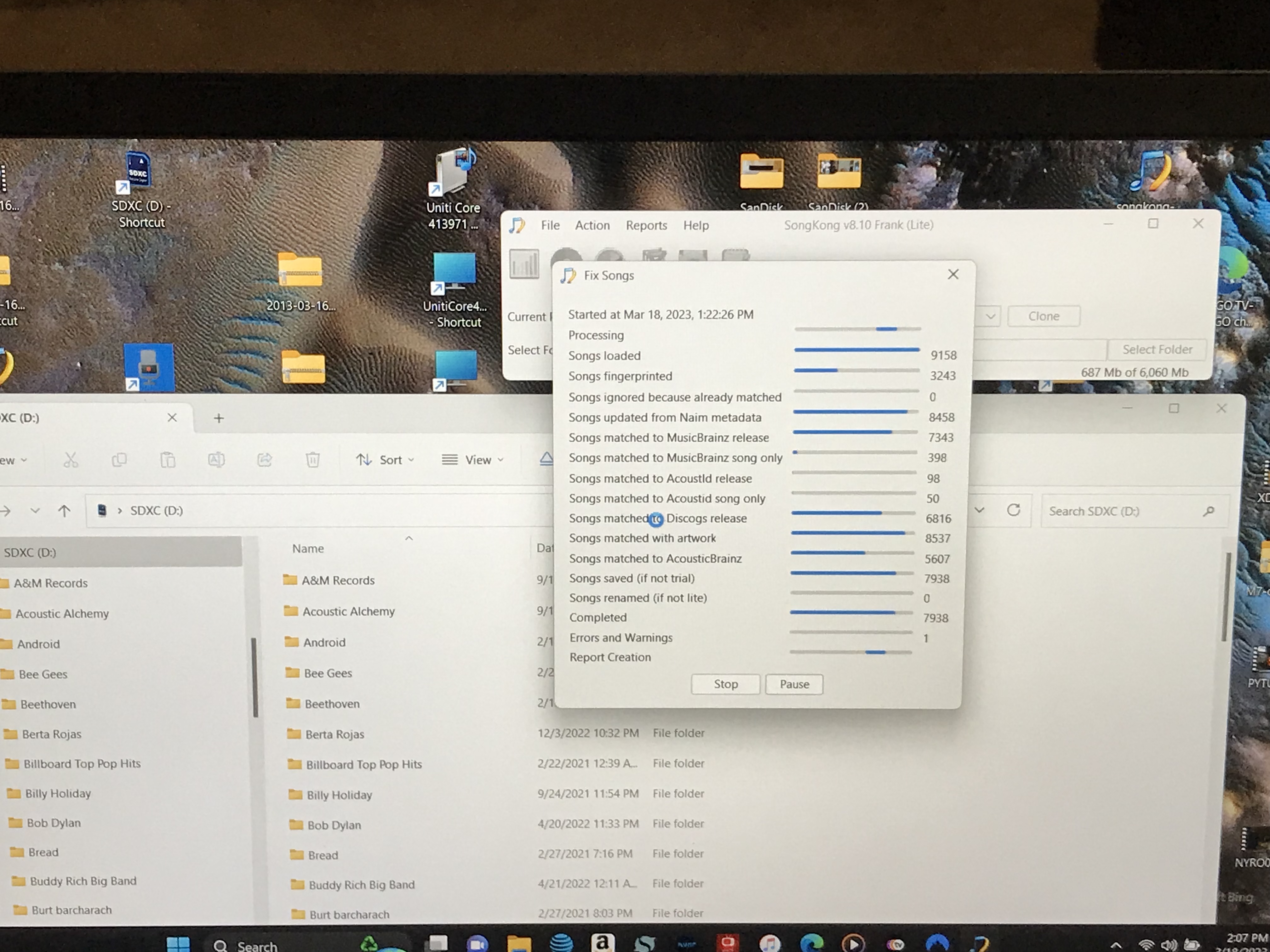
If you cant uncheck preview only implies have not purchased license?
Did I purchase the correct product for Naim Uniti Core WAV Meta data conversion?
Hi,
I finally have the Update License issue sorted, so now I’m in.
Artwork is now appearing on Windows laptop and my portable music player for the car.
Thanks!
1 Like
Hi
Which license did you purchase to use with your naim uniti Core files- I want to to use my backup SSD from my core as a library SSD for my Jeep. At present I can get the audio to play but can only see the track name info?
The “Melco” version is the one to buy. My advice is to shoot SongKong a quick message asking how to proceed and get started. They’re fast in responding.
But you don’t have to…
Hi, yes you need Melco license for Naim functionality. It doesnt have to be used on a Melco it is valid for PC, MacOS, Nas ectera - https://www.jthink.net/songkongformelco/buy.jsp
Hi Paul
I have purchased the melco version of SongKong and have run the program across my USB backup drive which contains approx 15000 cd’s stored as a backup from my Naim core. The files are playable in my car but I can only see the track names. I also only get about 1 in 5 cd covers (artwork) displaying. If I use an ipod I can see everything I have loaded on the ipod and can search by track/artist etc as well as viewing the Artwork. I would like to do the same with my backup naim drive. Please can you walk me through this as I cannot see what I am doing wrong. Help!
BWS Paul
Ipod doesnt support Flac does it ?
Hi Paul
No - I believe that songs on an ipod are stored as .wavs. The audio files on my Naim backup drive are also stored as .wavs. I don’t want to convert them to FLACs
Sorry, got confused with someone else.
Okay are the Wav files on your iPod the same Wav files that were in your backup drive and processed by SongKong or not ?
Hi Paul
No - the files on my Ipod were from three years ago when I used to use itunes and the songs in it’s library as my music player. I never use itunes any more - nor do I ever wish to. I only use my naim core as my music player now.
Hi Paul
I forgot to add that the only reason I mentioned the ipod was that I used it to check that the usb input on the jeep was functioning correctly.
BWS
Paul
Okay so the question is this, is the problem:
That SongKong has added the metadata from Naim into the files but your car music player has problem reading this information from wavs
or
That SongKong has not added the metadata into the files in the first place.
Best if you could run Create Support Files, so I can take a look at your last few reports.
Hi Paul
Thank you - I have just done that
You will see that I have attempted to use SongKong on two different backup drives as initially I thought my drives were at fault. The portable drives in question are WD passport drives - Naim formats them as NTFS.
Hi, okay I can see that you have been successful adding metadata to most tracks using combination of Naim Import and MusicBrainz data
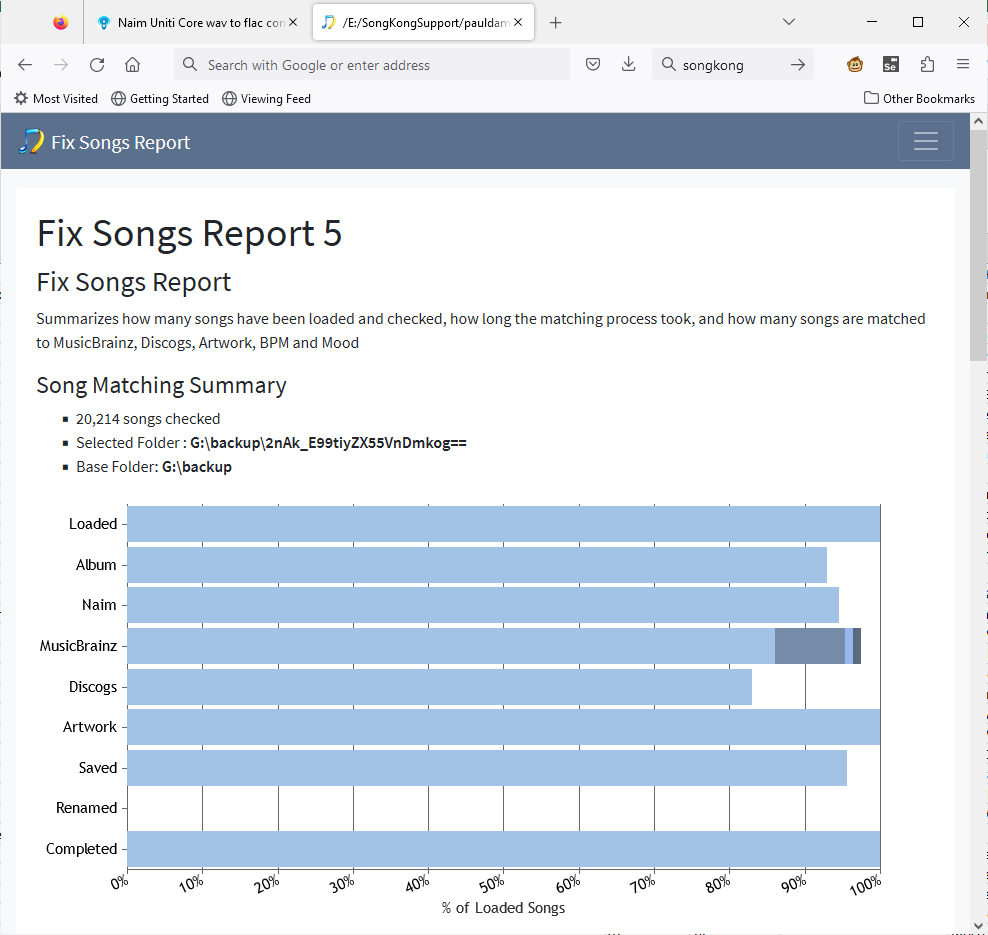
So I think the issue may be the following
Wav support storing metadata in the INFO and ID3 chunks. The INFO chunk is well supported but only supports very basic set of fields and does not support artwork, the ID3 chunk supports everything but it is not quite as well supported. SongKong writes both chunks, I wonder if the ID3 chunk is causing a problem for your music player, do you know what your car music player is ?
Since you say you can see some artwork when use link to your iPod device it maybe that your music player can see artwork if stored as a separate file in the the same folder as each album but only if the music files are smaller than a particular size. You already have SongKong configure to write artwork to folder if not already there but may be worth reducing Resize artwork if dimensions larger than (pixels) on Album Artwork tab to see if that improves artwork issue. If you could give examples of where there is artwork and it is shown, and where there is artwork but not shown that would be useful.
The other option now that you have used SongKong to get the naim metadata into your files is now convert the files to another format that your car player maybe able to deal with better (and would take up less space)
Hi Paul
Apologies for the delay - I have now done the following tests.
1 installed itunes again on my PC - loaded two albums into it and then copied those albums from the itunes library to a 4GB usb stck, My car is able to read them perfectly - artwork is displayed as is artist and track name.
2 The music player in my jeep is a U-connect 8.4a
Using the WD 2tb drive as edited by songkong and having resized the artwork as per your suggestion (as before) I get the following…
3 An example of song artwork displayed is file 349 (of 20217) “fight the power”
4 An example of no artwork displayed is file 350(of 20217) “fighter”
5 The naim data is stored as .wavs - the itunes data is also stored as .wavs - there should be no need to chane the format as the actual audio is being played back perfectly in both cases.
Okay, were the two albums loaded into iTunes albums that were processed by SongKong?