Hi Ben
I received the reports okay, but I need a bit more information from you about the issues
Artwork not Showing
A. Artwork is not showing in Albums list or once you go into the albums on around 50% of the content, but then appears in the now playing section once a track is played.
example album: Dvorak - Poetic Tone Pictures
So assuming you mean /Volumes/NAIM-5ddc35/AAA BOB/Artist/Leif Ove Andsnes/Dvorák Poetic Tone Pictures this album seems to have artwork so I dont know, unless you haven’t rebuilt MinimServer indexes and refreshed Control Point ?
Assuming you are using Melco with Minimserver this maybe a question for the MinimServer forum
Cannot find Album
B. Some albums are not showing up in ‘Albums’ but are appearing when going through ‘Composer’

*example album: Brahms - Piano Concerto No 1*
Its not entirely clear which folder you mean, I found:
Artist/Alfred Brendel/Brahms - Piano Concerto No 1 In D Minor Op. 15
and
/Artist/Gewandhausorchester Leipzig/The Piano Concertos [disc 1]
The first has album name Brahms - Piano Concerto No 1 in D minor Op. 15 and the second has album name Brahms - Piano Concerto No 1
When you say it doesn’t show up in Albums but shows up in Composer are you going from Composer to Album or Work, if Album then it must be there.
Duplicate Composer Name in Album
C. Some of the Brahms titled albums are duplicating his name in the album name.
example album: Brahms:Brahms - Symphony…
So I assume you mean the folder Artist/Riccardo Chailly/Brahms - Symphony No 1, 3 this has that problem
But the issue will be in the original naim metadata files, so the solution is probably just to use Manual Edit task to fix the metadata.
Folders that could not be Identified
There were a small amount of albums where SongKong could not matrch the tracks in the naim metadata files with your tracks with sufficient confidence to add the track metadata, these are listed on the Errors and Warnings tab
So if you look at a track of one of these albums SongKong has only added album metadata not track metadata
Perhaps you could send me:
- /Artist/Alberni String Quartet/Schumann - String Quartets No 1 & 2/meta.naim
- /Artist/Andrew Armstrong/Beethoven - Violin Sonatas Nos. 6 & 9 ‘kreutzer’/meta.naim
So I can determine why it couldn’t match up the tracks
Improve Metadata Using the Fix Songs task
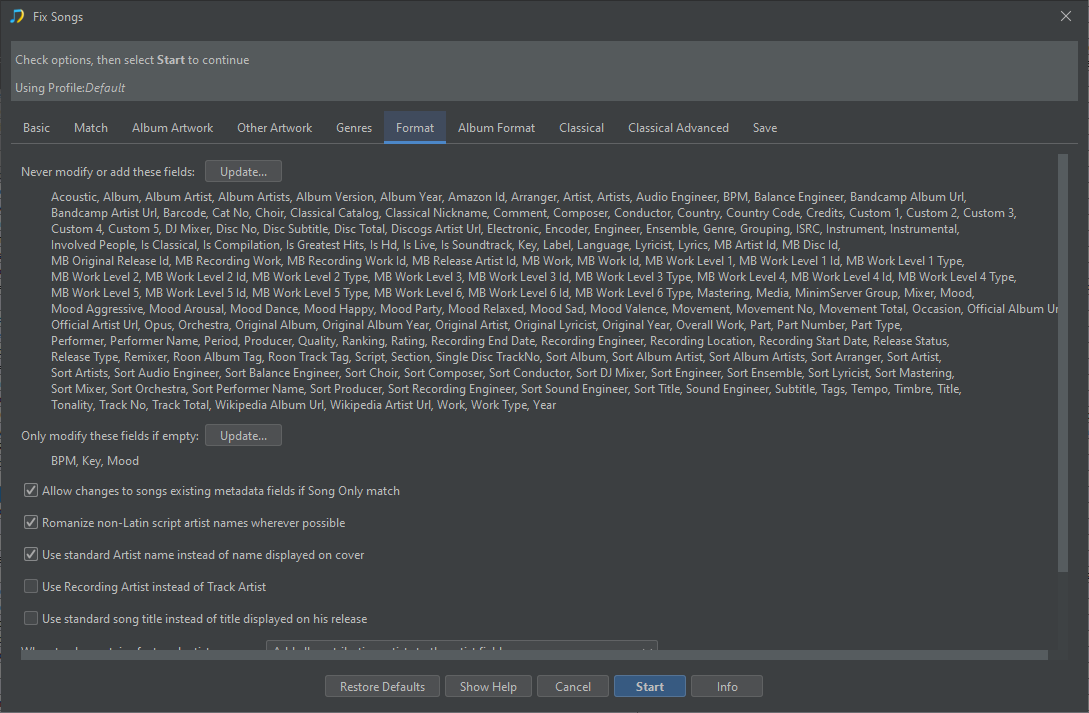
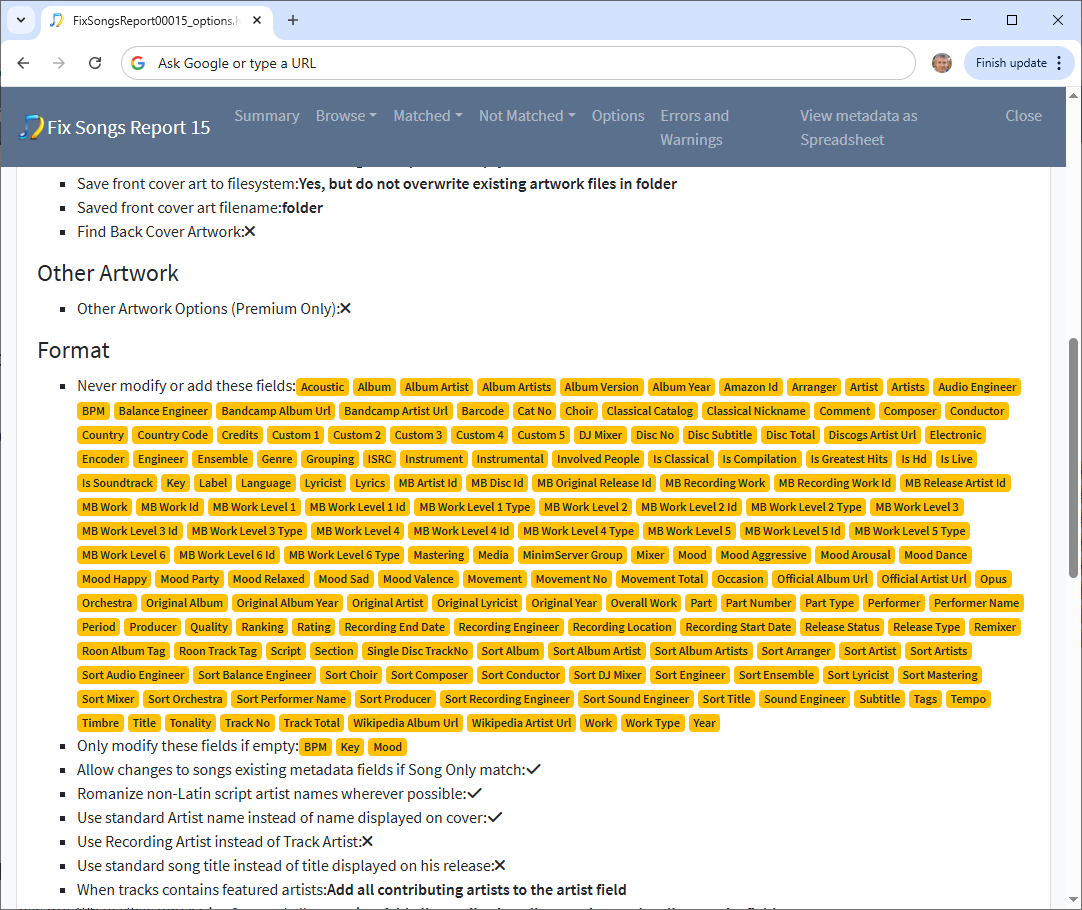
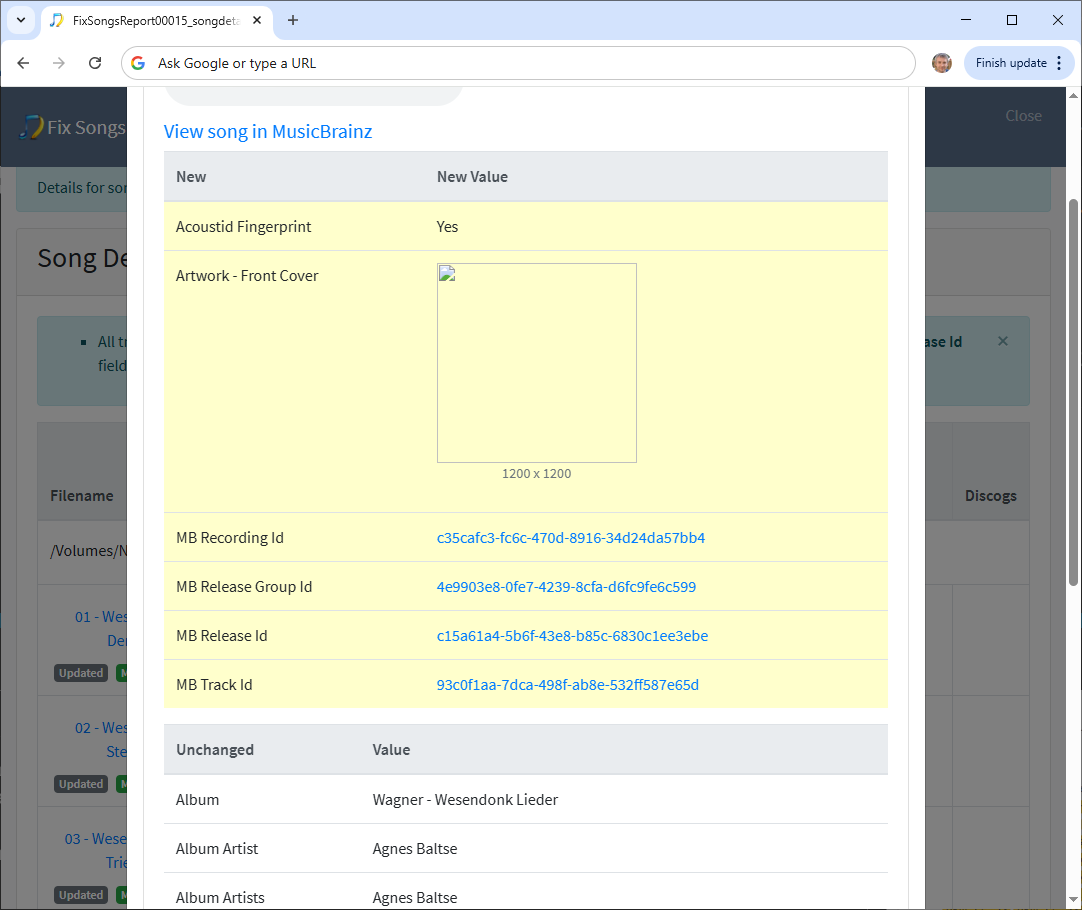
The Naim Import Metadata tasks simply imports the metadata from the Naim files. But the Fix Songs task matches the albums to MusicBrainz and Discogs, this can massively improve the metadata in the files, however it can also change existing metadata so would need to be used carefully. One approach would be to configure to only add metadata without modifying existing data by adding all fields to the Never modify or add these fields option
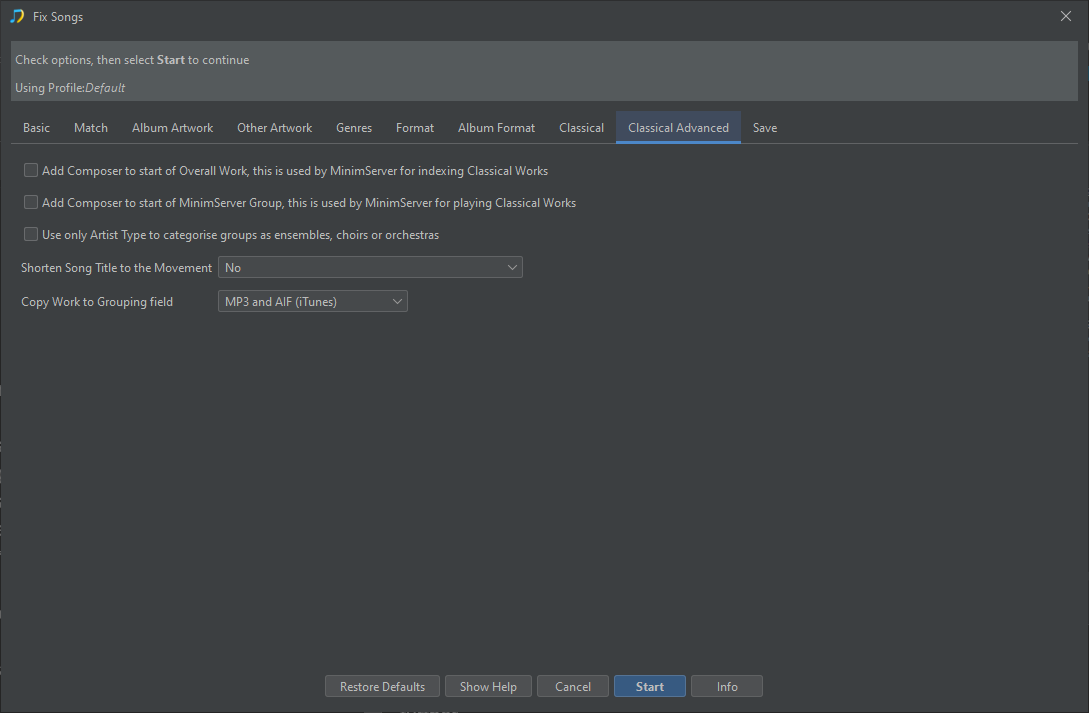
Since this music collection is Classical in nature you might want to consider the Classical Options further.