I have a large collection of 20.000+ music files and want to ONLY correct the Genre field with Jaikoz. Essentially, I want Jaikoz to use MusicBrainz, AccoustID, etc. to make the best Genre guess and then only save changed Genres; nothing else. Is there any way to do just that?
How to correct Genre field only?
Hi, yes you can do that as follows.
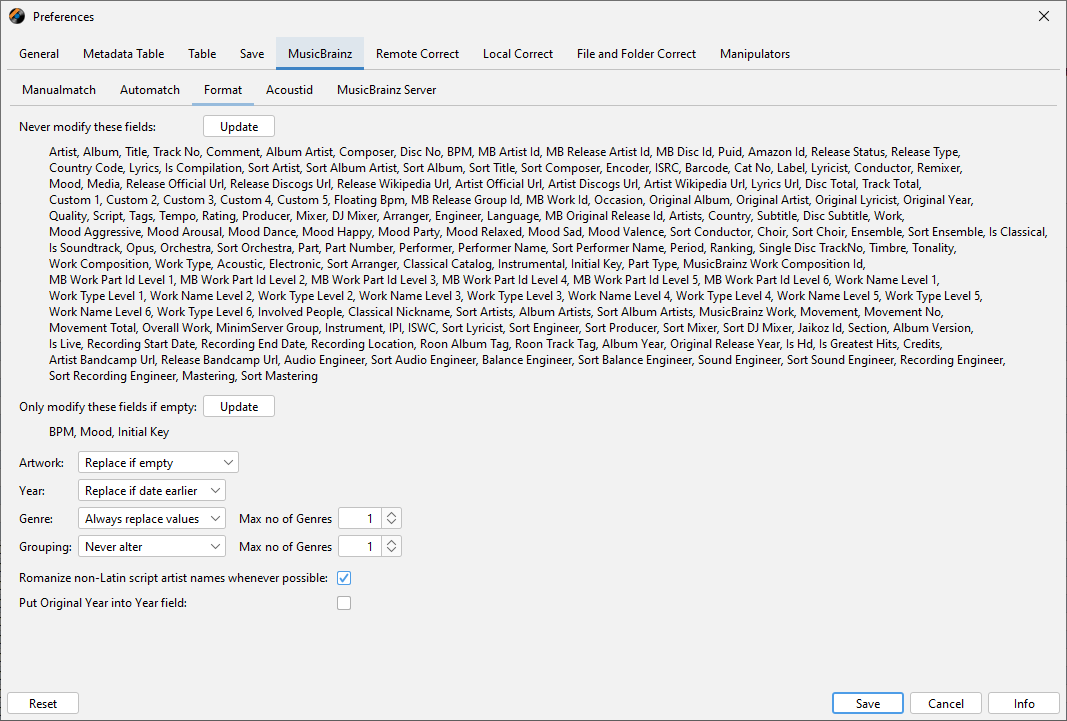
- Go to Preferences:MusicBrainz:Format
- Add everything to Never modify these fields
- Set Genre to Always replace values or Replace if Empty depending if you want o overwrite existing values
-
Switch to Preferences:Remote Correct:Discogs
-
Add everything to Never modify these fields
-
Set Genre to Always replace values or Replace if Empty depending if you want o overwrite existing values
-
Usually want to keep From as Discogs Style since Discogs Genre is very broad (e.g Jazz, Rock)
-
Then run Action:Autocorrect Metadata from MusicBrainz, this can find matches to MusicBrainz and update genre from there, but also if there is linked Discogs release can update genre from the linked Discogs release.
-
Then run Action:Autocorrect Metadata from Discogs to find Discogs match where no match was found via MusicBrainz

Also need to set Year and Artwork to Never Alter on both tabs.
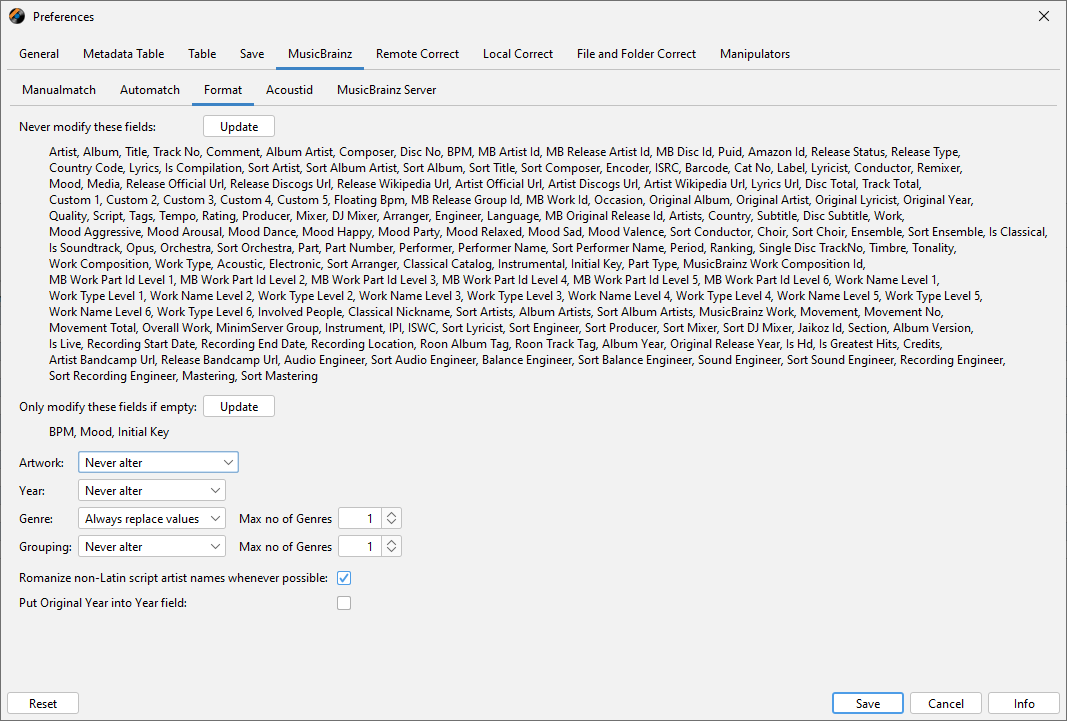
Then apart from Genre the only fields added will be the ids that identify the MusicBrainz track matched, it is best for these to be added for the smooth running of Jaikoz:
- MB Recording Id
- MB Track Id
- MB Release Id
- MB ReleaseGroup Id
But if required you can remove them afterwards by selecting the column, right clicking column header and selecting Empty Column