SongKong Jaikoz

SongKong and Jaikoz Music Tagger Community Forum

Help needed to correct my mistakes please

Hi Simon, so sorry I am making hard work of this but I cannot reconcile what I see in my file manager once I have run the various command and why the files are different.
After your earlier advice I did as you suggested, I ran fix songs with the default profile and your detailed amendments. I then ran Rename files with (singledisctrackno,2) edit and this gave me largely what I wanted. The only problem was the artwork used was the re-edition front cover but I have the original so changed the artwork to what I have.

This gives me filenames which are correct although I am still not sure about keeping the album name, as in 01 - Juditha Triumphans, RV 644: No. 1. Coro: Arma, caedes, vindictae in front of the track details.

I had assumed that with the above configuration I would get the same result from the next run but now I do not have the album name in the file title.

I do like to know the album title when listening but this makes the tag very long and not always visible in control point or renderer. I would appreciate your view on best practice.

Also in the file name edit extra line you suggested, what is the ‘2’ for. What will the tagging do if there are 3 disks?
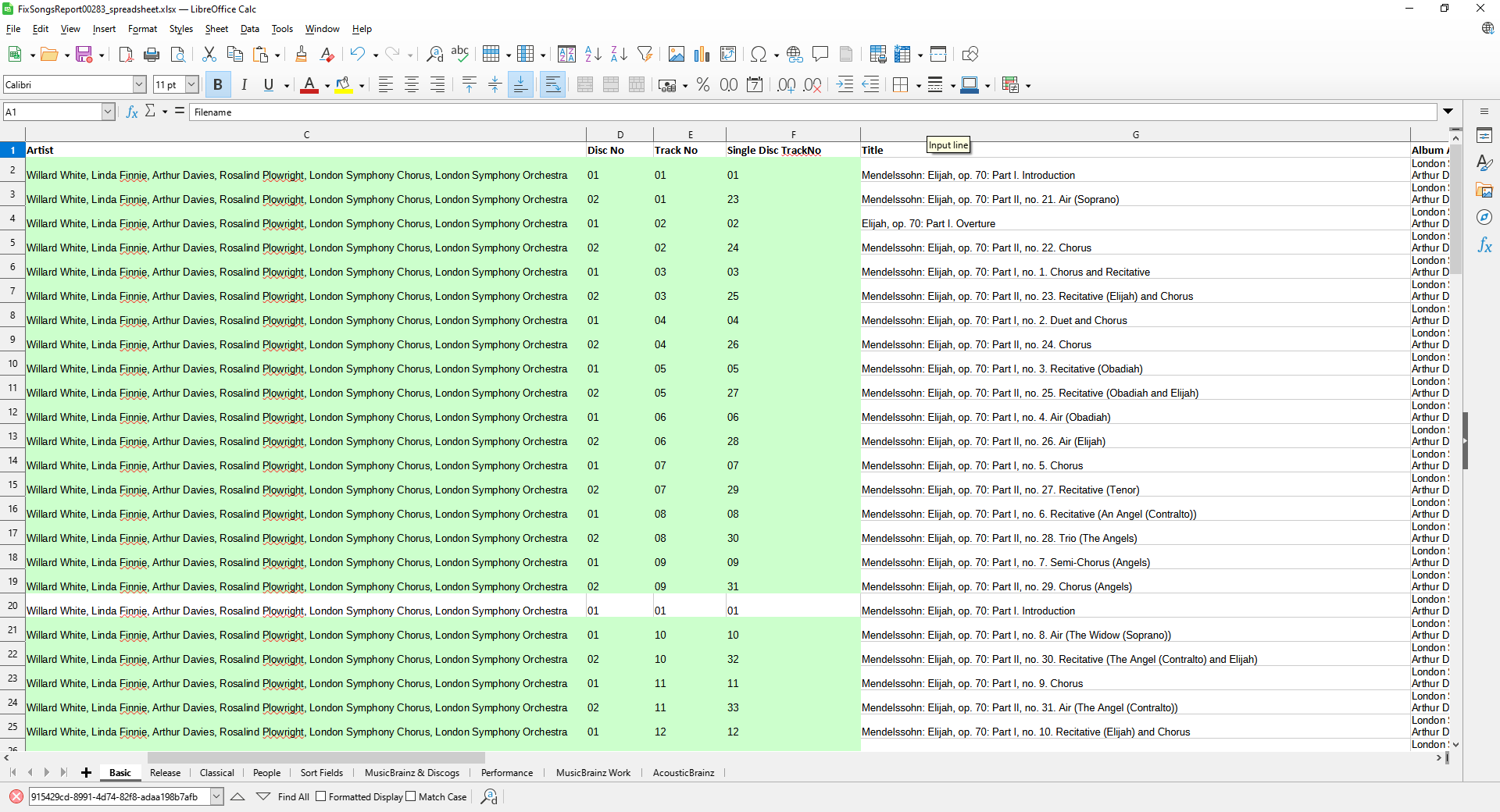
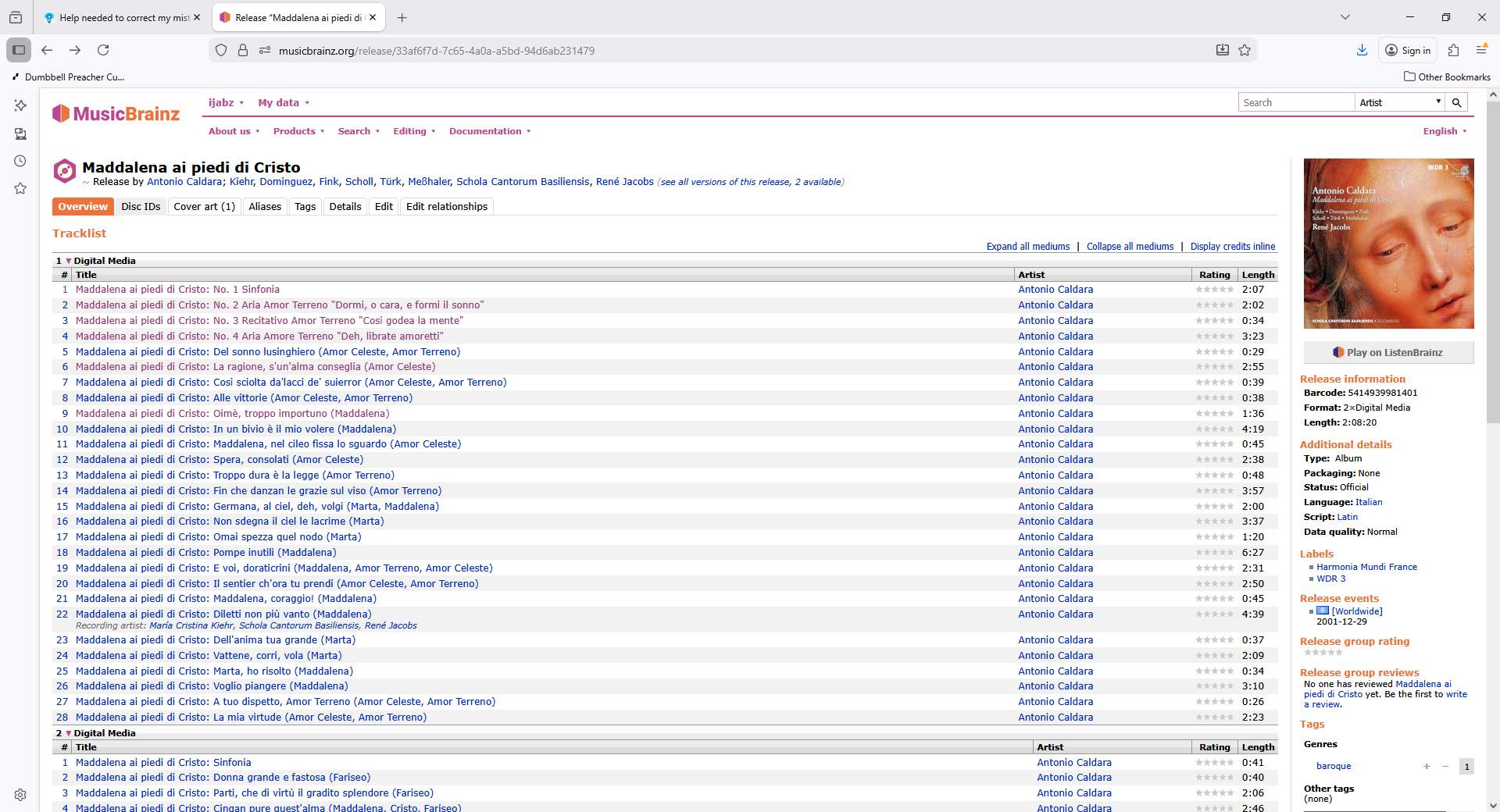
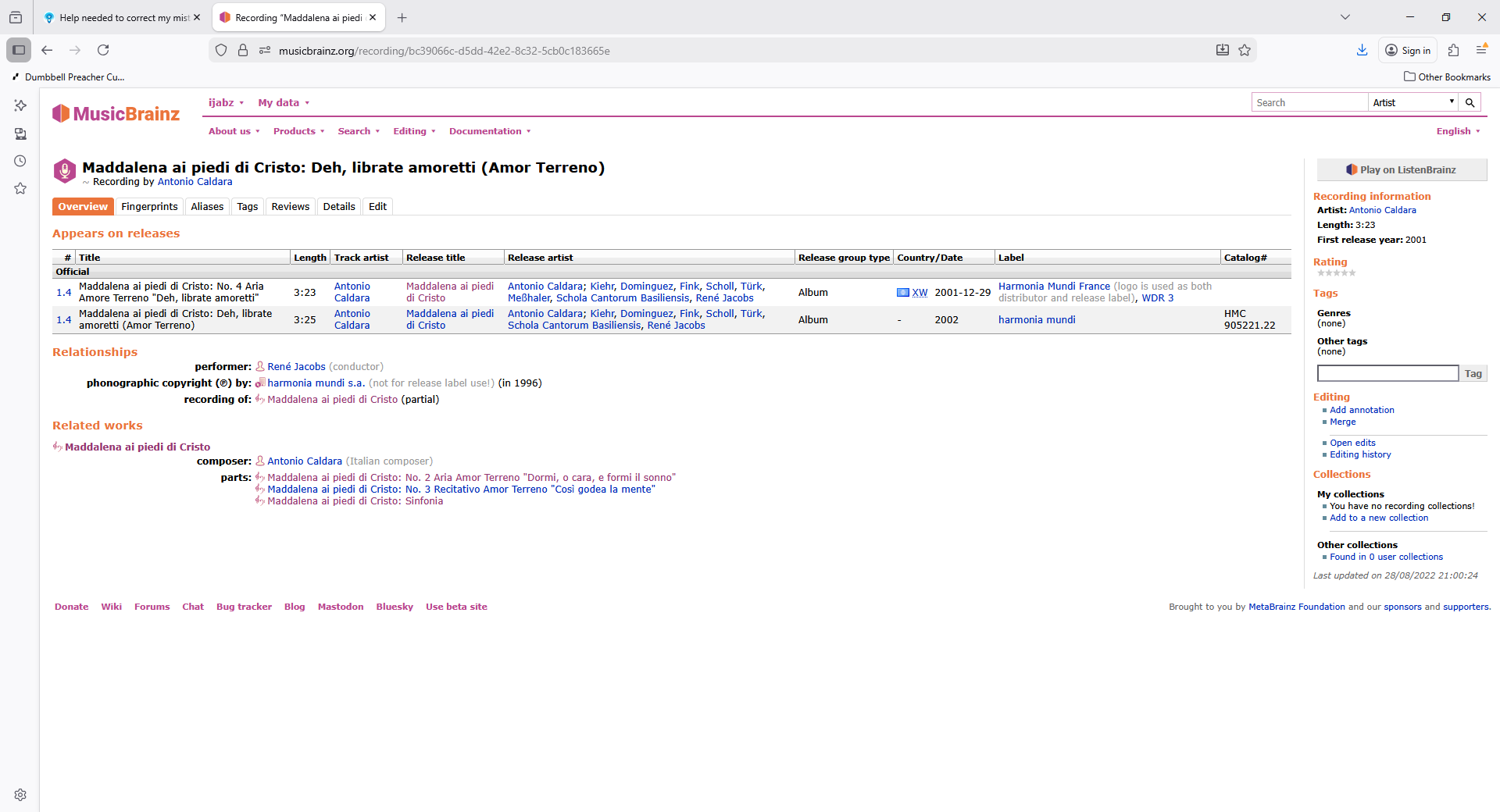
Hi (Simon is MinimServer this is Paul), your mask does not use the album in the filename it only uses the title, but some of your albums have been matched to MusicBrainz and this usually uses Work:Movement as title e.g https://musicbrainz.org/release/d3ff0d18-fc1d-41d5-80fe-b57d0e02e7fd/disc/1#3b12ec2a-3640-4676-aebc-873c9adc61d8

Whereas and some of your albums have only been matched to Discogs and this only shows the movement as title e.g https://www.discogs.com/release/20746816-CPE-Bach-Barbara-Schlick-Lena-Lootens-Hein-Meens-Stephen-Varcoe-Corona-Cappella-Coloniensis-William-?redirected=true

So this accounts for the difference, the MusicBrainz matched albums show work:movement and work is often same as album, the Discogs only matches only show title. The structure of the Discogs database is simpler and does not have separate Work entities so does not support all the classical features that are available within SongKong when match to MusicBrainz which is the primary data source.

But you could possibly use Scripter or Manual Edit to add album to title if that is what you want to do.

Padding so you get 01, 02 rather than 1, 2, nothing to do with number of discs.

Hi Paul, Please forgive me using wrong name; you can tell I am confused!

Many thanks for the explanation and I understand the differences you have explained. You tell me SK is using Discogs in some cases, is that because the album does not exist in MusicBrainz?

I am now working very slowly through my Oratorio composers and am now having modest success with a need to edit a couple of filenames manually. However another question has popped up.

In a few cases I am getting two identical files so one has a (1) added, which is what I see often when using file manager. Using SK delete duplicates does not work in this case. Should I delete manually? Is there a way to prevent these unwanted duplicates?

I have sent today’s Report FYI.

Yes, most probably it doesnt exist, but it may be it does exist but is not yet in our cache very which is a few months behind, or it does exist but differences in metatata prevented a match.

Delete Duplicates can use multiple ways to find duplicates based on your settings. Now looking at your reports you have configured Song is a duplicate if has same to Same song and same album (metadata only) which is an okay default, but you may get better results if make use of MusicBrainz Ids and change it to something else. But is up to you to iunderstand the options and select the ones that works for your definition of a duplicate.

Of course you can just manually delete if you already know it is a duplicate

Also you have Find duplicates within same folder only enabled, so if Rename Files has put copies in different folders then this will prevent removal of duplicates because they are not in same folder so you may want to change this.

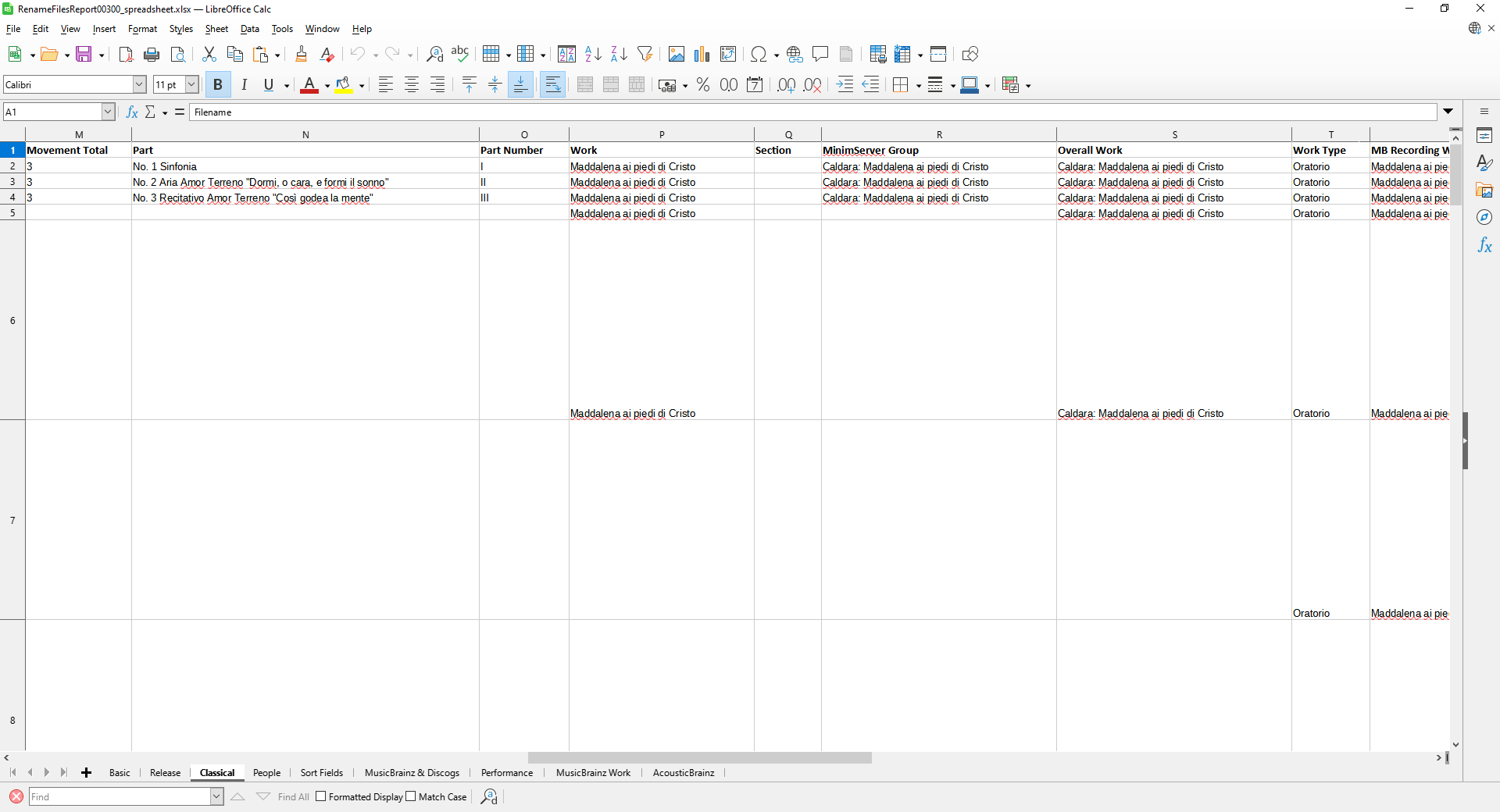
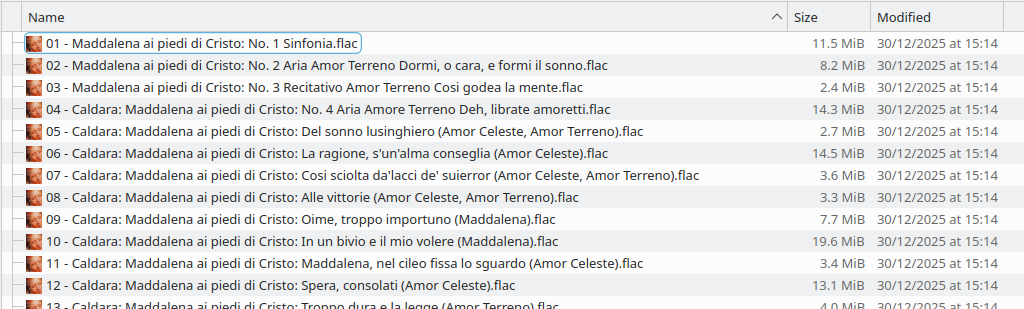
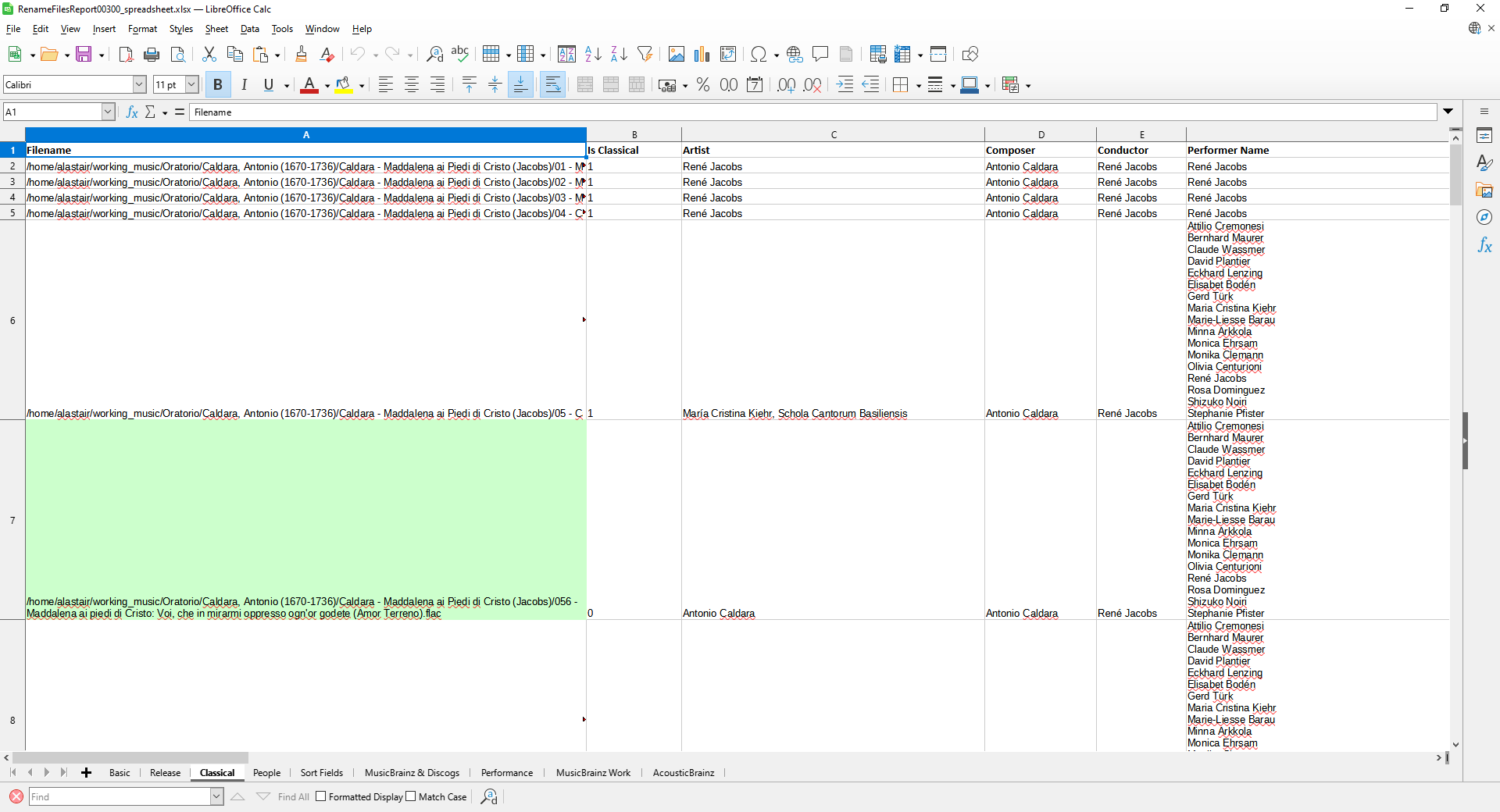
On closer inspection I am still getting anomalies and have had to go back to an earlier Album (Caldara) because although the MusicBrainz report tells me all is well, I am getting several inconsistencies with file names. Among the problems, the first four and now three tracks are named differently and omit the composer’s name. I have run renaming but this has not worked.
I am no longer confident that I have all the tracks in the album and am having to go to track lists from Presto or others when I can find them.

Will I find this report in the last support files you sent me or not?

Hi, thanks for support files

I had a look and all files do have the composer field completed

The issue is that the title of the first three tracks do not include the composer

The reason is because you have Add Composer to start of MinimServer Group, this is used by MinimServer for playing Classical Works enabled when the work is part of a multivalue work then we add the Composer to the MinimServer Group because this field is used by Minimserver to group up tracks so at the work level when playing songs you can see the Composer

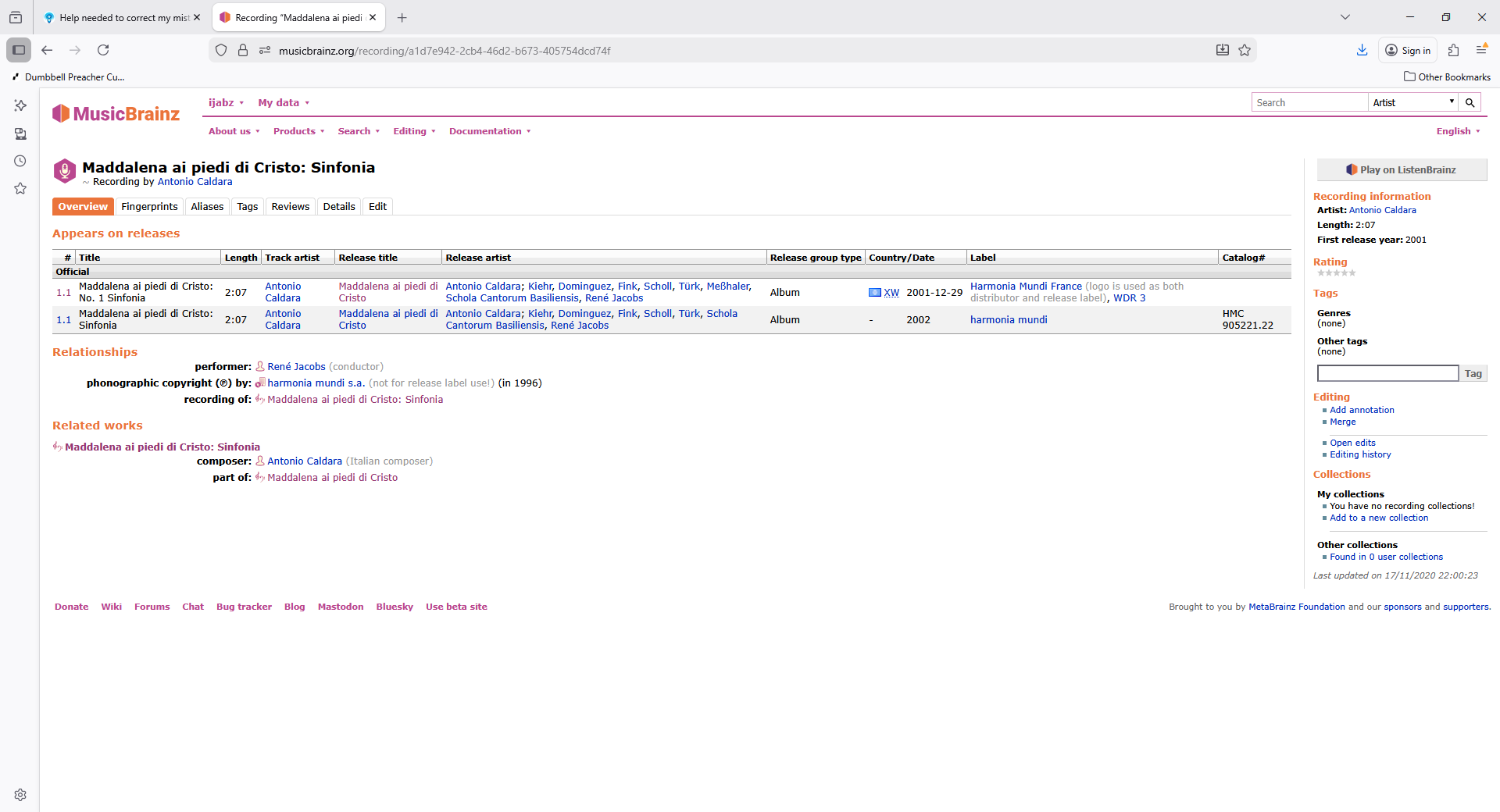
Additionally when there is a single level work we add the composer directly to the title as requested by Simon from MinimServer, because the track is not part of a larger work there is nowhere else to add the composer so it is visible when playing in MinimServer, all the other tracks are not linked to a named movement that is part of work so that is why the composer is added.

See this section of the MinimServer tutorial for more details

So to summarize the norm is the first three tracks where there is no composer in title

So then your Rename Files task that uses title in filename shows composer in some but not others. But I dont know why you didn’t think it had matched correctly since the report shows it has and why does it really matter if the composer is not in filename?

Could write a more complex rename files script that adds the composer field to filename if the composer cannot be found in the title field but is it really neccessary?