I’m new to SongKong and since I’ve been doing various tasks with it, my results pages always show up with all sorts of gibberish text. I can’t figure out if it somehow thinks it’s not using an English character set, but I’ve set my language to English in the only place I’ve seen in ‘settings’, so I’m not sure why this is the case. I’m attaching an example of the ‘gibberish’ text.
Gibberish text in SongKong reports

Weird, please run Create Support Files
OK, done (created the support file with this topic as the URL). Thanks for looking into it, Paul.
PS, I installed SongKong on my other computer and did not encounter this issue, so it may be isolated to my laptop.
I think this is same page and it looks fine here
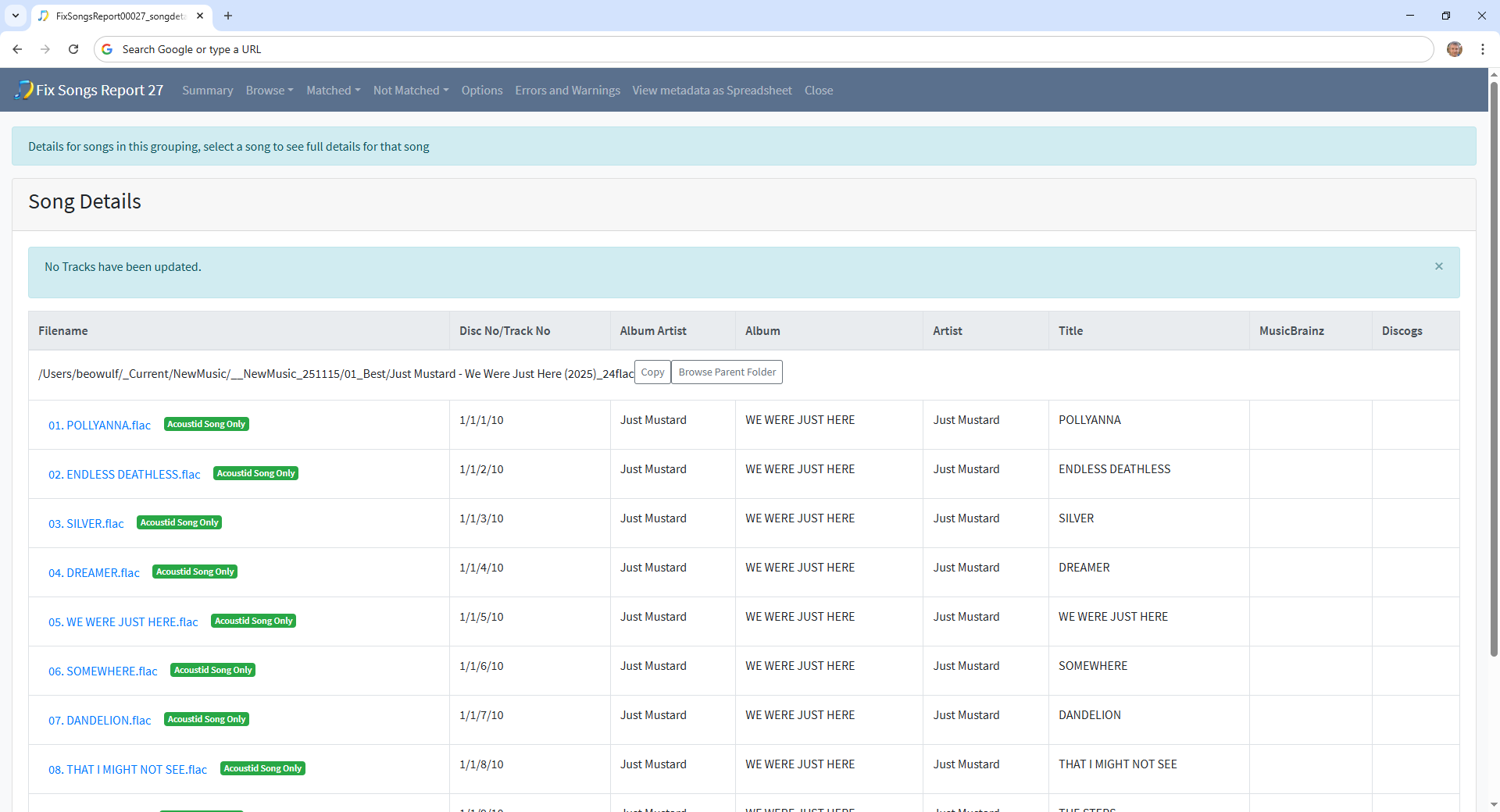
Try opening in a different web-browser.
Does the text look okay if you use View Source in your browser?
hmm, yeah you’re right. If I open the webpage in Safari, it shows up fine, but in my default Chrome browser it shows up weirdly like the screenshot I sent. Odd. Chrome knows my preferred language is English, so I’m not sure why it shows weird, but at least I now know I can open it in an alt browser to see the results better. Thanks.
If you can figure out why Chrome would make it look weird, let me know.
If I ever figure it out, I’ll let you know.
Thanks,
Okay I think Chrome maybe caching an incorrect interpretation of file encoding, try opening Chrome in Incognito mode (this will ignore any caching) and opening a report in there and see if that renders okay.
Oh, sorry I should have mentioned, I did actually try opening the report in an incognito window in Chrome and it still shows the strange encoding. The same report looks fine/correct in Safari through as I reported earlier. Not sure where a setting might exist in Chrome that is causing this. Very odd.
Okay if you do View Page Source and then search for some text without problem next to the problem text e.g Just Mustard for the page you showed does it show the problem text or the correct text ?
In Chrome do you have any browser extensions installed ?
Are you opening the report from within SongKong, can you post full screenshot so i can see browser url