Hi All,
New to Song Kong so this could be me being an idiot and missing an existing function but I can’t seem to figure it out.
The problem is:
- Largeish music collection (approx 70000 tracks)
- Lots of duplicates with slightly different metadata (e.g. same .mp3 or .flac but at some point one of my friends/family has retagged a lot of the collection and it’s been put back in the folder so identical track with different metadata with things like long titles cut short): Fix Songs would be ideal for this.
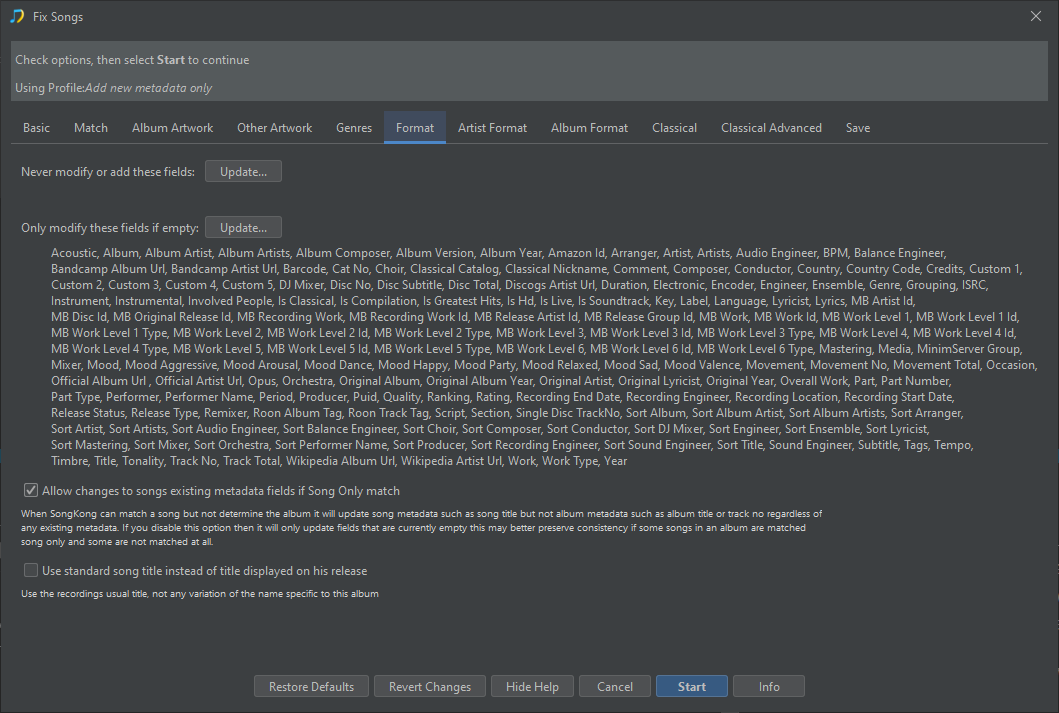
- However, I have also got a bunch of acousically very similar (the acoustic fingerprinting doesn’t tell the difference) tracks from special editions and ripped vinyl copies that are currently correctly (to me) tagged and the album names are appended with ‘Vinyl’, ‘EP’, ‘LP’ or something else (in the case of special editions). I need Fix Songs not to change these.
It’s not really practical for me to manually find and take out these tracks throughout the whole library as I’ve ripped quite a few vinyl versions over the years so is there any way of excluding them from renaming?
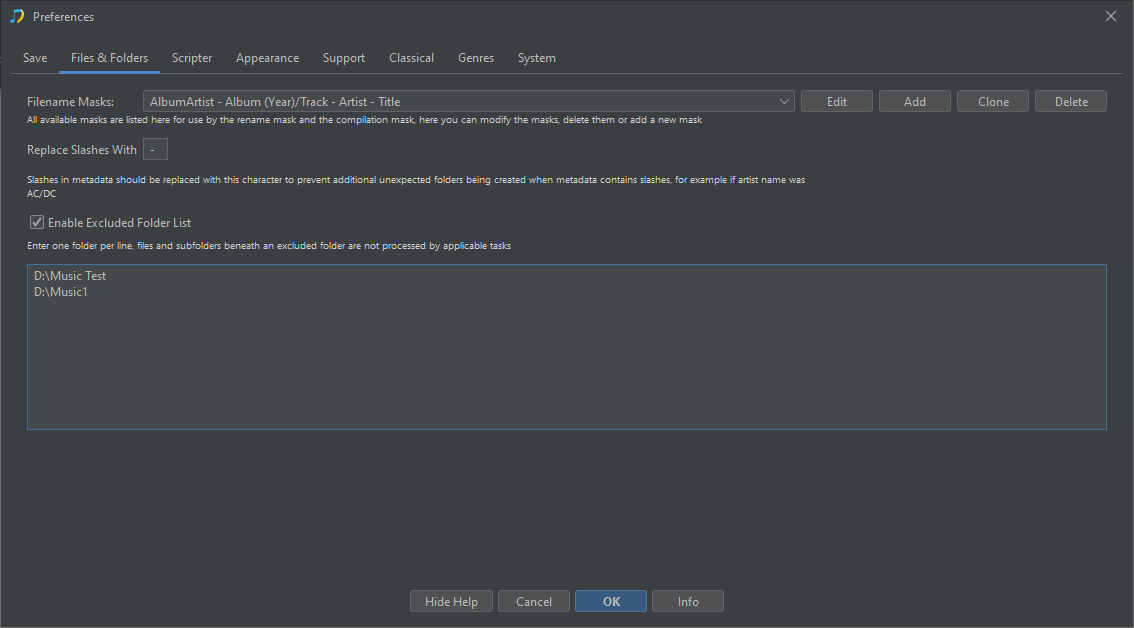
The only way I can think of to exlude the vinyl from being retagged is to filter to exclude folders with ‘vinyl’ and ‘LP’ in the name but that could still miss some ep’s and special editions, and I have no idea how to implement a filter like that.
Any ideas would be most gratefully recieved, thanks!
All the best!
Rupert