Hi, had a bit of a look at your reports. Summarizing you ran Status Report (Report 2) and then Fix Songs (Report 3) in preview mode against Artists #-D which improved things but still plenty to do , and then ran Fix Songs again (Report 4) getting very similar results.
You then ran Fix Songs (report 5) against your whole collection, with matching existing option changed from Rematch if Only Partial Match to Rematch and Preview unchecked again - this improved things but still plenty to do.
So after running Fix Songs (Report 5) we an see a few things
Basic Metadata
There are a handful of folders missing basic metadata, these are best fixed by manually modifying the data for the listed folders:
- No Basic Metadata found for any songs in 2 folders.
- There are 1 folders containing songs with no Album field
- There are 4 folders containing songs with different values for the Album field
- There are 3 folders containing songs with different values for the Album Artist field
- There are 1 folders containing songs with no Artist field
MusicBrainz:Split Folders
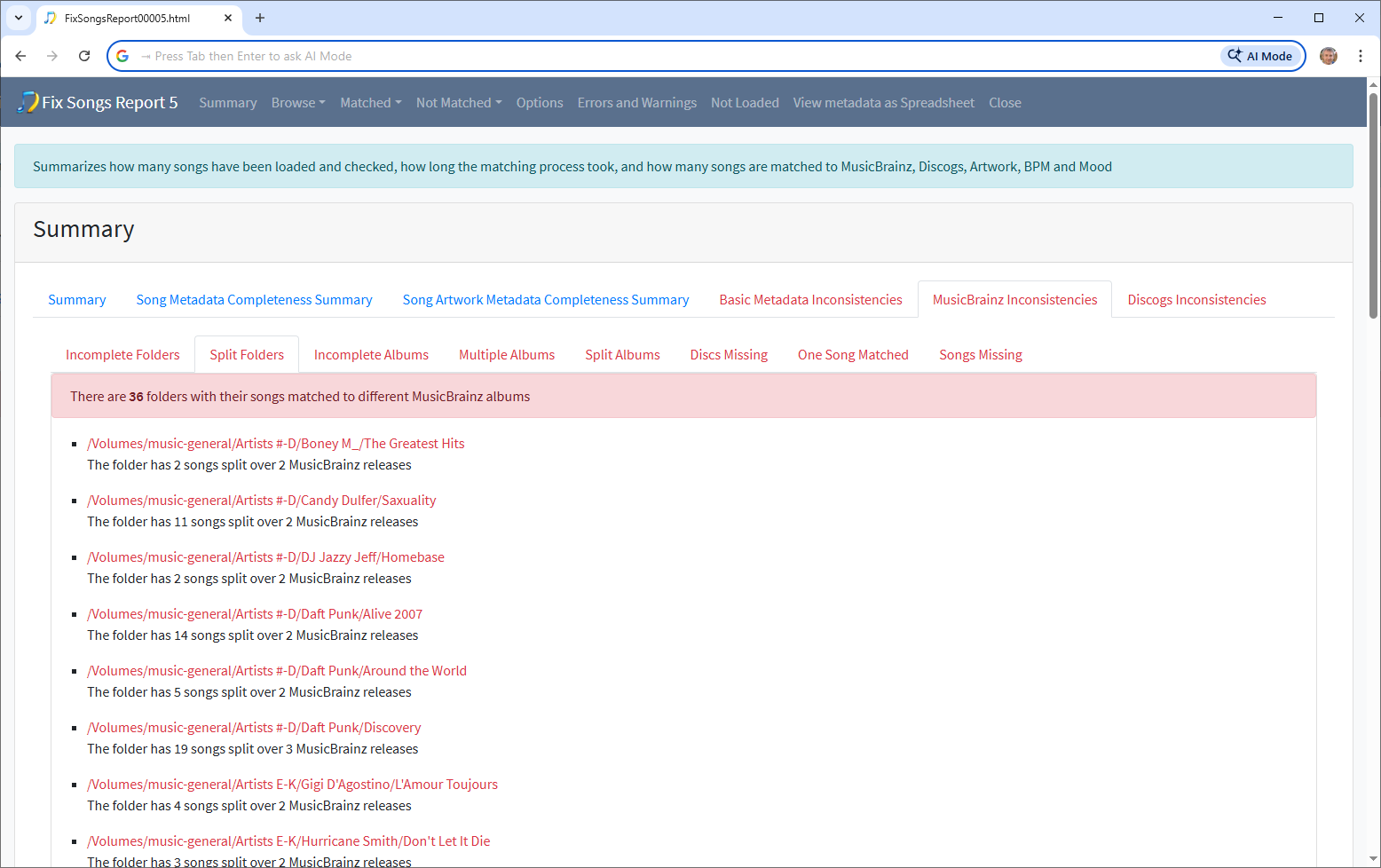
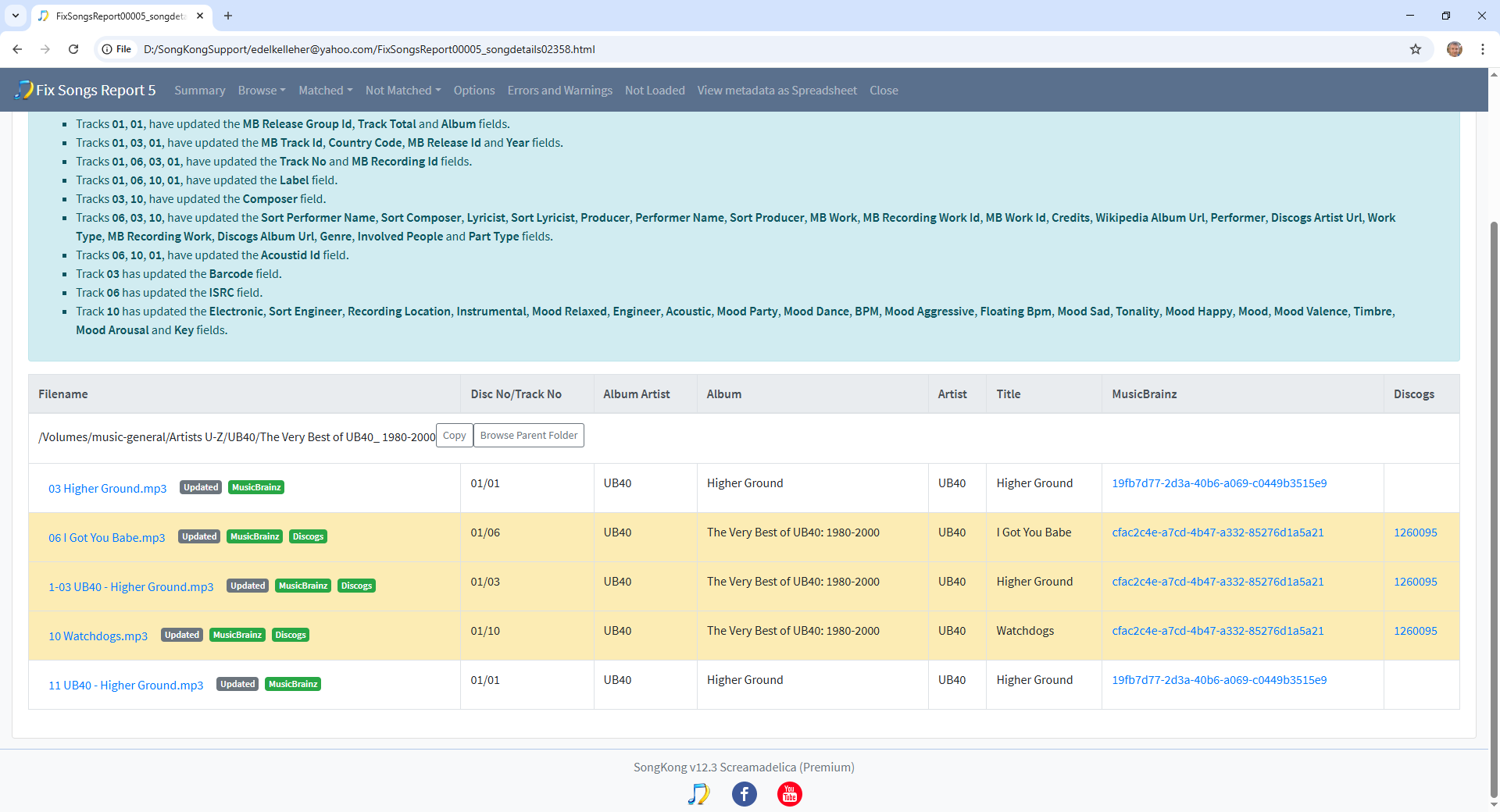
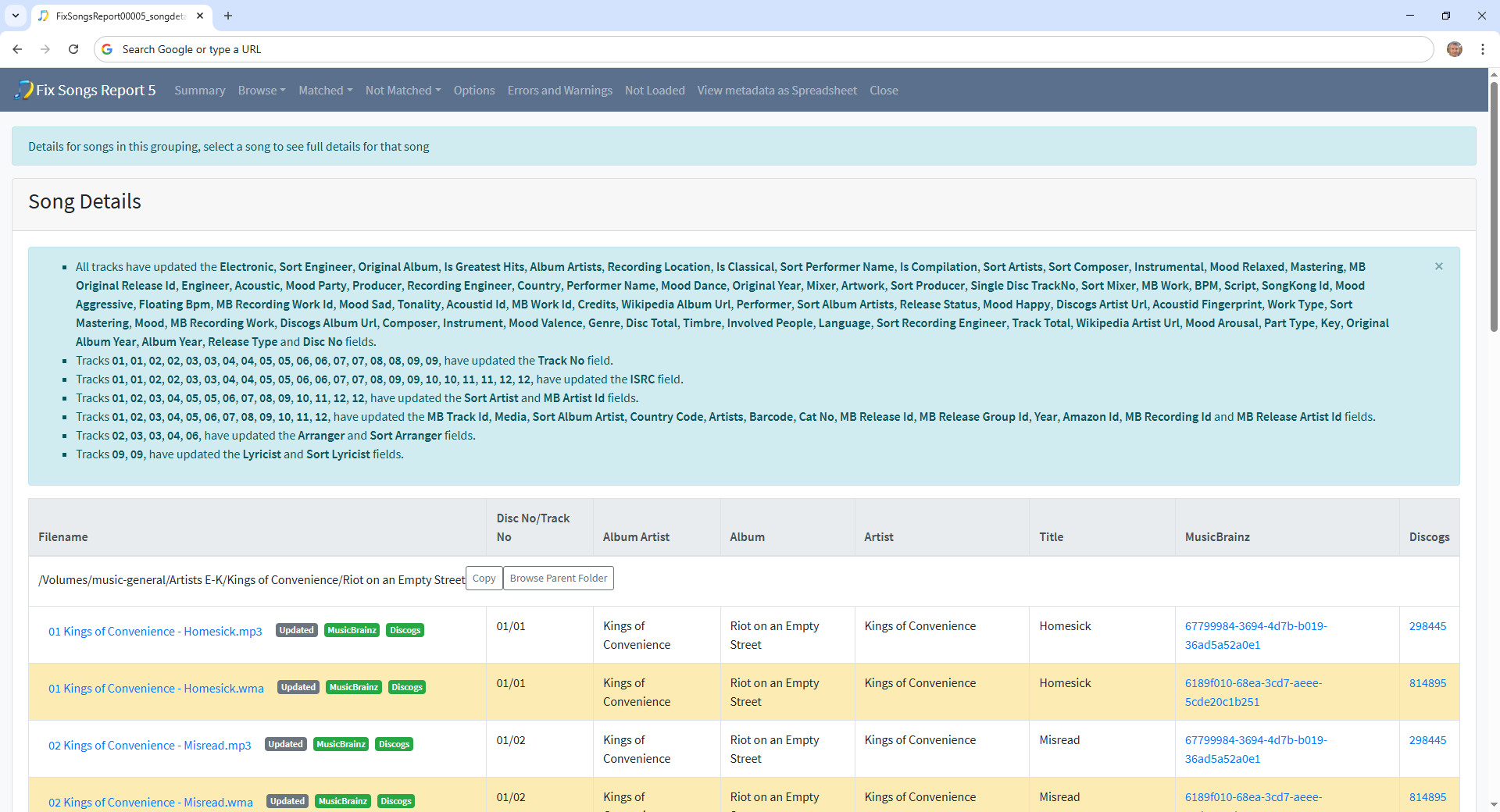
Looking at MusicBrainz Ids grouped by folder we see there are 36 folders with their songs split between a mix of different MusicBrainz albums these mostly fall into two categories, one where one song has been matched incorrectly to a different album or folders where you have duplicate songs.
I think the easiest way to fix these is go through them one folder at a time and delete the duplicate tracks where there are duplicates or use Match to One release task to force a match to a single album
MusicBrainz:Multiple Albums
Under MusicBrainz:Multiple Albums you just have one album where you have two copies so you may want to delete one copy.
MusicBrainz:Split Albums
Under MusicBrainz:Split Albums there are 28 albums where we have multiple releaseids for the same album name. Many of these seem to be compilations that i would ignore for now and the original albums ones are often already listed under MusicBrainz:Split Folders so should already be dealt with earlier.
One Song Matched / Songs Missing
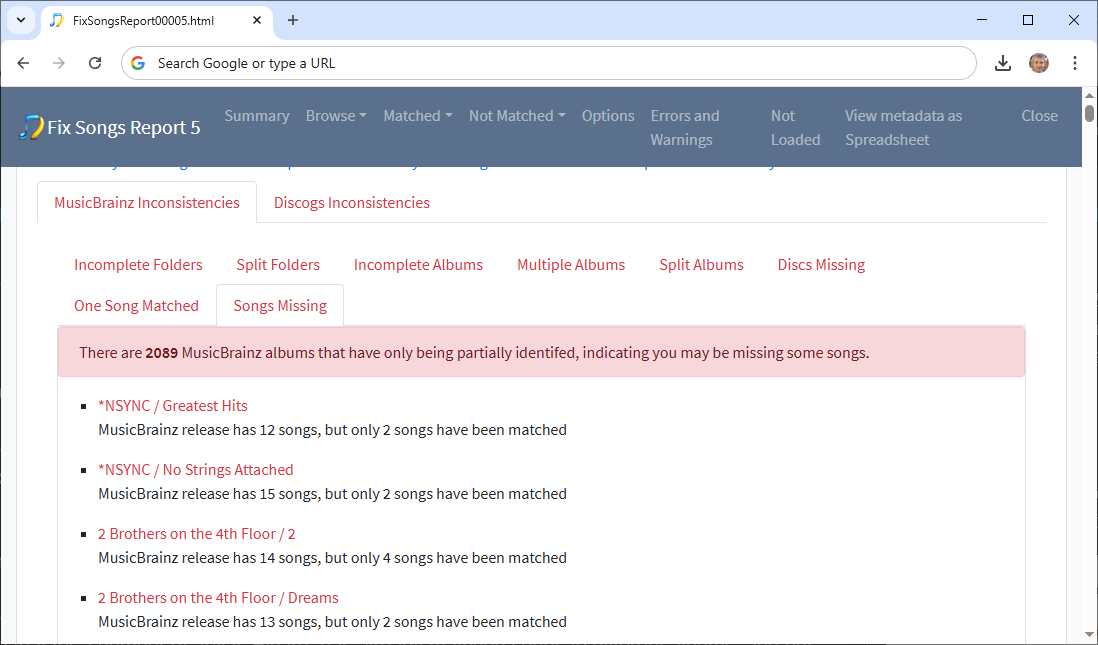
Now this is the real issue, it groups your songs by the MusicBrainz release they were matched to and then looks for MusicBrainz releases that have only been partially matched.
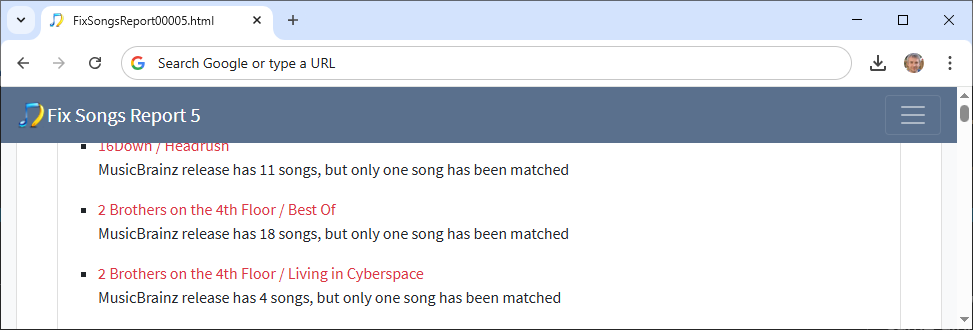
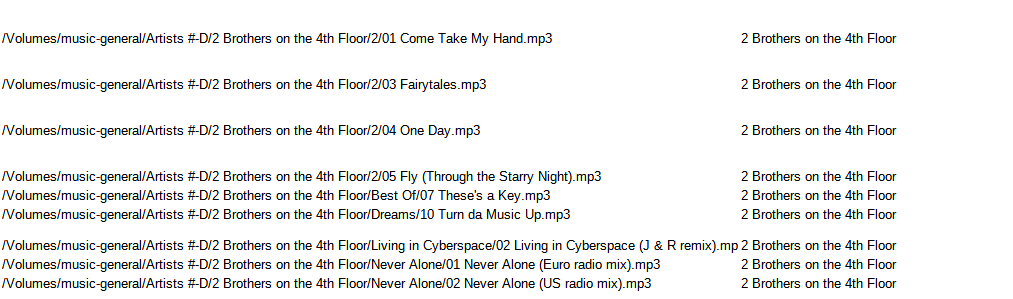
Using the 2 Brothers on the 4th Floor artist as an example, we see two albums with 4 and 2 songs matched
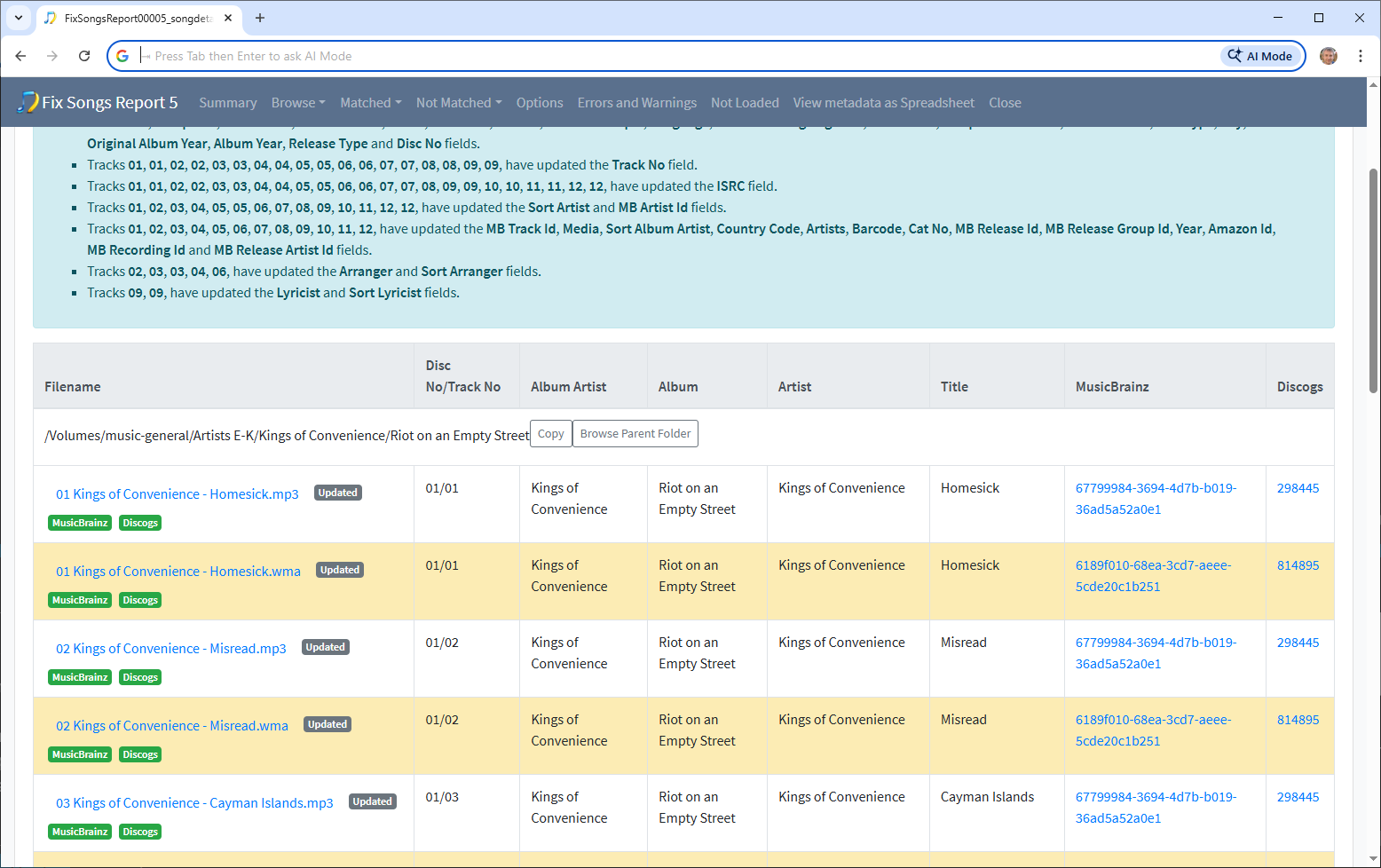
and two albums with one song matched
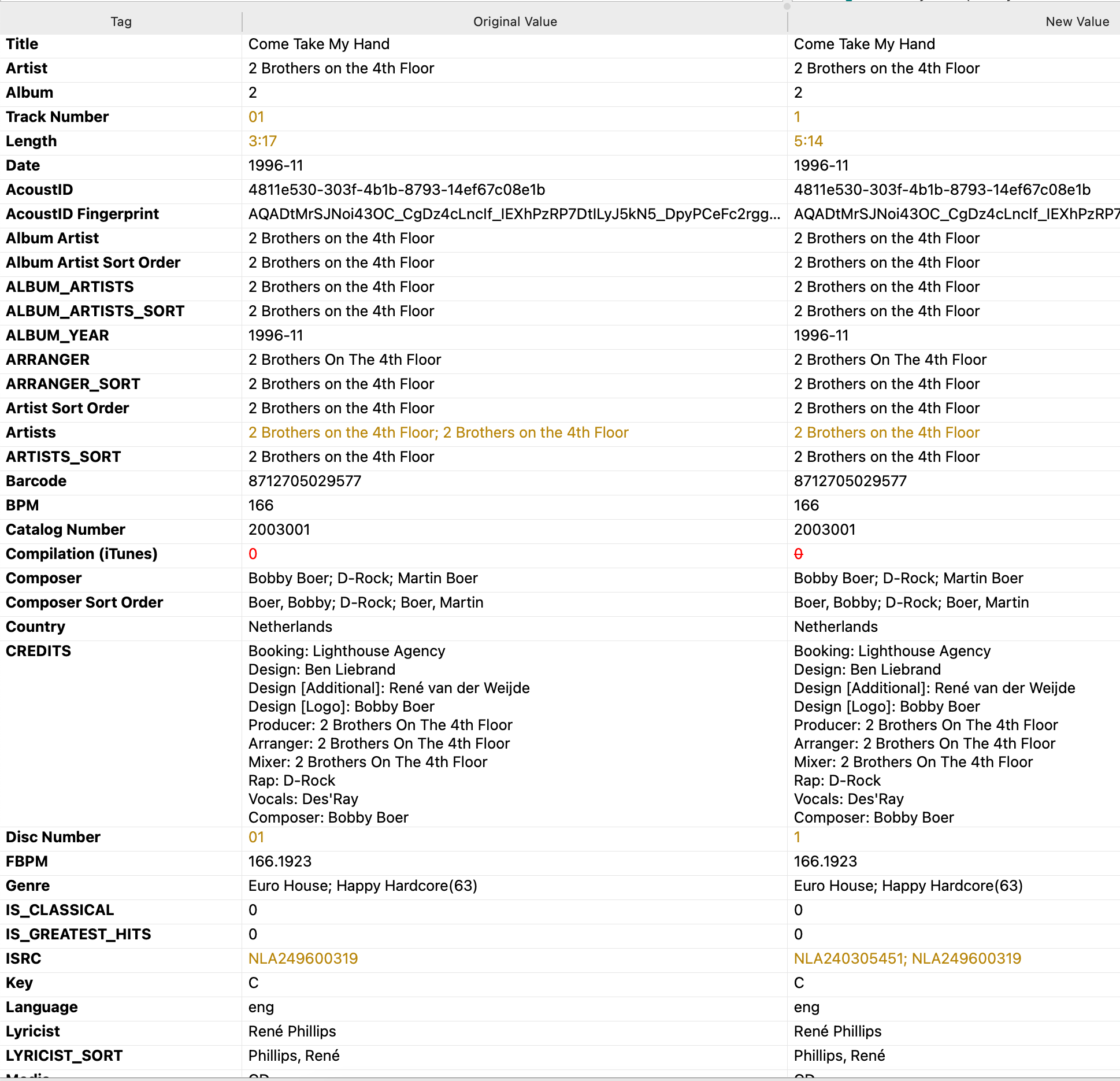
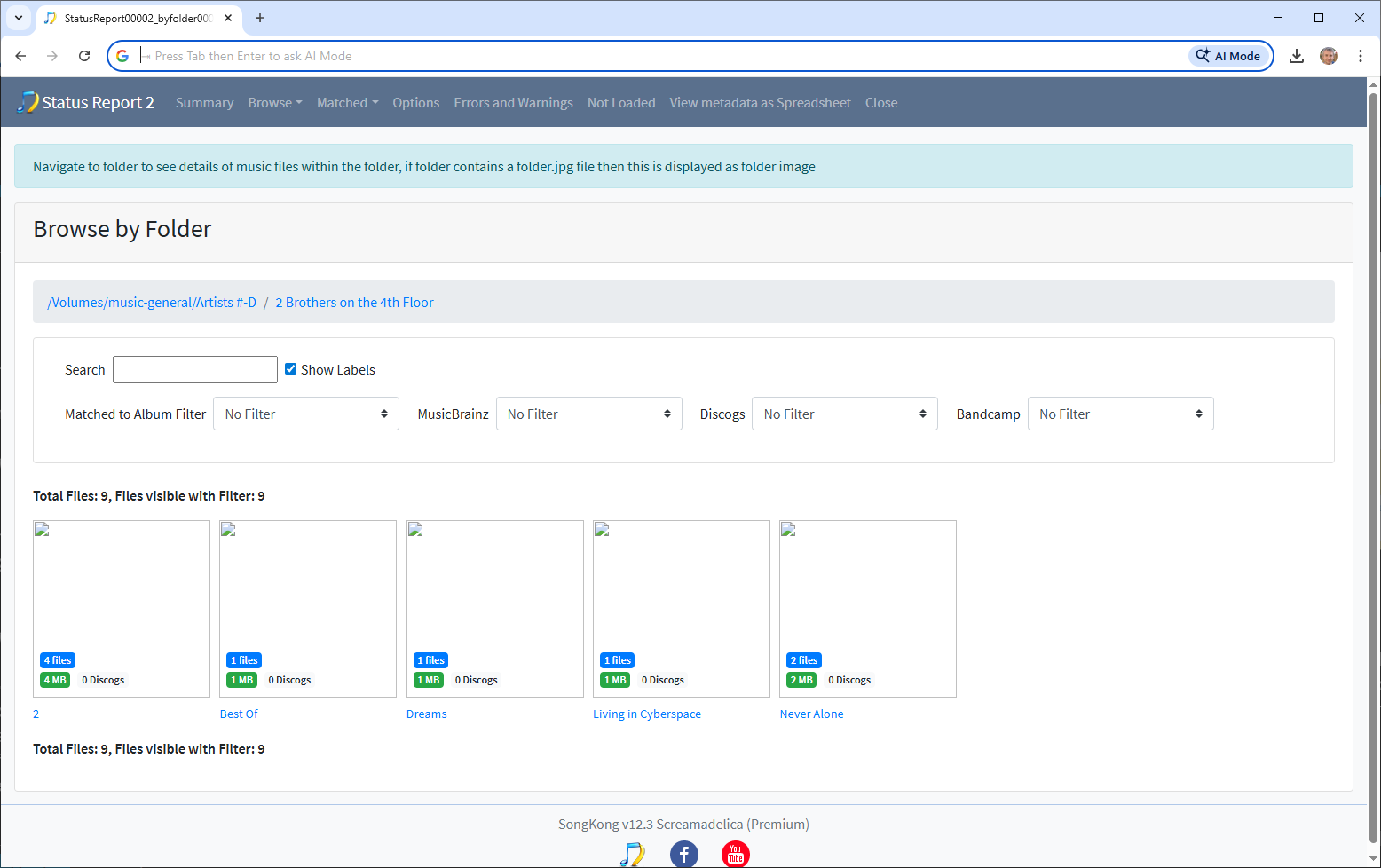
Now looking at the earlier Status Report showing the situation before using SongKong we can see that Picard has already matched songs to different albums, and put into folders matching to these albums. So there is nothing left in the songs to help match to the right albums, remember songs can be on multiple albums.
So, this would be my suggestion to sort out the mess, go down the list of artists listed in the Songs Missing list, and move all songs for that artist into a single folder without subfolder. for example put all the songs in /Volumes/music-general/Artists #-D/2 Brothers on the 4th Floor directly into that folder, whilst making exceptions for artists where you already have complete albums by them.
Then run Fix Songs again, and this should allow SongKong to match some of these folders to single album.
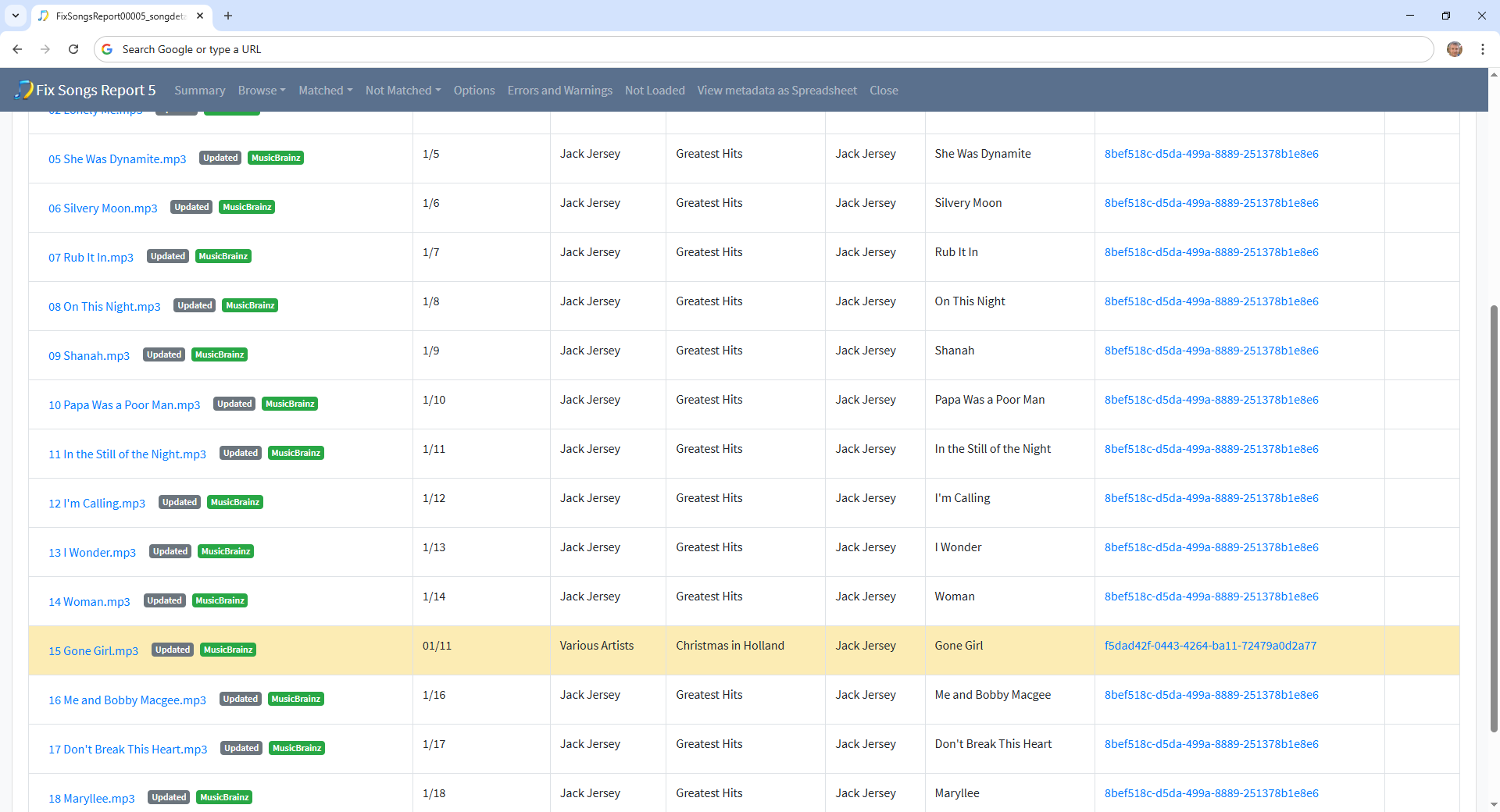
The bigger problem maybe when songs have already been matched to Various Artists albums, do you know what which of these were Various Artist albums you actually had and which are albums that have been incorrectly matched to?
For example for 2 Brothers on the 4th Floor they also have songs matched to 538 Dance Smash Hits 1996, Volume 3 and All Stars 1999