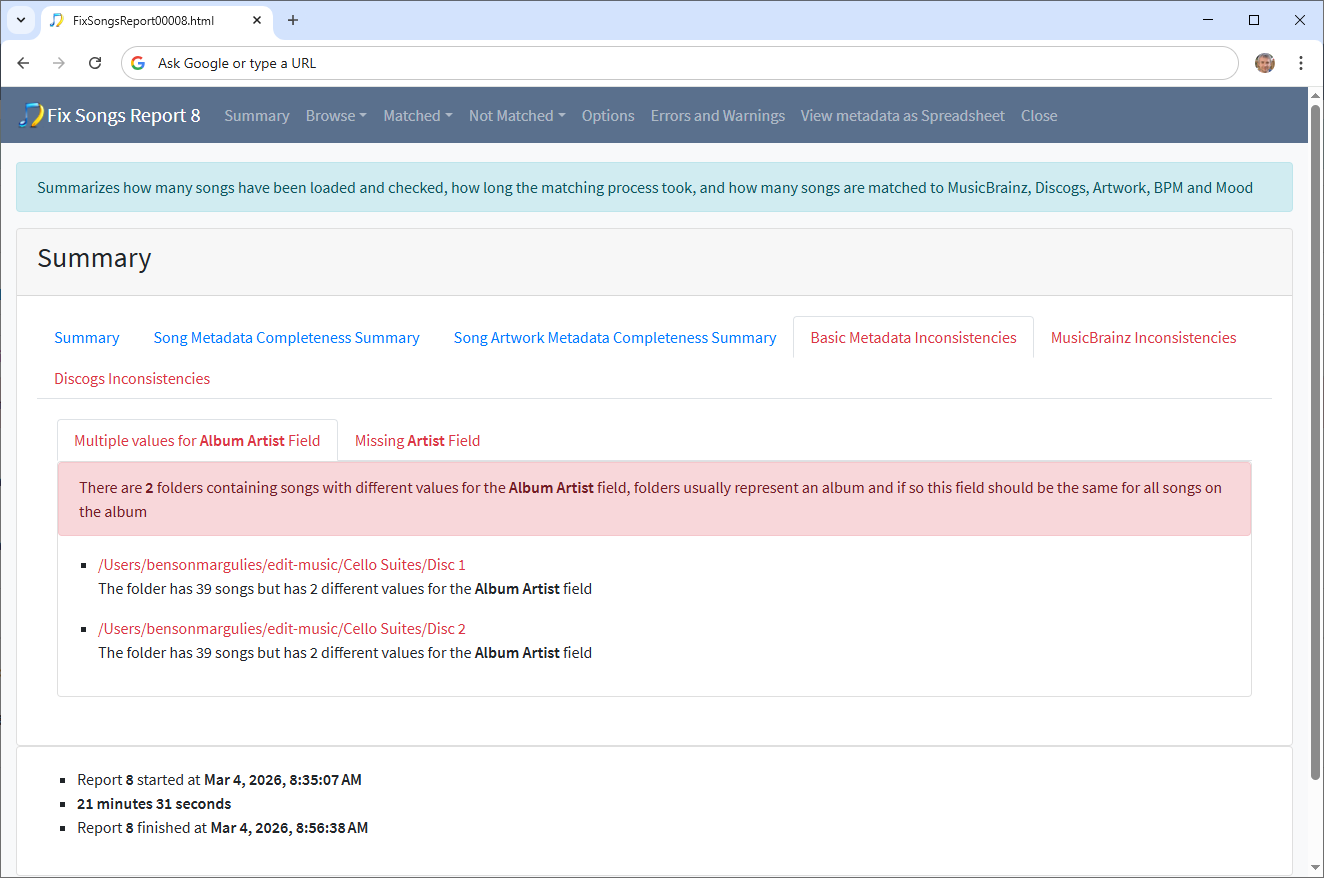
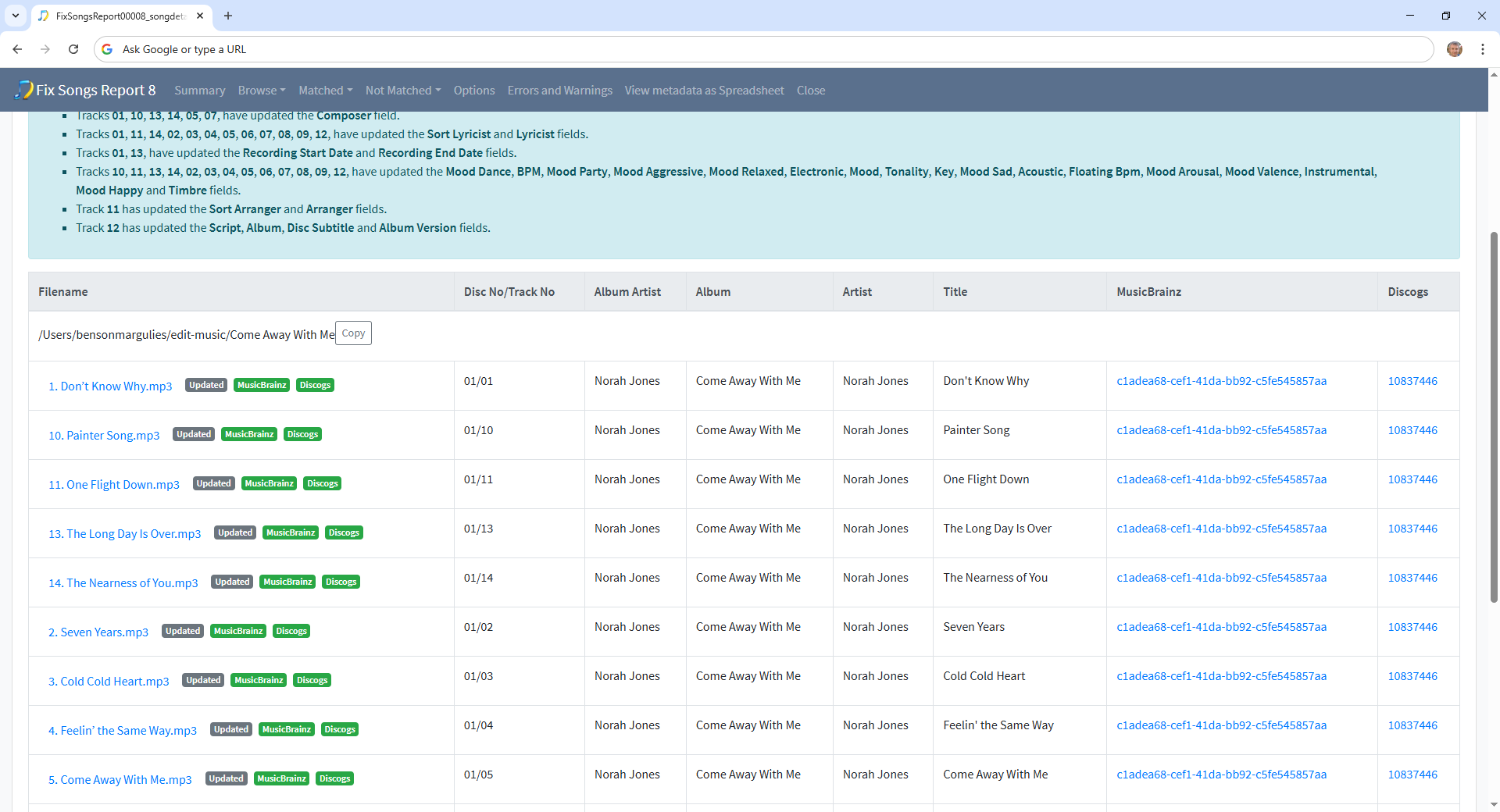
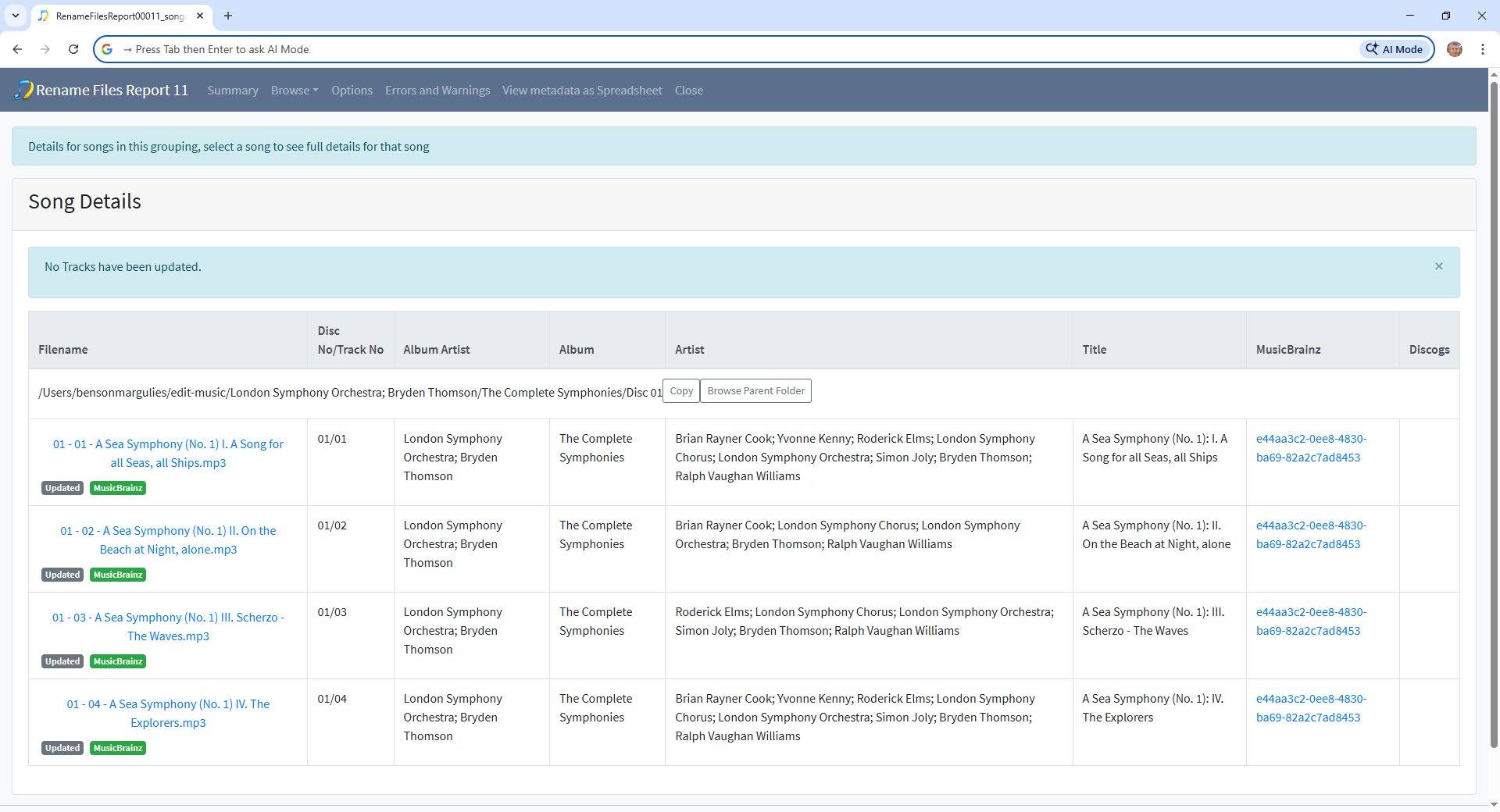
Hi, so just before you ran Status Report task you ran Fix Songs task and if you go to the Basic Metadata Inconsistencies/Multiple values for Album Artist tab we can see the problem folders
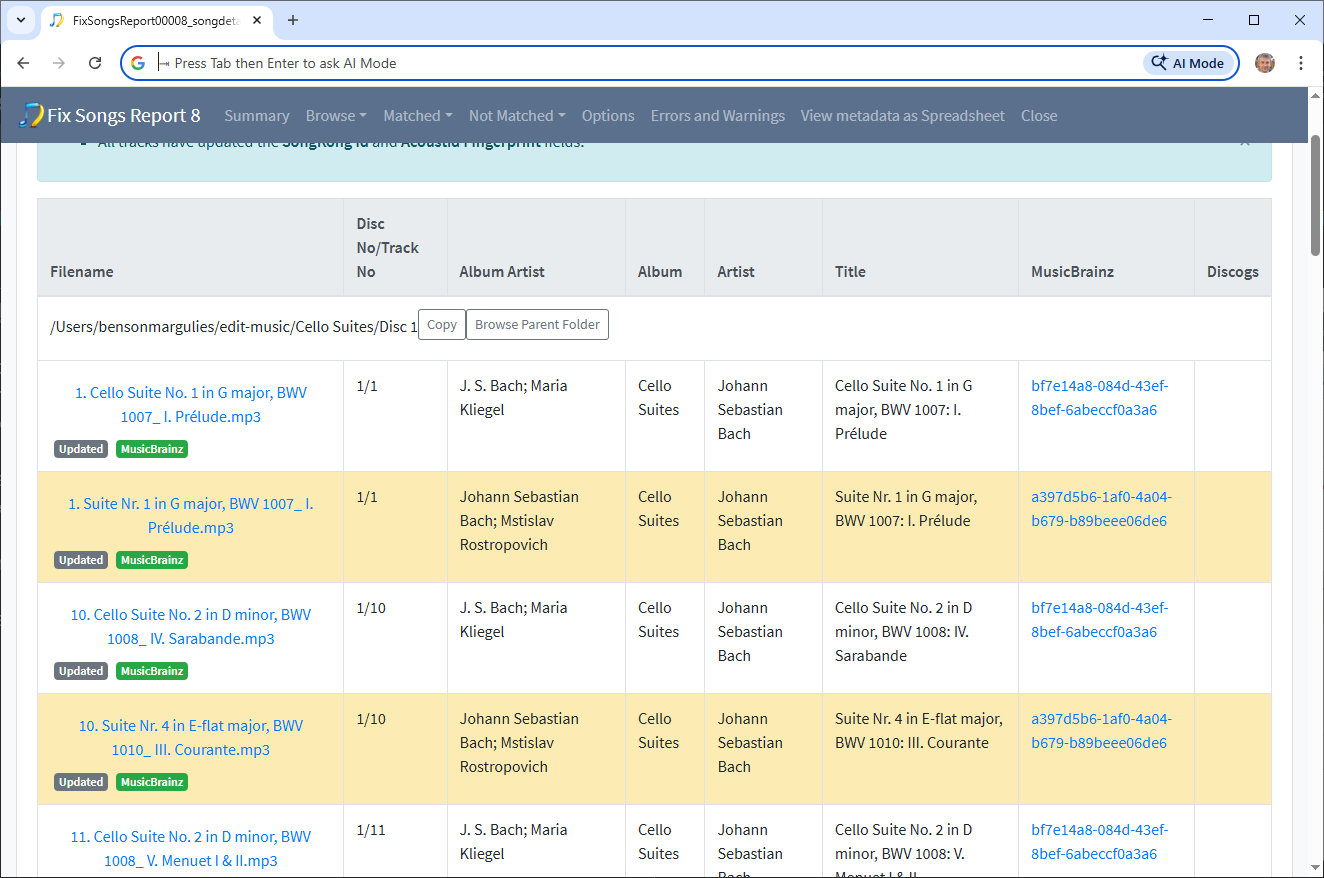
and if select one we can indeed see there are two different albums interleaved into the folder
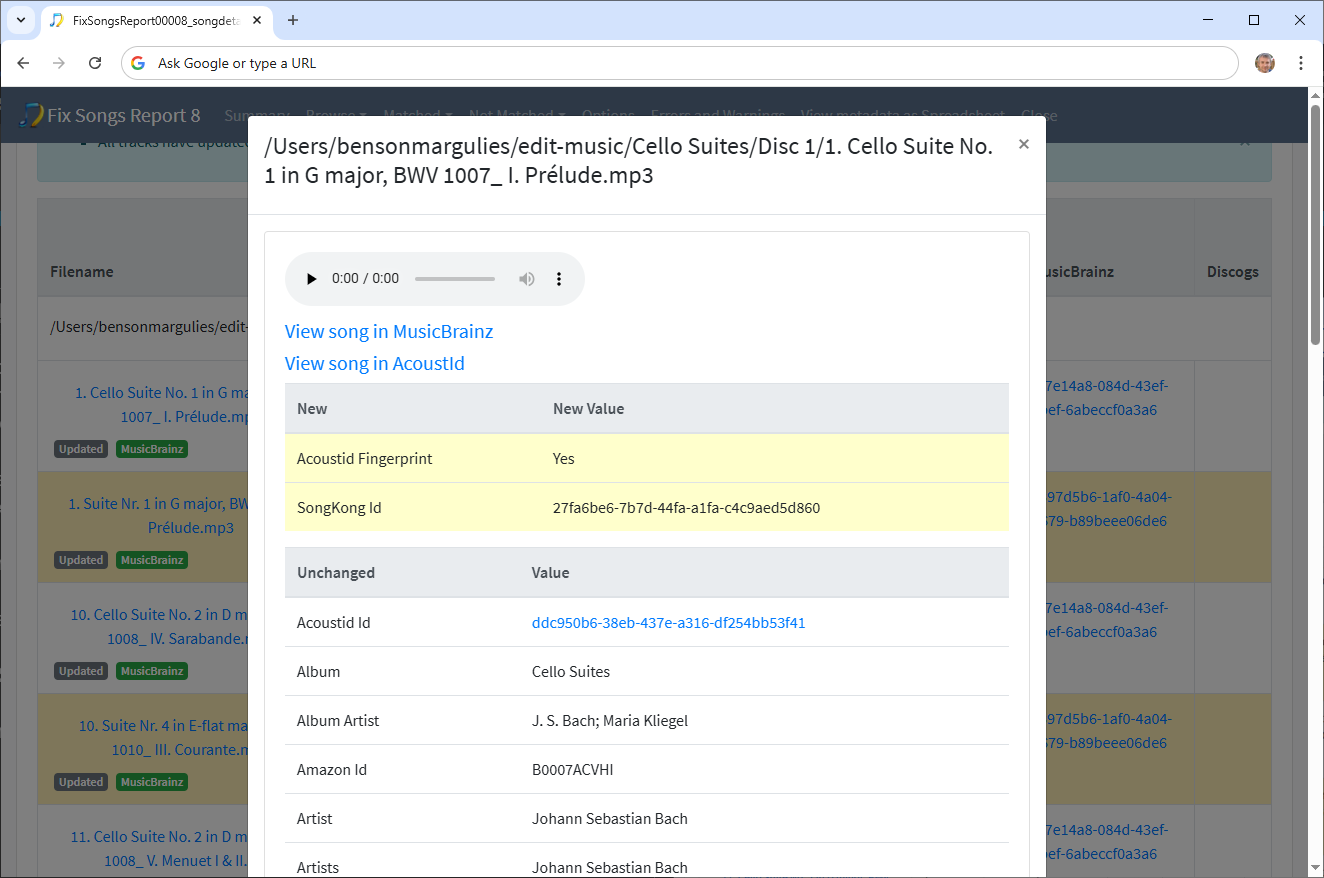
But if we look at any particular song that has been updated we can see that the only thing that has been added by SongKong is the SongKong Id so this means the album was already matched (probably by Picard) rather than recently matched by SongKong
But, anyway it seems that it is correctly matched but at some point in the past the two albums were incorrecty put into the same folder perhaps by using a rename mask based on album title which is the same for both albums (Cello Suites), I don’t think this was done by SongKong since I can’t see any sign that you have run Rename Files task
So the solution is to probably to run a Rename Files task to move files into different folders, looking at these files the problems seems to be that you dont have an Album Artist folder for your music only Album folders, so if two different arists have the same album title they are going to end up in the same folder. So I would recommend using a rename mask that organizes things by Album Artist and then Album
If we continue looking at the Inconsistencies section there are not that many problems
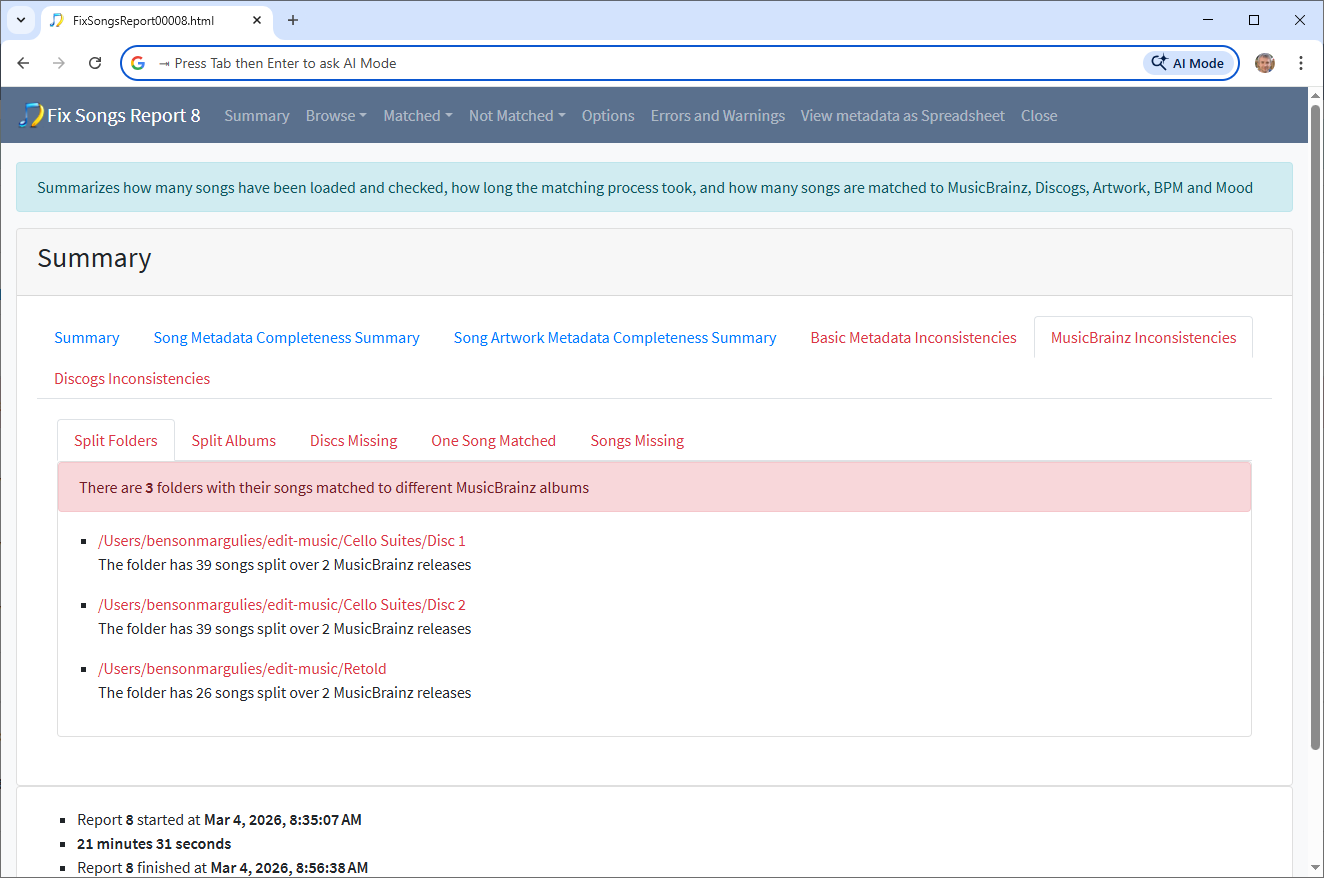
MusicBrainz Inconsistencies:Split Folders
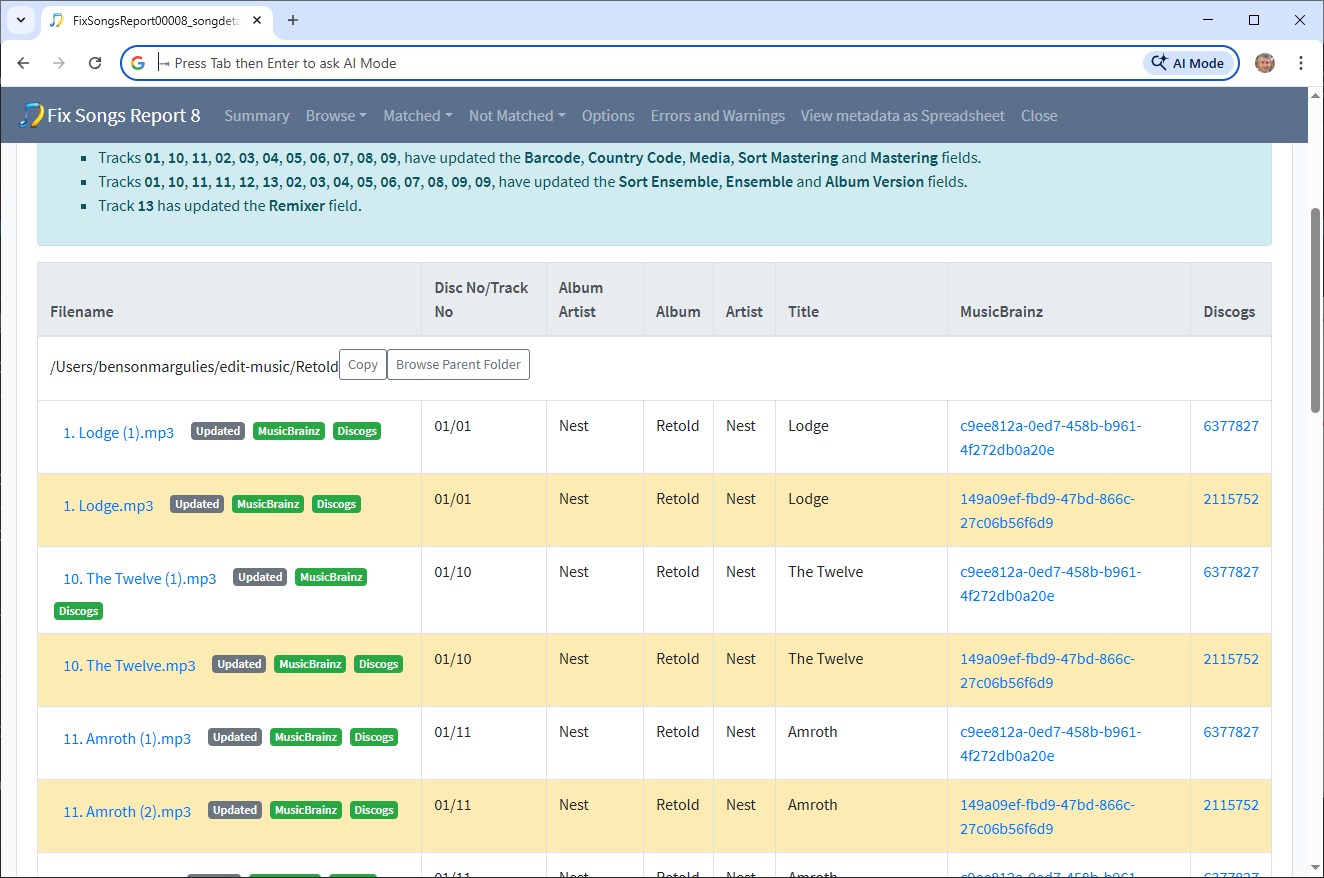
This shows the Cell Suites problem already discussed, and the Retold album
Looking at this album, we see it simply has duplicates files that could be deleted with Delete Duplicates task or manually.
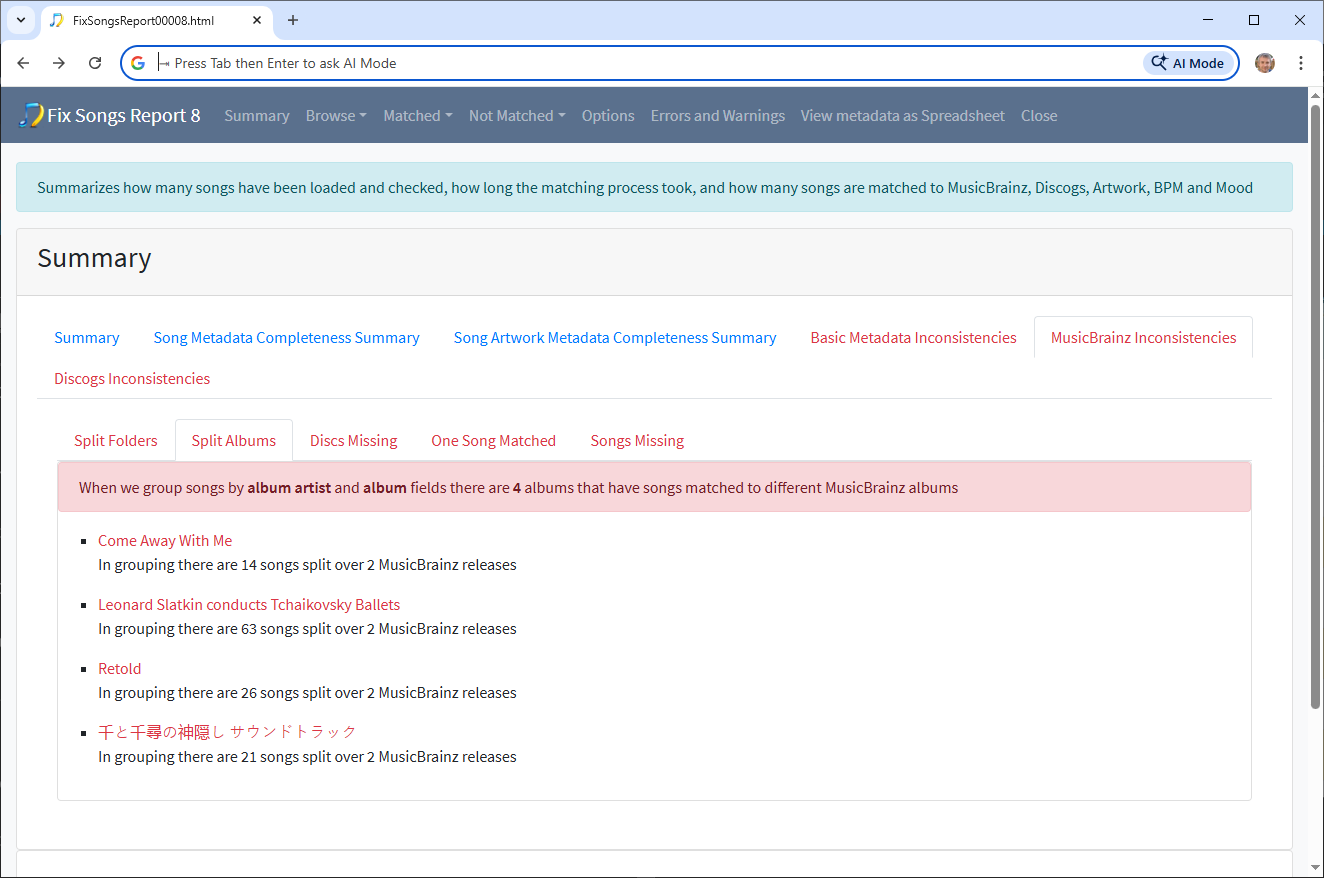
MusicBrainz Inconsistencies:Split Albums
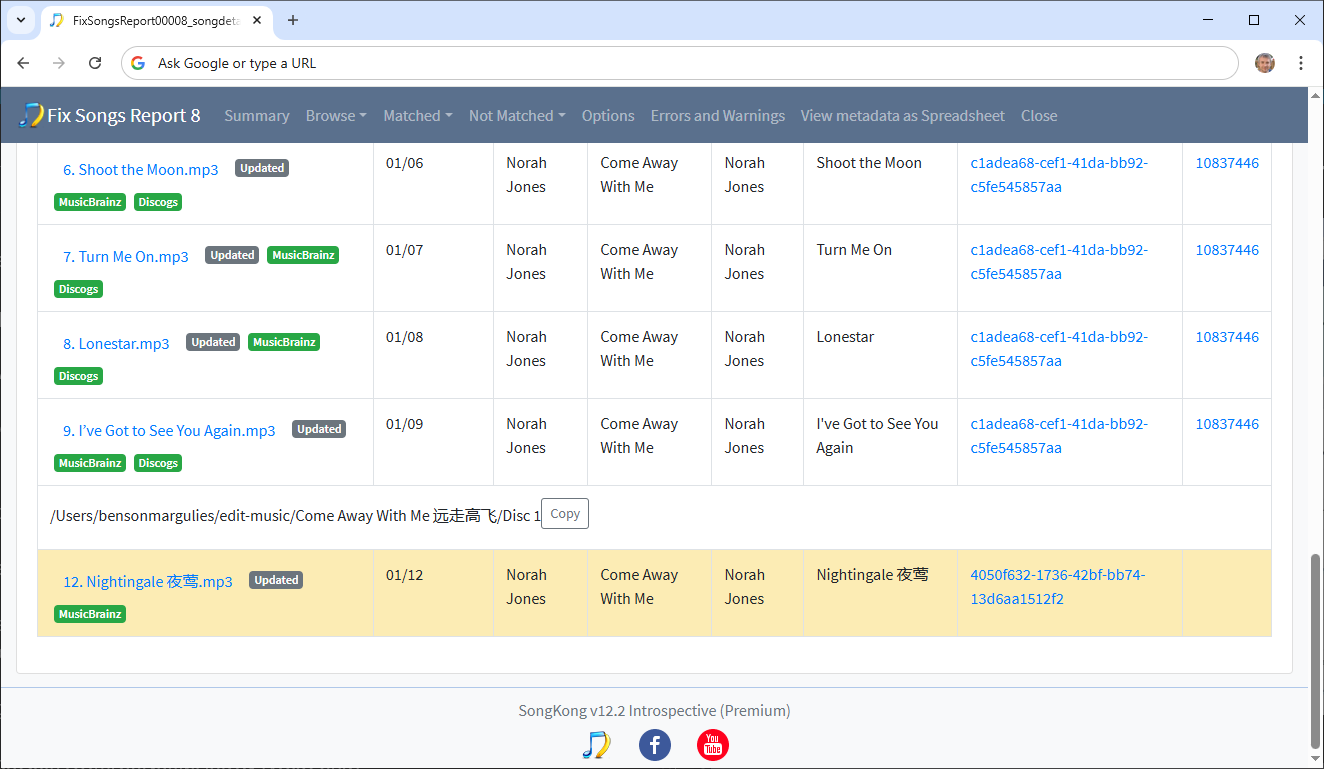
Shows a few albums such as Come Away With Me where songs with the same MusicBrainz Release Id are in different folders
These are best fixed by manually moving the file, for example here just need to move song 12 into same folder as other songs
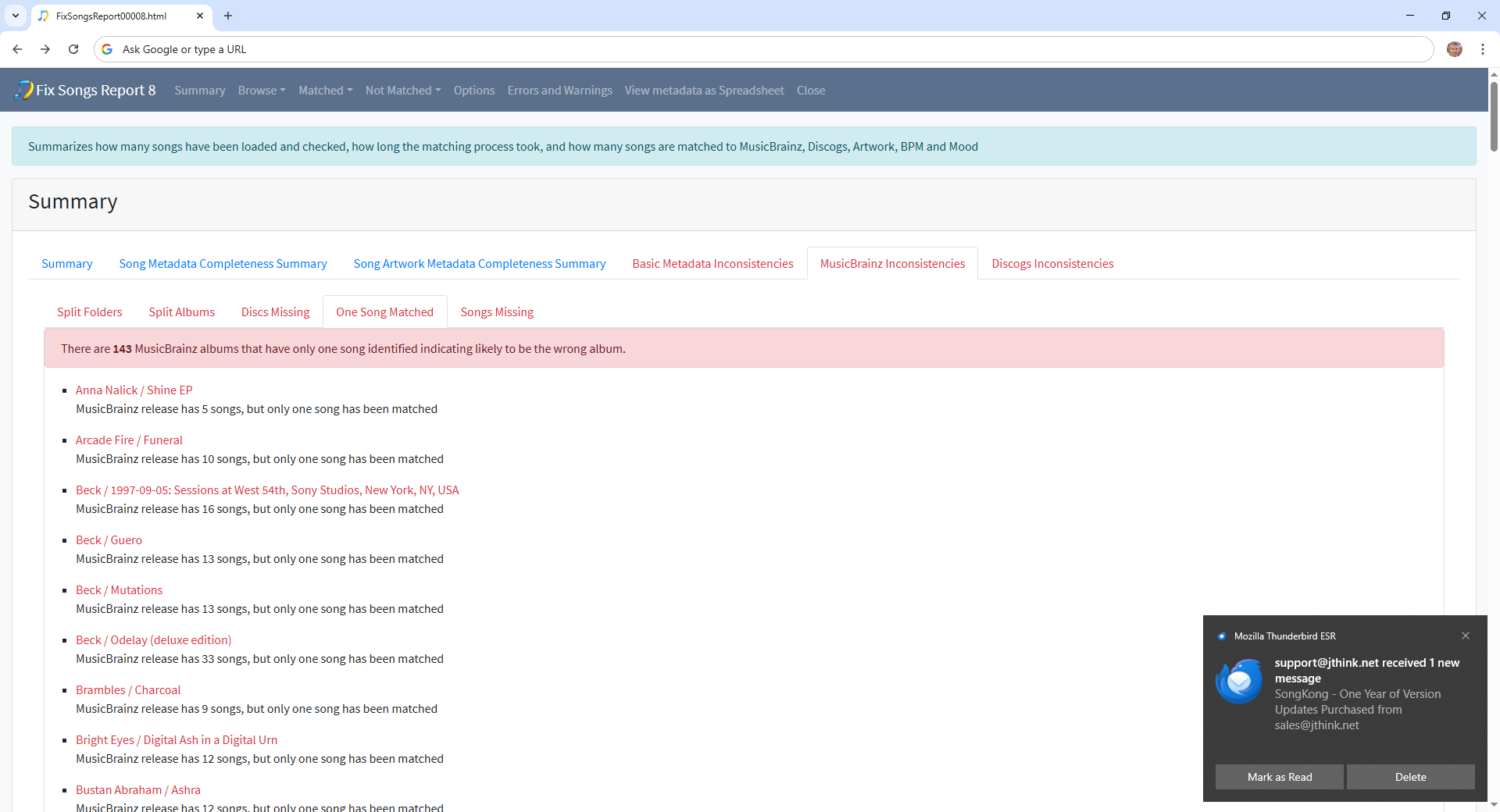
MusicBrainz Inconsistencies:One Song Matched
Now these are the tricky ones and probably include your split compilations. For example you have three Beck albums with only one song, and if you look at the Songs Missing tab there is another Beck album with only two songs. Unless you disabled the Only allow match if all songs in grouping match to one album option SongKong would not split these songs up, but something has and they are all in their own folders now not their original folder so they have also been renamed, and this means there is no context to help identify what album they were originally from.
So assuming you originally had a Beck Best of Album, the best thing to do would be move all these songs to one folder and then see if Match to One Album can find album they matched.
So would repeat this for other single artists best of albums
If you originally had Various Artists compilations its not possible to automatically find them now, even with the Various Artist albums listed its not clear if you had this whole album and songs have been moved from the album or if the songs were originally part of a different album and have incorrrectly been matched to this Various Artists compilation. So unfortunately these albums are going to have been manually put back together if you don’t have backup or reripped from CD.
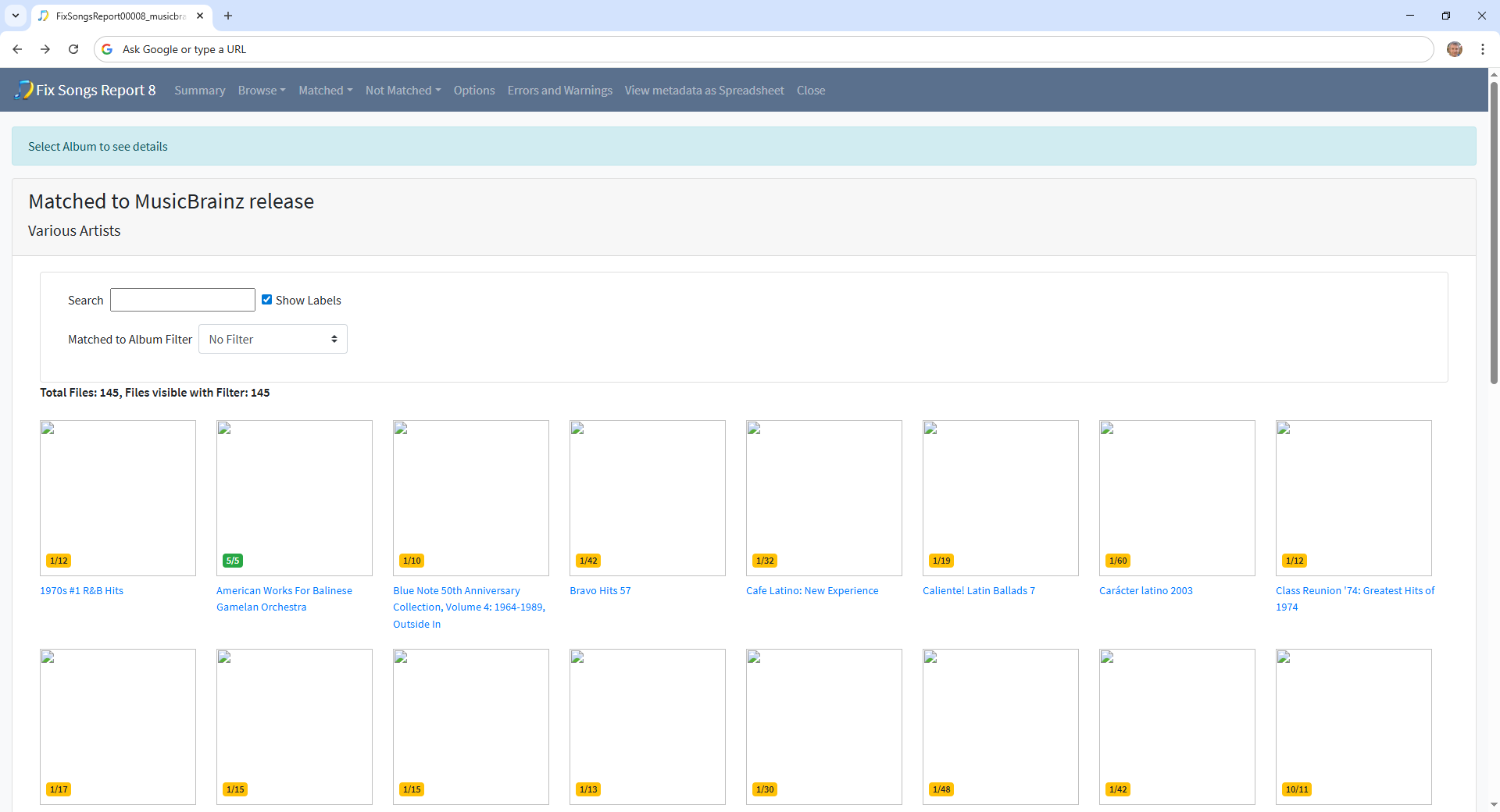
But what may be helpful is if you go to Matched:Matched to MusicBrainz section and then select the Various Artists artist. This shows the albums that have matched to Various Artists with their counts, if the badger is yellow rather than green only some song on the album have been matched. This may help track down the names of some of your compilations albums that have now had songs removed